
Zello PTT Custom Button - Fast 電腦版
www.SmartWalkie.com
用GameLoop模拟器在電腦上玩Zello PTT Custom Button - Fast
Zello PTT Custom Button - Fast 電腦版
來自發行商 www.SmartWalkie.com 的 Zello PTT Custom Button - Fast 能夠在安卓系統上運行。
現在,您可以在電腦上使用 GameLoop 模擬器流暢地玩 Zello PTT Custom Button - Fast。
在 GameLoop 遊戲庫或搜索結果中下載。 不需要再暢玩遊戲時盯著電池電量或被令人懊惱的來電打斷。
只需在電腦大屏幕上免費下載暢玩Zello PTT Custom Button - Fast 電腦版!
Zello PTT Custom Button - Fast 簡介
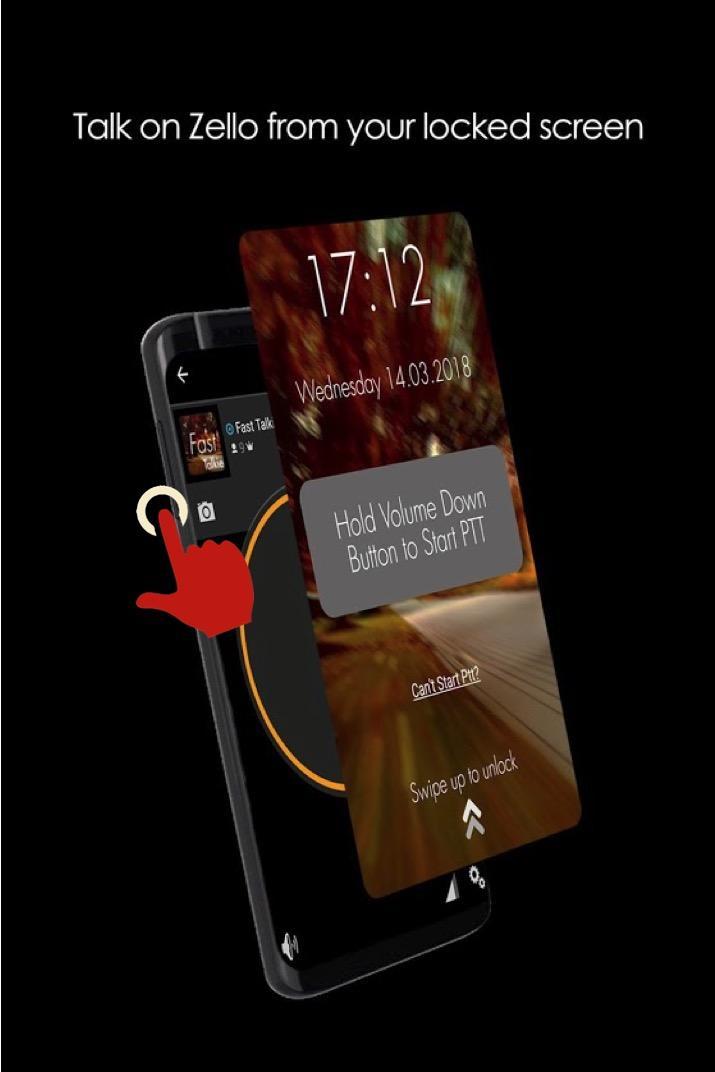
使用降低音量或任何自定義按鈕為 Zello 和 VoicePing 等對講機應用程序啟動 PTT(一鍵通)。
此應用程序使用可訪問性權限來檢測按鈕按下情況。您可以選擇音量按鈕或自定義按鈕來啟動一鍵通。
特徵
- 與 Zello 和 VoicePing 兼容。
- 一鍵通無需解鎖手機。
- 無障礙模式:只要屏幕打開就允許 PTT。根據您的智能手機,即使屏幕關閉,這甚至可以允許 PTT
專業功能
- 使用自定義按鈕(即 SOS/可編程/相機按鈕)進行 PTT
- 使用任何支持的 PTT 應用程序(通常只有 Zello 和 VoicePing)
- 支持更改頻道的應用程序的下一頻道按鈕
- PTT 僅在屏幕開啟時:如果您的 PTT 按鈕太敏感,則很有用
這個怎麼運作
啟動或回复 PTT 的最快方式
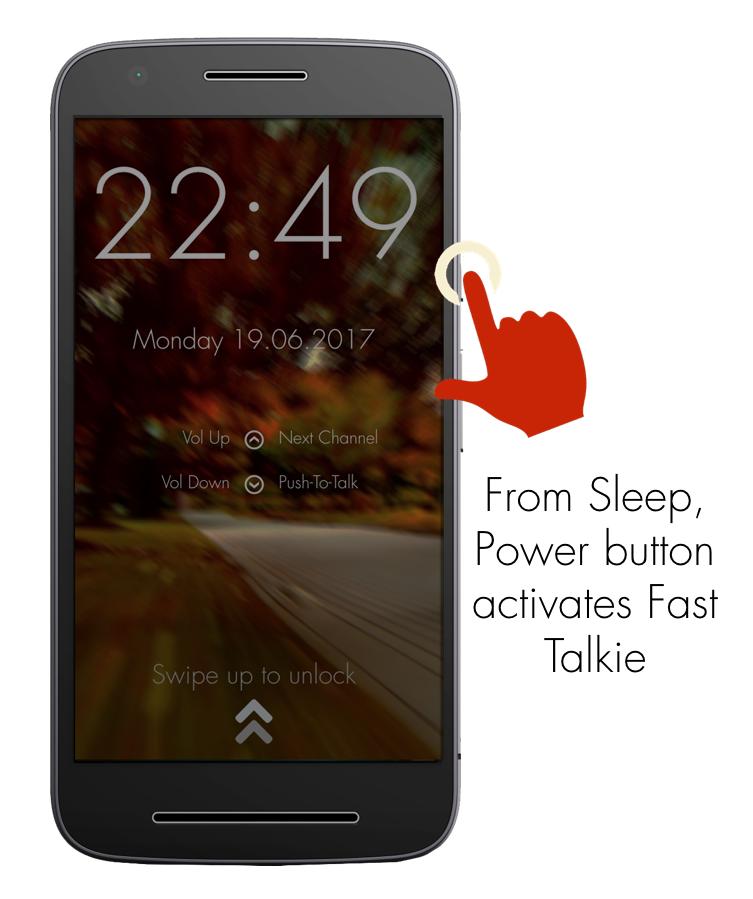
1:按電源鍵喚醒手機
2:在先前選擇的 Zello/VoicePing 頻道中按住降低音量/自定義按鈕到 PTT
所需設置
1:安裝快速對講機
2:啟用無障礙權限
3:選擇 Zello 聯繫人或頻道
4:按住您選擇的PTT按鈕
經過驗證的手機型號即使在屏幕關閉時也能使用自定義按鈕
- 三星 Xcover Pro、三星 Xcover 5
- Blackview 系列
Fast Talkie 生成的 PTT 意圖
- android.intent.action.PTT.down
- android.intent.action.PTT.up
通過我們的網站與我們聯繫:https://www.fasttalkie.com/
預覽
標籤
通訊訊息
開發商
www.SmartWalkie.com
最新版本
3.0.2
更新時間
2022-08-24
類別
通訊
同時可用
Google Play
更多
如何在電腦上用 GameLoop 玩 Zello PTT Custom Button - Fast
1. 從官網下載GameLoop,然後運行exe文件安裝GameLoop
2. 打開GameLoop,搜索“Zello PTT Custom Button - Fast”,在搜索結果中找到Zello PTT Custom Button - Fast,點擊“安裝”
3. 享受在 GameLoop 上玩 Zello PTT Custom Button - Fast 的樂趣
Minimum requirements
OS
Windows 8.1 64-bit or Windows 10 64-bit
GPU
GTX 1050
CPU
i3-8300
Memory
8GB RAM
Storage
1GB available space
Recommended requirements
OS
Windows 8.1 64-bit or Windows 10 64-bit
GPU
GTX 1050
CPU
i3-9320
Memory
16GB RAM
Storage
1GB available space