
Notify 電腦版
linuxwhatelse
用GameLoop模拟器在電腦上玩Notify
Notify 電腦版
來自發行商 linuxwhatelse 的 Notify 能夠在安卓系統上運行。
現在,您可以在電腦上使用 GameLoop 模擬器流暢地玩 Notify。
在 GameLoop 遊戲庫或搜索結果中下載。 不需要再暢玩遊戲時盯著電池電量或被令人懊惱的來電打斷。
只需在電腦大屏幕上免費下載暢玩Notify 電腦版!
Notify 簡介
Essentially Notify allows you to forward events like notifications or calls to configured clients/addons.
For example on a Kodi installation you can show your notifications and automatically lower the volume on an incoming or outgoing call.
Available clients can be found below
Features
- Material Design
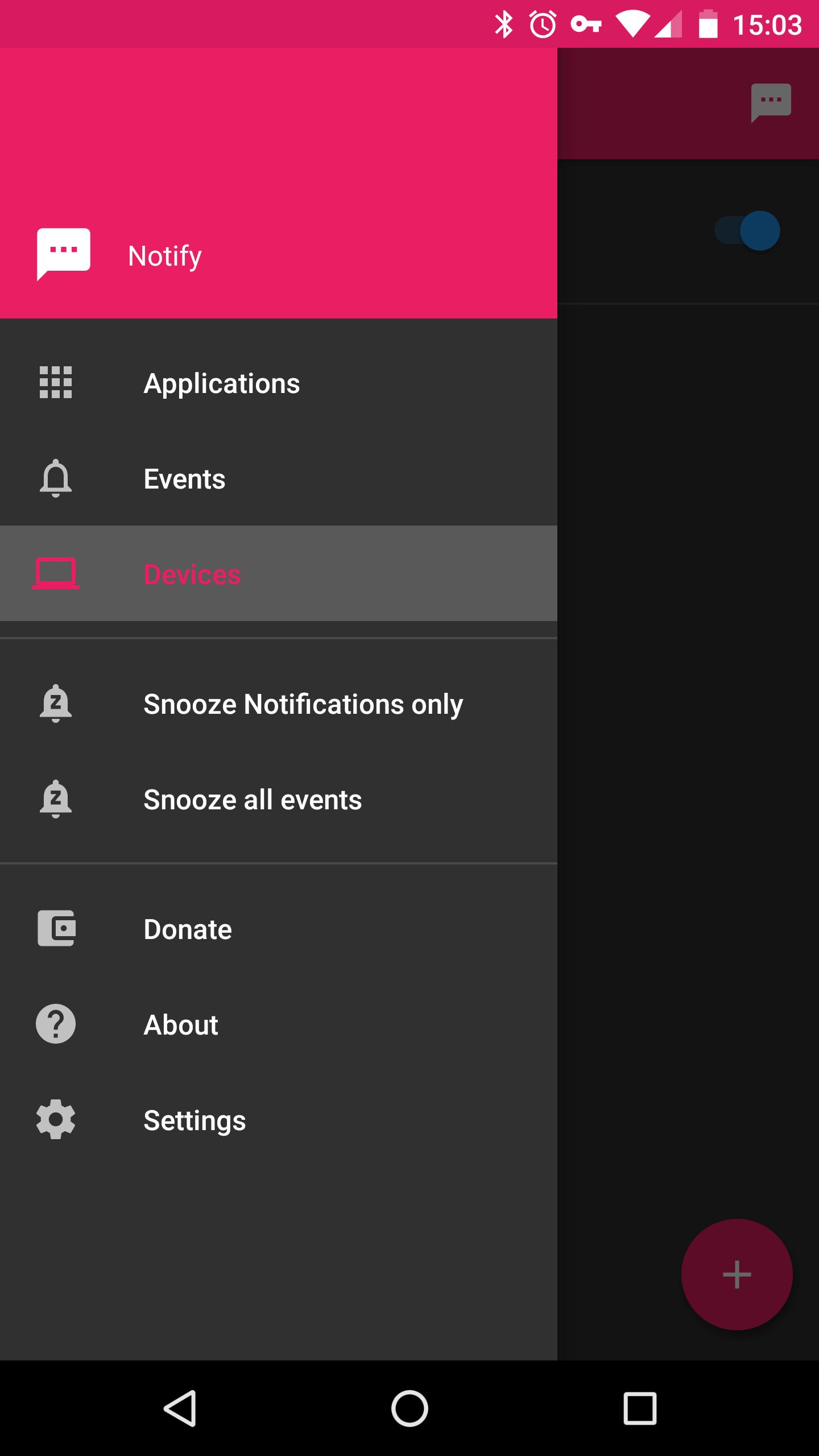
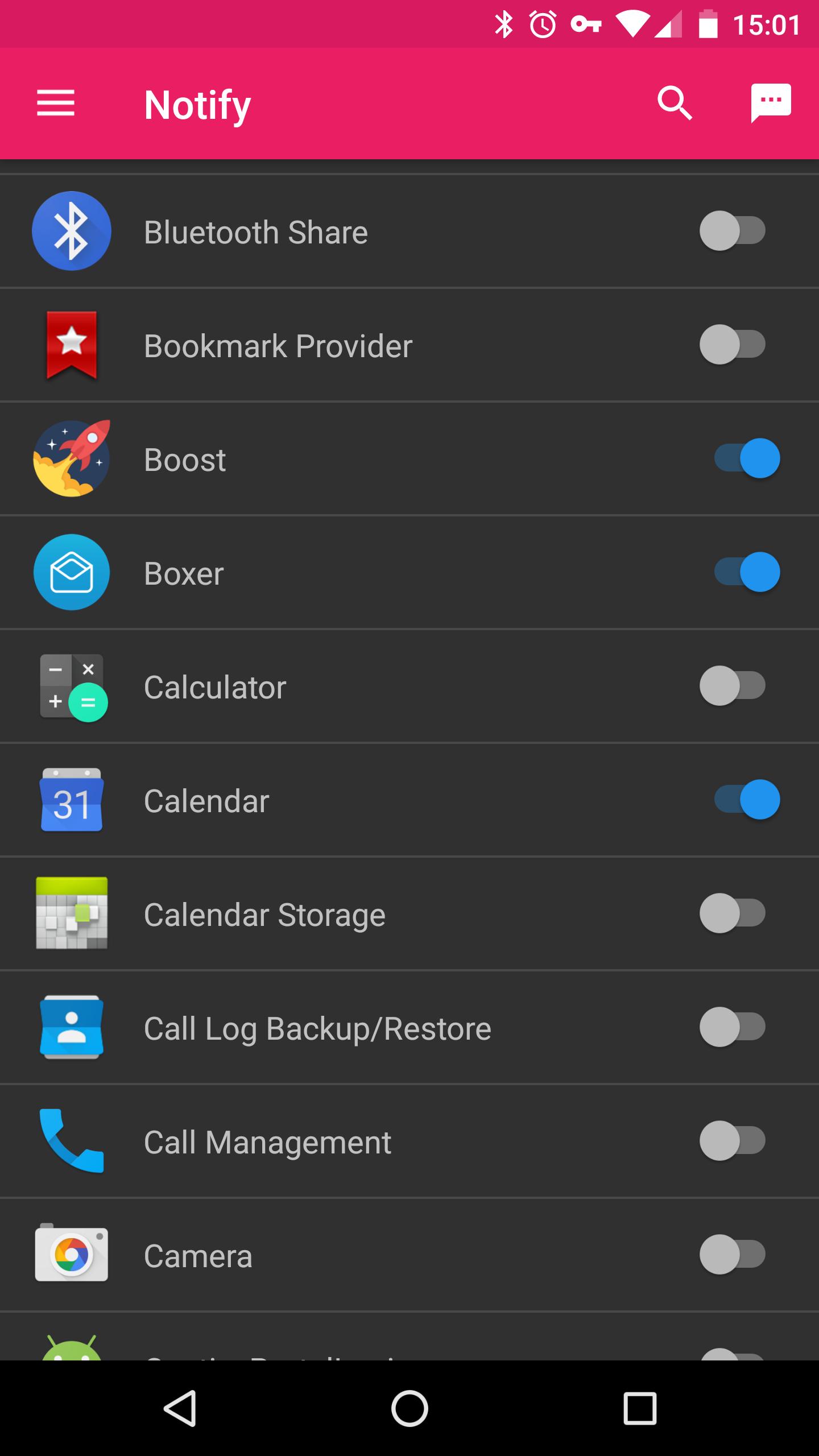
- Forward notifications from selected apps
- Forward call events
- Snooze the app for a chosen amount of time. (e.g. when you get visitors and don't want them to see your notifications)
Planned
- Integration to the Android Share-menu (to e.g. send a youtube-link)
- Linux desktop client
- Chrome-Browser extension
- Any great ideas? Let me know :)
What I might consider doing
- Send events via https
- Java client for windows
Featured Clients / Addons
- Kodi-Addon: https://github.com/linuxwhatelse/service.linuxwhatelse.notify
How to use
Because this app is in a very early state there is only one client available so far which is a Kodi-Addon.
Downloadlink and installation-instructions can be found on github
linuxwhatelse on Google+
https://plus.google.com/u/0/communities/116226315734023023610
Permissions
BILLING: Only used for donations
ACCESS_WIFI_STATE: To determine if the app is allowed to send the event (A SSID can be configured per client)
INTERNET: To send the events to your configured clients
READ_PHONE_STATE: Used to know when a new call is triggered
PROCESS_OUTGOING_CALLS: To gather some extra information's about the call event (This app will NEVER process an actual call)
CAMERA: Needed to add a new client via a QR-Code
RECEIVE_BOOT_COMPLETED: Used to reset the snooze-feature if you reboot your device
預覽
標籤
通訊訊息
開發商
linuxwhatelse
最新版本
0.2.5
更新時間
2019-10-22
類別
通訊
同時可用
Google Play
更多
如何在電腦上用 GameLoop 玩 Notify
1. 從官網下載GameLoop,然後運行exe文件安裝GameLoop
2. 打開GameLoop,搜索“Notify”,在搜索結果中找到Notify,點擊“安裝”
3. 享受在 GameLoop 上玩 Notify 的樂趣
Minimum requirements
OS
Windows 8.1 64-bit or Windows 10 64-bit
GPU
GTX 1050
CPU
i3-8300
Memory
8GB RAM
Storage
1GB available space
Recommended requirements
OS
Windows 8.1 64-bit or Windows 10 64-bit
GPU
GTX 1050
CPU
i3-9320
Memory
16GB RAM
Storage
1GB available space