NetShare - no-root-tethering 電腦版
NetShare Softwares
用GameLoop模拟器在電腦上玩NetShare - no-root-tethering
NetShare - no-root-tethering 電腦版
來自發行商 NetShare Softwares 的 NetShare - no-root-tethering 能夠在安卓系統上運行。
現在,您可以在電腦上使用 GameLoop 模擬器流暢地玩 NetShare - no-root-tethering。
在 GameLoop 遊戲庫或搜索結果中下載。 不需要再暢玩遊戲時盯著電池電量或被令人懊惱的來電打斷。
只需在電腦大屏幕上免費下載暢玩NetShare - no-root-tethering 電腦版!
NetShare - no-root-tethering 簡介
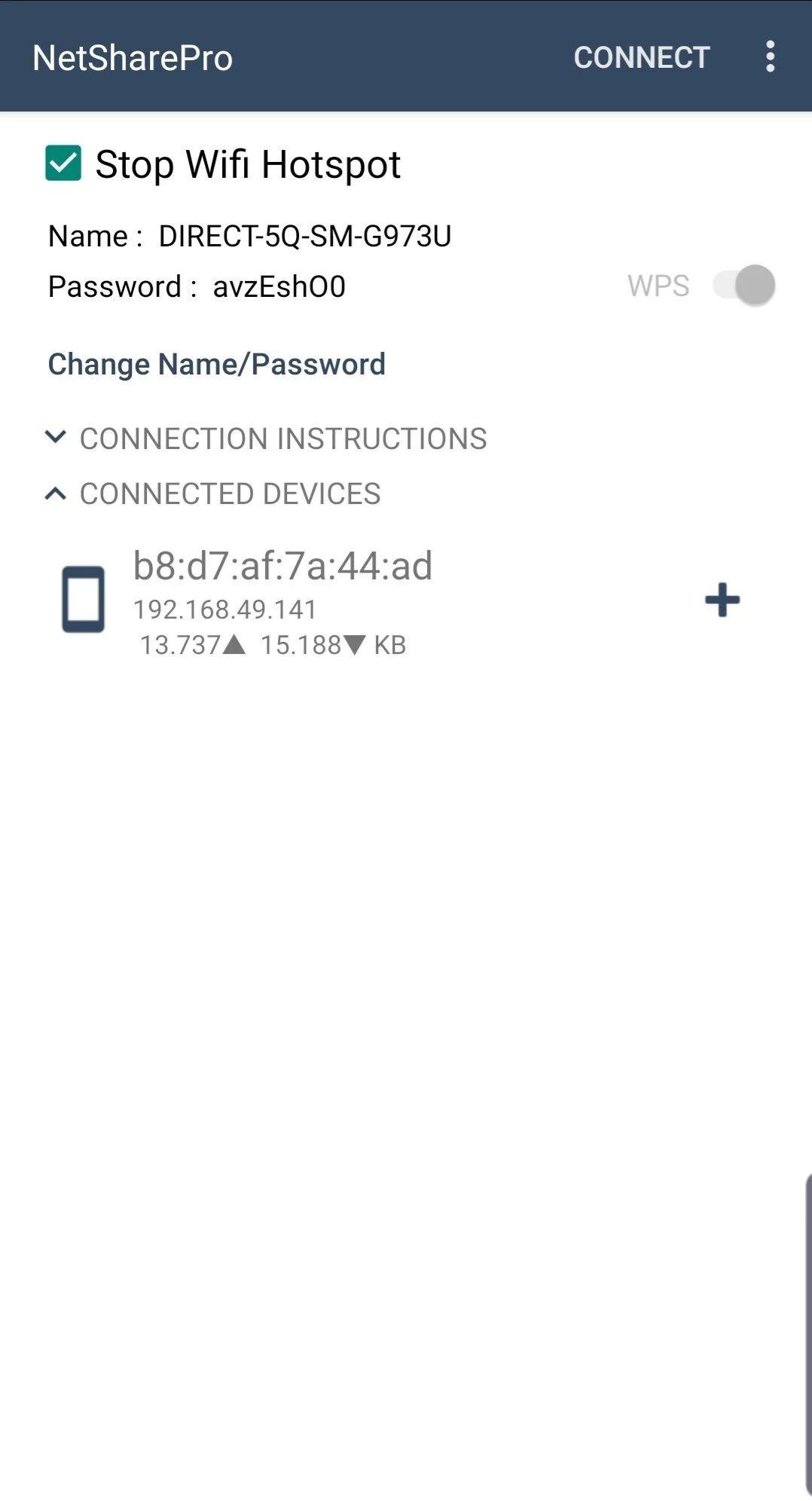
创建 WiFi 热点来共享蜂窝数据或扩展您现有的 WiFi 连接,就像 WiFi 中继器一样。无需系链计划或系链费用。
支持安卓6及以上系统
在 Android 6 及更高版本中工作,其中热点/网络共享功能被阻止。
绕过网络共享/热点块。
您的网络共享完全隐藏且无法检测到。
连接到 WiFi 网络时创建便携式 WiFi 热点,将您的设备的 WiFi 连接作为 WiFi 中继器共享给其他设备。
使用比蓝牙更快的 WiFi Tether 和 C 库,使 WiFi Tether 比以往更快。
使用手机扩展微弱的 WiFi 信号。
Facebook 页面 https://Facebook.com/NetShareApp
NetShare 在连接的设备服务中使用 VPN 将 ip 数据包路由到 NetShare,以提供对设备的完整互联网访问
預覽
標籤
通訊訊息
開發商
NetShare Softwares
最新版本
2.5.50
更新時間
2025-10-28
類別
通訊
同時可用
Google Play
更多
如何在電腦上用 GameLoop 玩 NetShare - no-root-tethering
1. 從官網下載GameLoop,然後運行exe文件安裝GameLoop
2. 打開GameLoop,搜索“NetShare - no-root-tethering”,在搜索結果中找到NetShare - no-root-tethering,點擊“安裝”
3. 享受在 GameLoop 上玩 NetShare - no-root-tethering 的樂趣
Minimum requirements
OS
Windows 8.1 64-bit or Windows 10 64-bit
GPU
GTX 1050
CPU
i3-8300
Memory
8GB RAM
Storage
1GB available space
Recommended requirements
OS
Windows 8.1 64-bit or Windows 10 64-bit
GPU
GTX 1050
CPU
i3-9320
Memory
16GB RAM
Storage
1GB available space