
SAP Mobile Services Client 電腦版
SAP SE
用GameLoop模拟器在電腦上玩SAP Mobile Services Client
SAP Mobile Services Client 電腦版
來自發行商 SAP SE 的 SAP Mobile Services Client 能夠在安卓系統上運行。
現在,您可以在電腦上使用 GameLoop 模擬器流暢地玩 SAP Mobile Services Client。
在 GameLoop 遊戲庫或搜索結果中下載。 不需要再暢玩遊戲時盯著電池電量或被令人懊惱的來電打斷。
只需在電腦大屏幕上免費下載暢玩SAP Mobile Services Client 電腦版!
SAP Mobile Services Client 簡介
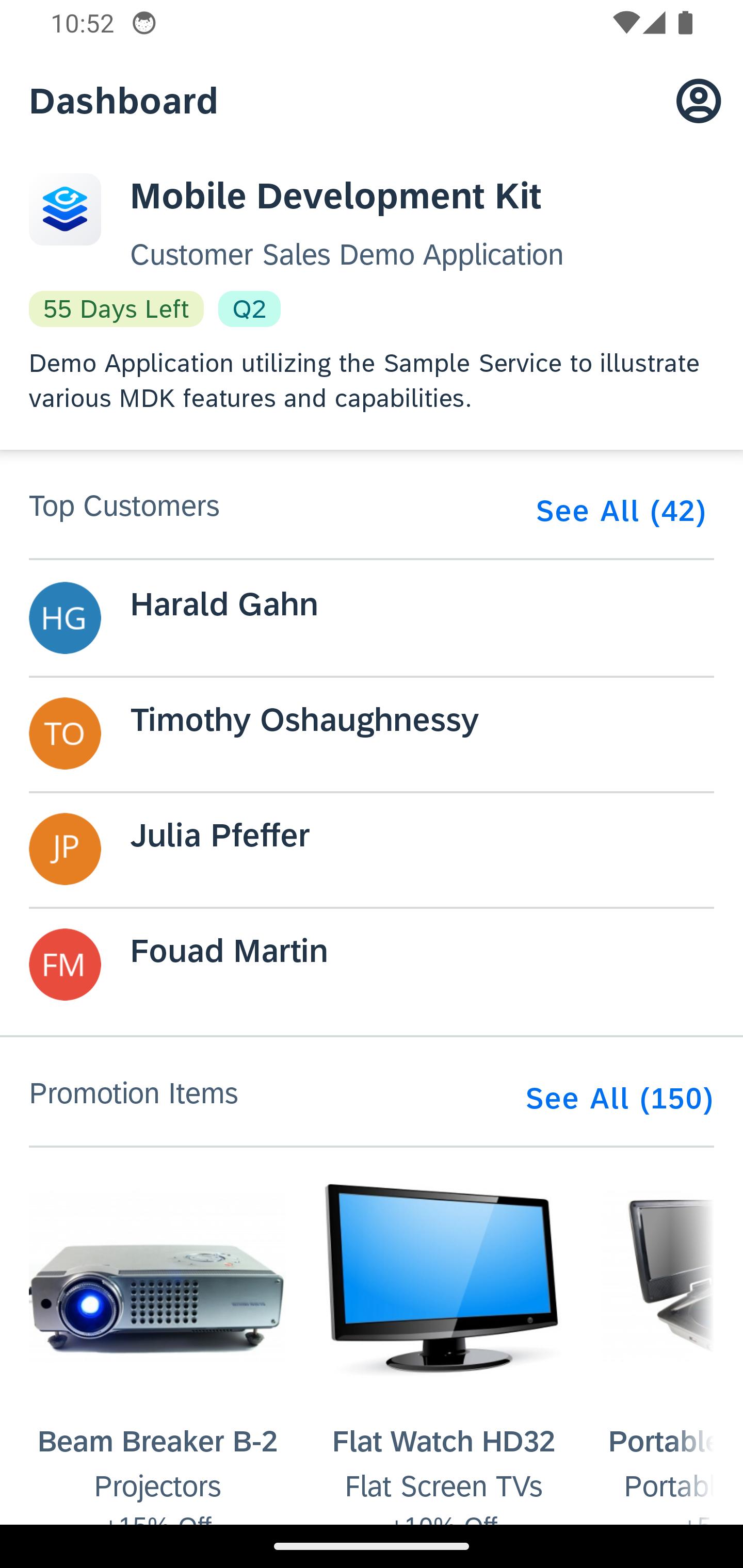
SAP Mobile Services Client 是一款原生 iOS 應用,其 UI 和商業邏輯來自 JSON 元資料。元資料在 SAP Business Application Studio 或基於 SAP Web IDE 的編輯器中定義。它使用 SAP Mobile Services 的應用程式更新服務提供給客戶端。
用戶端透過端點 URL 以及使用者提供的其他屬性連接到 SAP Mobile Services。這些屬性通常會嵌入到傳送到使用者郵箱的自訂 URL 中。自訂 URL 必須以「sapmobilesvcs://」開頭。
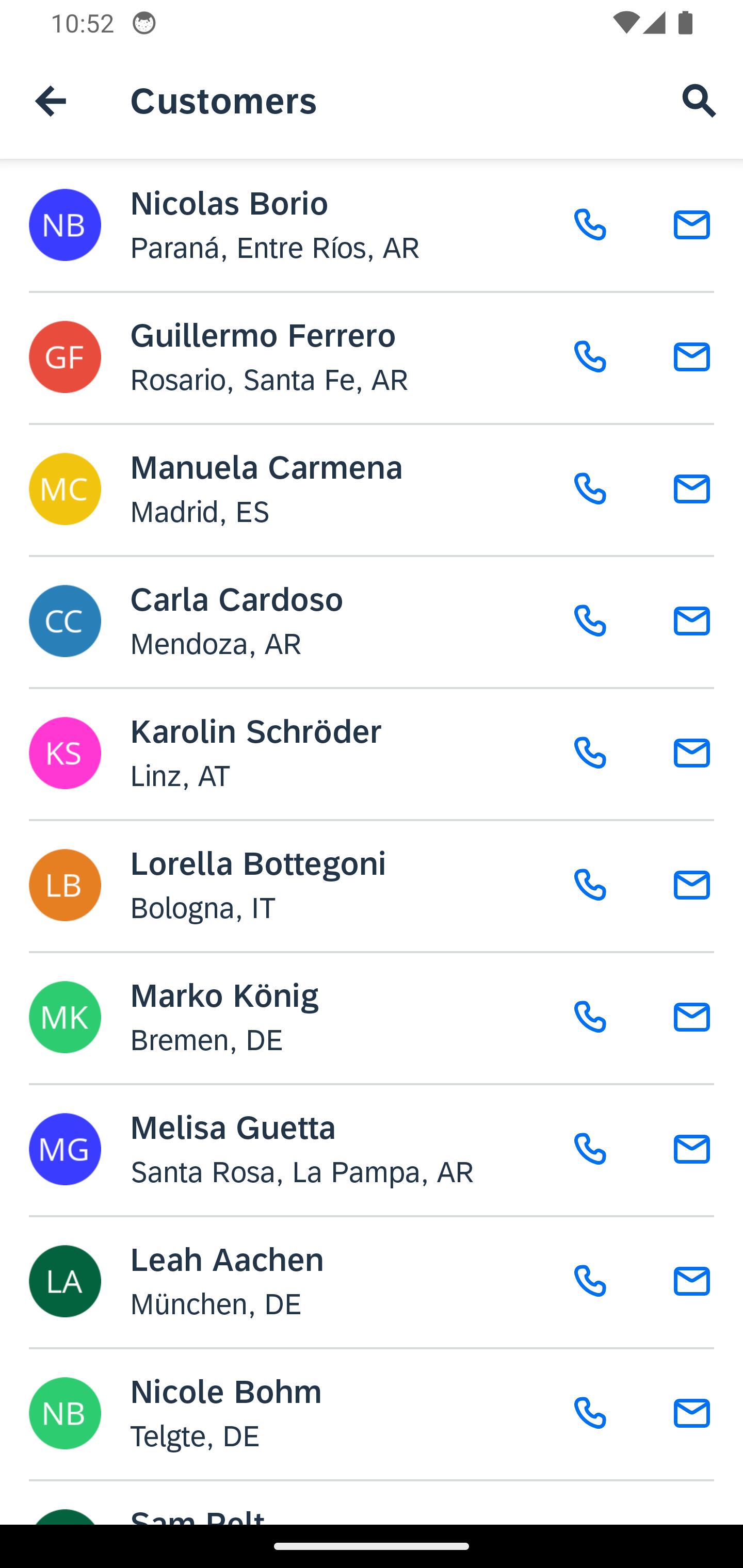
當用戶端連接到 Mobile Services 時,它會接收應用程式元資料並連接到一個或多個 OData 服務。 OData 可以安全地儲存在本機,以便離線使用。 UI 採用 SAP Fiori 框架實作。
此應用程式是「通用」應用,因為它不附帶任何應用定義或資料。只有當使用者安全地連線到 Mobile Services 實例時,它才可用。
完整的變更列表,請參閱:https://me.sap.com/notes/3658979
預覽
標籤
商業訊息
開發商
SAP SE
最新版本
25.9.0
更新時間
2025-10-01
類別
商業
同時可用
Google Play
更多
如何在電腦上用 GameLoop 玩 SAP Mobile Services Client
1. 從官網下載GameLoop,然後運行exe文件安裝GameLoop
2. 打開GameLoop,搜索“SAP Mobile Services Client”,在搜索結果中找到SAP Mobile Services Client,點擊“安裝”
3. 享受在 GameLoop 上玩 SAP Mobile Services Client 的樂趣
Minimum requirements
OS
Windows 8.1 64-bit or Windows 10 64-bit
GPU
GTX 1050
CPU
i3-8300
Memory
8GB RAM
Storage
1GB available space
Recommended requirements
OS
Windows 8.1 64-bit or Windows 10 64-bit
GPU
GTX 1050
CPU
i3-9320
Memory
16GB RAM
Storage
1GB available space