
Sage Fixed Assets Scanner 電腦版
Sage Global Services Ltd
用GameLoop模拟器在電腦上玩Sage Fixed Assets Scanner
Sage Fixed Assets Scanner 電腦版
來自發行商 Sage Global Services Ltd 的 Sage Fixed Assets Scanner 能夠在安卓系統上運行。
現在,您可以在電腦上使用 GameLoop 模擬器流暢地玩 Sage Fixed Assets Scanner。
在 GameLoop 遊戲庫或搜索結果中下載。 不需要再暢玩遊戲時盯著電池電量或被令人懊惱的來電打斷。
只需在電腦大屏幕上免費下載暢玩Sage Fixed Assets Scanner 電腦版!
Sage Fixed Assets Scanner 簡介
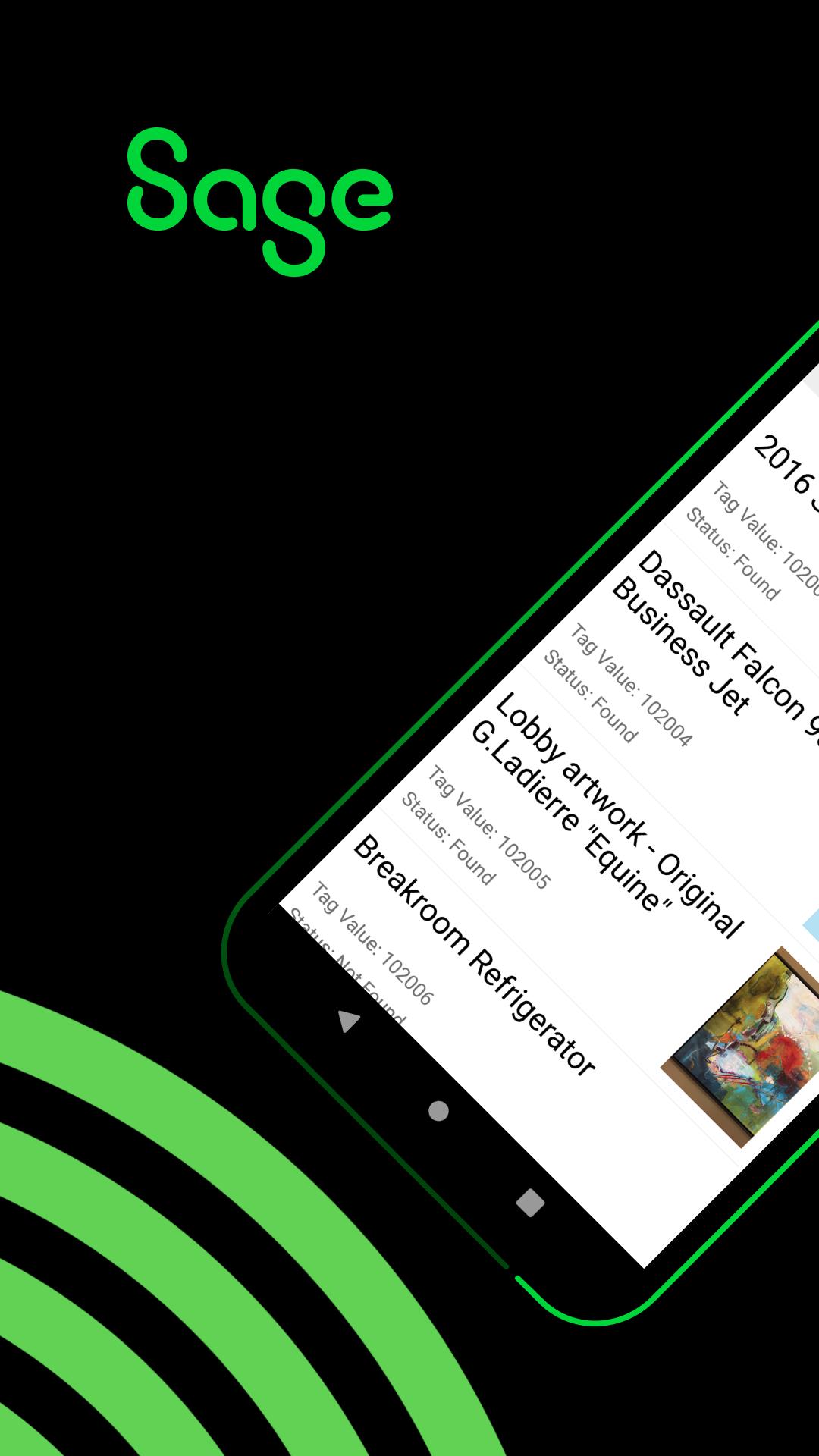
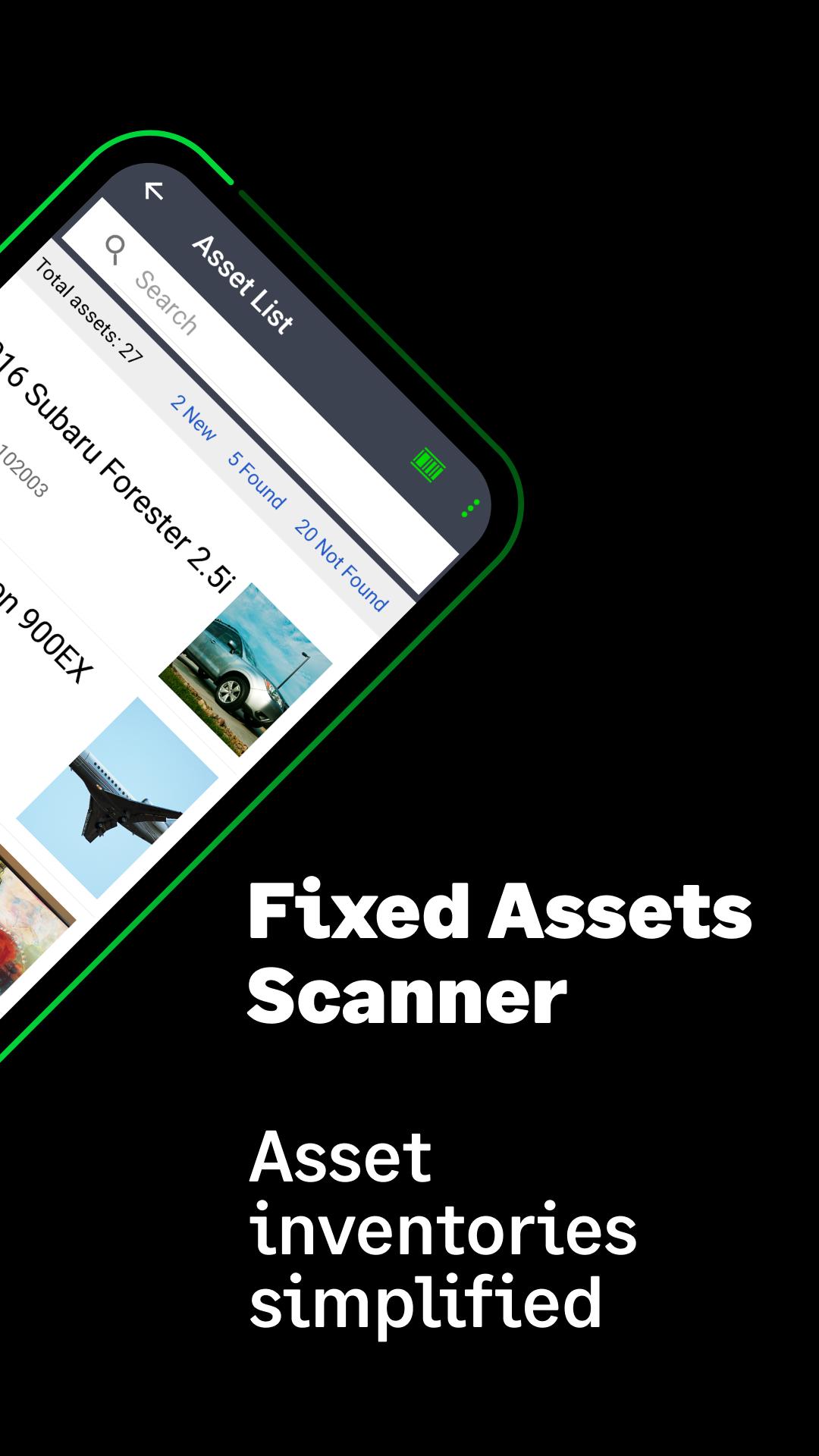
Sage Fixed Assets Scanner 簡化了跟踪資產的庫存過程。
使用您的移動設備快速輕鬆地無線掃描物理資產的條形碼標籤並將結果發送到 Sage Fixed Assets-Tracking 應用程序。使用特定 Unitech® Rugged Android 智能手機上的專用掃描儀,或使用手機或平板電腦的相機掃描大多數條碼類型,包括 QR 碼。遠程下載和處理多個庫存清單。輸入或編輯資產細節,如描述、位置、條件和序列號。添加新資產並直接從應用程序附加圖片。
Sage Fixed Assets—Tracking 2021.1 或更高版本建議。轉到下面的“訪問網站”以了解有關 Sage 固定資產解決方案套件的更多信息。
預覽
標籤
商業訊息
開發商
Sage Global Services Ltd
最新版本
2.2 (Build 24)
更新時間
2023-09-14
類別
商業
同時可用
Google Play
更多
如何在電腦上用 GameLoop 玩 Sage Fixed Assets Scanner
1. 從官網下載GameLoop,然後運行exe文件安裝GameLoop
2. 打開GameLoop,搜索“Sage Fixed Assets Scanner”,在搜索結果中找到Sage Fixed Assets Scanner,點擊“安裝”
3. 享受在 GameLoop 上玩 Sage Fixed Assets Scanner 的樂趣
Minimum requirements
OS
Windows 8.1 64-bit or Windows 10 64-bit
GPU
GTX 1050
CPU
i3-8300
Memory
8GB RAM
Storage
1GB available space
Recommended requirements
OS
Windows 8.1 64-bit or Windows 10 64-bit
GPU
GTX 1050
CPU
i3-9320
Memory
16GB RAM
Storage
1GB available space