
Adrenox Connect 電腦版
Mahindra & Mahindra Ltd
用GameLoop模拟器在電腦上玩Adrenox Connect
Adrenox Connect 電腦版
來自發行商 Mahindra & Mahindra Ltd 的 Adrenox Connect 能夠在安卓系統上運行。
現在,您可以在電腦上使用 GameLoop 模擬器流暢地玩 Adrenox Connect。
在 GameLoop 遊戲庫或搜索結果中下載。 不需要再暢玩遊戲時盯著電池電量或被令人懊惱的來電打斷。
只需在電腦大屏幕上免費下載暢玩Adrenox Connect 電腦版!
Adrenox Connect 簡介
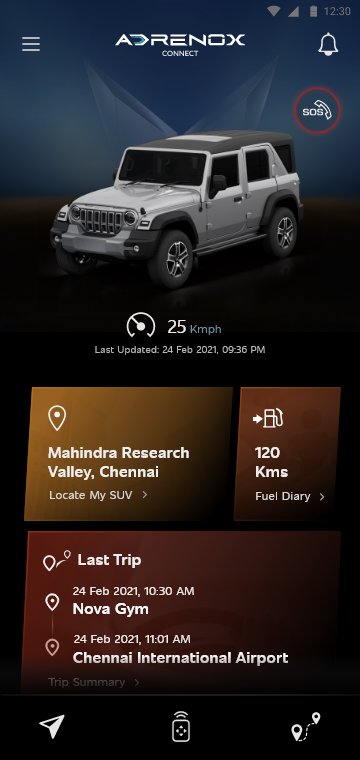
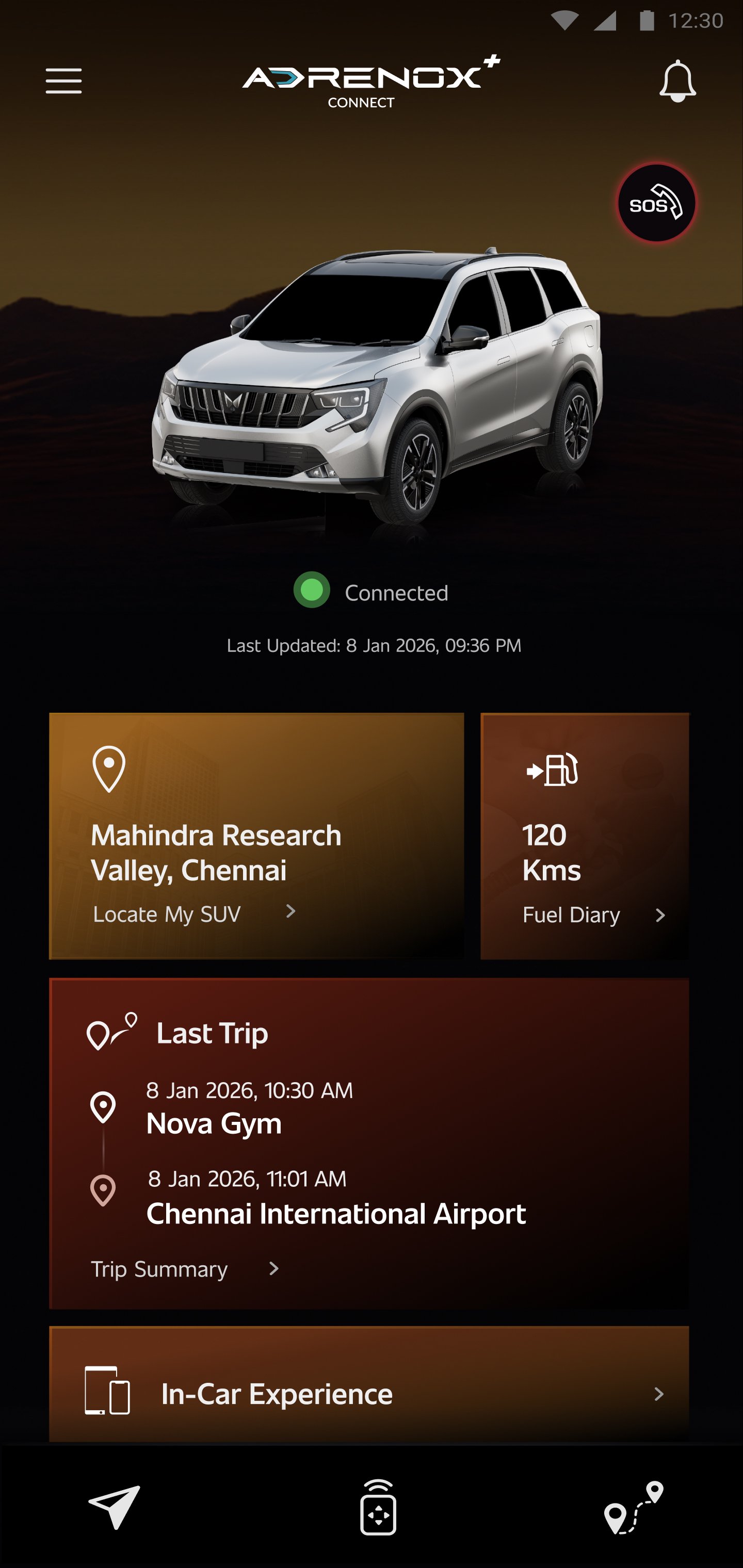
Adrenox Connect 是 Mahindra 的联网 SUV 解决方案,可让您与车辆保持连接。
Adrenox Connect 开启了使用智能手机的全新体验方式!
准备好利用触手可及的智能技术来激发肾上腺素。实时跟踪您的车辆、锁定和解锁车辆以及远程打开空调等等 - 只需在智能手机和智能手表屏幕上轻按几下即可实现所有这些。
警报
车辆信息
远程功能
安全功能
基于位置的服务
合作伙伴应用程序
使用Wear OS的步骤:
1. 在手机中下载“Adrenox Connect”应用程序并使用给定的凭据登录应用程序
2.通过“Wear OS”应用程序将智能手表连接到手机
3. 在智能手表中打开 Play 商店并搜索“Adrenox Connect”应用程序
4.下载“Adrenox Connect”应用程序并安装在智能手表中
5.从手机应用程序登录成功后,在智能手表中打开“Adrenox Connect”应用程序
6. 可以在智能手表上查看 Splash、Home、Read Screen
預覽
標籤
Auto-&訊息
開發商
Mahindra & Mahindra Ltd
最新版本
2.0.67
更新時間
2026-05-05
類別
Auto-vehicles
同時可用
Google Play
更多
如何在電腦上用 GameLoop 玩 Adrenox Connect
1. 從官網下載GameLoop,然後運行exe文件安裝GameLoop
2. 打開GameLoop,搜索“Adrenox Connect”,在搜索結果中找到Adrenox Connect,點擊“安裝”
3. 享受在 GameLoop 上玩 Adrenox Connect 的樂趣
Minimum requirements
OS
Windows 8.1 64-bit or Windows 10 64-bit
GPU
GTX 1050
CPU
i3-8300
Memory
8GB RAM
Storage
1GB available space
Recommended requirements
OS
Windows 8.1 64-bit or Windows 10 64-bit
GPU
GTX 1050
CPU
i3-9320
Memory
16GB RAM
Storage
1GB available space