Word Art Cloud Maker : Word Co 電腦版
Sticker for Chatting
用GameLoop模拟器在電腦上玩Word Art Cloud Maker : Word Co
Word Art Cloud Maker : Word Co 電腦版
來自發行商 Sticker for Chatting 的 Word Art Cloud Maker : Word Co 能夠在安卓系統上運行。
現在,您可以在電腦上使用 GameLoop 模擬器流暢地玩 Word Art Cloud Maker : Word Co。
在 GameLoop 遊戲庫或搜索結果中下載。 不需要再暢玩遊戲時盯著電池電量或被令人懊惱的來電打斷。
只需在電腦大屏幕上免費下載暢玩Word Art Cloud Maker : Word Co 電腦版!
Word Art Cloud Maker : Word Co 簡介
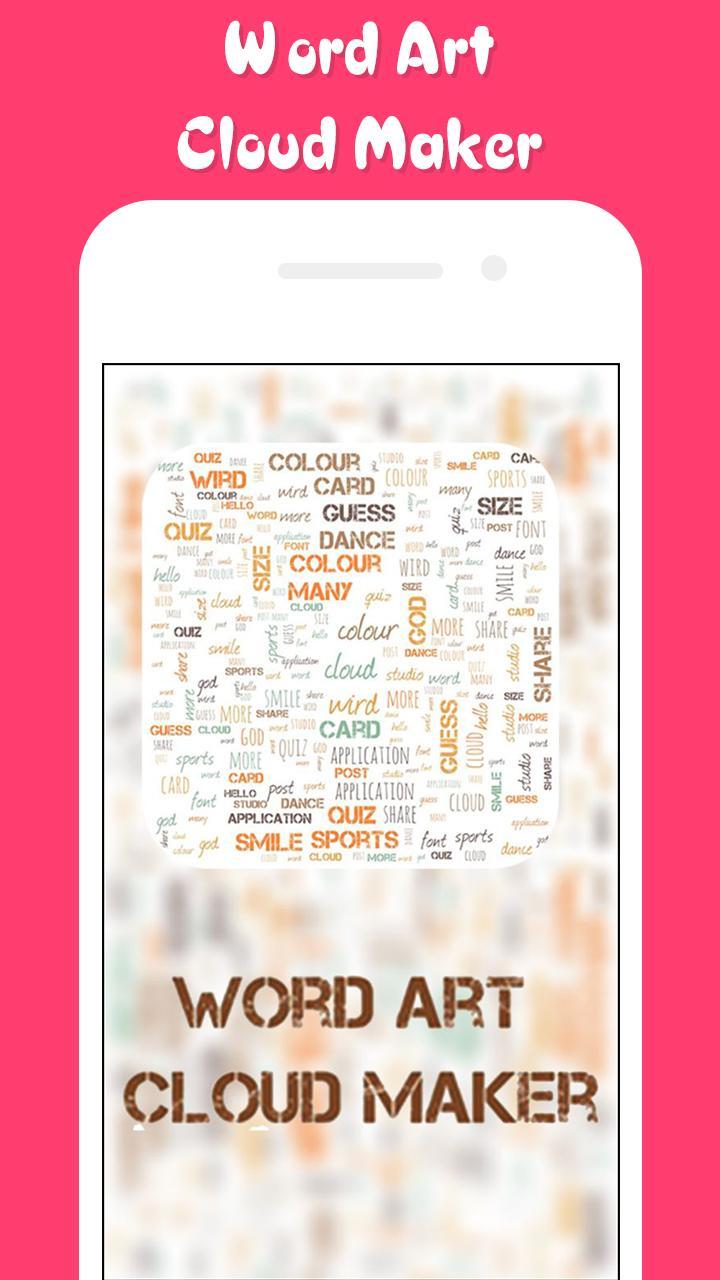
Make great word clouds out of documents or sentences that matter to you with Word Art Cloud Maker : Word Collage Maker ! With Word Art Cloud Maker : Word Collage Maker app,
you can make beautiful word clouds, super customized with different fonts, colors and words layouts.
In Word Art Cloud Maker : Word Collage Maker , Just enter a few words, and the application will shuffle them around in a cute disorderly fashion.
Pick a color or two for your meaningful words, shape them, export them, use the pic. Rinse and repeat. Type in all the best wishes in a birthday greeting card for everyone.
With Word Art Cloud Maker : Word Collage Maker , You can Drag, Swap, Twist & Drop any letters to solve out the level with over hundred words in each various set
Create, save, and share words with Word Art Cloud Maker : Word Collage Maker . Share text from a website or any another application, or paste text that you'd like to use with Word Art Cloud Maker : Word Collage Maker app.
How to use Word Art Cloud Maker : Word Collage Maker App:
• Add as many texts as you want without any limit.
• You can create different color pallet 🖌 , you can also edit them and save them.
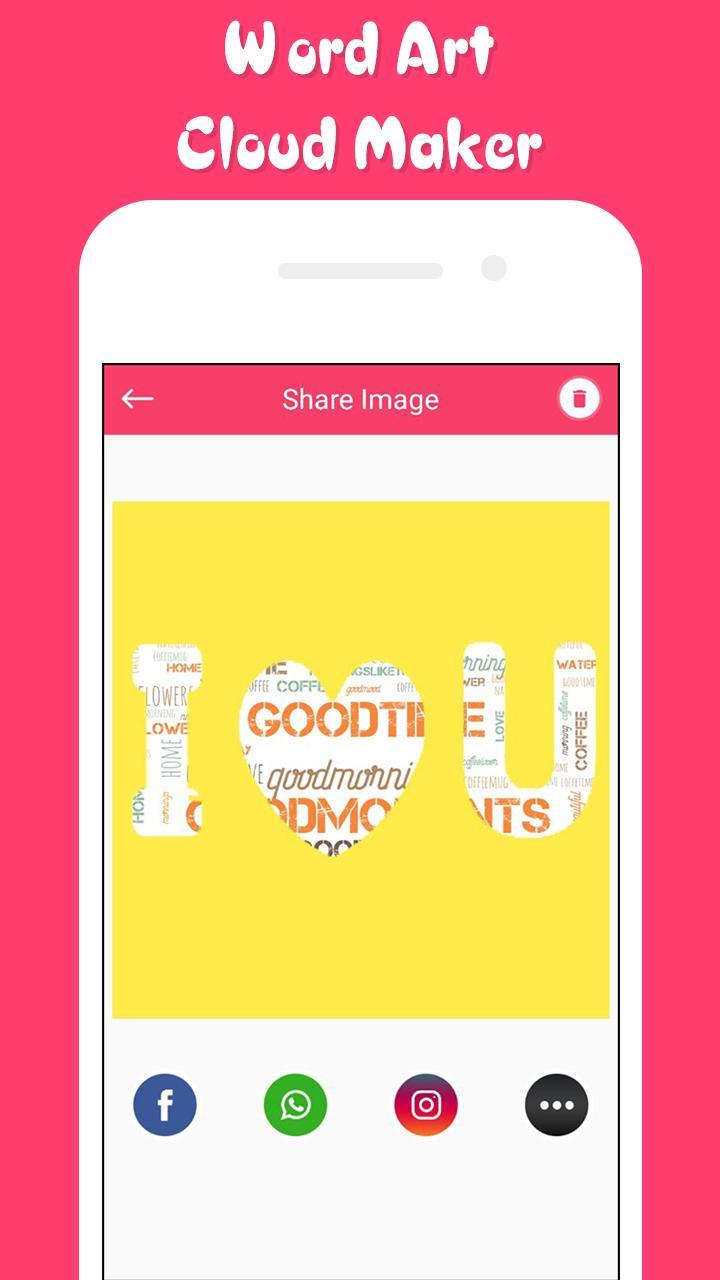
• Select from many distinctive and clean art shapes like butterfly 🦋, Star 🌟, Heart 💛, leaf 🍁, and fish 🐟 etc.
• Select from more than 20 unique font styles.
• Easily resize font as per your need.
• Change the background color that suits your need.
• Reshuffle all the word cloud tags with one button.
• Randomize the borders of the selected shape.
• Save your Word Art to cloud.
• Export your Word cloud to the gallery.
• Export the picture to a high-quality PNG.
• Share the picture with your friends directly from the app!
• Or post it to a social network - again, directly from the app.
Features of Word Art Cloud Maker : Word Collage Maker app :
• Amazing and fresh UI interface to keep you engaging.
• Shuffle mode for shuffling the positions of Word Arts.
• Add as many tags you want to add, no limit for that.
• More than 20 shape objects to make it more beautiful.
• Direct share to social media from the Word Art Cloud Maker app itself.
• Save your Word Art Cloud Maker to Cloud or Word Art.
• Share your Word Art Cloud on Social Medias.
Download Word Art Cloud Maker : Word Collage Maker now and Share Word Art Cloud Maker App with your friends and Families today.
If you Like This App, Then Don’t Forget to Give 5 star Ratings & Review.
Enjoy and share Word Art Cloud Maker : Word Collage Maker app with your friends and families.
預覽
標籤
Art-&訊息
開發商
Sticker for Chatting
最新版本
1.2
更新時間
2019-05-31
類別
Art-design
同時可用
Google Play
更多
如何在電腦上用 GameLoop 玩 Word Art Cloud Maker : Word Co
1. 從官網下載GameLoop,然後運行exe文件安裝GameLoop
2. 打開GameLoop,搜索“Word Art Cloud Maker : Word Co”,在搜索結果中找到Word Art Cloud Maker : Word Co,點擊“安裝”
3. 享受在 GameLoop 上玩 Word Art Cloud Maker : Word Co 的樂趣
Minimum requirements
OS
Windows 8.1 64-bit or Windows 10 64-bit
GPU
GTX 1050
CPU
i3-8300
Memory
8GB RAM
Storage
1GB available space
Recommended requirements
OS
Windows 8.1 64-bit or Windows 10 64-bit
GPU
GTX 1050
CPU
i3-9320
Memory
16GB RAM
Storage
1GB available space