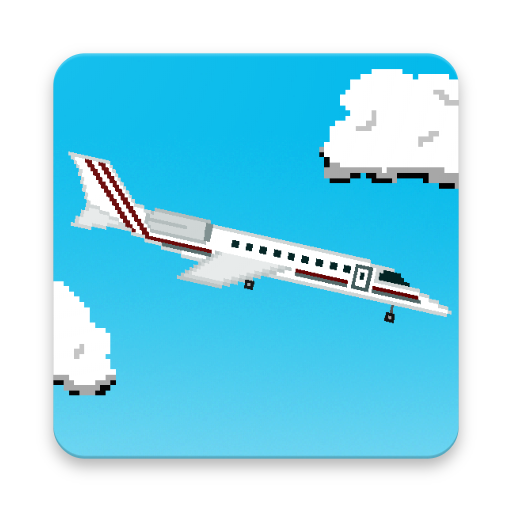
Pixie Planes 電腦版
4.2|Version: 1.2
Oliver Rascheja
下載
用GameLoop模拟器在電腦上玩Pixie Planes
Pixie Planes 電腦版
來自發行商 Oliver Rascheja 的 Pixie Planes 能夠在安卓系統上運行。
現在,您可以在電腦上使用 GameLoop 模擬器流暢地玩 Pixie Planes。
在 GameLoop 遊戲庫或搜索結果中下載。 不需要再暢玩遊戲時盯著電池電量或被令人懊惱的來電打斷。
只需在電腦大屏幕上免費下載暢玩Pixie Planes 電腦版!
Pixie Planes 簡介
接管轉向並將您選擇的飛機降落在這個世界的不同機場。
- 夜間航班的酷炫燈光效果
- 各種天氣模擬
- 在軟著陸上收集額外的硬幣
- 解鎖新的機場和飛機!
- 幸運之輪的免費禮物!
- 使用優惠,緊固,加快進度
掌握著陸並乘坐世界上最大的客機飛行!
預覽


標籤
動作訊息
開發商
Oliver Rascheja
最新版本
1.2
更新時間
2018-10-28
類別
動作
同時可用
Google Play
更多
如何在電腦上用 GameLoop 玩 Pixie Planes
1. 從官網下載GameLoop,然後運行exe文件安裝GameLoop
2. 打開GameLoop,搜索“Pixie Planes”,在搜索結果中找到Pixie Planes,點擊“安裝”
3. 享受在 GameLoop 上玩 Pixie Planes 的樂趣
Minimum requirements
OS
Windows 8.1 64-bit or Windows 10 64-bit
GPU
GTX 1050
CPU
i3-8300
Memory
8GB RAM
Storage
1GB available space
Recommended requirements
OS
Windows 8.1 64-bit or Windows 10 64-bit
GPU
GTX 1050
CPU
i3-9320
Memory
16GB RAM
Storage
1GB available space
更多類似遊戲
查看全部點擊安裝