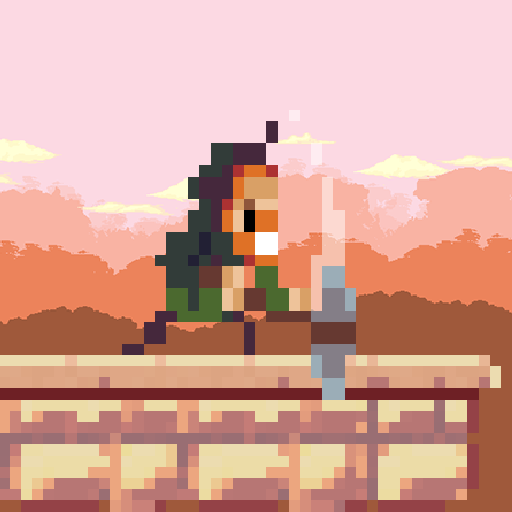
Goku to hell -Pixel style game 電腦版
25gamer
用GameLoop模拟器在電腦上玩Goku to hell -Pixel style game
Goku to hell -Pixel style game 電腦版
來自發行商 25gamer 的 Goku to hell -Pixel style game 能夠在安卓系統上運行。
現在,您可以在電腦上使用 GameLoop 模擬器流暢地玩 Goku to hell -Pixel style game。
在 GameLoop 遊戲庫或搜索結果中下載。 不需要再暢玩遊戲時盯著電池電量或被令人懊惱的來電打斷。
只需在電腦大屏幕上免費下載暢玩Goku to hell -Pixel style game 電腦版!
Goku to hell -Pixel style game 簡介
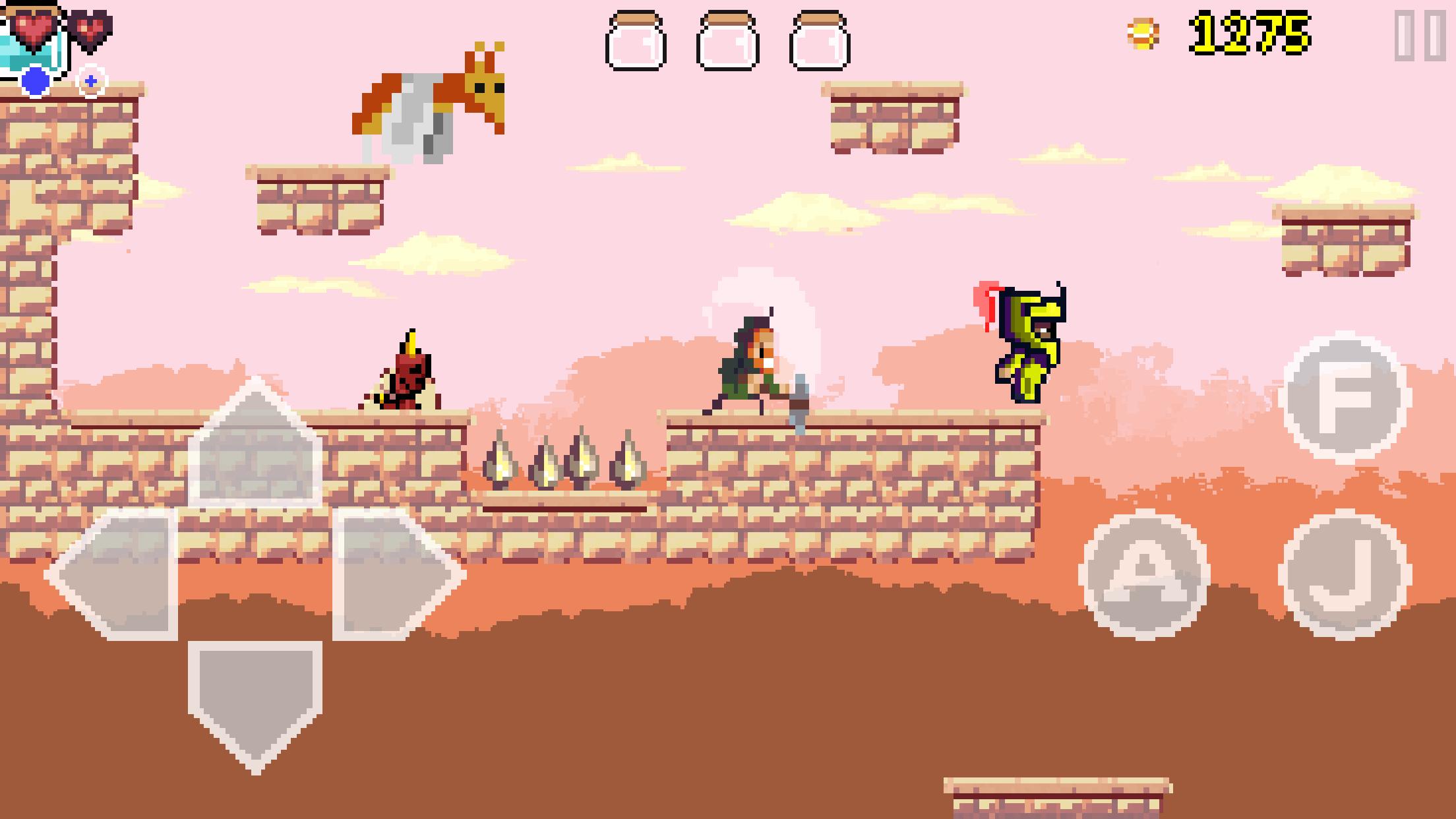
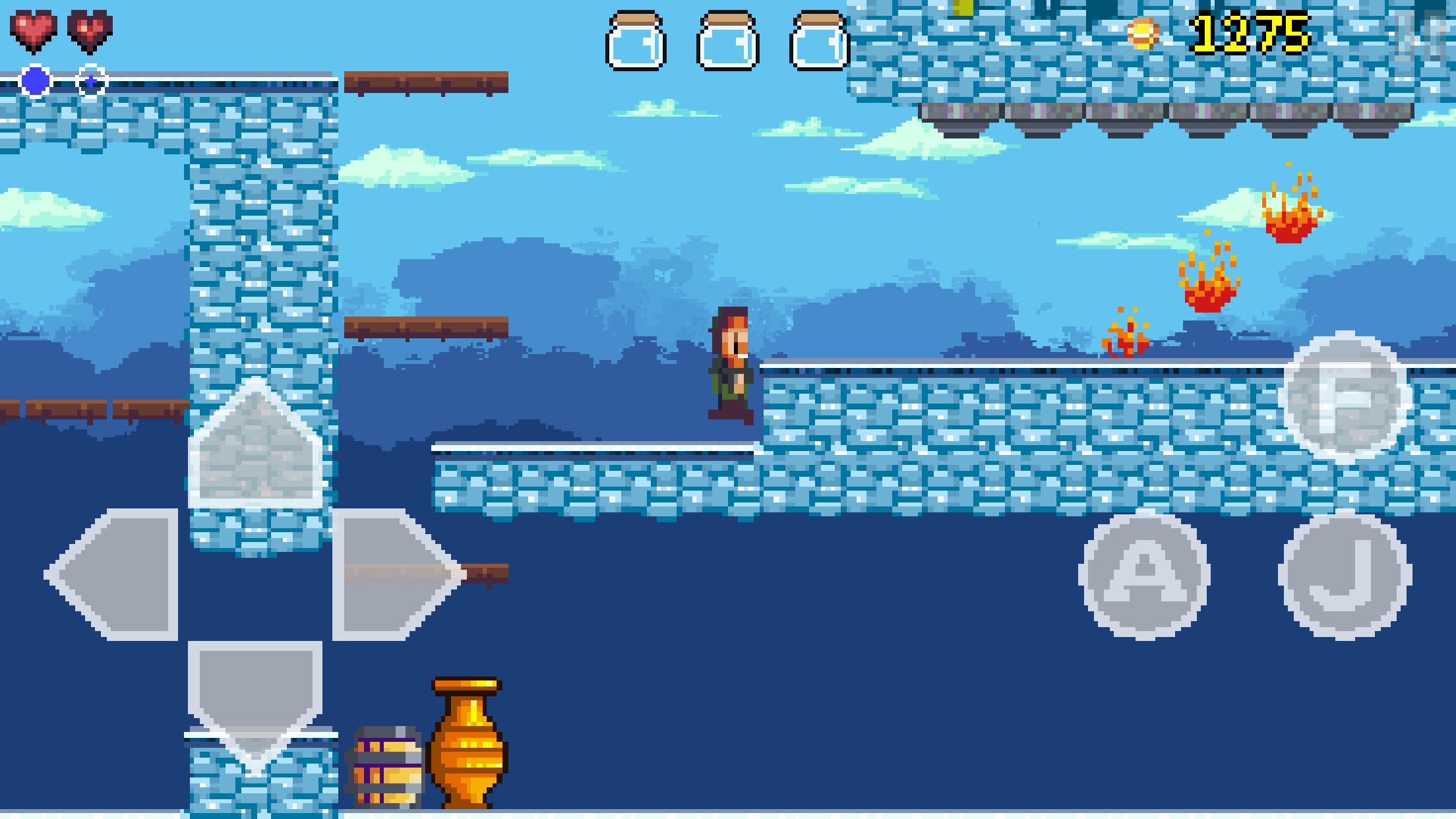
悟空地獄是一個行動平台遊戲的遊戲,其中包括的像素藝術風格的果汁。
悟空是一個年輕而勇敢的人誰站在對抗黑暗無論什麼代價。
幫助他在他的冒險拯救女神,並帶回和平與安寧曾經是。
特徵:
- 30手工製作的冒險水平。
- 3老闆。
- 超過28種不同的敵人,如:殭屍,恐龍,鬼,龍,蜘蛛和飛行生物。
- 商店購買商品,以提高悟空的技能。
- 可定制的觸摸控制。
- MFI控制器支持。
預覽
標籤
動作訊息
開發商
25gamer
最新版本
1.0.0
更新時間
2016-11-14
類別
動作
同時可用
Google Play
更多
如何在電腦上用 GameLoop 玩 Goku to hell -Pixel style game
1. 從官網下載GameLoop,然後運行exe文件安裝GameLoop
2. 打開GameLoop,搜索“Goku to hell -Pixel style game”,在搜索結果中找到Goku to hell -Pixel style game,點擊“安裝”
3. 享受在 GameLoop 上玩 Goku to hell -Pixel style game 的樂趣
Minimum requirements
OS
Windows 8.1 64-bit or Windows 10 64-bit
GPU
GTX 1050
CPU
i3-8300
Memory
8GB RAM
Storage
1GB available space
Recommended requirements
OS
Windows 8.1 64-bit or Windows 10 64-bit
GPU
GTX 1050
CPU
i3-9320
Memory
16GB RAM
Storage
1GB available space