Rocket Player Cloud Expansion PC
JRT Studio Music Players
ดาวน์โหลด Rocket Player Cloud Expansion บนพีซีด้วย GameLoop Emulator
Rocket Player Cloud Expansion บน PC
Rocket Player Cloud Expansion มาจากผู้พัฒนา JRT Studio Music Players ที่เคยรันบนระบบปฏิบัติการ Android มาก่อน
ตอนนี้คุณสามารถเล่น Rocket Player Cloud Expansion บนพีซีด้วย GameLoop ได้อย่างราบรื่น
ดาวน์โหลดในไลบรารี GameLoop หรือผลการค้นหา ไม่ต้องสนใจแบตเตอรี่หรือโทรผิดเวลาอีกต่อไป
เพียงเพลิดเพลินกับ Rocket Player Cloud Expansion PC บนหน้าจอขนาดใหญ่ฟรี!
Rocket Player Cloud Expansion บทนำ
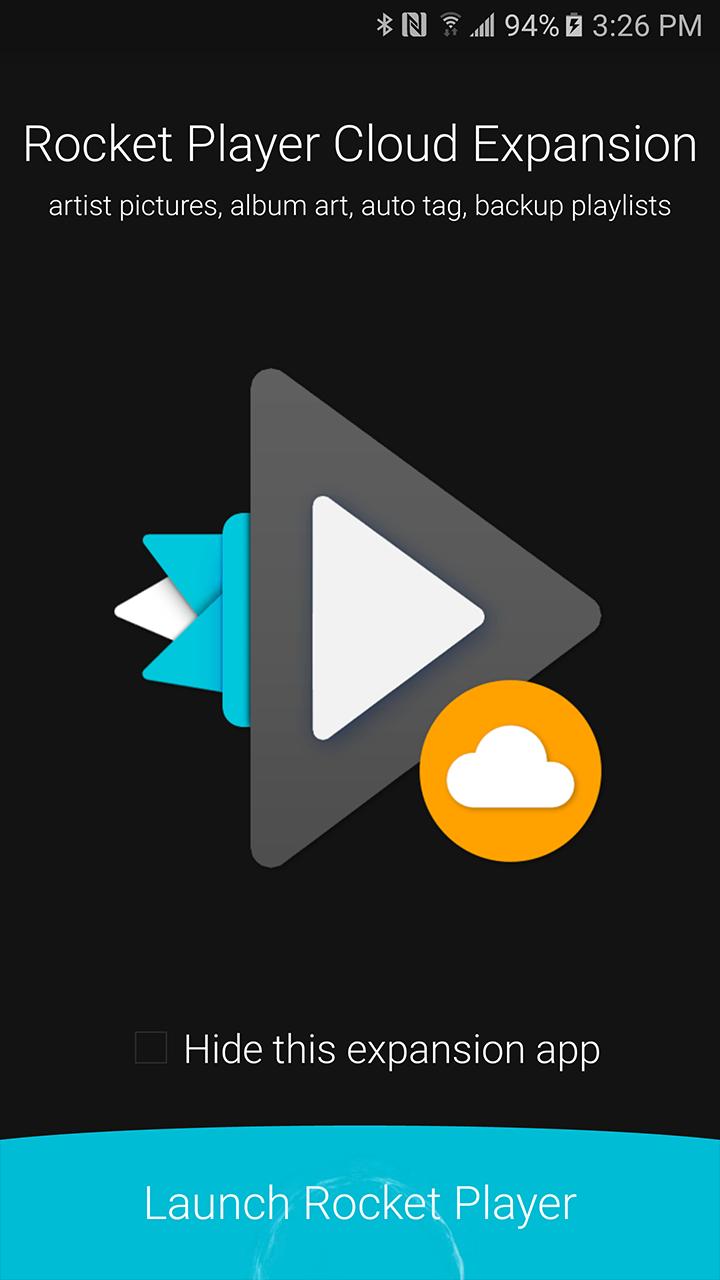
Cloud Expansion is an add-on application for Rocket Player. Purchase of cloud support required within the Rocket Player application. Otherwise this application does nothing. Cloud features include:
-Backup/migrate/restore playlists to devices with playlist edits.
-Auto tag songs with a single press.
-Display Gracenote artist photos for specific artists (not all artists have artwork).
-Download Gracenote album artwork for songs
When upgrading to a new device migrate your old playlists created in Rocket Player. Accidentally make an incorrect edit? Restore from a previous version!
The auto tag songs feature will fill in missing tag information like album, artist, genre and even track number.
Display Gracenote artist photos - get an up close look with your favorite artists! Closer, cleaner, and better than ever before.
Download Gracenote album artwork - manage your songs artwork with a high-quality match from our database.
© 2019 JRT Studio LLC | Rocket Player is a trademark of JRT Studio LLC | Gracenote is a trademark of Gracenote, Inc., registered in the U.S. and other countries.
ดูตัวอย่าง
ข้อมูล
นักพัฒนา
JRT Studio Music Players
เวอร์ชั่นล่าสุด
0.1.24
อัพเดทล่าสุด
2017-02-16
หมวดหมู่
Music-audio
มีจำหน่ายที่
Google Play
แสดงมากขึ้น
วิธีเล่น Rocket Player Cloud Expansion ด้วย GameLoop บน PC
1. ดาวน์โหลด GameLoop จากเว็บไซต์ทางการ จากนั้นเรียกใช้ไฟล์ exe เพื่อติดตั้ง GameLoop
2. เปิด GameLoop และค้นหา "Rocket Player Cloud Expansion" ค้นหา Rocket Player Cloud Expansion ในผลการค้นหาแล้วคลิก "ติดตั้ง"
3. สนุกกับการเล่น Rocket Player Cloud Expansion บน GameLoop
Minimum requirements
OS
Windows 8.1 64-bit or Windows 10 64-bit
GPU
GTX 1050
CPU
i3-8300
Memory
8GB RAM
Storage
1GB available space
Recommended requirements
OS
Windows 8.1 64-bit or Windows 10 64-bit
GPU
GTX 1050
CPU
i3-9320
Memory
16GB RAM
Storage
1GB available space