Hi-Res Music Player (FREE) PC
ELECOM CO.,LTD.
ดาวน์โหลด Hi-Res Music Player (FREE) บนพีซีด้วย GameLoop Emulator
Hi-Res Music Player (FREE) บน PC
Hi-Res Music Player (FREE) มาจากผู้พัฒนา ELECOM CO.,LTD. ที่เคยรันบนระบบปฏิบัติการ Android มาก่อน
ตอนนี้คุณสามารถเล่น Hi-Res Music Player (FREE) บนพีซีด้วย GameLoop ได้อย่างราบรื่น
ดาวน์โหลดในไลบรารี GameLoop หรือผลการค้นหา ไม่ต้องสนใจแบตเตอรี่หรือโทรผิดเวลาอีกต่อไป
เพียงเพลิดเพลินกับ Hi-Res Music Player (FREE) PC บนหน้าจอขนาดใหญ่ฟรี!
Hi-Res Music Player (FREE) บทนำ
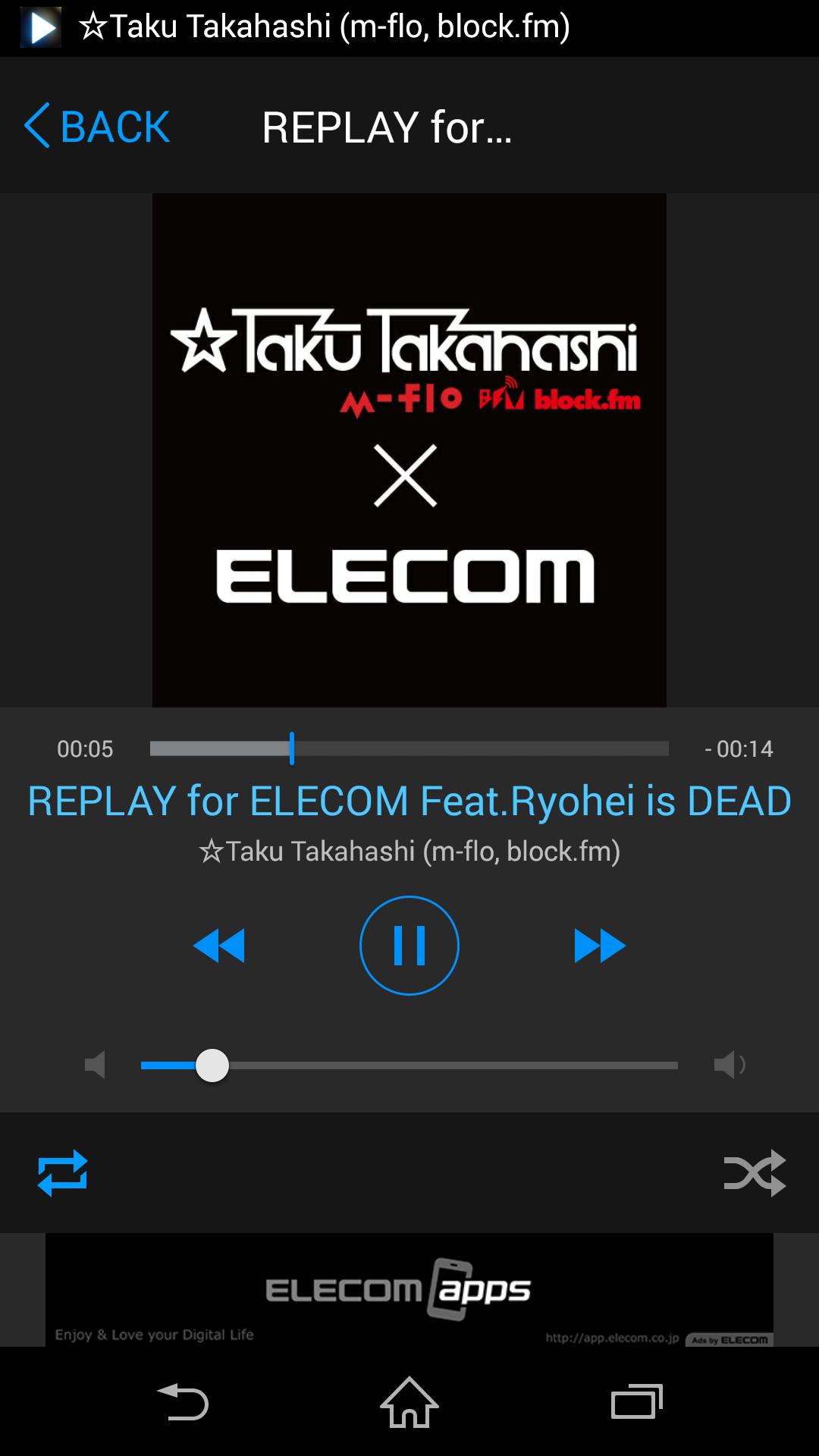
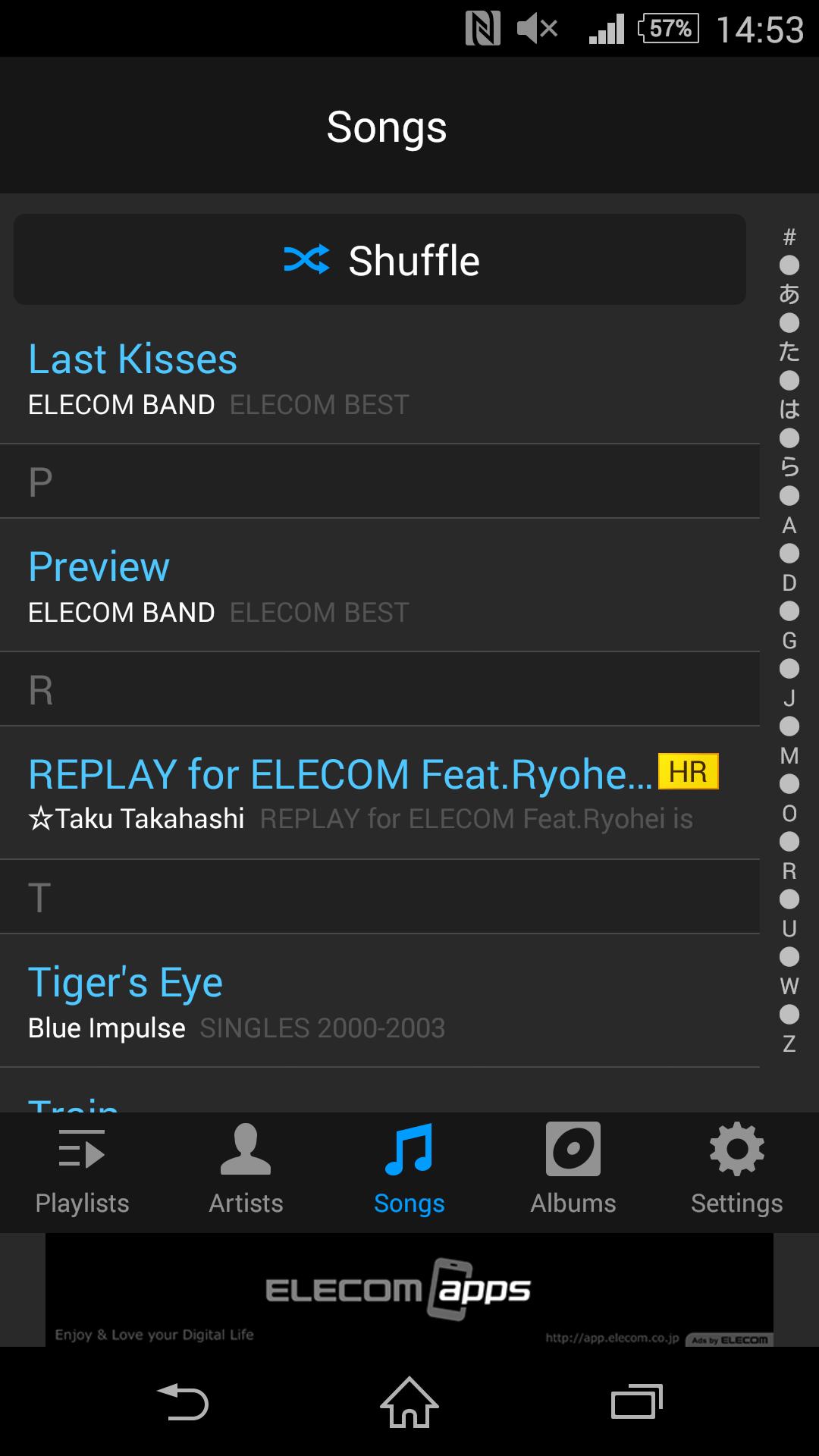
ELECOM Hi-Res Music Player is the application which can play high-quality Hi-Res audio.
To play Hi-Res Music, ELECOM's Hi-Res USB Portable Amp is required.
[Feature]
- Playback Hi-Res audio file (WAV/FLAC)
- Repeat playback for each file or all files
- Shuffle Playback
- Manages playlist which includes both normal and Hi-Res audio.
- Playback control on lock screen
[Supported Format]
- Hi-Res: WAV/FLAC, up to 192kHz/24bit
- Non Hi-Res: depends on the supported format for device.
** DSD is not supported
Ads is displayed on some screen due to free version.
[Support OS]
Android 4.3~6.0
[Online Manual]
http://app.elecom.co.jp/en/musicplayer/android/manual.html
ดูตัวอย่าง
ข้อมูล
นักพัฒนา
ELECOM CO.,LTD.
เวอร์ชั่นล่าสุด
1.0.1
อัพเดทล่าสุด
2016-06-14
หมวดหมู่
Music-audio
มีจำหน่ายที่
Google Play
แสดงมากขึ้น
วิธีเล่น Hi-Res Music Player (FREE) ด้วย GameLoop บน PC
1. ดาวน์โหลด GameLoop จากเว็บไซต์ทางการ จากนั้นเรียกใช้ไฟล์ exe เพื่อติดตั้ง GameLoop
2. เปิด GameLoop และค้นหา "Hi-Res Music Player (FREE)" ค้นหา Hi-Res Music Player (FREE) ในผลการค้นหาแล้วคลิก "ติดตั้ง"
3. สนุกกับการเล่น Hi-Res Music Player (FREE) บน GameLoop
Minimum requirements
OS
Windows 8.1 64-bit or Windows 10 64-bit
GPU
GTX 1050
CPU
i3-8300
Memory
8GB RAM
Storage
1GB available space
Recommended requirements
OS
Windows 8.1 64-bit or Windows 10 64-bit
GPU
GTX 1050
CPU
i3-9320
Memory
16GB RAM
Storage
1GB available space