
My Device IDs: GSF GAID viewer PC
kolacbb
قم بتنزيل My Device IDs: GSF GAID viewer على جهاز الكمبيوتر باستخدام GameLoop Emulator
My Device IDs: GSF GAID viewer على الكمبيوتر الشخصي
My Device IDs: GSF GAID viewer ، القادم من المطور kolacbb ، يعمل على نظام Android في الماضي.
الآن ، يمكنك لعب My Device IDs: GSF GAID viewer على جهاز الكمبيوتر باستخدام GameLoop بسلاسة.
قم بتنزيله في مكتبة GameLoop أو في نتائج البحث. لا مزيد من الانتباه إلى البطارية أو المكالمات المحبطة في الوقت الخطأ بعد الآن.
ما عليك سوى الاستمتاع بجهاز My Device IDs: GSF GAID viewer على الشاشة الكبيرة مجانًا!
My Device IDs: GSF GAID viewer مقدمة
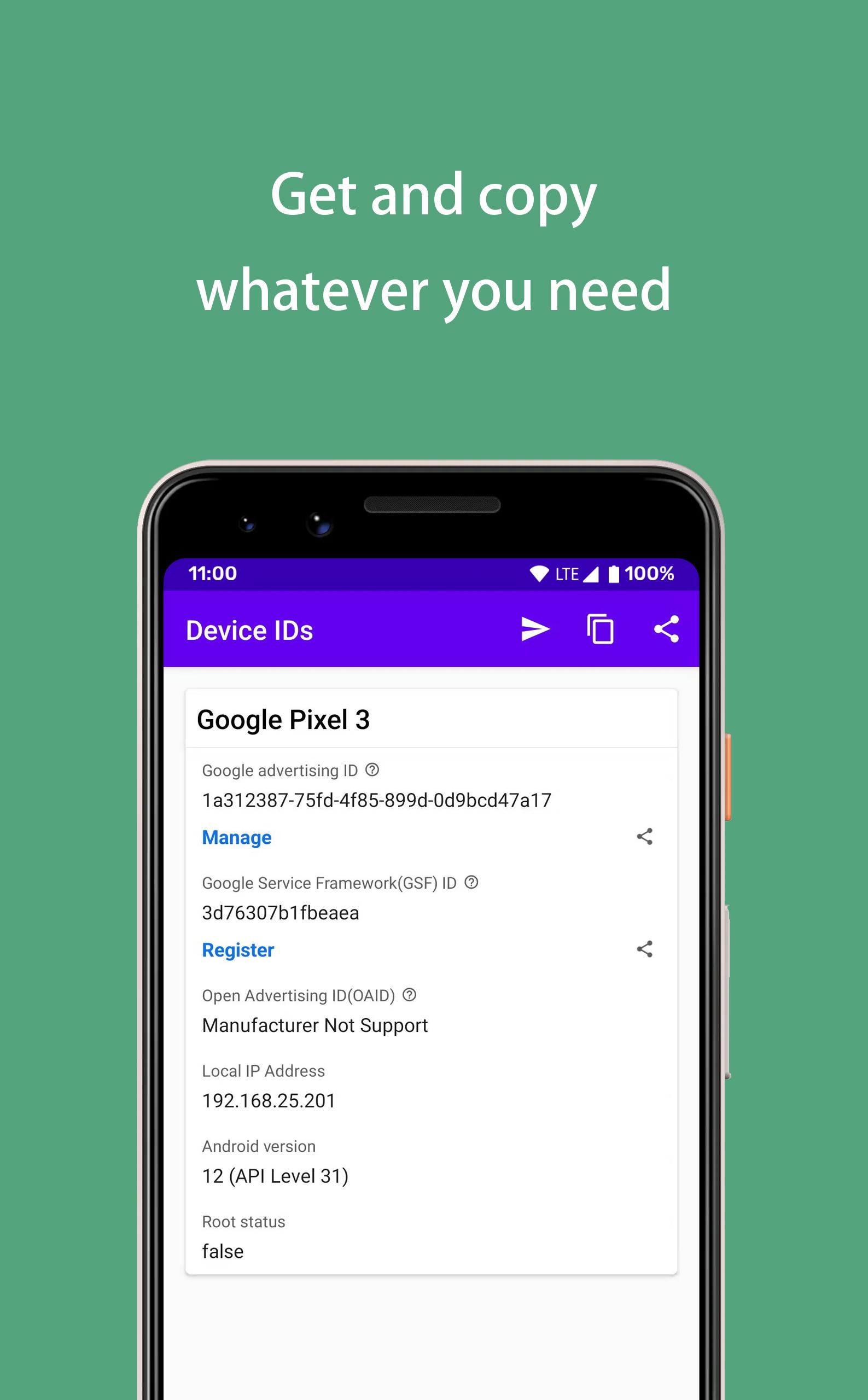
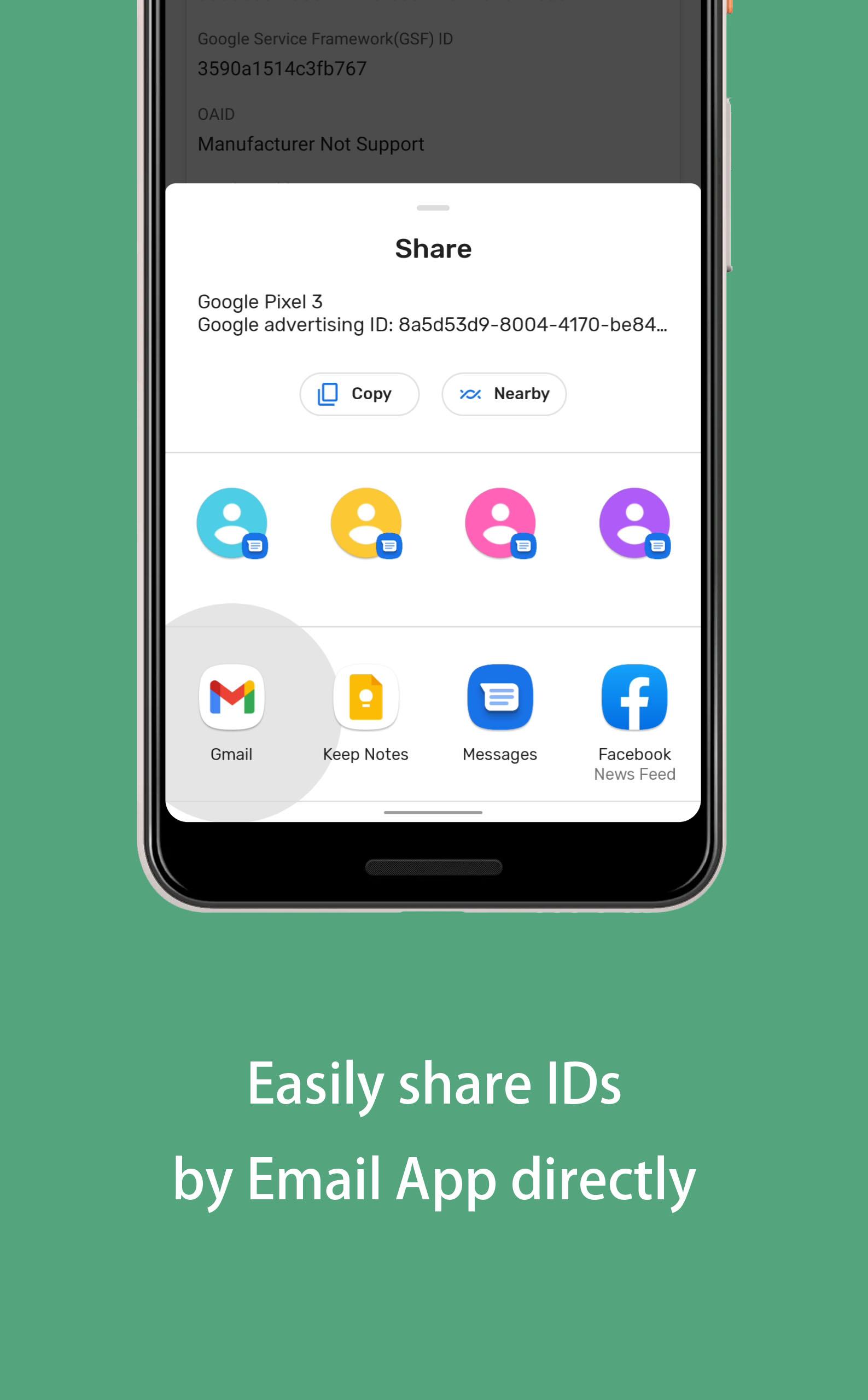
View and share your Device ID, Google Advertising ID(AAID, GAID), Google Services Framework ID(GSF ID), OAID and more.
You can view all device identifiers for free, and manage them easily. For example you can manage your device idfa by My Device IDs. You can also register gsfid through this app.
My Device IDs lets app developers quickly find and share device id details:
🎁 Key Features
⭐️ Google Advertising ID (AAID, GAID)
⭐️ Google Services Framework Android ID (GSFID)
⭐️ Open Advertising ID (OAID)
⭐️ IP address
⭐️ IDFA(AAID) for Android
⭐️ Android version & API Level
⭐️ Android OS Version
⭐️ Root checker
🎁 More Info
Google Advertising ID(GAID) is an identifier for advertisers provided by Google, In development, it can be used as a test device for admob and appsflyer, it is equivalent to idfa in iOS device.
Google Services Framework Android ID (GSFID) is an identifier for Google Services Framwork, If your Google play Store shows that the device is not certified, you can verify your GSFID on this website. https://www.google.com/android/uncertified/
Open Advertising ID(OAID) is an identifier for advertisers provided by MSA(Mobile Security Alliance). It is equivalent to GAID for advertising purposes in some countries in which Google Play Services is not available.
معاينة
العلامات
أدواتمعلومة
مطور
kolacbb
احدث اصدار
1.1.8
آخر تحديث
2024-04-01
فئة
أدوات
متاح على
Google Play
أظهر المزيد
كيف تلعب My Device IDs: GSF GAID viewer مع GameLoop على جهاز الكمبيوتر
1. قم بتنزيل GameLoop من الموقع الرسمي ، ثم قم بتشغيل ملف exe لتثبيت GameLoop.
2. افتح GameLoop وابحث عن "My Device IDs: GSF GAID viewer" ، وابحث عن My Device IDs: GSF GAID viewer في نتائج البحث وانقر على "تثبيت".
3. استمتع بلعب My Device IDs: GSF GAID viewer على GameLoop.
Minimum requirements
OS
Windows 8.1 64-bit or Windows 10 64-bit
GPU
GTX 1050
CPU
i3-8300
Memory
8GB RAM
Storage
1GB available space
Recommended requirements
OS
Windows 8.1 64-bit or Windows 10 64-bit
GPU
GTX 1050
CPU
i3-9320
Memory
16GB RAM
Storage
1GB available space