
PicBook: Picture Book Maker PC
kolacbb
قم بتنزيل PicBook: Picture Book Maker على جهاز الكمبيوتر باستخدام GameLoop Emulator
PicBook: Picture Book Maker على الكمبيوتر الشخصي
PicBook: Picture Book Maker ، القادم من المطور kolacbb ، يعمل على نظام Android في الماضي.
الآن ، يمكنك لعب PicBook: Picture Book Maker على جهاز الكمبيوتر باستخدام GameLoop بسلاسة.
قم بتنزيله في مكتبة GameLoop أو في نتائج البحث. لا مزيد من الانتباه إلى البطارية أو المكالمات المحبطة في الوقت الخطأ بعد الآن.
ما عليك سوى الاستمتاع بجهاز PicBook: Picture Book Maker على الشاشة الكبيرة مجانًا!
PicBook: Picture Book Maker مقدمة
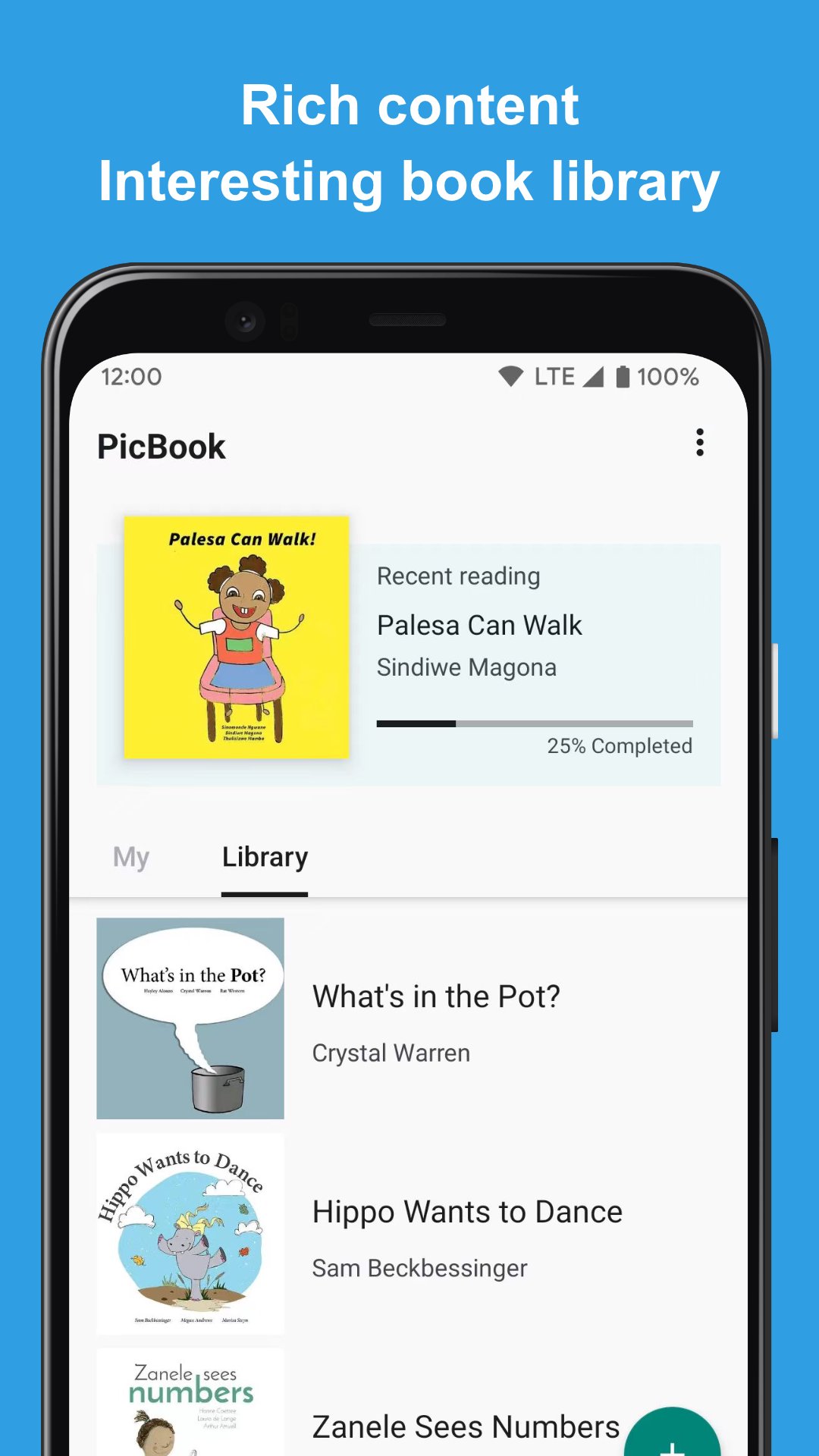
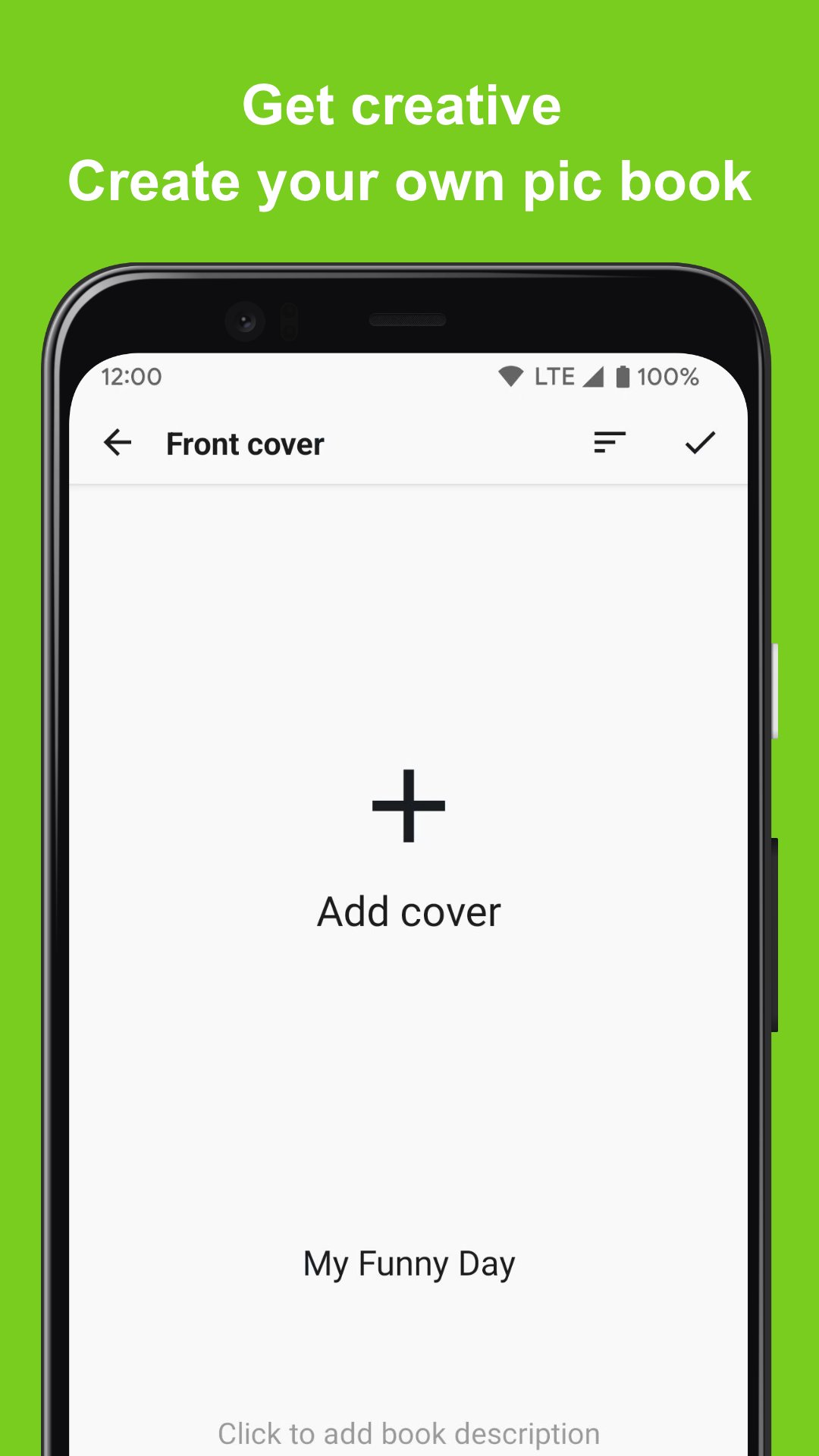
PicBook can create picture books with your own pictures or photos, and can enrich the content of picture books with text and audio. It's not just a picture book maker and editing tool, it can also be used to create story books, memory albums, flashcards and more.
🎁 Key Features
⭐️ Select the picture in the album to create a picture book
⭐️ Not only can choose from local device, but also support to choose from Google photos
⭐️ Add text and audio to each page of the picture book
⭐️ The created picture book content (picture and audio) will only be saved locally
⭐️ Built-in rich picture books for reading and editing, which can be used as templates
⭐️ Complete picture book reading experience
🎁 Scenes
⭐️ Flashcards: Use your own voice and carefully selected pictures to create a flashcard for you to learn to recognize colors, learn to write and pronounce letters, learn to recognize shapes, and more. PicBook will be a powerful tool for you to understand the world!
⭐️ Memories album: record a journey that has just been completed or the common memories with the person you love. With the most sincere language and text, you can create a touching audio-visual feast of memories.
⭐️ Storybook: Prepare to make a storybook for you, using your familiar voice, so that he can hear your gentlest voice and the most interesting and meaningful stories all the time
🎁 More Info
For inquiries, please kindly send your question to kolacbb@gmail.com, our service team will get back to you as soon as possible. Thank you!
معاينة
العلامات
تعليمArt-&معلومة
مطور
kolacbb
احدث اصدار
1.2.2
آخر تحديث
2024-07-23
فئة
تعليم
متاح على
Google Play
أظهر المزيد
كيف تلعب PicBook: Picture Book Maker مع GameLoop على جهاز الكمبيوتر
1. قم بتنزيل GameLoop من الموقع الرسمي ، ثم قم بتشغيل ملف exe لتثبيت GameLoop.
2. افتح GameLoop وابحث عن "PicBook: Picture Book Maker" ، وابحث عن PicBook: Picture Book Maker في نتائج البحث وانقر على "تثبيت".
3. استمتع بلعب PicBook: Picture Book Maker على GameLoop.
Minimum requirements
OS
Windows 8.1 64-bit or Windows 10 64-bit
GPU
GTX 1050
CPU
i3-8300
Memory
8GB RAM
Storage
1GB available space
Recommended requirements
OS
Windows 8.1 64-bit or Windows 10 64-bit
GPU
GTX 1050
CPU
i3-9320
Memory
16GB RAM
Storage
1GB available space