
Ludo PC
Yarsa Games
قم بتنزيل Ludo على جهاز الكمبيوتر باستخدام GameLoop Emulator
Ludo على الكمبيوتر الشخصي
Ludo ، القادم من المطور Yarsa Games ، يعمل على نظام Android في الماضي.
الآن ، يمكنك لعب Ludo على جهاز الكمبيوتر باستخدام GameLoop بسلاسة.
قم بتنزيله في مكتبة GameLoop أو في نتائج البحث. لا مزيد من الانتباه إلى البطارية أو المكالمات المحبطة في الوقت الخطأ بعد الآن.
ما عليك سوى الاستمتاع بجهاز Ludo على الشاشة الكبيرة مجانًا!
Ludo مقدمة
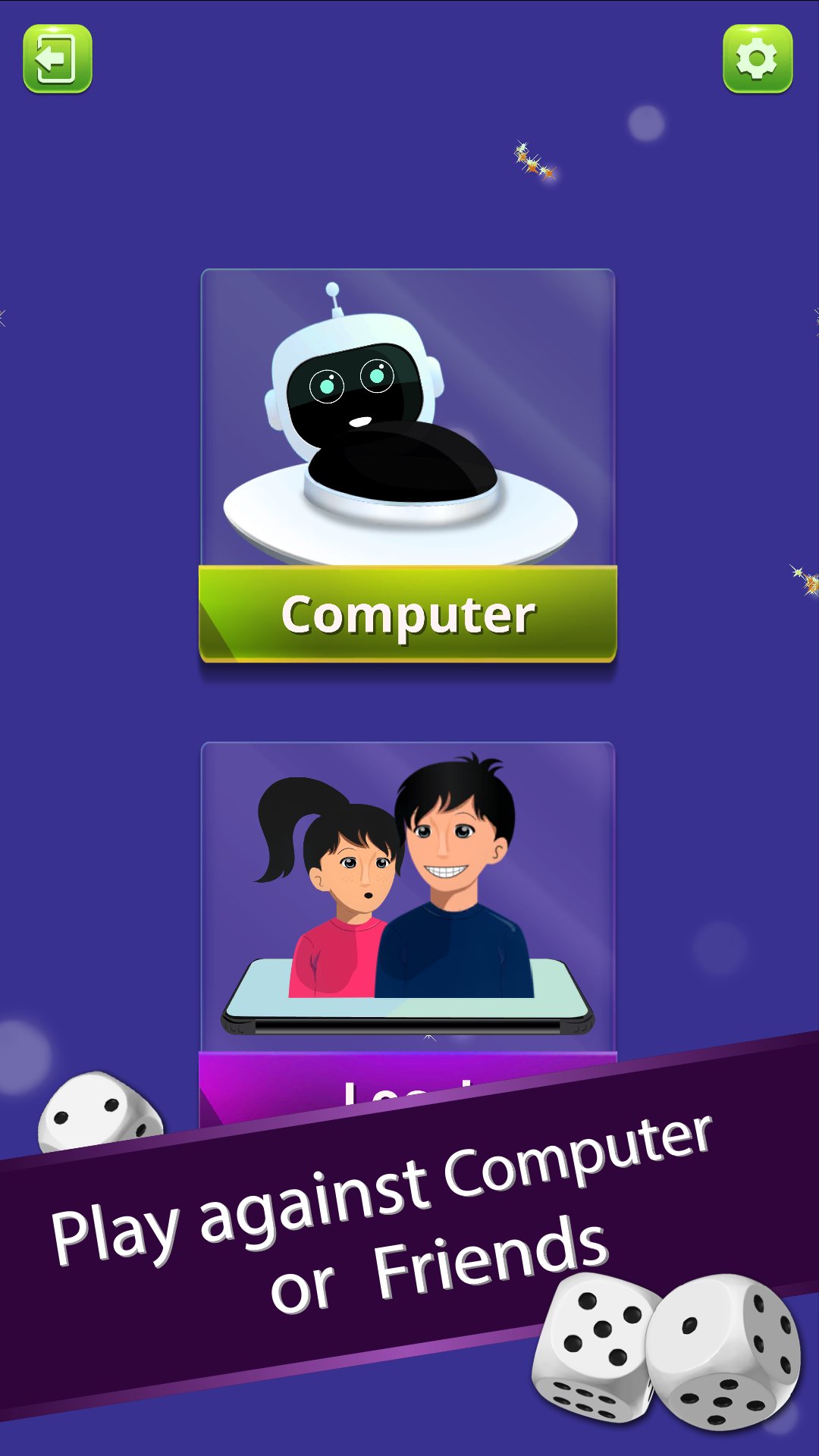
Ludo is a fun multiplayer board game that can be played between 2, 3 or 4 players, or up to 6 players on one phone. Play Ludo online with real players from around the world, create a private room to play with your friends, or play offline against the computer.
Now with Snake & Ladder and Carrom: three classic board games in one app. Ludo is a mind refreshing game with its lucky dice rolls and strategical gameplay. This classic Ludo game has been around us for a long time as a favourite game to play with family and friends in our spare time.
How the Ludo game works:
Ludo game starts with four tokens placed in each player's starting box. A dice is rolled in turns by each player during the game. The player's token will be placed on the starting point when a 6 is rolled on the dice. The main goal of the game is to take all 4 tokens inside the home area before the other opponents.
Basic rules of Ludo game:
- A token can start to move only if the dice rolled is a 6.
- Each player gets a turn wise chance to roll the dice. And if the player rolls a 6, they will get another chance to roll again.
- All the tokens must reach the center of the board to win the game.
- The token move clock-wise according to the number of rolled dice.
- Knocking out other's token will give you an extra chance to roll again.
Ludo game modes:
- Classic, Quick and 5 Minutes modes.
- Power mode with power-ups: Rocket, Shield, Fire, Landmine, Magic Dice and more.
Snake & Ladder and Carrom:
- Snake & Ladder: the classic snakes and ladders board game. Climb the ladders, avoid the snakes and race to 100.
- Carrom: aim the striker and pocket your pieces on the carrom board. Play the computer, try the daily challenge or play ranked matches online.
Game features:
Online Multiplayer - Play Ludo, Snake & Ladder and Carrom with real players online.
Private Room - Share a room code and play with your friends.
Single Player - Play against the computer.
Local Multiplayer - Play with friends and family offline.
Play 2 to 4 players, or up to 6 players on one phone.
Quick chat and emojis in online games.
Rematch the same players after an online game.
You can continue your game anytime.
Multi-colored dice for each player.
Real Ludo dice roll animation.
View the progress of each player in percentage.
Throw dice or roll instantly.
Shake your phone to roll the dice option.
Customize game speed yourself.
Easy player selection.
Achievements and leaderboards.
Choose your avatar and your token design.
Play the Ludo game in your native languages.
English, Hindi, Nepali, Spanish, Portuguese, French, Arabic, Indonesian, Turkish, Russian, German, Italian, Thai & Vietnamese languages are supported in this Ludo game.
Enjoy playing Ludo, Snake & Ladder and Carrom anytime anywhere with your friends and family, online or offline.
We hope you enjoy playing this Ludo.
Please send us your feedback, and we'll try to improve the game performance as per your requirements.
Thank you for playing Ludo and do check out our other games.
معاينة

العلامات
استراتيجية مجردةلودواليوميمتعددةمتعددة اللاعبين التنافسيةلاعب واحدواقعيغير متصل على الانترنتمعلومة
مطور
Yarsa Games
احدث اصدار
2.2.5
آخر تحديث
2026-11-20
فئة
مجلس
أظهر المزيد
كيف تلعب Ludo مع GameLoop على جهاز الكمبيوتر
1. قم بتنزيل GameLoop من الموقع الرسمي ، ثم قم بتشغيل ملف exe لتثبيت GameLoop.
2. افتح GameLoop وابحث عن "Ludo" ، وابحث عن Ludo في نتائج البحث وانقر على "تثبيت".
3. استمتع بلعب Ludo على GameLoop.
Minimum requirements
OS
Windows 8.1 64-bit or Windows 10 64-bit
GPU
GTX 1050
CPU
i3-8300
Memory
8GB RAM
Storage
1GB available space
Recommended requirements
OS
Windows 8.1 64-bit or Windows 10 64-bit
GPU
GTX 1050
CPU
i3-9320
Memory
16GB RAM
Storage
1GB available space