Cram app PC
Board and Puzzle Games
قم بتنزيل Cram app على جهاز الكمبيوتر باستخدام GameLoop Emulator
Cram app على الكمبيوتر الشخصي
Cram app ، القادم من المطور Board and Puzzle Games ، يعمل على نظام Android في الماضي.
الآن ، يمكنك لعب Cram app على جهاز الكمبيوتر باستخدام GameLoop بسلاسة.
قم بتنزيله في مكتبة GameLoop أو في نتائج البحث. لا مزيد من الانتباه إلى البطارية أو المكالمات المحبطة في الوقت الخطأ بعد الآن.
ما عليك سوى الاستمتاع بجهاز Cram app على الشاشة الكبيرة مجانًا!
Cram app مقدمة
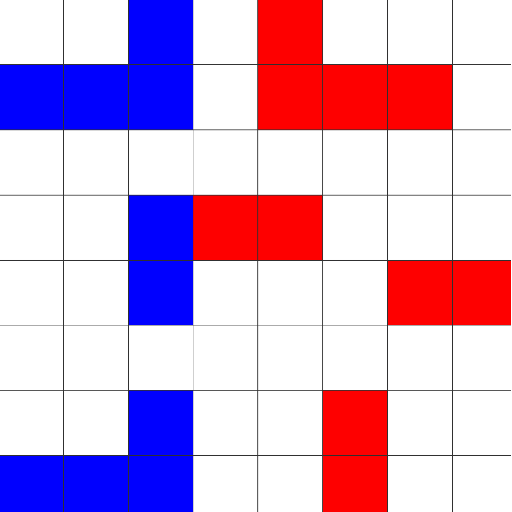
This application offers two popular paper and pencil games in one! Domineering and Cram!
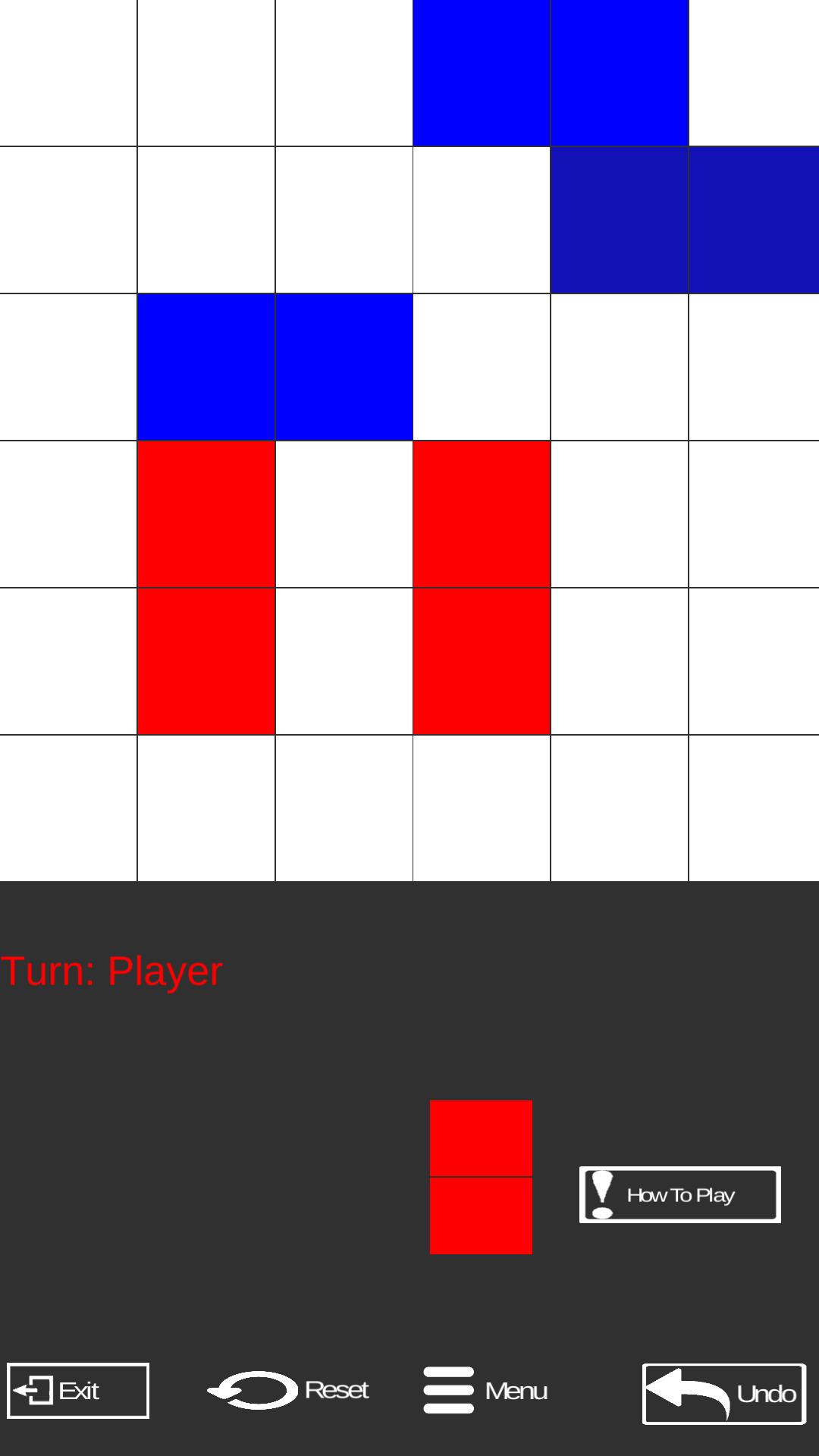
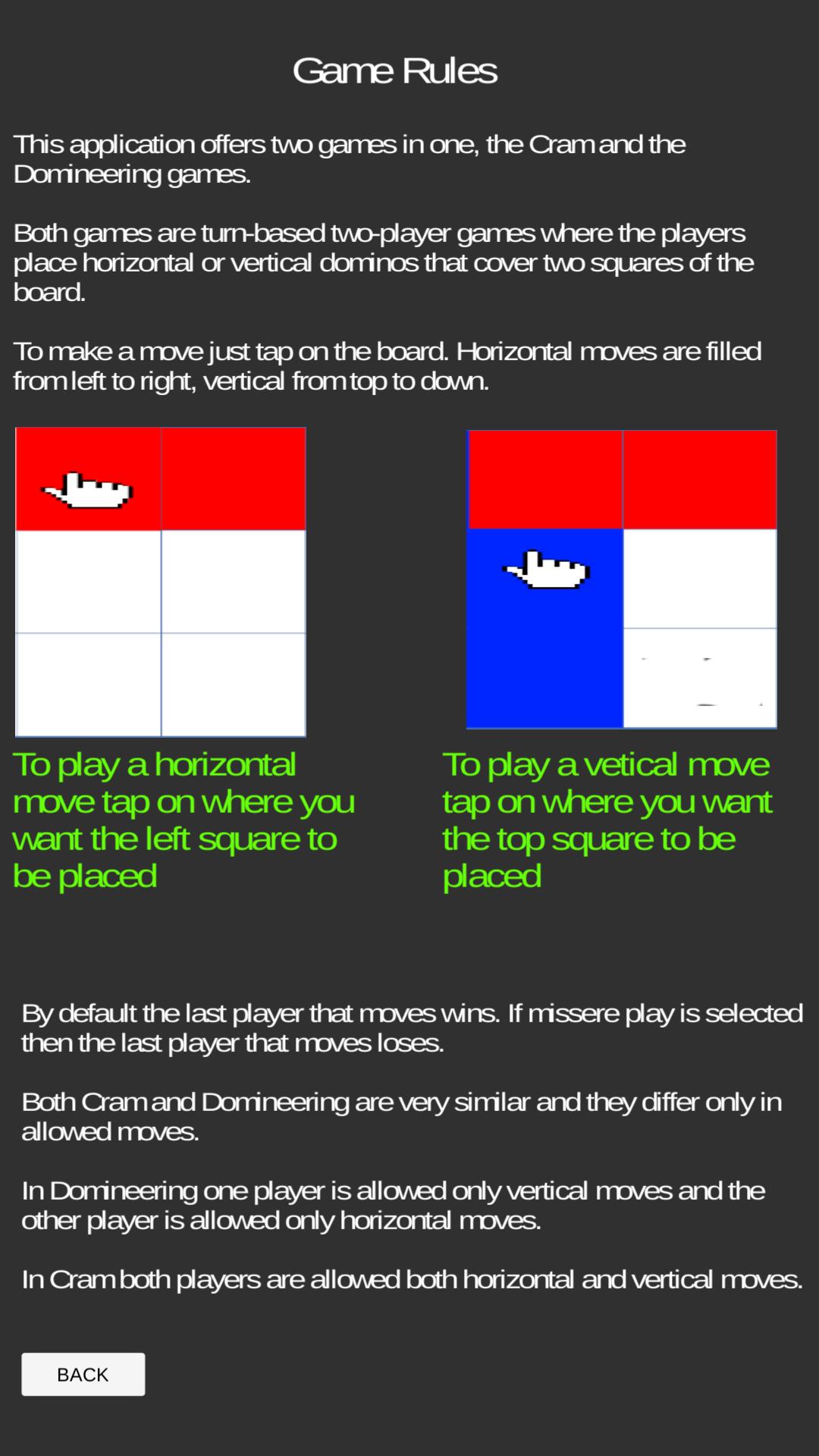
Both games are mathematical 2D tile turn based two-player games where the players place horizontal or vertical dominoes that cover two squares of the board.
By default the last player to move wins. If missere play is selected then the last player to move loses.
Both Cram and Domineering are very similar and they differ only in allowed moves.
In Domineering one player is allowed only vertical moves and the other player is allowed only horizontal moves.
In Cram both players are allowed both horizontal and vertical moves.
Domineering is also called Stop-Gate or Crosscram.
معاينة
العلامات
مجلسمعلومة
مطور
Board and Puzzle Games
احدث اصدار
1.4
آخر تحديث
2019-04-06
فئة
مجلس
متاح على
Google Play
أظهر المزيد
كيف تلعب Cram app مع GameLoop على جهاز الكمبيوتر
1. قم بتنزيل GameLoop من الموقع الرسمي ، ثم قم بتشغيل ملف exe لتثبيت GameLoop.
2. افتح GameLoop وابحث عن "Cram app" ، وابحث عن Cram app في نتائج البحث وانقر على "تثبيت".
3. استمتع بلعب Cram app على GameLoop.
Minimum requirements
OS
Windows 8.1 64-bit or Windows 10 64-bit
GPU
GTX 1050
CPU
i3-8300
Memory
8GB RAM
Storage
1GB available space
Recommended requirements
OS
Windows 8.1 64-bit or Windows 10 64-bit
GPU
GTX 1050
CPU
i3-9320
Memory
16GB RAM
Storage
1GB available space