
Chess PC
cnvcs.com
قم بتنزيل Chess على جهاز الكمبيوتر باستخدام GameLoop Emulator
Chess على الكمبيوتر الشخصي
Chess ، القادم من المطور cnvcs.com ، يعمل على نظام Android في الماضي.
الآن ، يمكنك لعب Chess على جهاز الكمبيوتر باستخدام GameLoop بسلاسة.
قم بتنزيله في مكتبة GameLoop أو في نتائج البحث. لا مزيد من الانتباه إلى البطارية أو المكالمات المحبطة في الوقت الخطأ بعد الآن.
ما عليك سوى الاستمتاع بجهاز Chess على الشاشة الكبيرة مجانًا!
Chess مقدمة
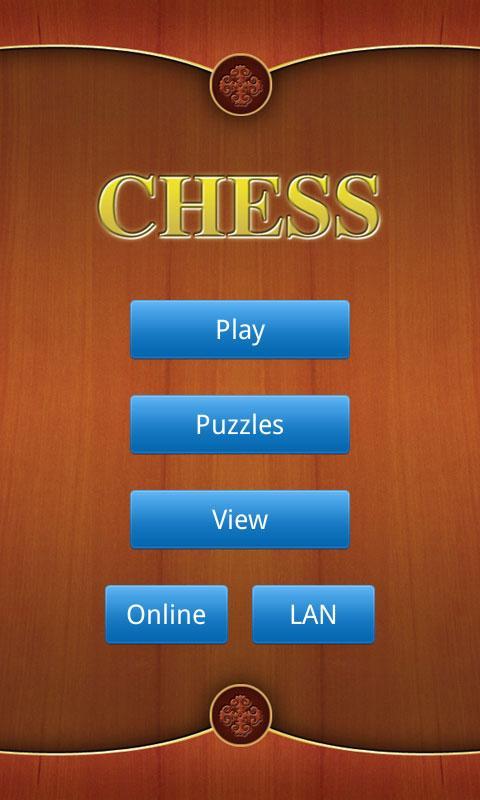
A well designed chess app with a lot of powerful features.
Features:
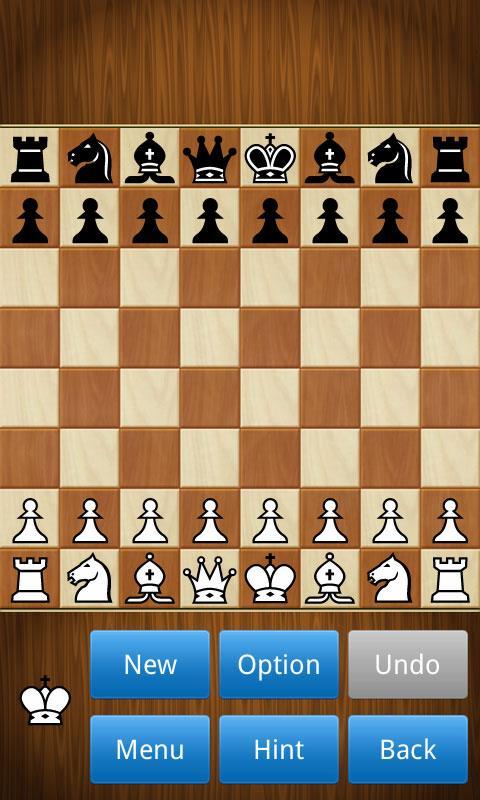
- Play as white or black, against the computer or a friend.
- 10 difficulty levels, from novice to grandmaster.
- Include more than 38000 chess puzzles, divided into 13 collections.
- Support online gameplay.
- Support LAN game via bluetooth/Wi-Fi.
- Computer hint and unlimited undo for beginners.
- Changeable chessboards and piece sets, 2D/3D piece styles.
- Load and save games to PGN files.
- Autosaving your current game.
- Setup position, intelligent validity check.
- Randomly go to any point in the current game.
- Provide thousands of classic chess games to download, such as grandmaster games, world championship games.
- Switch to play mode when in view mode, analyze the game, and then restore the view status.
- More functions: handicap, view move list, automatic move playback, etc.
- It is free!
معاينة
العلامات
استراتيجية مجردةشطرنجاليوميلاعب واحدواقعيغير متصل على الانترنتمعلومة
مطور
cnvcs.com
احدث اصدار
1.38
آخر تحديث
2023-08-21
فئة
مجلس
متاح على
Google Play
أظهر المزيد
كيف تلعب Chess مع GameLoop على جهاز الكمبيوتر
1. قم بتنزيل GameLoop من الموقع الرسمي ، ثم قم بتشغيل ملف exe لتثبيت GameLoop.
2. افتح GameLoop وابحث عن "Chess" ، وابحث عن Chess في نتائج البحث وانقر على "تثبيت".
3. استمتع بلعب Chess على GameLoop.
Minimum requirements
OS
Windows 8.1 64-bit or Windows 10 64-bit
GPU
GTX 1050
CPU
i3-8300
Memory
8GB RAM
Storage
1GB available space
Recommended requirements
OS
Windows 8.1 64-bit or Windows 10 64-bit
GPU
GTX 1050
CPU
i3-9320
Memory
16GB RAM
Storage
1GB available space