MyClass Student's App на пк
Gotisheel Technologies LLP
Скачать MyClass Student's App на ПК с помощью эмулятора GameLoop
MyClass Student's App на ПК
MyClass Student's App, исходящий от разработчика Gotisheel Technologies LLP, в прошлом работал на системе Android.
Теперь вы можете без проблем играть в MyClass Student's App на ПК с помощью GameLoop.
Загрузите его в библиотеке GameLoop или результатах поиска. Больше не нужно смотреть на аккумулятор или разочаровывать звонки в неподходящее время.
Просто наслаждайтесь MyClass Student's App на ПК на большом экране бесплатно!
MyClass Student's App Введение
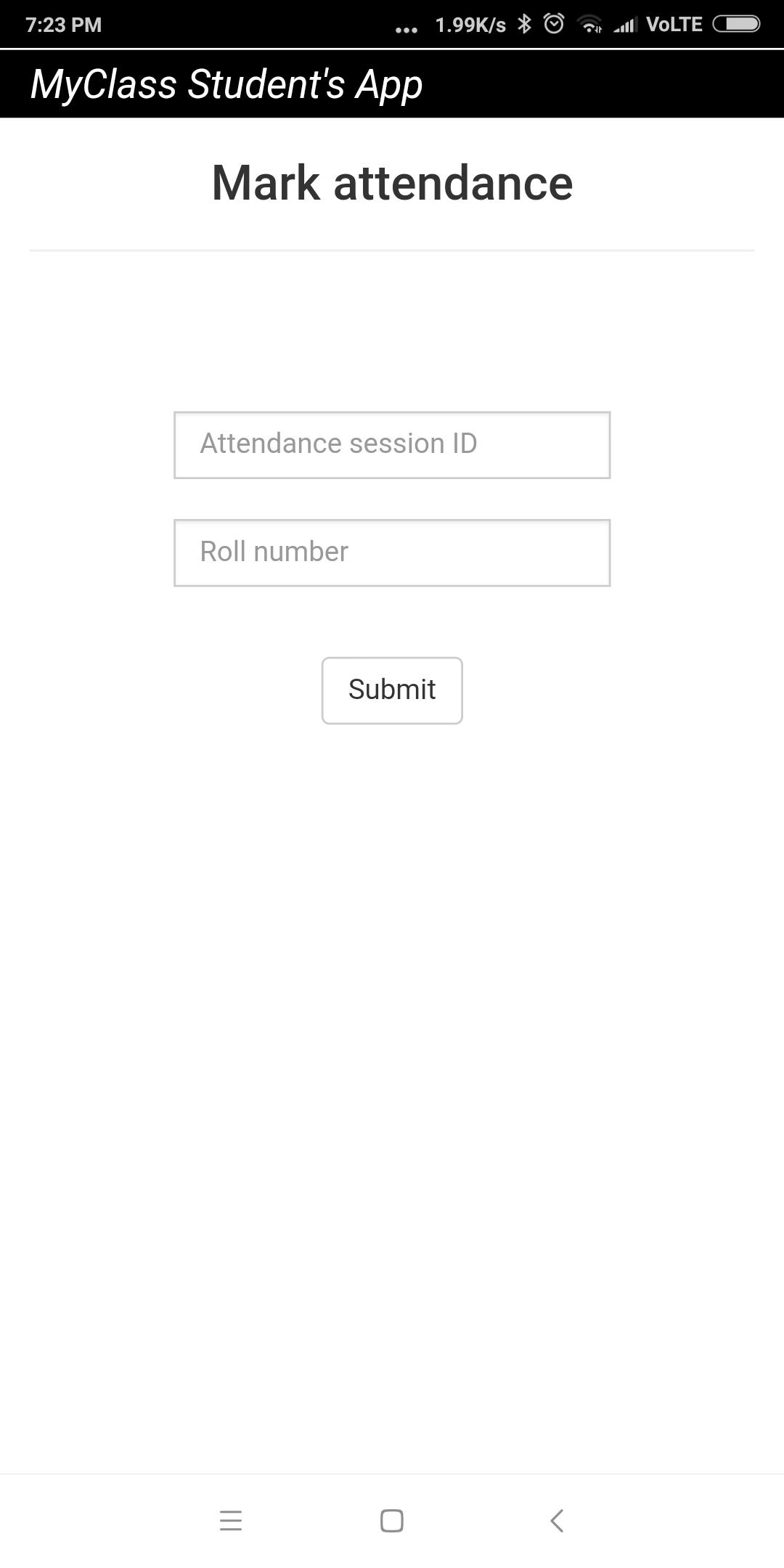
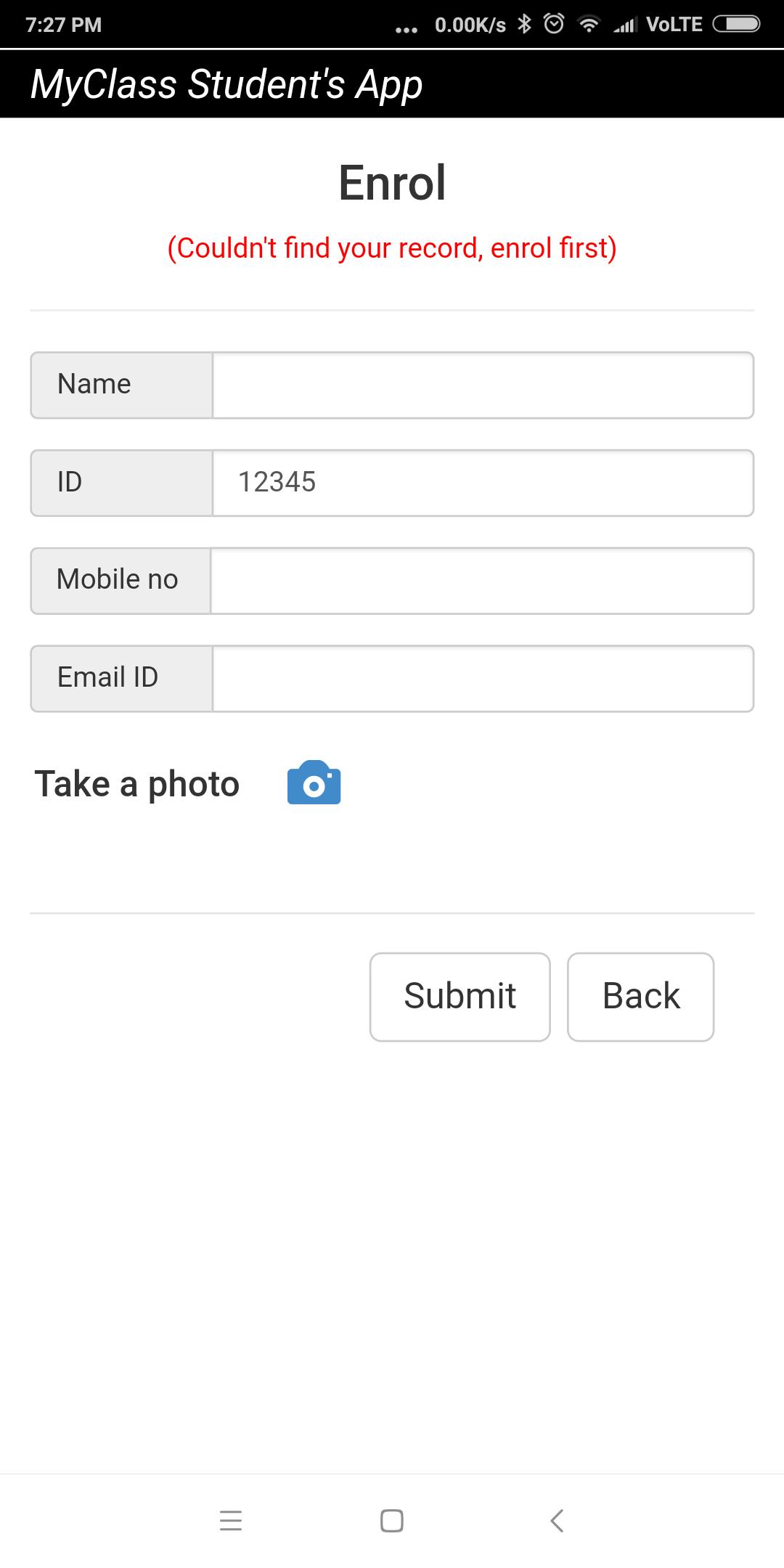
This app must to be used in conjunction with MyClass Attendance teacher's app. Using this app, students or attendees can mark their attendance remotely using their smart phones. The teacher or trainer needs to use MyClass Attendance app and start a remote attendance session. The students or attendees need to enter the attendance session id given by the teacher in order to mark attendance using this app. For the first-time user, the app initiates an enrollment session too. During enrollment, the app prompts user to enter details like name, phone no, email id and photo which get saved in teacher or trainer's app as records.
Предварительный просмотр
Информация
Разработчик
Gotisheel Technologies LLP
Последняя версия
1.3.2
Последнее обновление
2020-12-17
Категория
Работа
Доступно на
Google Play
Показать больше
Как играть в MyClass Student's App с GameLoop на ПК
1. Загрузите GameLoop с официального сайта, затем запустите исполняемый файл для установки GameLoop.
2. Откройте GameLoop и выполните поиск MyClass Student's App, найдите MyClass Student's App в результатах поиска и нажмите Установить.
3. Наслаждайтесь игрой в MyClass Student's App на GameLoop.
Minimum requirements
OS
Windows 8.1 64-bit or Windows 10 64-bit
GPU
GTX 1050
CPU
i3-8300
Memory
8GB RAM
Storage
1GB available space
Recommended requirements
OS
Windows 8.1 64-bit or Windows 10 64-bit
GPU
GTX 1050
CPU
i3-9320
Memory
16GB RAM
Storage
1GB available space