
Microsoft Copilot на пк
Microsoft Corporation
Скачать Microsoft Copilot на ПК с помощью эмулятора GameLoop
Microsoft Copilot на ПК
Microsoft Copilot, исходящий от разработчика Microsoft Corporation, в прошлом работал на системе Android.
Теперь вы можете без проблем играть в Microsoft Copilot на ПК с помощью GameLoop.
Загрузите его в библиотеке GameLoop или результатах поиска. Больше не нужно смотреть на аккумулятор или разочаровывать звонки в неподходящее время.
Просто наслаждайтесь Microsoft Copilot на ПК на большом экране бесплатно!
Microsoft Copilot Введение
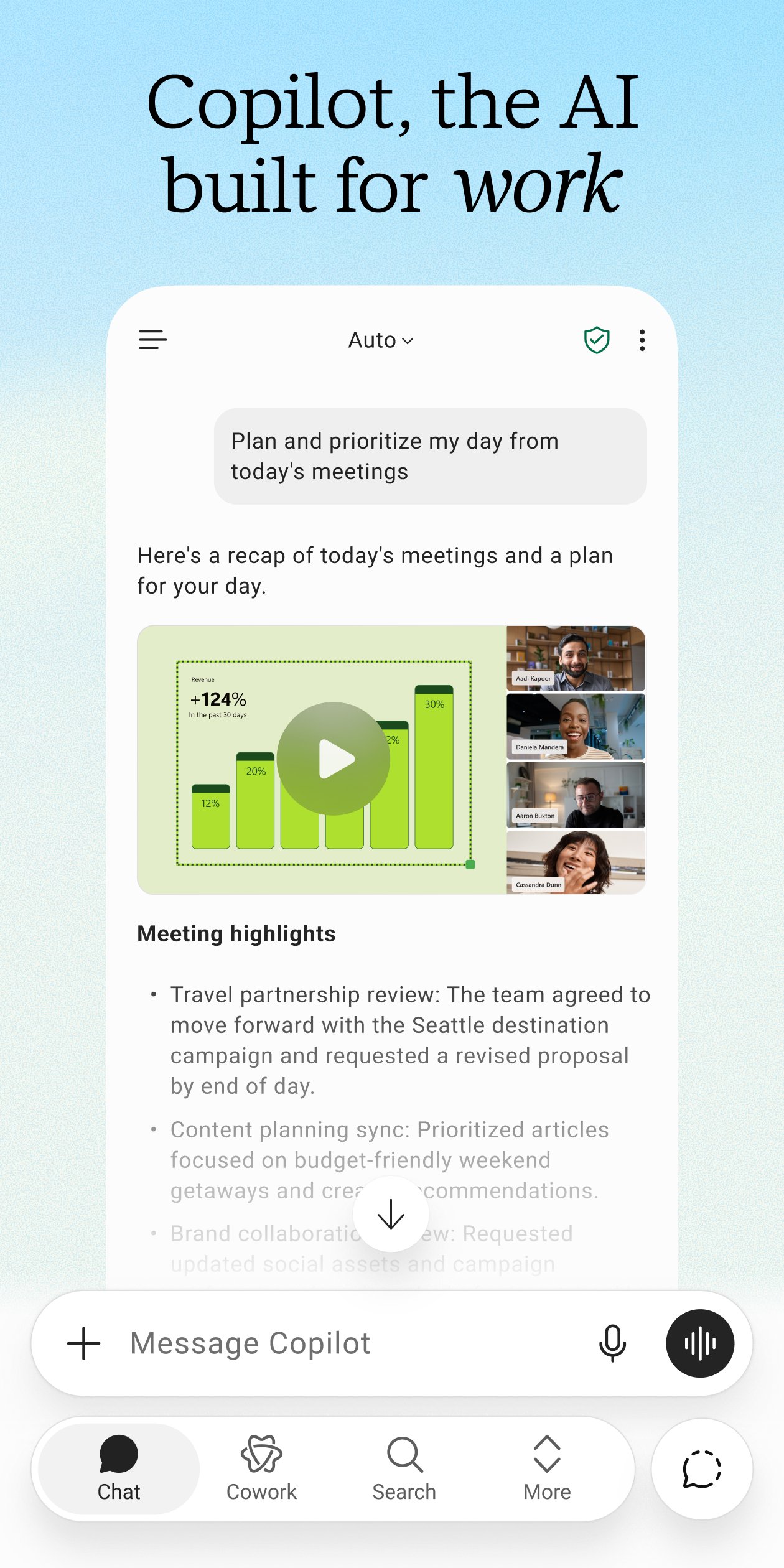
The Microsoft Copilot app is the AI built for work. Copilot helps you keep your work moving, from early ideas to finished documents, presentations, and more. Whether you're creating content, managing projects, organizing your day, or finding information, Copilot helps you get more done from one place.
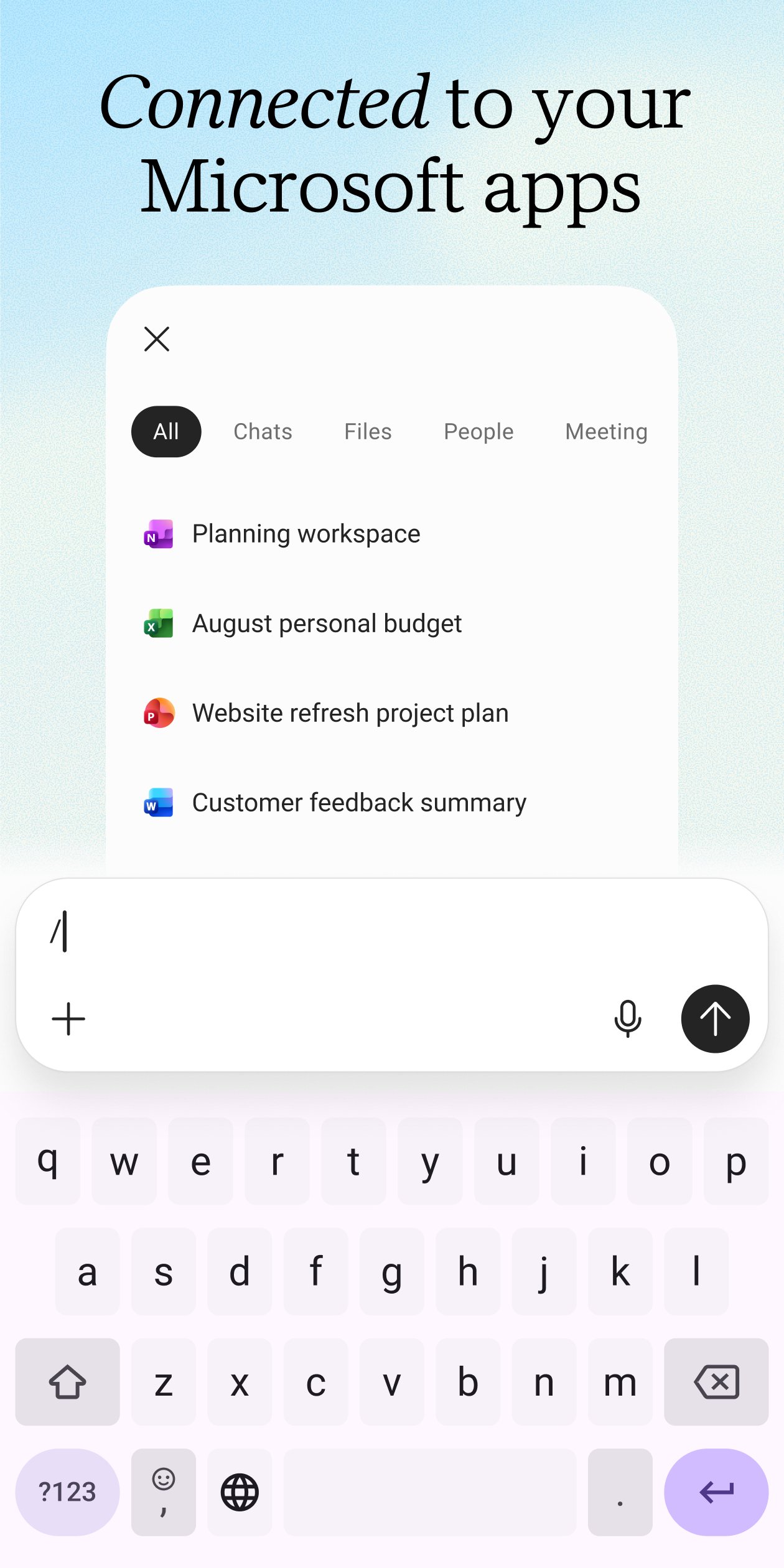
Copilot connects to Word, Excel, PowerPoint, Outlook, Teams, and more, bringing the files and information you use into one place. Create polished documents, presentations, and spreadsheets, summarize articles and files, draft emails, brainstorm ideas, analyze information, and get answers grounded in the work you're doing.
Whether you're preparing for an important meeting, researching a new topic, organizing your workload, or trying to understand difficult information, Copilot helps you work faster with answers and content that are grounded in the work you're doing.
Take on bigger projects with Cowork. Hand Copilot multi-step tasks and let it create finished Word documents, PowerPoint presentations, Excel spreadsheets, and completed to-dos instead of simply suggesting your next step.
Choose between leading AI models, selecting the one that's best suited for writing, research, planning, analysis, brainstorming, or creative work.
Copilot also remembers what matters, connects to the files and information you use most, and helps you pick up where you left off. Upload Word, Excel, PowerPoint, images or PDF files directly from your phone to ask questions, generate summaries, and find the information you need.
Use Copilot to:
- Explain complex concepts with clear, easy-to-understand answers
- Brainstorm business ideas and organize your next project
- Plan and prioritize your workday with personalized schedules
- Summarize long articles, reports, and documents in seconds
- Draft email and text replies with the right tone
- Analyze spreadsheets and compare data
- Find files across your Microsoft 365 content
- Create presentations, reports, and documents faster
- Talk naturally using voice or upload files to get answers
For organizations with a Microsoft 365 Copilot subscription, Work IQ gives Copilot a deep
understanding of your organization's work, people, and relationships, delivering more intelligent, relevant, personalized and trusted assistance.
Copilot is built on the same enterprise-grade security foundation as Microsoft 365 — your permissions, encryption, and compliance commitments already in place. Data processing and protection commitments differ by subscription; see the full security documentation for details.
Availability of Microsoft Copilot features may vary. Some capabilities require specific licenses or may be disabled by your organization's administrator. See this webpage for more information on feature availability by license:
https://support.microsoft.com/topic/understanding-the-different-microsoft-copilot-experiences-cfff4791-694a-4d90-9c9c-1eb3fb28e842
Please refer to Microsoft’s EULA for Terms of Service for Microsoft 365. By installing the app, you agree to these terms and conditions:
https://learn.microsoft.com/en-us/legal/microsoft-365/microsoft-365-copilot-mobile-license-terms
Предварительный просмотр
Теги
РаботаНастольные игрыИнформация
Разработчик
Microsoft Corporation
Последняя версия
16.0.20513.20022
Последнее обновление
2026-09-18
Категория
Работа
Доступно на
Google Play
Показать больше
Как играть в Microsoft Copilot с GameLoop на ПК
1. Загрузите GameLoop с официального сайта, затем запустите исполняемый файл для установки GameLoop.
2. Откройте GameLoop и выполните поиск Microsoft Copilot, найдите Microsoft Copilot в результатах поиска и нажмите Установить.
3. Наслаждайтесь игрой в Microsoft Copilot на GameLoop.
Minimum requirements
OS
Windows 8.1 64-bit or Windows 10 64-bit
GPU
GTX 1050
CPU
i3-8300
Memory
8GB RAM
Storage
1GB available space
Recommended requirements
OS
Windows 8.1 64-bit or Windows 10 64-bit
GPU
GTX 1050
CPU
i3-9320
Memory
16GB RAM
Storage
1GB available space