Change Video & Audio Format PC
Desa Technology
گیم لوپ ایمولیٹر کے ساتھ PC پر Change Video & Audio Format ڈاؤن لوڈ کریں۔
پی سی پر Change Video & Audio Format
Change Video & Audio Format، جو ڈویلپر Desa Technology سے آرہا ہے، ماضی میں اینڈرائیڈ سسٹم پر چل رہا ہے۔
اب، آپ پی سی پر Change Video & Audio Format آسانی سے GameLoop کے ساتھ چلا سکتے ہیں۔
اسے GameLoop لائبریری یا تلاش کے نتائج میں ڈاؤن لوڈ کریں۔ مزید غلط وقت پر بیٹری یا مایوس کن کالوں پر نظر نہیں ڈالی جائے گی۔
بس بڑی سکرین پر Change Video & Audio Format PC کا مفت میں لطف اٹھائیں!
Change Video & Audio Format تعارف
Media Converter is a powerful tool for converting video, audio and image formats. Instantly convert your movies, music and images in the fastest way and completely free. Save media files in any format for any device or platform.
In addition to the basic functions of changing file formats, Media Converter also has advanced conversion tools between media files such as converting video to audio, converting video to image, converting audio to video, converting image to video, and more.
During the process of changing video and audio formats, you can also use video and audio editing tools such as changing video resolution, reducing video size, changing audio quality, etc.
Video Format Converter
- Convert video in any format to any format.
- Convert video in any format to MP4 format.
- Convert video to audio.
- Extract audio from video.
- Convert video to GIF animation.
- Convert video to JPG image.
- Extract any frame from video.
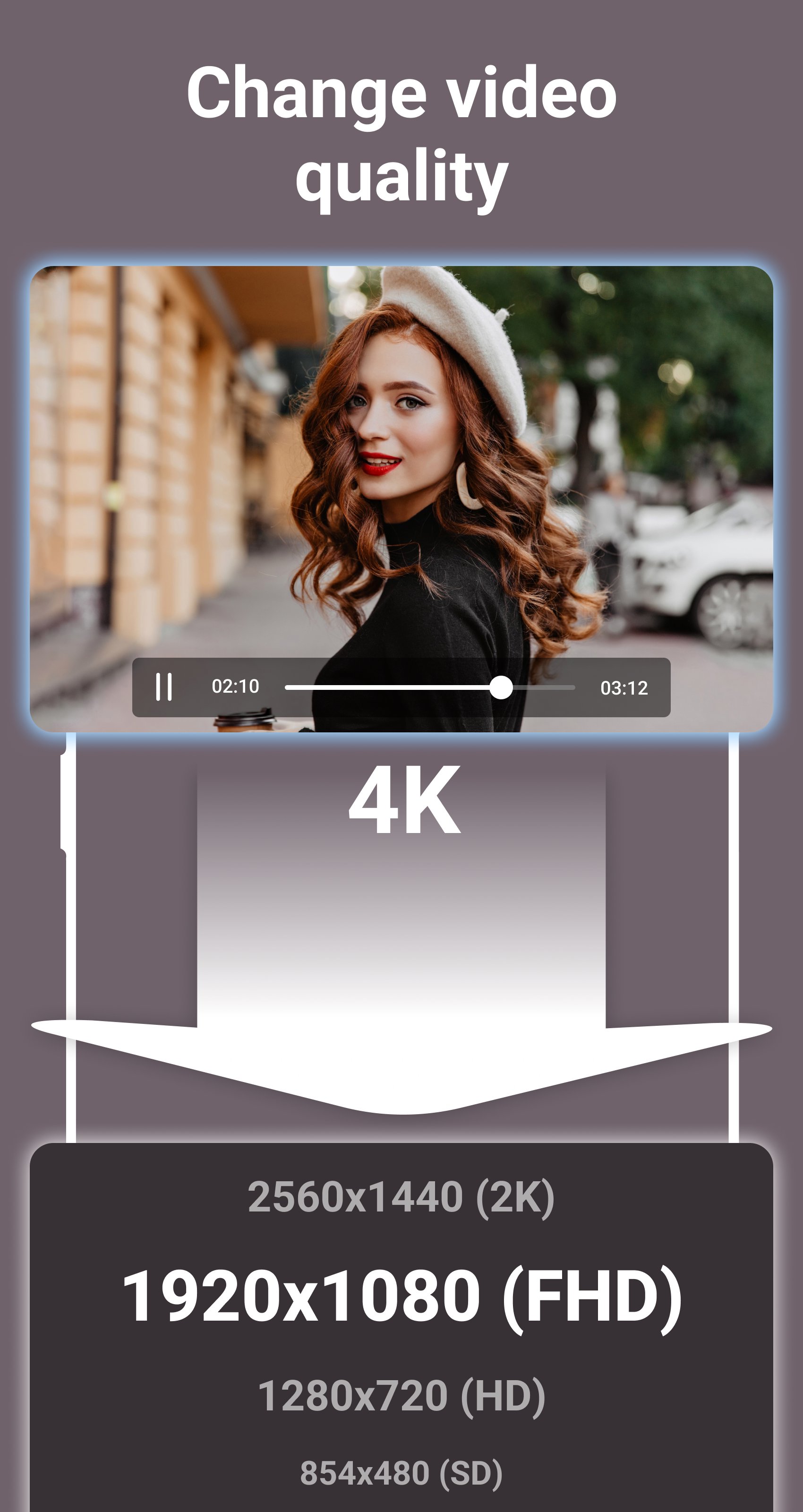
- Choose custom resolution for output video.
- Compress video to 2K, Full HD, HD, SD resolutions.
- Reduce video file size.
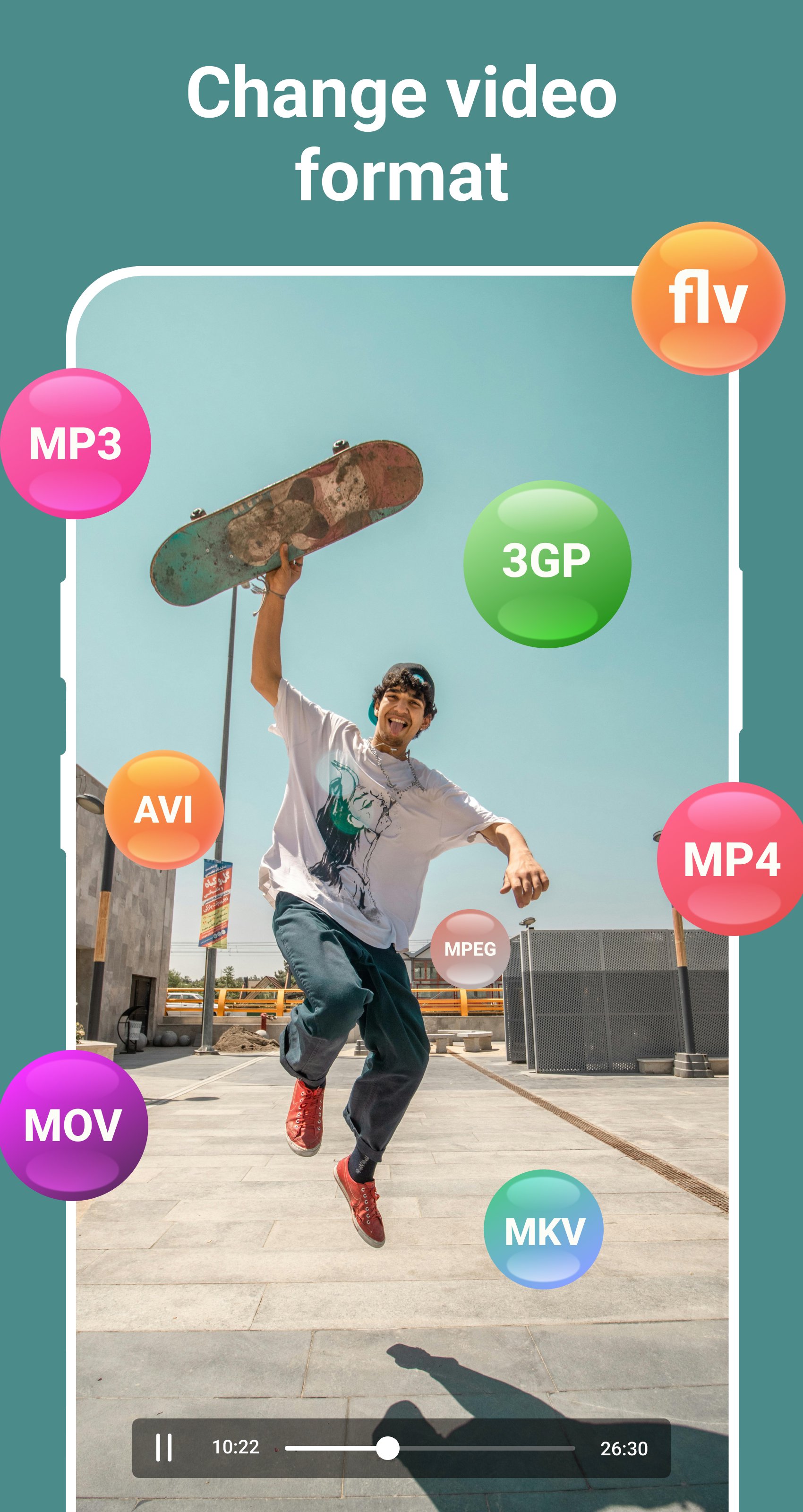
- Support all popular video formats, such as: MP4, MPEG, WEBM, WMV, MOV, MKV, FLV, AVI, 3GP, etc.
Audio and Music Format Converter
- Convert audio and music in any format to any format.
- Convert audio in any format to MP3 format.
- Convert audio to video.
- Choose custom bitrate for output audio.
- Compress audio to 320kbps, 256kbps, 192kbps, 128kbps, 96kbps, 64kbps, 32kbps qualities.
- Reduce audio file size.
- Support all popular audio formats, such as: MP3, OGG, WAV, WMA, M4B, M4A, FLAC, AMR, ALAC, AAC, etc.
Image Format Converter
- Convert images in any format to JPG format.
- Convert images in any format to PNG format.
- Convert GIF animations to video.
- Convert GIF animations to JPG images.
- Extract any frame from GIF animation.
- Reduce image file size.
- Support all popular image formats, such as: JPG, JPEG, PNG, RAW, TIFF, WEBP, XCF, ICO, HEIF, GIF, BMP, etc.
Do you like this app? Please leave your reviews and suggestions, it will help us to improve this app in the next versions! Thank you!
پیش نظارہ
ٹیگز
Video-Playersمعلومات
ڈویلپر
Desa Technology
تازہ ترین ورژن
2.1
آخری تازہ کاری
2025-09-25
قسم
Video-players-editors
پر دستیاب ہے۔
Google Play
مزید دکھائیں
پی سی پر گیم لوپ کے ساتھ Change Video & Audio Format کیسے کھیلا جائے۔
1. آفیشل ویب سائٹ سے گیم لوپ ڈاؤن لوڈ کریں، پھر گیم لوپ انسٹال کرنے کے لیے exe فائل چلائیں۔
2. گیم لوپ کھولیں اور "Change Video & Audio Format" تلاش کریں، تلاش کے نتائج میں Change Video & Audio Format تلاش کریں اور "انسٹال کریں" پر کلک کریں۔
3. گیم لوپ پر Change Video & Audio Format کھیلنے کا لطف اٹھائیں۔
Minimum requirements
OS
Windows 8.1 64-bit or Windows 10 64-bit
GPU
GTX 1050
CPU
i3-8300
Memory
8GB RAM
Storage
1GB available space
Recommended requirements
OS
Windows 8.1 64-bit or Windows 10 64-bit
GPU
GTX 1050
CPU
i3-9320
Memory
16GB RAM
Storage
1GB available space