
Video Cutter, Editor & Maker PC
Desa Technology
گیم لوپ ایمولیٹر کے ساتھ PC پر Video Cutter, Editor & Maker ڈاؤن لوڈ کریں۔
پی سی پر Video Cutter, Editor & Maker
Video Cutter, Editor & Maker، جو ڈویلپر Desa Technology سے آرہا ہے، ماضی میں اینڈرائیڈ سسٹم پر چل رہا ہے۔
اب، آپ پی سی پر Video Cutter, Editor & Maker آسانی سے GameLoop کے ساتھ چلا سکتے ہیں۔
اسے GameLoop لائبریری یا تلاش کے نتائج میں ڈاؤن لوڈ کریں۔ مزید غلط وقت پر بیٹری یا مایوس کن کالوں پر نظر نہیں ڈالی جائے گی۔
بس بڑی سکرین پر Video Cutter, Editor & Maker PC کا مفت میں لطف اٹھائیں!
Video Cutter, Editor & Maker تعارف
Video Cutter is very powerful and complete video editor, professional video maker with music for all social platforms, and no watermark on edited videos!
This professional application comes fully equipped with all the features you’d expect from a video editing tool, including: trimming videos, merging videos, blending videos, adding music to videos, changing video speed, reversing video, compressing videos, changing video formats, cropping videos, rotating videos, flipping videos, and much more!
The add music to video feature allows you to insert your favorite songs into your videos, creating music videos to share on platforms like YouTube, TikTok, Facebook Reels, Instagram Reels, Twitter, etc.
The advanced converter tool in the app allows you to convert all video formats to MP4, convert videos to MP3 format, turn videos into animated GIFs, convert GIFs to videos, and more.
Discover our advanced application designed for seamless video editing, offering powerful and user-friendly tools to easily trim videos and enhance your creative projects!
Edit videos like a pro. Whether you want to create a photo video or share moments with friends, Video Cutter is a professional video editor with all the features you need.
Explore the key features of the best video editing app:
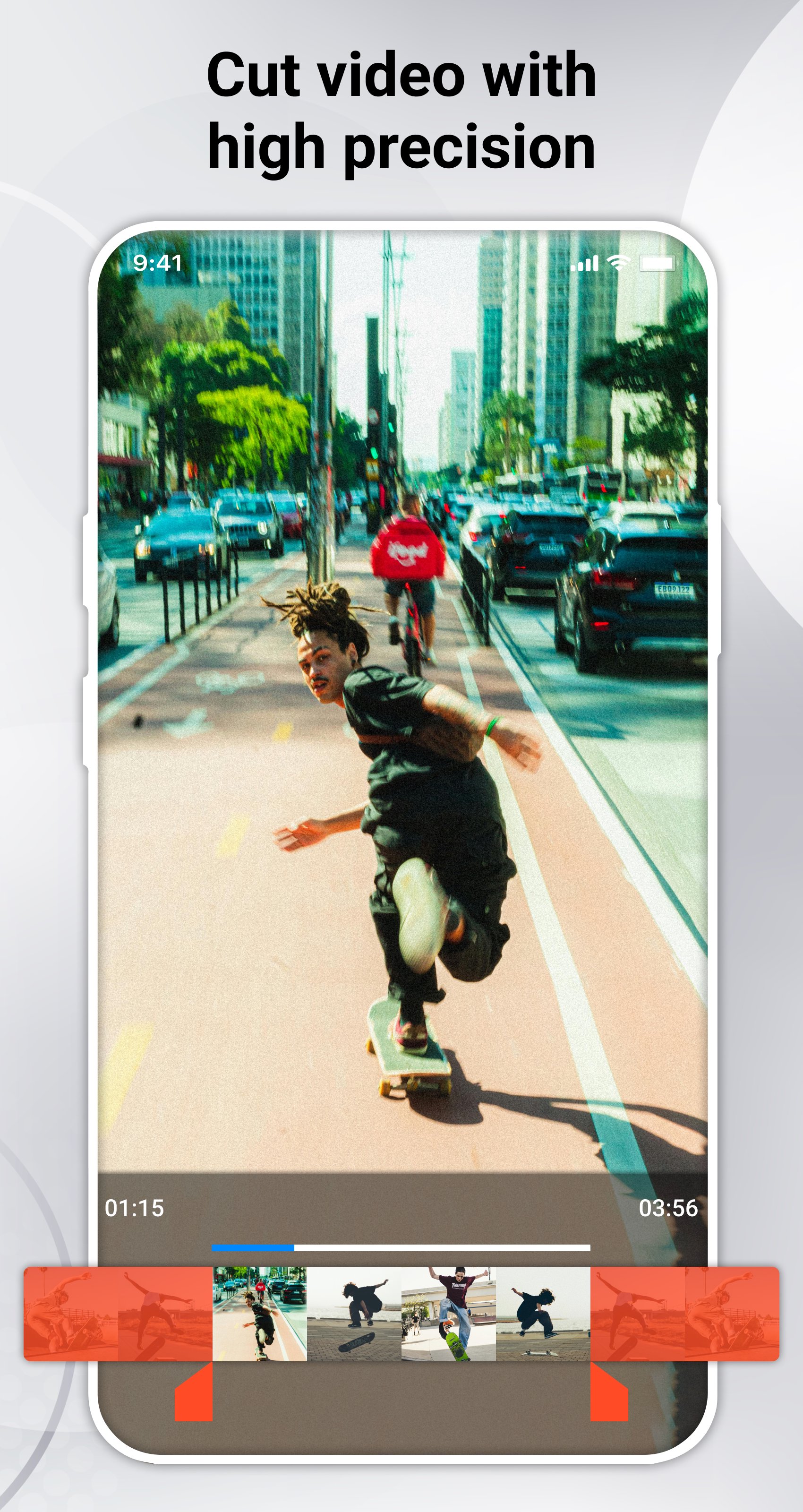
- Cut video: The video cutter allows you to split a video into multiple clips, trimming with high precision quickly and easily.
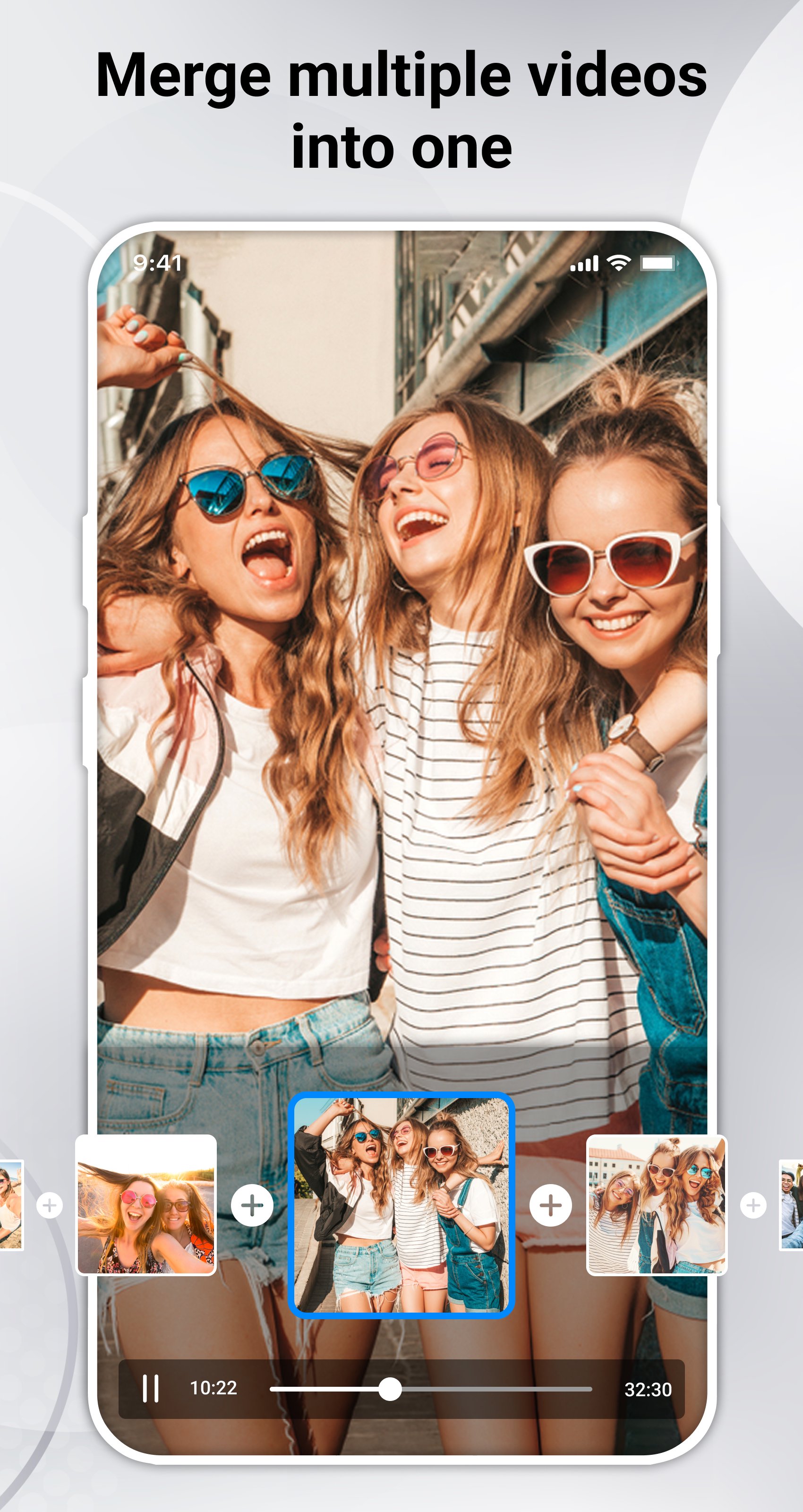
- Merge videos: Combine multiple videos into one without losing video quality.
- Mix videos: Insert one video into another, overlay videos as you wish.
- Add music to video: Add your favorite songs to videos, adjust volume, and mute the original video sound.
- Change video speed: Use the fast/slow motion feature to speed up or slow down videos, creating slow-motion or time-lapse effects.
- Reverse video: Create magical reverse motion effects, including reversing both video and audio.
- Compress video: Reduce video resolution and file size to save storage space.
- Convert videos to GIFs: Turn your videos into animated GIFs.
- Convert GIFs to videos: Turn animated GIFs into videos, set loop counts, and add music.
- Convert to MP4: Easily convert many video formats (e.g., MOV, AVI, WMV, AVCHD, WebM, FLV, MKV, 3GP) to MP4.
- Extract audio: Extract audio from videos and convert to MP3 format.
- Video effects: Apply filters and effects to videos such as black & white, blur, negative, and more.
- Crop video: Crop your video to any aspect ratio.
- Change aspect ratio: Adjust your video to aspect ratios like 1:1, 4:3, 3:2, 16:9, 21:10, etc.
- Rotate video: Rotate your video 360 degrees, horizontally, or vertically.
- Flip video: Flip the video horizontally or vertically.
- Adjust video brightness.
- Preview videos before exporting.
- Super fast processing and rendering.
- Easy to use with a user-friendly interface.
- No watermark: As a free music video editor and full-screen video maker, Video Cutter never adds watermarks to your videos.
- Quick sharing: After editing and creating your videos, you can easily share them on platforms like YouTube, YouTube Shorts, TikTok, Facebook, Facebook Reels, and more.
With our video editor, you can cut and edit videos easily and quickly. The app supports all popular video formats including MP4, MPEG-4, H.264, MOV, AVI, WMV, AVCHD, WebM, FLV, MKV, 3GP, and more.
Experience top-tier video editing features with our user-friendly app, offering powerful tools for free — allowing you to unleash your creativity with no cost restrictions.
Do you like this app? Please leave your reviews and suggestions, it will help us to improve this app in the next versions! Thank you!
پیش نظارہ
ٹیگز
Video-Playersمعلومات
ڈویلپر
Desa Technology
تازہ ترین ورژن
7.0
آخری تازہ کاری
2026-06-14
قسم
Video-players-editors
پر دستیاب ہے۔
Google Play
مزید دکھائیں
پی سی پر گیم لوپ کے ساتھ Video Cutter, Editor & Maker کیسے کھیلا جائے۔
1. آفیشل ویب سائٹ سے گیم لوپ ڈاؤن لوڈ کریں، پھر گیم لوپ انسٹال کرنے کے لیے exe فائل چلائیں۔
2. گیم لوپ کھولیں اور "Video Cutter, Editor & Maker" تلاش کریں، تلاش کے نتائج میں Video Cutter, Editor & Maker تلاش کریں اور "انسٹال کریں" پر کلک کریں۔
3. گیم لوپ پر Video Cutter, Editor & Maker کھیلنے کا لطف اٹھائیں۔
Minimum requirements
OS
Windows 8.1 64-bit or Windows 10 64-bit
GPU
GTX 1050
CPU
i3-8300
Memory
8GB RAM
Storage
1GB available space
Recommended requirements
OS
Windows 8.1 64-bit or Windows 10 64-bit
GPU
GTX 1050
CPU
i3-9320
Memory
16GB RAM
Storage
1GB available space