Tilt Sensor PC
narusat
گیم لوپ ایمولیٹر کے ساتھ PC پر Tilt Sensor ڈاؤن لوڈ کریں۔
پی سی پر Tilt Sensor
Tilt Sensor، جو ڈویلپر narusat سے آرہا ہے، ماضی میں اینڈرائیڈ سسٹم پر چل رہا ہے۔
اب، آپ پی سی پر Tilt Sensor آسانی سے GameLoop کے ساتھ چلا سکتے ہیں۔
اسے GameLoop لائبریری یا تلاش کے نتائج میں ڈاؤن لوڈ کریں۔ مزید غلط وقت پر بیٹری یا مایوس کن کالوں پر نظر نہیں ڈالی جائے گی۔
بس بڑی سکرین پر Tilt Sensor PC کا مفت میں لطف اٹھائیں!
Tilt Sensor تعارف
Function:
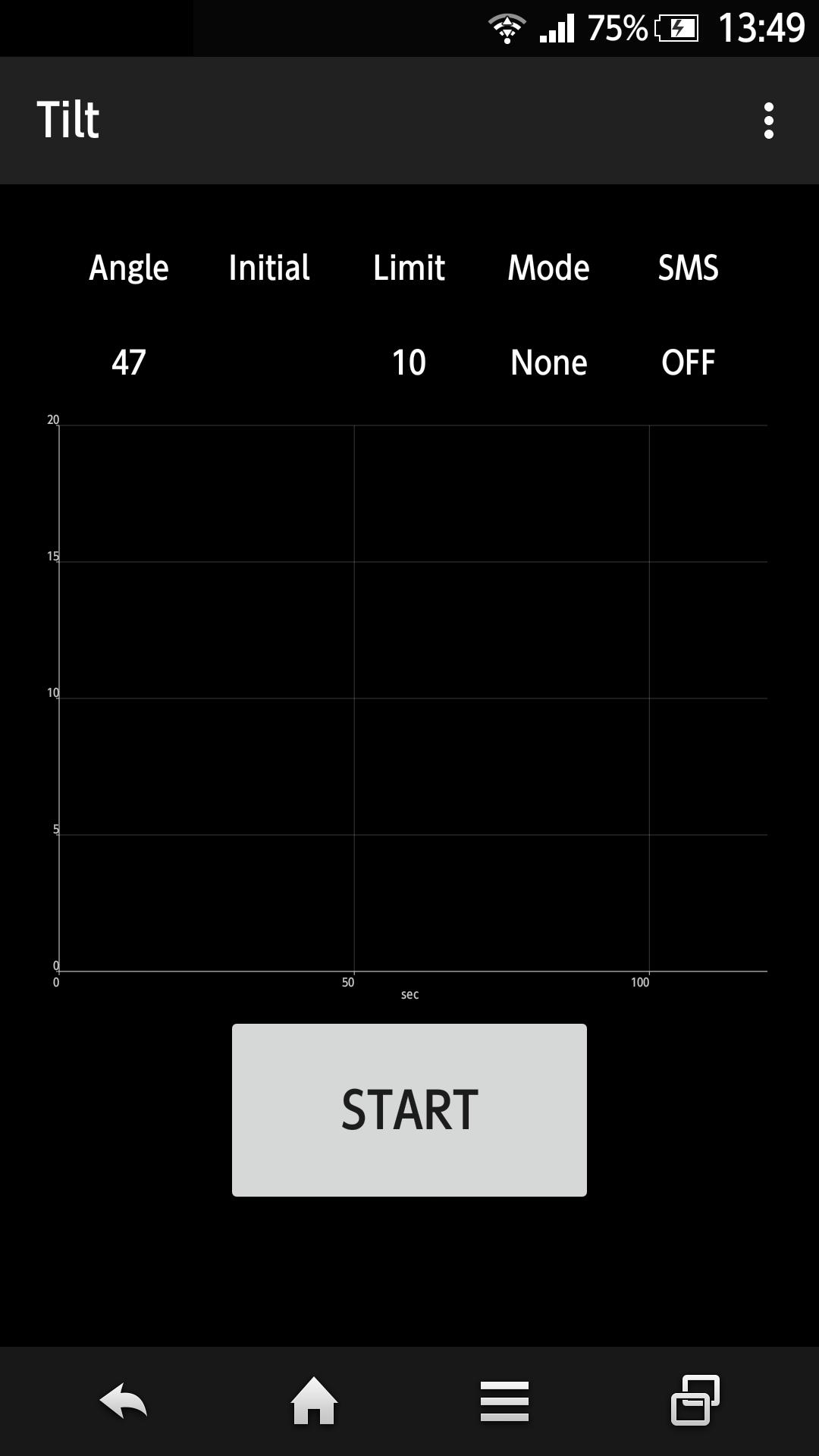
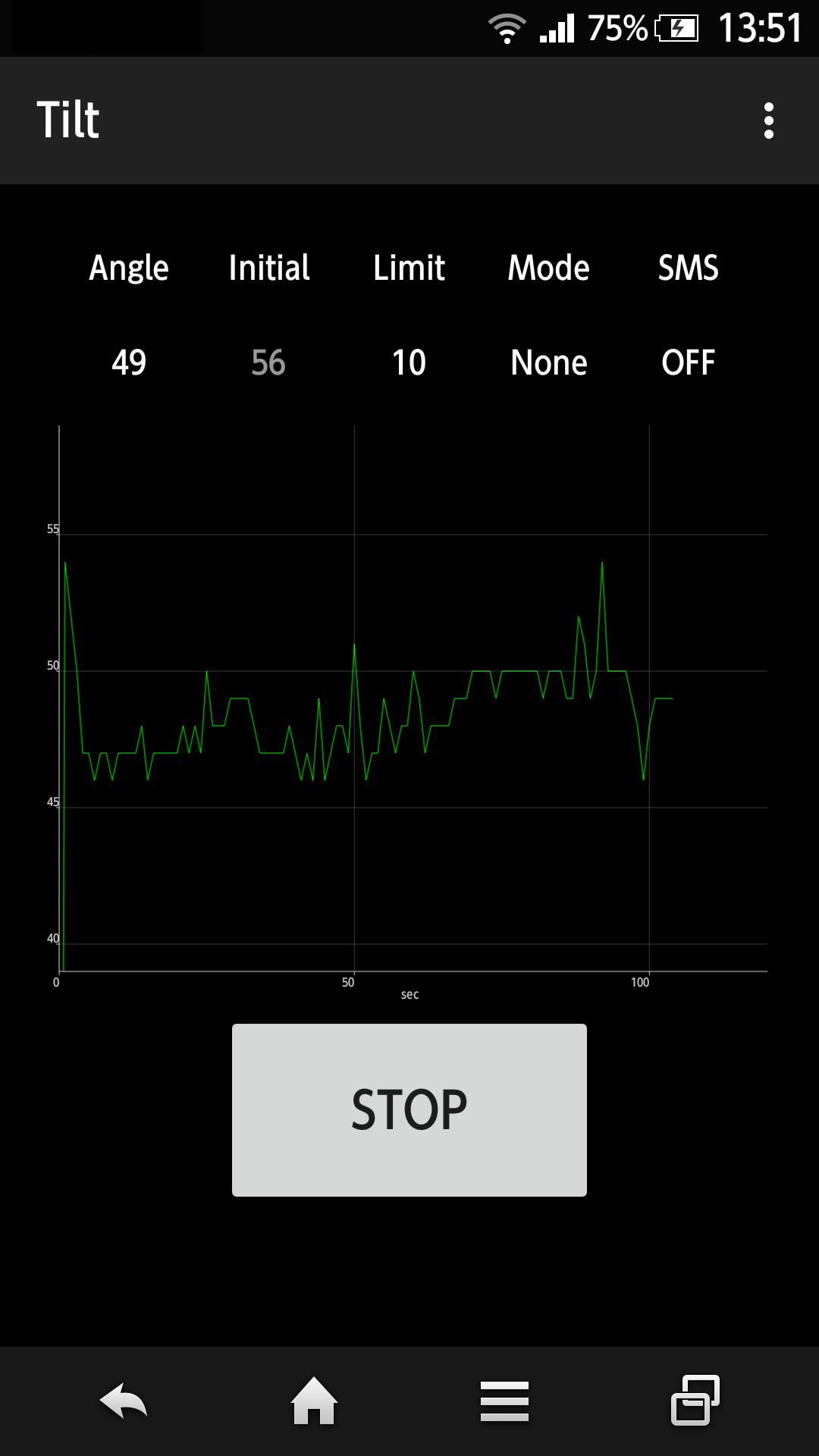
- Measure the tilt angle and plot on the display in real time.
- When the measurement starts, the tilt angle is recorded as the initial angle. If the tilt angle to the initial angle exceeds the limit, it will notify by sound, vibration, SMS or phone. It is not necessary to make the phone vertical.
- The limit can be changed.
- The delay time to start measurement can be changed.
- The app is keeping display on, dimming display or running in the background during the measurement.
- The measured data can be exported as CSV file.
- The app allows remote controll(Start, Stop, Status Check) by SMS. This function can be enabled/disabled.
Note:
- This app uses the Apache 2.0 license library - AChartEngine.
(http://www.apache.org/licenses/LICENSE-2.0)
- You can purchase the item to hide the advertisement.
پیش نظارہ
معلومات
ڈویلپر
narusat
تازہ ترین ورژن
1.15
آخری تازہ کاری
2018-11-08
قسم
اوزار
پر دستیاب ہے۔
Google Play
مزید دکھائیں
پی سی پر گیم لوپ کے ساتھ Tilt Sensor کیسے کھیلا جائے۔
1. آفیشل ویب سائٹ سے گیم لوپ ڈاؤن لوڈ کریں، پھر گیم لوپ انسٹال کرنے کے لیے exe فائل چلائیں۔
2. گیم لوپ کھولیں اور "Tilt Sensor" تلاش کریں، تلاش کے نتائج میں Tilt Sensor تلاش کریں اور "انسٹال کریں" پر کلک کریں۔
3. گیم لوپ پر Tilt Sensor کھیلنے کا لطف اٹھائیں۔
Minimum requirements
OS
Windows 8.1 64-bit or Windows 10 64-bit
GPU
GTX 1050
CPU
i3-8300
Memory
8GB RAM
Storage
1GB available space
Recommended requirements
OS
Windows 8.1 64-bit or Windows 10 64-bit
GPU
GTX 1050
CPU
i3-9320
Memory
16GB RAM
Storage
1GB available space