
Dual Video-Split Screen Player PC
narusat
گیم لوپ ایمولیٹر کے ساتھ PC پر Dual Video-Split Screen Player ڈاؤن لوڈ کریں۔
پی سی پر Dual Video-Split Screen Player
Dual Video-Split Screen Player، جو ڈویلپر narusat سے آرہا ہے، ماضی میں اینڈرائیڈ سسٹم پر چل رہا ہے۔
اب، آپ پی سی پر Dual Video-Split Screen Player آسانی سے GameLoop کے ساتھ چلا سکتے ہیں۔
اسے GameLoop لائبریری یا تلاش کے نتائج میں ڈاؤن لوڈ کریں۔ مزید غلط وقت پر بیٹری یا مایوس کن کالوں پر نظر نہیں ڈالی جائے گی۔
بس بڑی سکرین پر Dual Video-Split Screen Player PC کا مفت میں لطف اٹھائیں!
Dual Video-Split Screen Player تعارف
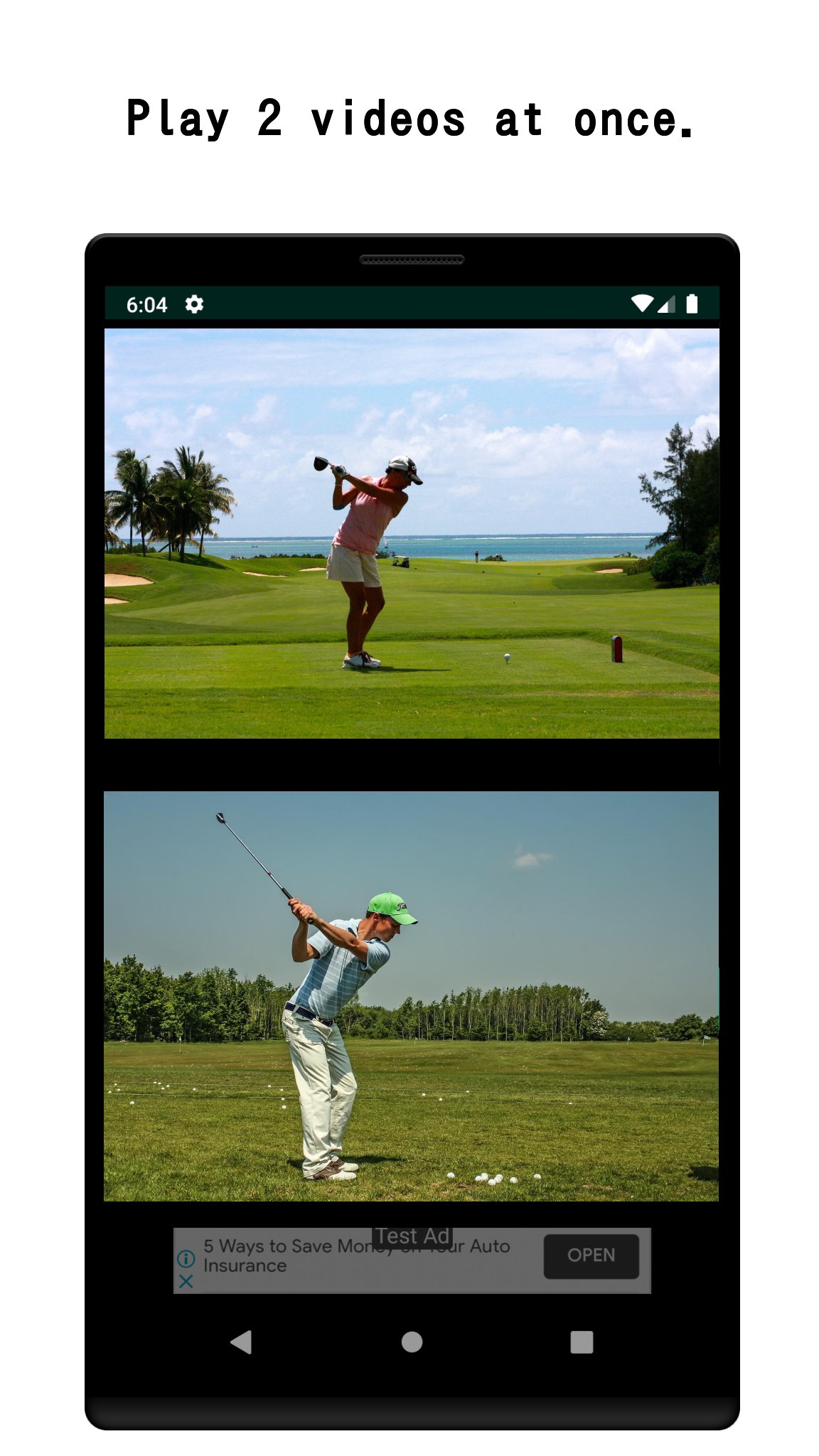
Play two videos simultaneously — side by side, on one screen.
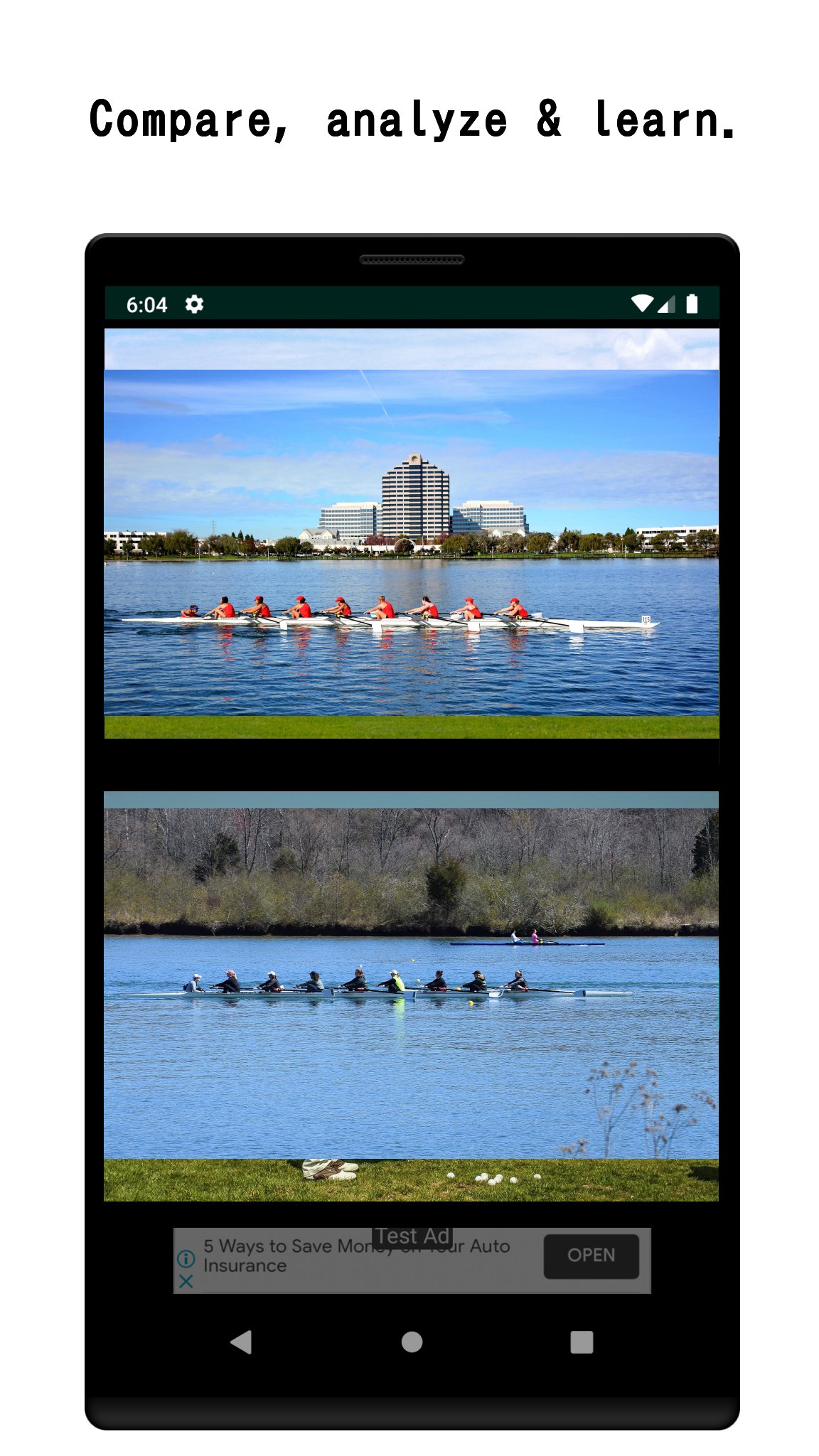
Whether you're analyzing your golf swing, comparing language learning videos, or reviewing before-and-after footage, Dual Video gives you the split-screen control you need.
WHY DUAL VIDEO?
• Watch a website video and a local video at the same time
• Compare two saved videos on your device
• Record with the in-app camera while another video plays
• Trim and cut video clips for precise comparison
PERFECT FOR:
🏌️ Sports coaches & athletes — compare technique frame by frame
📚 Language learners — watch the original and dubbed version together
🎬 Video creators — review edits side by side
🔬 Researchers — analyze two clips in parallel
Supported format: MP4. AVCHD (MTS/M2TS) can be converted using the in-app MTS tool.
Simple to use: tap a video panel, choose a source (web or device), and press play.
PRO VERSION (one-time purchase)
Unlock the full power of dual video playback with a one-time purchase!
Pro features include:
• Ad-free experience - No banner ads, ever.
• Synchronized control panel - Play, pause, rewind, and skip both videos at the same time with a single tap.
• Skip - Jump forward or back on both videos simultaneously. Choose your skip interval: 1s ~ 60s.
• Playback speed control - Set both videos to 0.5× ~ 2.0× at once.
• Unlimited bookmarks - Save as many video sources as you need (free version is limited to 10).
• Full screen recording.
• Advanced video edit - 1) Merge videos. 2) Flip horizontally.
پیش نظارہ
ٹیگز
Video-Playersمعلومات
ڈویلپر
narusat
تازہ ترین ورژن
16.5
آخری تازہ کاری
2026-08-30
قسم
Video-players-editors
پر دستیاب ہے۔
Google Play
مزید دکھائیں
پی سی پر گیم لوپ کے ساتھ Dual Video-Split Screen Player کیسے کھیلا جائے۔
1. آفیشل ویب سائٹ سے گیم لوپ ڈاؤن لوڈ کریں، پھر گیم لوپ انسٹال کرنے کے لیے exe فائل چلائیں۔
2. گیم لوپ کھولیں اور "Dual Video-Split Screen Player" تلاش کریں، تلاش کے نتائج میں Dual Video-Split Screen Player تلاش کریں اور "انسٹال کریں" پر کلک کریں۔
3. گیم لوپ پر Dual Video-Split Screen Player کھیلنے کا لطف اٹھائیں۔
Minimum requirements
OS
Windows 8.1 64-bit or Windows 10 64-bit
GPU
GTX 1050
CPU
i3-8300
Memory
8GB RAM
Storage
1GB available space
Recommended requirements
OS
Windows 8.1 64-bit or Windows 10 64-bit
GPU
GTX 1050
CPU
i3-9320
Memory
16GB RAM
Storage
1GB available space