Remote projector PC
UB Technologies
گیم لوپ ایمولیٹر کے ساتھ PC پر Remote projector ڈاؤن لوڈ کریں۔
پی سی پر Remote projector
Remote projector، جو ڈویلپر UB Technologies سے آرہا ہے، ماضی میں اینڈرائیڈ سسٹم پر چل رہا ہے۔
اب، آپ پی سی پر Remote projector آسانی سے GameLoop کے ساتھ چلا سکتے ہیں۔
اسے GameLoop لائبریری یا تلاش کے نتائج میں ڈاؤن لوڈ کریں۔ مزید غلط وقت پر بیٹری یا مایوس کن کالوں پر نظر نہیں ڈالی جائے گی۔
بس بڑی سکرین پر Remote projector PC کا مفت میں لطف اٹھائیں!
Remote projector تعارف
The application is a Remote projector created to replaced the real remotes losted or not working to control different devices models.
At the next part we will mentioned features and functions that make this app very professional:
The most Key features of this Projector Universal Remote app:
* Amazing design with cool & easy interface.
* Simple and easy to used.
* Save your favorite remotes for easy access.
* Support all most popular model and brand.
* Multi Option of controlling: Shutter on/off and Input selection etc...
* Compatible with all device 4.4 version and above, Most phones with IR blasters support this application.
Guide to used this application, following all steps:
.
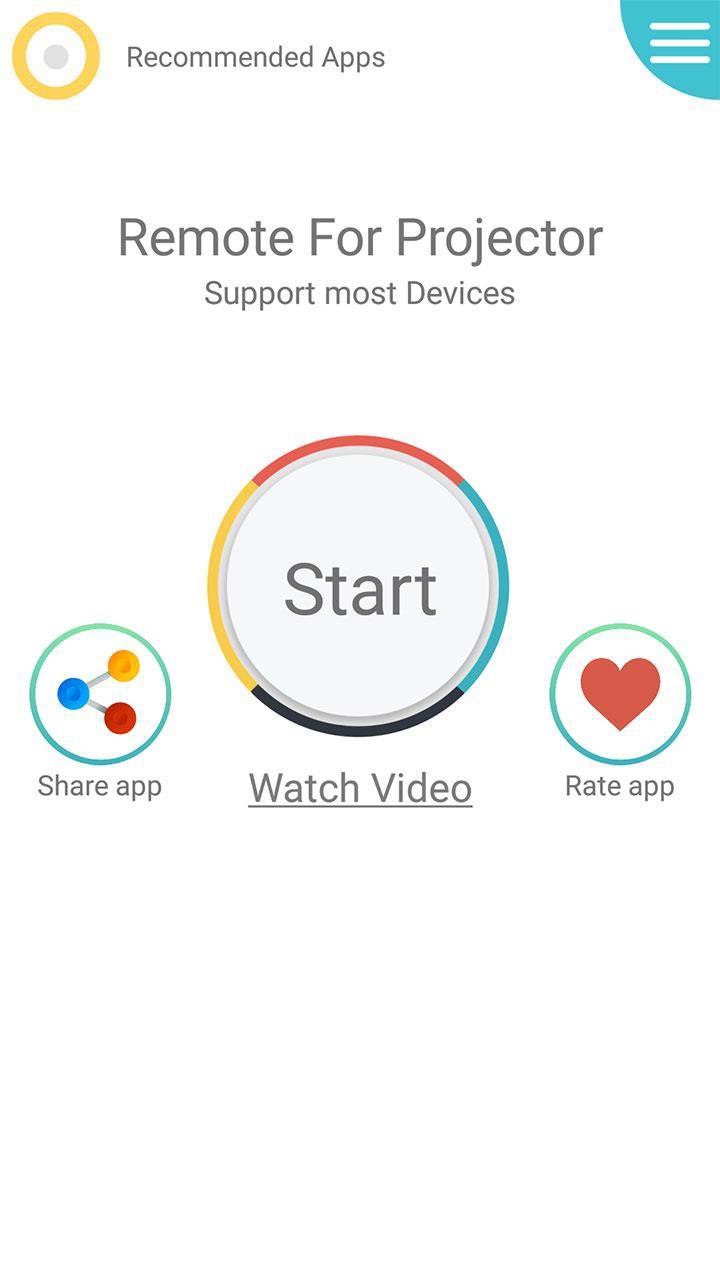
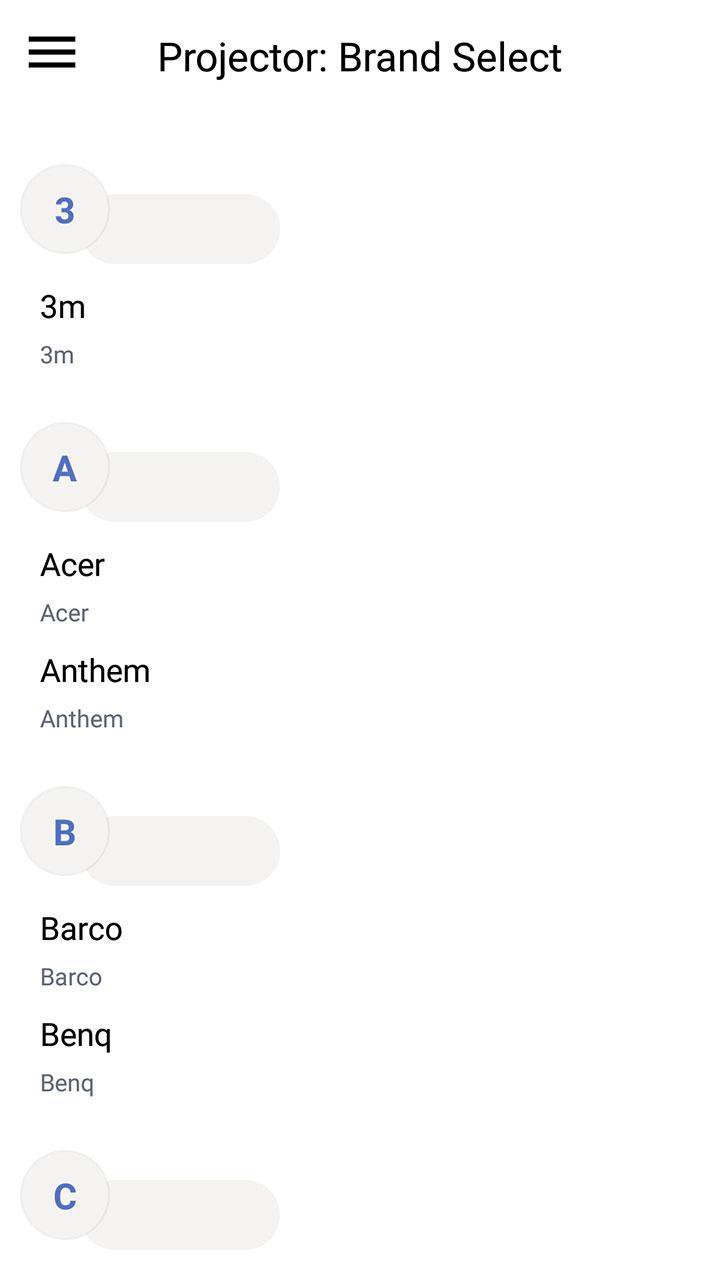
* Select your brand and device model.
* Test one by one to find the compatible IR code.
* Save your projector device in the favorite list.
Disclaimer:
- This Universal remote projector has no relation to any brand, we have just developed this App for users convenience to provide multiple devices in one package.
- The Remote Control based on IR Technique, your phone should support Infrared sensor.
If your brand is not listed or not working with your devices selected, please drop us an email with your brand and model. We will work with our team to make it compatible with your devices.
Any question or feedback about our Remote Control For Projector, contact us.
پیش نظارہ
ٹیگز
اوزارمعلومات
ڈویلپر
UB Technologies
تازہ ترین ورژن
18.1
آخری تازہ کاری
2019-09-07
قسم
اوزار
پر دستیاب ہے۔
Google Play
مزید دکھائیں
پی سی پر گیم لوپ کے ساتھ Remote projector کیسے کھیلا جائے۔
1. آفیشل ویب سائٹ سے گیم لوپ ڈاؤن لوڈ کریں، پھر گیم لوپ انسٹال کرنے کے لیے exe فائل چلائیں۔
2. گیم لوپ کھولیں اور "Remote projector" تلاش کریں، تلاش کے نتائج میں Remote projector تلاش کریں اور "انسٹال کریں" پر کلک کریں۔
3. گیم لوپ پر Remote projector کھیلنے کا لطف اٹھائیں۔
Minimum requirements
OS
Windows 8.1 64-bit or Windows 10 64-bit
GPU
GTX 1050
CPU
i3-8300
Memory
8GB RAM
Storage
1GB available space
Recommended requirements
OS
Windows 8.1 64-bit or Windows 10 64-bit
GPU
GTX 1050
CPU
i3-9320
Memory
16GB RAM
Storage
1GB available space