
Recover deleted files PC
UB Technologies
گیم لوپ ایمولیٹر کے ساتھ PC پر Recover deleted files ڈاؤن لوڈ کریں۔
پی سی پر Recover deleted files
Recover deleted files، جو ڈویلپر UB Technologies سے آرہا ہے، ماضی میں اینڈرائیڈ سسٹم پر چل رہا ہے۔
اب، آپ پی سی پر Recover deleted files آسانی سے GameLoop کے ساتھ چلا سکتے ہیں۔
اسے GameLoop لائبریری یا تلاش کے نتائج میں ڈاؤن لوڈ کریں۔ مزید غلط وقت پر بیٹری یا مایوس کن کالوں پر نظر نہیں ڈالی جائے گی۔
بس بڑی سکرین پر Recover deleted files PC کا مفت میں لطف اٹھائیں!
Recover deleted files تعارف
Recover deleted files is one of the best applications in tools categories and the powerful data recovery tool used with more than one million users in the world to restore files deleted in there devices.
Recover All Deleted file tools is a special application with different algorithm and special options, It was developed with high precision by our development team to respond for user requirements.
In the next paragraph we will mention everything that distinguishes the data recovery application in detail:
We started at first by Key features:
* Amazing interface design.
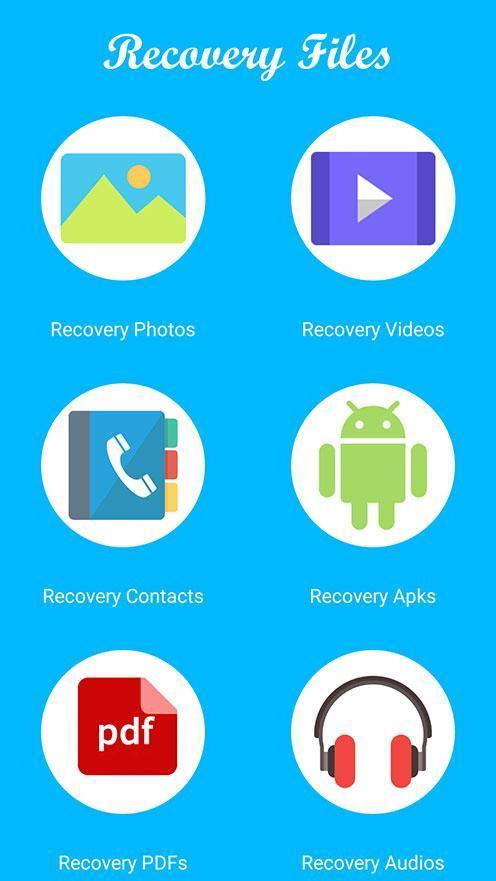
* Best Scan and restore files tool support different format ( photos - videos and contacts etc... ).
* Can easily restore deleted files on SD card and internal storage.
* Compatible with all android devices, 4.4 version and above.
* Restore Data without need any program or switch your devices with any pc.
* Best tool Backup: save a copy on the device storage.
Generally this application have many functions, in next part we will mention the three principal functions:
1- Recover deleted photos: The app very powerful to restore photos fast and for easy with a high success, but that varies according to the type of device.
2- Recover deleted video: we try to scan and search all videos format in your phone storage, then we start video recovery at first to get all losted videos but we do not guarantee that it will work for you because some phones remove cache files.
3- Backup contact: this function is Off line Backup, all data saved in your device.
How can use the application, Follow steps:
Our team tried as much as possible to make the application easy to restore deleted files, but this does not prevent reminders of the usage method.
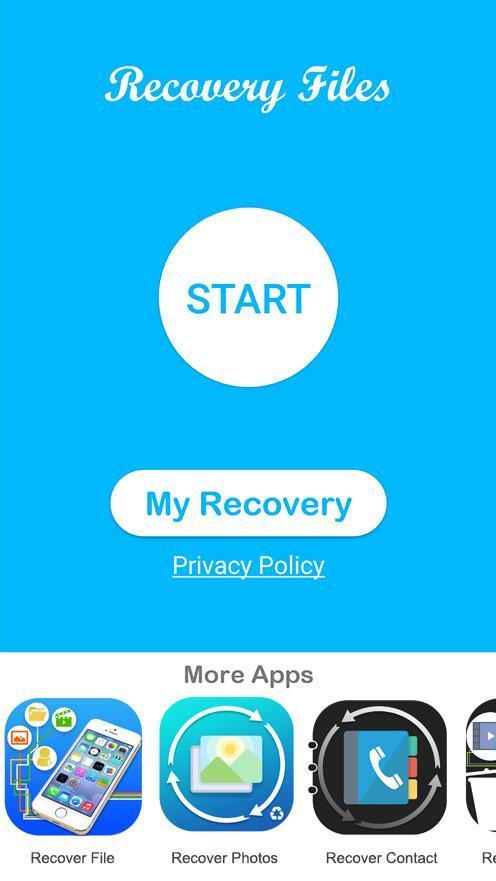
Step 1: Open app and select function recover that you need it.
Step 2: Automatically application start to scan and recover files from phone storage.
Step 3: After scan end, Select your file restored and click save.
We hope that our recover tool helping you to restore all your losted file.
Thank you for using our Recover deleted files application, if you have any questions or feedback contact us
پیش نظارہ
ٹیگز
اوزارمعلومات
ڈویلپر
UB Technologies
تازہ ترین ورژن
18.9
آخری تازہ کاری
2022-04-06
قسم
اوزار
پر دستیاب ہے۔
Google Play
مزید دکھائیں
پی سی پر گیم لوپ کے ساتھ Recover deleted files کیسے کھیلا جائے۔
1. آفیشل ویب سائٹ سے گیم لوپ ڈاؤن لوڈ کریں، پھر گیم لوپ انسٹال کرنے کے لیے exe فائل چلائیں۔
2. گیم لوپ کھولیں اور "Recover deleted files" تلاش کریں، تلاش کے نتائج میں Recover deleted files تلاش کریں اور "انسٹال کریں" پر کلک کریں۔
3. گیم لوپ پر Recover deleted files کھیلنے کا لطف اٹھائیں۔
Minimum requirements
OS
Windows 8.1 64-bit or Windows 10 64-bit
GPU
GTX 1050
CPU
i3-8300
Memory
8GB RAM
Storage
1GB available space
Recommended requirements
OS
Windows 8.1 64-bit or Windows 10 64-bit
GPU
GTX 1050
CPU
i3-9320
Memory
16GB RAM
Storage
1GB available space