
Vibrant wallpaper PC
Jimop Apps
گیم لوپ ایمولیٹر کے ساتھ PC پر Vibrant wallpaper ڈاؤن لوڈ کریں۔
پی سی پر Vibrant wallpaper
Vibrant wallpaper، جو ڈویلپر Jimop Apps سے آرہا ہے، ماضی میں اینڈرائیڈ سسٹم پر چل رہا ہے۔
اب، آپ پی سی پر Vibrant wallpaper آسانی سے GameLoop کے ساتھ چلا سکتے ہیں۔
اسے GameLoop لائبریری یا تلاش کے نتائج میں ڈاؤن لوڈ کریں۔ مزید غلط وقت پر بیٹری یا مایوس کن کالوں پر نظر نہیں ڈالی جائے گی۔
بس بڑی سکرین پر Vibrant wallpaper PC کا مفت میں لطف اٹھائیں!
Vibrant wallpaper تعارف
Slideshow your own vibrant photos on your wallpaper easily... when you want!
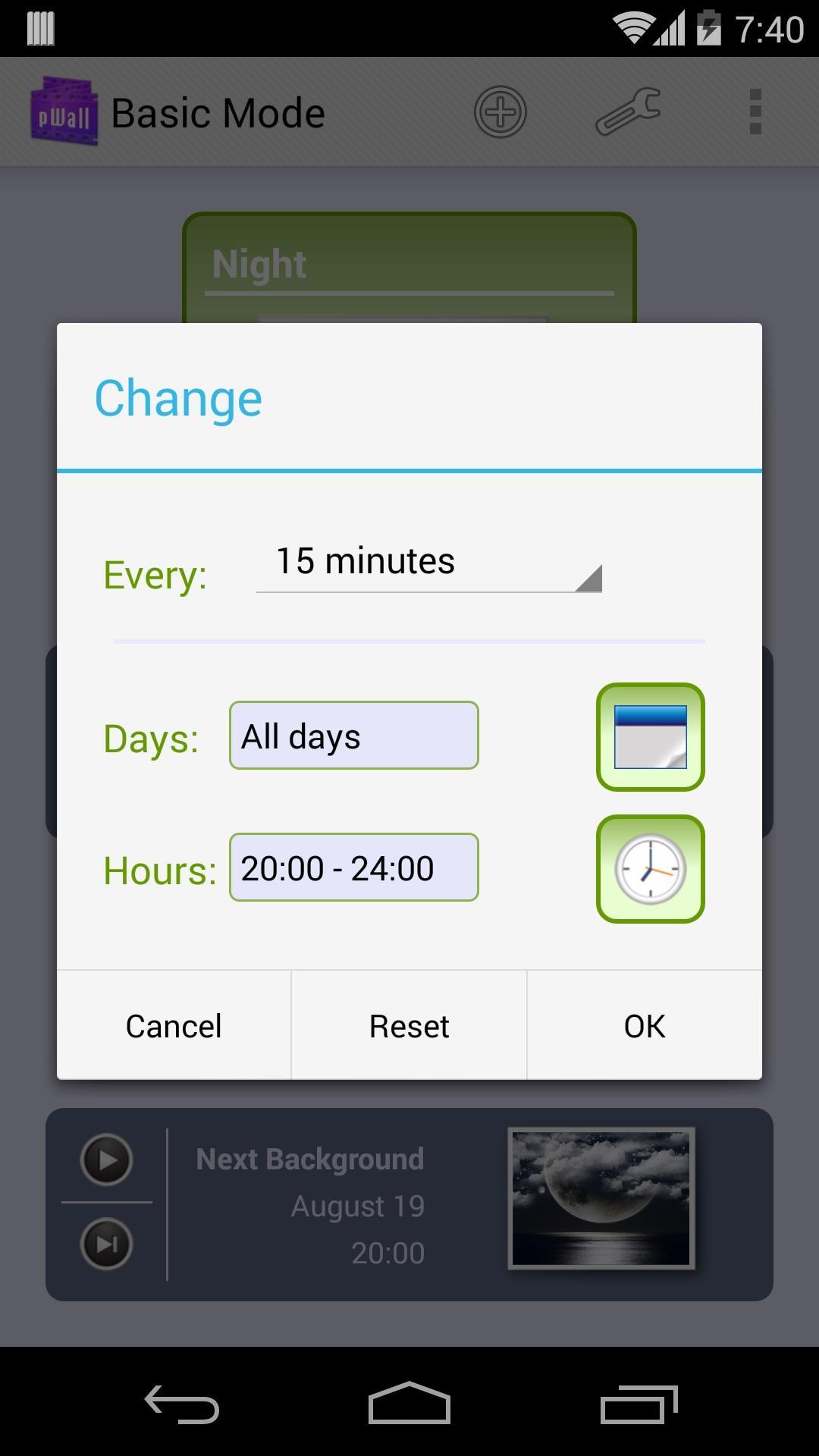
Schedule different wallpaper slideshows for different moments of the day or week.
Or just create photo events to remember any birthdays, anniversary, vibrant moments or dates... Plan multiple photos on your birthday. Just like a birthday wallpaper planner.
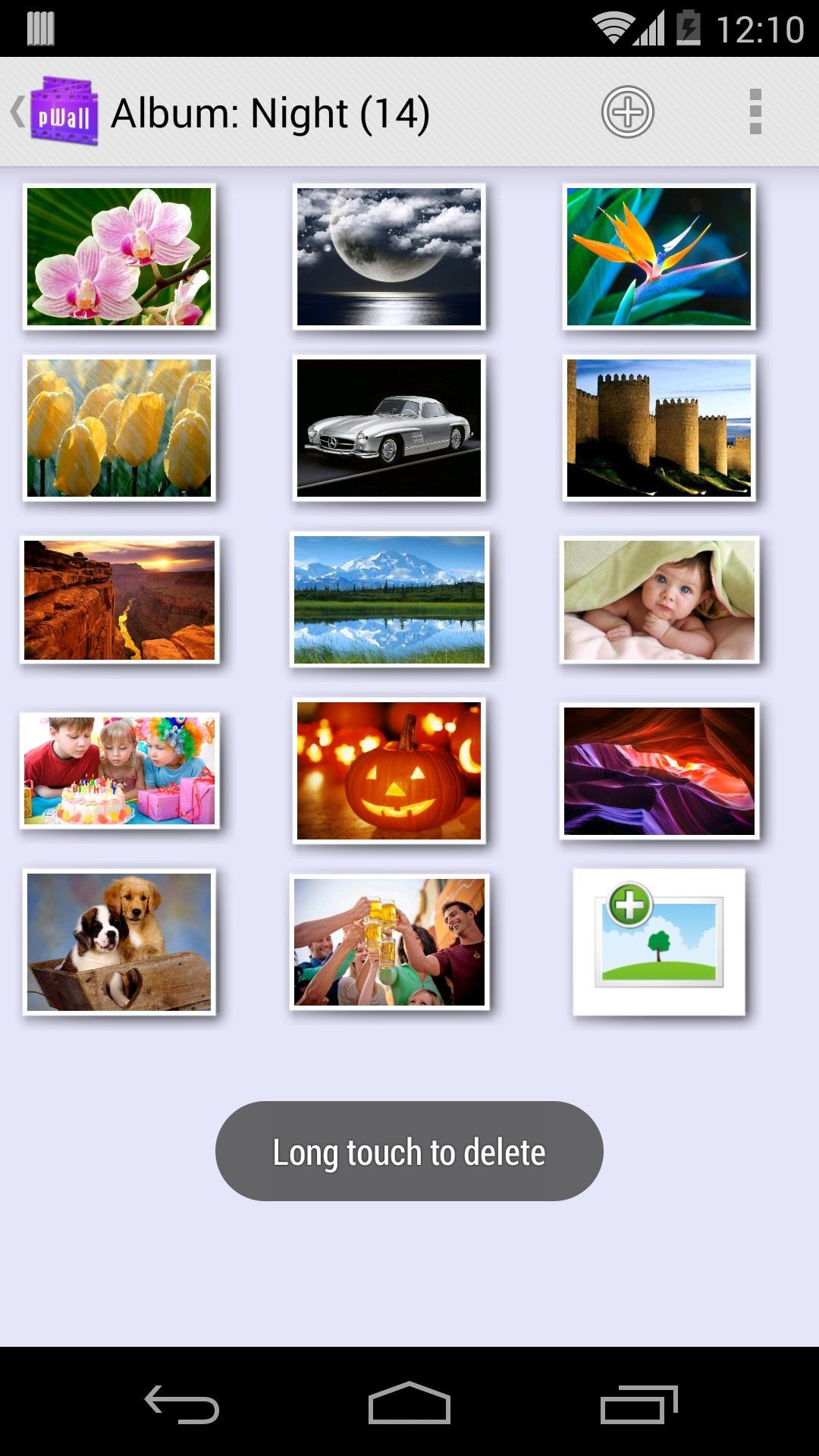
You can use your own photos or vibrant wallpapers to renew your screen. Select individual pictures or complete folders.
An automatic wallpaper refresh period can be scheduled for every vibrant album.
When an automatic wallpaper change happens, scheduled photo will fit to screen wallpaper
Included widget lets you quickly renew your wallpaper. You can preview the time and image for the next scheduled wallpaper change.
Optimized timer to improve battery life and performance.
pWall's 7th anniversary is comming soon. Ask for ad free sales by email.
Try it now for free.
پیش نظارہ
ٹیگز
فوٹوگرافیمعلومات
ڈویلپر
Jimop Apps
تازہ ترین ورژن
4.15
آخری تازہ کاری
2016-02-06
قسم
فوٹوگرافی
پر دستیاب ہے۔
Google Play
مزید دکھائیں
پی سی پر گیم لوپ کے ساتھ Vibrant wallpaper کیسے کھیلا جائے۔
1. آفیشل ویب سائٹ سے گیم لوپ ڈاؤن لوڈ کریں، پھر گیم لوپ انسٹال کرنے کے لیے exe فائل چلائیں۔
2. گیم لوپ کھولیں اور "Vibrant wallpaper" تلاش کریں، تلاش کے نتائج میں Vibrant wallpaper تلاش کریں اور "انسٹال کریں" پر کلک کریں۔
3. گیم لوپ پر Vibrant wallpaper کھیلنے کا لطف اٹھائیں۔
Minimum requirements
OS
Windows 8.1 64-bit or Windows 10 64-bit
GPU
GTX 1050
CPU
i3-8300
Memory
8GB RAM
Storage
1GB available space
Recommended requirements
OS
Windows 8.1 64-bit or Windows 10 64-bit
GPU
GTX 1050
CPU
i3-9320
Memory
16GB RAM
Storage
1GB available space