
Photoroom: AI Photo & Video PC
Artizans of Photo Video Background Editor App
گیم لوپ ایمولیٹر کے ساتھ PC پر Photoroom: AI Photo & Video ڈاؤن لوڈ کریں۔
پی سی پر Photoroom: AI Photo & Video
Photoroom: AI Photo & Video، جو ڈویلپر Artizans of Photo Video Background Editor App سے آرہا ہے، ماضی میں اینڈرائیڈ سسٹم پر چل رہا ہے۔
اب، آپ پی سی پر Photoroom: AI Photo & Video آسانی سے GameLoop کے ساتھ چلا سکتے ہیں۔
اسے GameLoop لائبریری یا تلاش کے نتائج میں ڈاؤن لوڈ کریں۔ مزید غلط وقت پر بیٹری یا مایوس کن کالوں پر نظر نہیں ڈالی جائے گی۔
بس بڑی سکرین پر Photoroom: AI Photo & Video PC کا مفت میں لطف اٹھائیں!
Photoroom: AI Photo & Video تعارف
The AI visual solution for e-commerce, trusted by over 300 million users.
Create professional product listings and video ads in minutes.
Remove and replace backgrounds, batch edit product photos, create listing images and turn photos into video ads.
Preserve every detail, from logos to textures, with studio-quality AI.
Why choose Photoroom?
CREATE STANDOUT LISTINGS
Create complete product listings from a single photo. Showcase products on AI Fashion Models, create lifestyle images, ghost mannequins, flat lays and product videos. High-quality visuals for every listing.
CREATE VIDEO ADS
Turn product photos into video ads with Video Ad Maker. Answer a few questions, customize the suggested style and voice-over script, and choose an AI actor to create videos for social media and ad campaigns.
SAVE TIME WITH BATCH EDITING
Batch edit hundreds of photos at once. Remove and replace backgrounds, resize visuals, add realistic AI Shadows, and update your entire catalog in minutes.
MANAGE SHOPIFY LISTINGS
Connect your Shopify store to import your catalog, apply consistent editing, generate descriptions and image metadata, then create, update and publish listings directly from Photoroom.
KEEP PRODUCTS ACCURATE
Preserve color, shape, materials, textures and logos in every AI-generated image, helping every visual stay true to the original product.
READY FOR EVERY MARKETPLACE
Export perfectly sized images for Shopify, Amazon, Etsy, Depop, Poshmark, Vinted, Instagram, Facebook, TikTok, YouTube and more.
KEY FEATURES
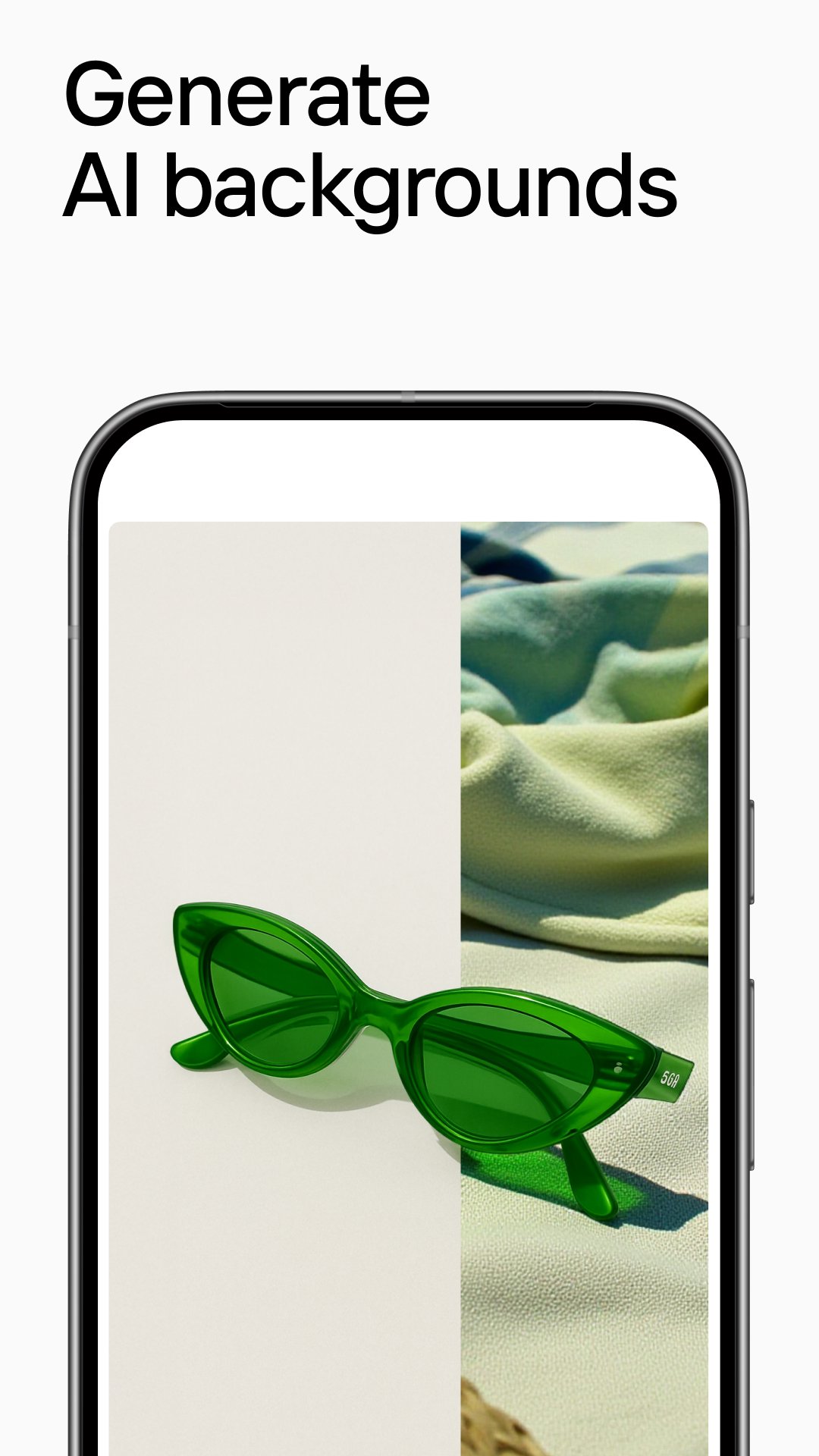
・AI background remover: Remove, replace and generate professional backgrounds in seconds.
・AI Fashion Models: Showcase clothing on realistic AI-generated models.
・Ghost Mannequin & Flat Lay: Create professional apparel photography without a studio.
・Batch editing: Apply consistent editing across hundreds of photos at once.
・Video Ad Maker: Turn product photos into video ads with AI actors and voice-overs for social media and advertising.
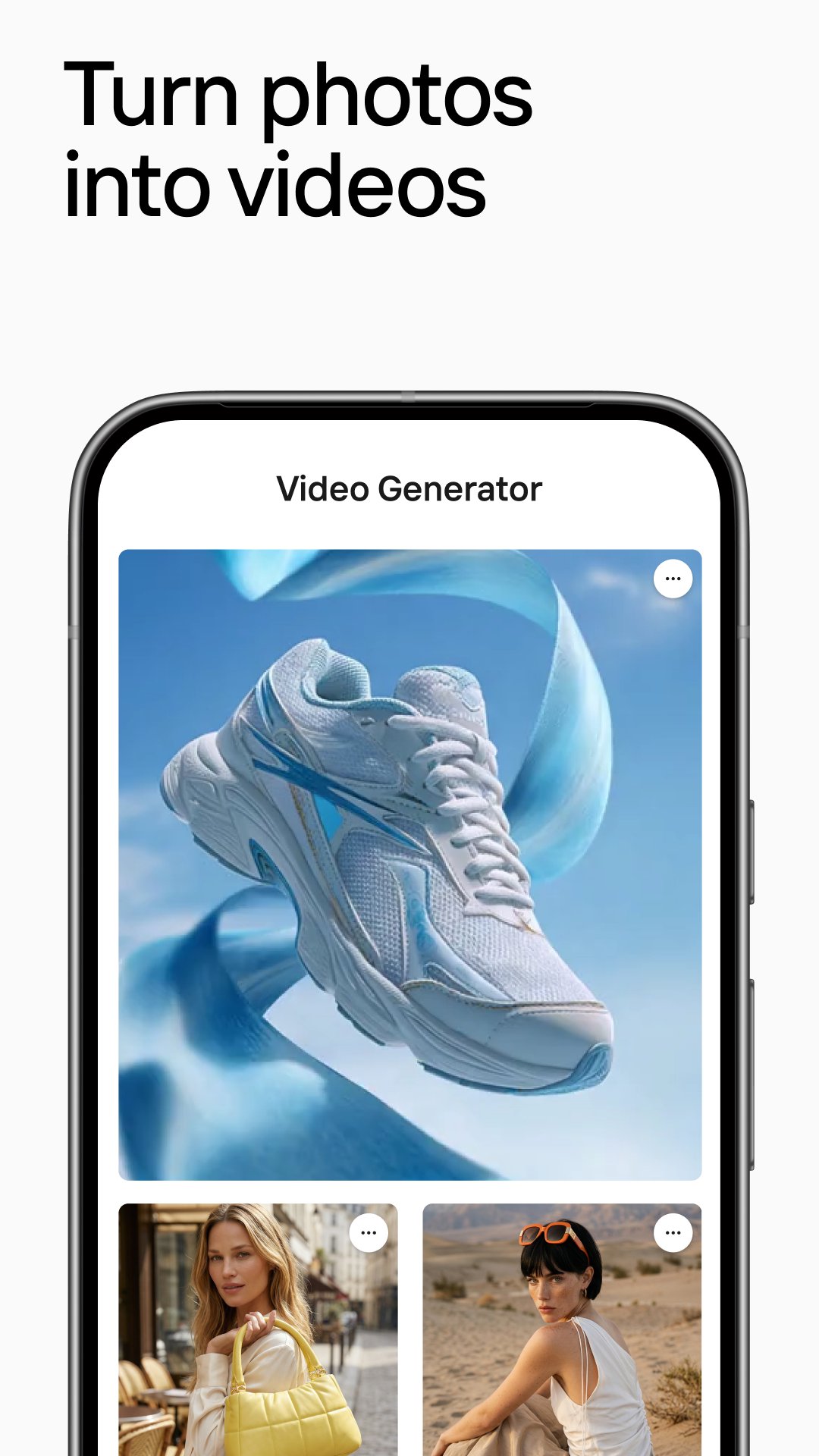
・Product videos: Turn images into engaging videos for listings and marketing.
・Accurate AI images: Preserve colors, materials, textures and logos.
・Recolor: Create new product colors without another photoshoot.
・Ironing: Smooth wrinkles from clothing images instantly.
・Studio shot: Create clean, listing-ready images and visuals.
・AI Shadows: Add realistic depth and natural lighting.
・Ecommerce resize: Export perfectly sized images for every marketplace.
・Edit with AI: Make fast editing changes to images and visuals using simple text prompts.
DESIGNED FOR E-COMMERCE
Whether you sell on Shopify, Amazon, Etsy, Depop, Poshmark, Vinted or your own website, Photoroom helps you create professional photos, edit images, improve listings, create video ads, manage visuals and publish faster with AI.
Upgrade your account
Unlock advanced AI tools, AI Fashion Models, batch editing, product videos, Video Ad Maker, premium templates, faster processing and higher usage limits.
Subscriptions automatically renew unless canceled in Google Play settings before the end of the current billing period.
Join over 300 million users creating professional photos, images, visuals and listings with Photoroom.
Terms of use: https://photoroom.app/legal/terms-and-conditions/
پیش نظارہ
ٹیگز
فوٹوگرافیمعلومات
ڈویلپر
Artizans of Photo Video Background Editor App
تازہ ترین ورژن
2026.47.02
آخری تازہ کاری
2026-11-17
قسم
فوٹوگرافی
پر دستیاب ہے۔
Google Play
مزید دکھائیں
پی سی پر گیم لوپ کے ساتھ Photoroom: AI Photo & Video کیسے کھیلا جائے۔
1. آفیشل ویب سائٹ سے گیم لوپ ڈاؤن لوڈ کریں، پھر گیم لوپ انسٹال کرنے کے لیے exe فائل چلائیں۔
2. گیم لوپ کھولیں اور "Photoroom: AI Photo & Video" تلاش کریں، تلاش کے نتائج میں Photoroom: AI Photo & Video تلاش کریں اور "انسٹال کریں" پر کلک کریں۔
3. گیم لوپ پر Photoroom: AI Photo & Video کھیلنے کا لطف اٹھائیں۔
Minimum requirements
OS
Windows 8.1 64-bit or Windows 10 64-bit
GPU
GTX 1050
CPU
i3-8300
Memory
8GB RAM
Storage
1GB available space
Recommended requirements
OS
Windows 8.1 64-bit or Windows 10 64-bit
GPU
GTX 1050
CPU
i3-9320
Memory
16GB RAM
Storage
1GB available space