Portrait Mode Video Camera PC
Photo, Music & Video Caller ID
گیم لوپ ایمولیٹر کے ساتھ PC پر Portrait Mode Video Camera ڈاؤن لوڈ کریں۔
پی سی پر Portrait Mode Video Camera
Portrait Mode Video Camera، جو ڈویلپر Photo, Music & Video Caller ID سے آرہا ہے، ماضی میں اینڈرائیڈ سسٹم پر چل رہا ہے۔
اب، آپ پی سی پر Portrait Mode Video Camera آسانی سے GameLoop کے ساتھ چلا سکتے ہیں۔
اسے GameLoop لائبریری یا تلاش کے نتائج میں ڈاؤن لوڈ کریں۔ مزید غلط وقت پر بیٹری یا مایوس کن کالوں پر نظر نہیں ڈالی جائے گی۔
بس بڑی سکرین پر Portrait Mode Video Camera PC کا مفت میں لطف اٹھائیں!
Portrait Mode Video Camera تعارف
Portrait Mode Video Camera 🤳🏻 is the best photo blur editor tool to create blur effect background photo with real Portrait blur effect.
Now make your photo with best effective blur styles with lots of blur photo editor tool.
Using Portrait Mode Video Camera application you don't need be a professional photographer to make a DSLR effect blur photo background effect on your Photo.
You wil be getting lots of photo editing tools like photo blurring, DSLR blur & bokeh effect.
A perfect combination of beauty and functionality with creating after focus photos & videos, blur background photos & videos, point blur photos & videos wity many more feature.
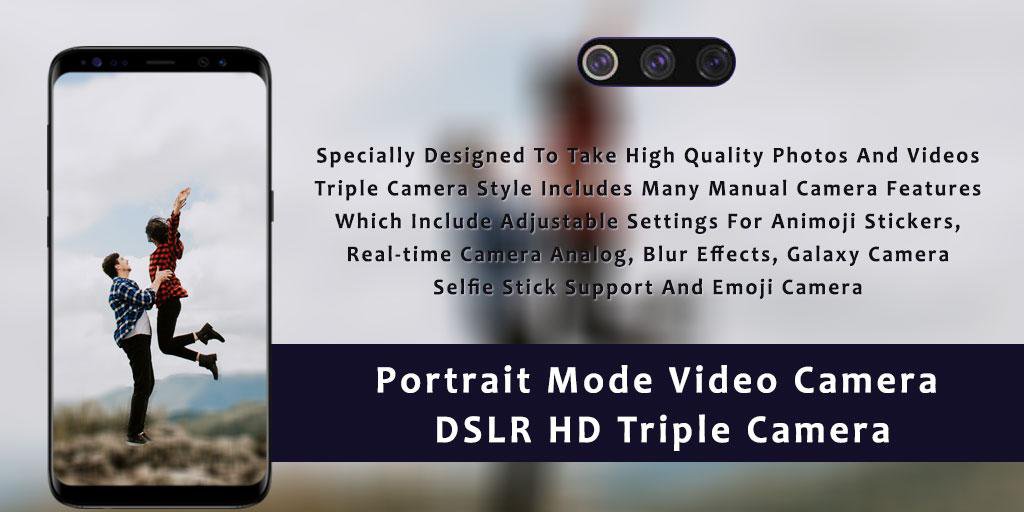
DSLR HD Triple Camera 📸 allows you to take excellent photos with your back & front camera in high quality 4K Ultra HD.
You can capture amazing moments with your front and back camera.
Triple Camera helps to capture better & HD quality blur photos.
You can capture top quality photos with professional camera which is prepared with attention to user satisfaction.
DSLR Mode HD Camera application is prepared for you who want to capture HD blur background photos from their phone.
Blur Camera was well known for being the best smartphone brand that focuses on bringing the best camera to users.
Now you can have everything you expected and in a built in camera application.
Now record HD videos 🎥 with front and back blur feature with Portrait Mode Video.
Edit videos with blur background which has different effects like pixel, square, black part blurring.
Adjust video blur effects with seekbar to change as you want.
You can edit as per you want.
💥 Features :-
🤳🏻 Portrait Mode Video Editor to record high quality blur mode videos.
🤳🏻 Now capture HD blurred photos with portrait mode camera app.
🤳🏻 Triple Camera has many real time photo effects.
🤳🏻 Make up with skin tone, colorful lips, big eyes, face lift & many more.
🤳🏻 One touch to focus & auto focus.
🤳🏻 4K Ultra HD camera resolution for blurring photos.
🤳🏻 Find here different photo blur tools like gaussian blur, motion blur, circular blur, line blur.
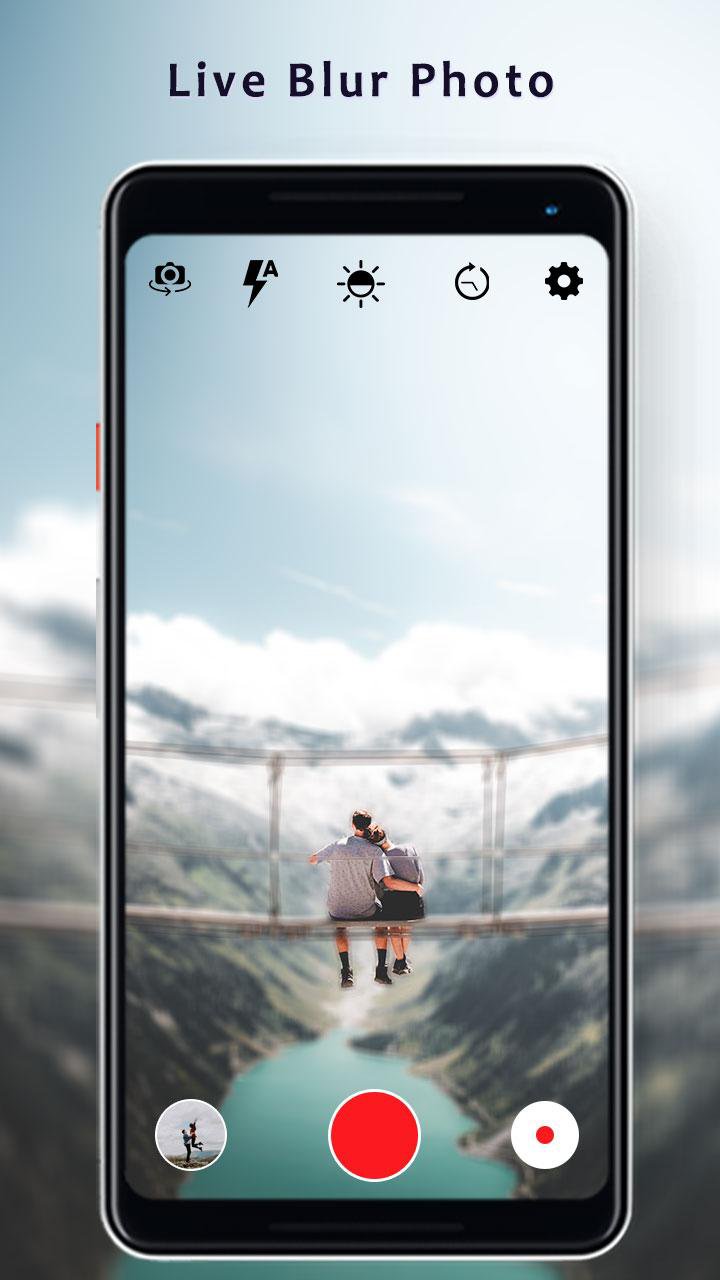
🤳🏻 Capture blurred photos from live camera application itself.
🤳🏻 Choose photo from gallery to apply DSLR blur effects.
🤳🏻 Blur the unwanted part of your photo.
🤳🏻 You can adjust the brush size & photo intensity for blurring background.
🤳🏻 Easy zoom in & zoom out with multi touch gesture control.
🤳🏻 A smart photo editing tools like blurring background effects, brush, undo, redo for accurately blur photos.
🤳🏻 Easy face detection with HD DSLR camera.
🤳🏻 Custome camera setting also available.
🤳🏻 Auto lighting optimizer & adjustable.
🤳🏻 New bookeh & filter effects for blurred photos.
🤳🏻 Add text with stylish fonts & colorful themes.
🤳🏻 Save high quality photos in your phone at one place.
🤳🏻 Share blur background DSLR photographs on social media application.
Portrait Mode Video Camera - A digital DSLR camera effect that combines the optics & the mechanisms of a double lens reflex camera with photo editing tool.
Now don't need a DSLR camera or don't need a professional photographer to capture DSLR style blur photo.
You can capture all moments with "Portrait Mode Video Camera " application.
پیش نظارہ
ٹیگز
فوٹوگرافیمعلومات
ڈویلپر
Photo, Music & Video Caller ID
تازہ ترین ورژن
1.7
آخری تازہ کاری
2025-10-14
قسم
فوٹوگرافی
پر دستیاب ہے۔
Google Play
مزید دکھائیں
پی سی پر گیم لوپ کے ساتھ Portrait Mode Video Camera کیسے کھیلا جائے۔
1. آفیشل ویب سائٹ سے گیم لوپ ڈاؤن لوڈ کریں، پھر گیم لوپ انسٹال کرنے کے لیے exe فائل چلائیں۔
2. گیم لوپ کھولیں اور "Portrait Mode Video Camera" تلاش کریں، تلاش کے نتائج میں Portrait Mode Video Camera تلاش کریں اور "انسٹال کریں" پر کلک کریں۔
3. گیم لوپ پر Portrait Mode Video Camera کھیلنے کا لطف اٹھائیں۔
Minimum requirements
OS
Windows 8.1 64-bit or Windows 10 64-bit
GPU
GTX 1050
CPU
i3-8300
Memory
8GB RAM
Storage
1GB available space
Recommended requirements
OS
Windows 8.1 64-bit or Windows 10 64-bit
GPU
GTX 1050
CPU
i3-9320
Memory
16GB RAM
Storage
1GB available space