
Photo Frames: Photo Editor PC
XEN Studios
گیم لوپ ایمولیٹر کے ساتھ PC پر Photo Frames: Photo Editor ڈاؤن لوڈ کریں۔
پی سی پر Photo Frames: Photo Editor
Photo Frames: Photo Editor، جو ڈویلپر XEN Studios سے آرہا ہے، ماضی میں اینڈرائیڈ سسٹم پر چل رہا ہے۔
اب، آپ پی سی پر Photo Frames: Photo Editor آسانی سے GameLoop کے ساتھ چلا سکتے ہیں۔
اسے GameLoop لائبریری یا تلاش کے نتائج میں ڈاؤن لوڈ کریں۔ مزید غلط وقت پر بیٹری یا مایوس کن کالوں پر نظر نہیں ڈالی جائے گی۔
بس بڑی سکرین پر Photo Frames: Photo Editor PC کا مفت میں لطف اٹھائیں!
Photo Frames: Photo Editor تعارف
Photo Frames: Photo Editor - Unleash Your Creativity with Stunning Frames!
Photo Editor is the ultimate app that seamlessly combines an extensive collection of captivating photo frames with a user-friendly photo editor. Whether you want to add photo frames and editing photo capabilities in one app or want to add some style, this is the place for you. Unleash your creativity and transform your images into art!
🖼️ Key Features of Photo Frames: Photo Borders And Frames: 🖼️
📸 Extensive Variety;
🎨 Easy-to-Use;
✂️ Cut, Crop, and Edit;
🌈 Apply Filters and Charming Effects;
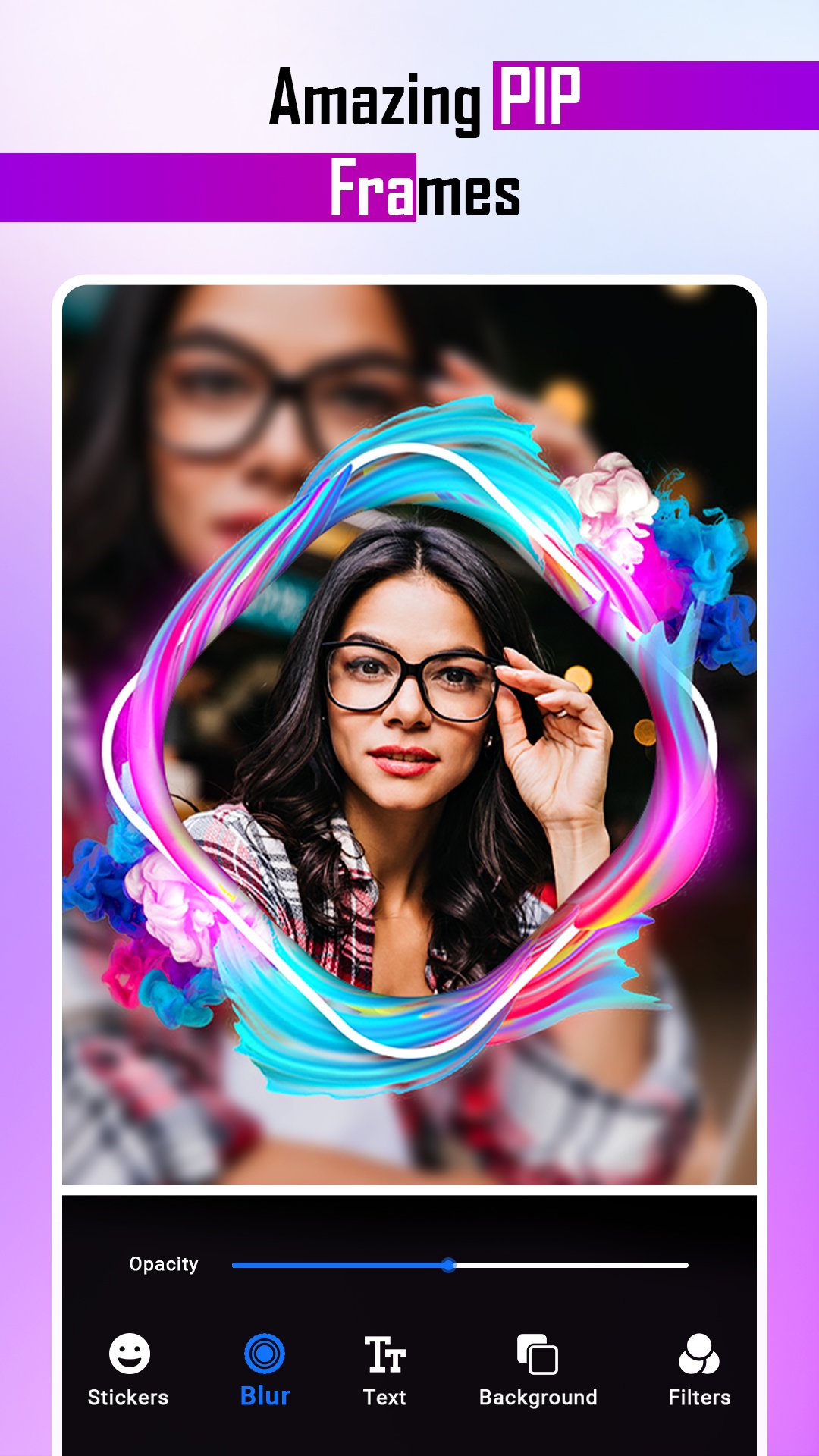
🖼️ Picture-in-Picture Frames with Blurred Background;
🎭 Multi-Picture option for Photo Collage Maker Free;
🎂 Birthday and Baby Frames, Love Frames, and More;
🌲 Unique Forest Frames and Neon Frames;
🔒 Locket Borders for a Touch of Elegance.
📷 Frame Photo Your Picture with Ease!
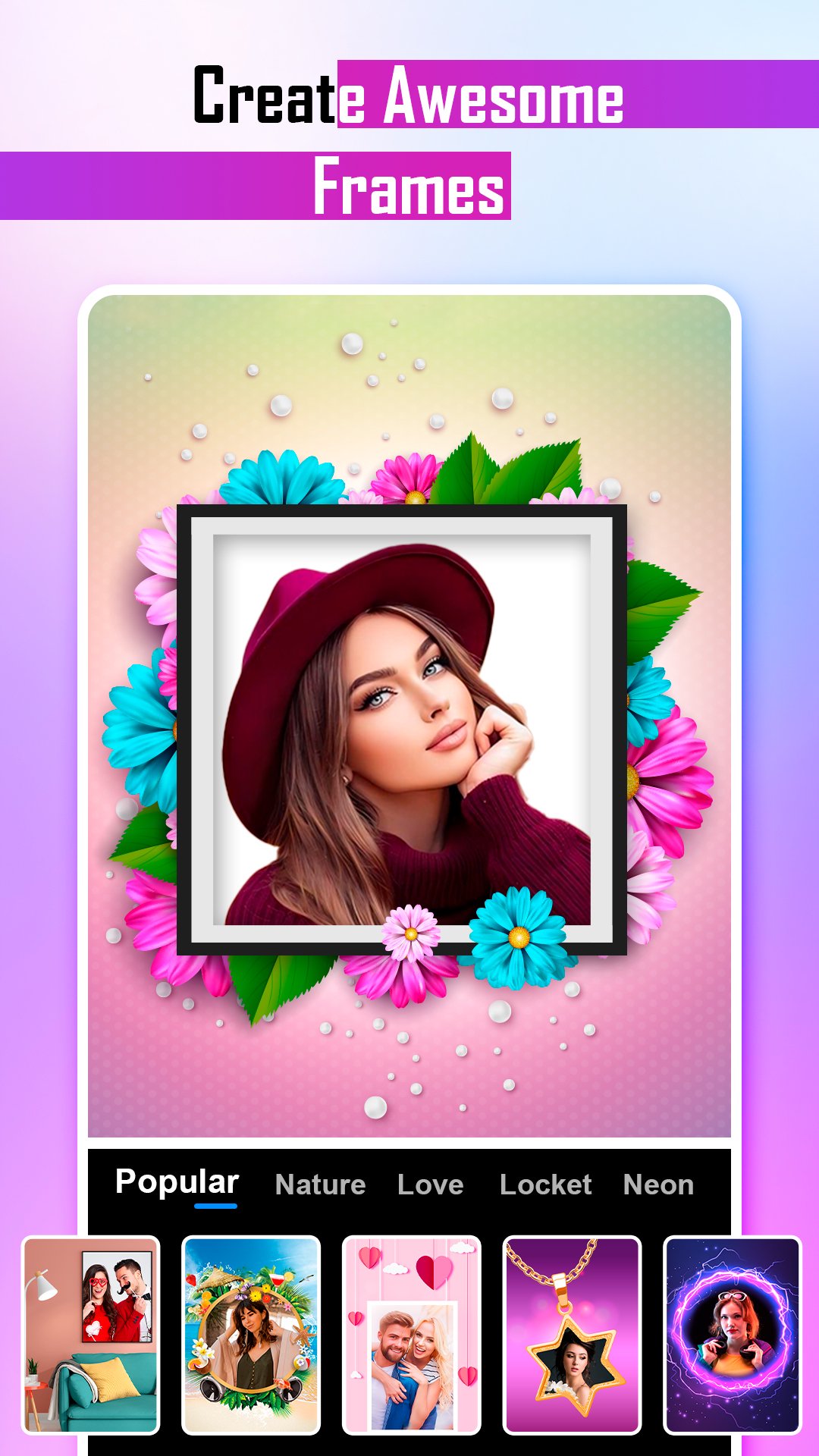
Photo Borders and Frames offers an extensive selection, allowing you to create memories with style. The app caters to various occasions, from birthday celebrations to precious baby moments and romantic love. Immerse yourself in the beauty of nature with forest frames, or add a vibrant touch with neon. Explore locket frames that add a sophisticated border for a touch of elegance.
🎨 Easy Photo Editor for Seamless Edits!
The built-in photo editor makes it effortless to enhance and customize your pictures. Cut, crop, and edit with intuitive tools, ensuring your images look professional. Apply a myriad of filters and charming effects to add a unique flair. The Photo Frames and Editing Photos app is designed to make awesome images, pic collages and editing seamless and enjoyable.
🖼️ Picture Frames for Creative Collages!
Create with the photo collage maker free app's multi-picture frames feature. Easily place more than one picture in a frame, allowing you to tell a visual story with your images. The picture frames and editing image options make crafting personalized collages that showcase your creativity easy.
🔍 Frame Photo Your Picture with Picture-in-Picture!
Take your framing to the next level with picture-in-picture frames with a blurred background. This feature adds depth and sophistication to your images and pic collages, making them stand out with a professional touch.
📱 Download Borders Now!
Take advantage of the opportunity to turn your images into captivating masterpieces. Download Photo Frames: Photo Borders and Frames today and embark on a journey of creativity. Enjoy the seamless photo frames and editing photo experience. Whether an enthusiast or a casual user, this app is your gateway to stunning visual storytelling. Frame photo your picture and let your creativity shine! Say goodbye to dull pictures and embrace the world of creativity. 📸🎨🖼️
پیش نظارہ
ٹیگز
فوٹوگرافیمعلومات
ڈویلپر
XEN Studios
تازہ ترین ورژن
1.3.4
آخری تازہ کاری
2025-11-12
قسم
فوٹوگرافی
پر دستیاب ہے۔
Google Play
مزید دکھائیں
پی سی پر گیم لوپ کے ساتھ Photo Frames: Photo Editor کیسے کھیلا جائے۔
1. آفیشل ویب سائٹ سے گیم لوپ ڈاؤن لوڈ کریں، پھر گیم لوپ انسٹال کرنے کے لیے exe فائل چلائیں۔
2. گیم لوپ کھولیں اور "Photo Frames: Photo Editor" تلاش کریں، تلاش کے نتائج میں Photo Frames: Photo Editor تلاش کریں اور "انسٹال کریں" پر کلک کریں۔
3. گیم لوپ پر Photo Frames: Photo Editor کھیلنے کا لطف اٹھائیں۔
Minimum requirements
OS
Windows 8.1 64-bit or Windows 10 64-bit
GPU
GTX 1050
CPU
i3-8300
Memory
8GB RAM
Storage
1GB available space
Recommended requirements
OS
Windows 8.1 64-bit or Windows 10 64-bit
GPU
GTX 1050
CPU
i3-9320
Memory
16GB RAM
Storage
1GB available space