
Photo Frame Editor - Framify PC
Anita Chauhan
گیم لوپ ایمولیٹر کے ساتھ PC پر Photo Frame Editor - Framify ڈاؤن لوڈ کریں۔
پی سی پر Photo Frame Editor - Framify
Photo Frame Editor - Framify، جو ڈویلپر Anita Chauhan سے آرہا ہے، ماضی میں اینڈرائیڈ سسٹم پر چل رہا ہے۔
اب، آپ پی سی پر Photo Frame Editor - Framify آسانی سے GameLoop کے ساتھ چلا سکتے ہیں۔
اسے GameLoop لائبریری یا تلاش کے نتائج میں ڈاؤن لوڈ کریں۔ مزید غلط وقت پر بیٹری یا مایوس کن کالوں پر نظر نہیں ڈالی جائے گی۔
بس بڑی سکرین پر Photo Frame Editor - Framify PC کا مفت میں لطف اٹھائیں!
Photo Frame Editor - Framify تعارف
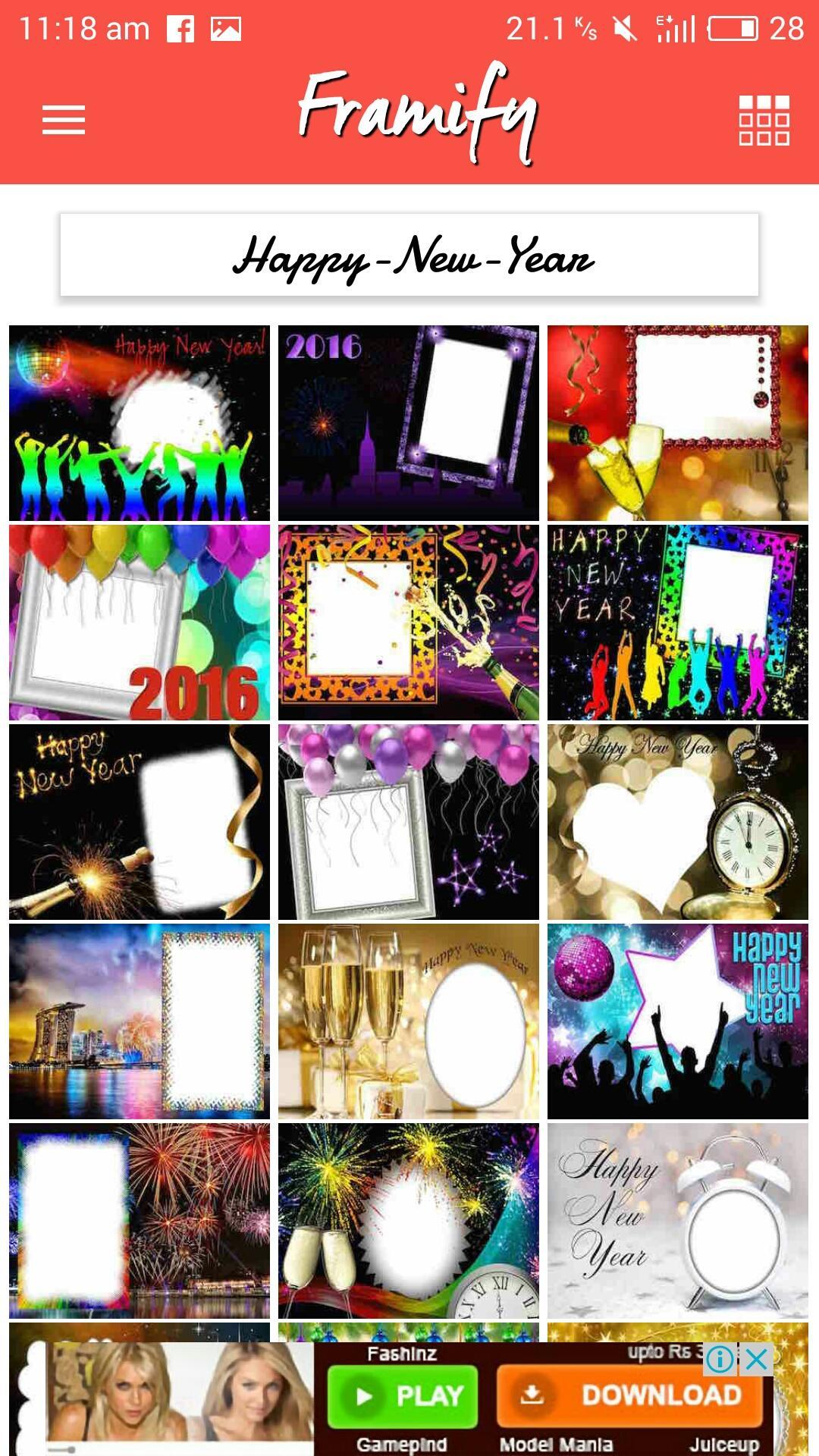
Framify is a photo editing application that customize the looks of your photos with frames and filters. Photo frame editor that has feature to add texts on photo. App is easy to use for any age user. Simply download the selected frame and add your photo to it.
Instructions to use:
1. Choose photo from gallery and select frame from wide variety of photo frames.
2. Tap on download icon to save a picture. Picture will be saved in to 'Framify' folder on your photo gallery.
3. Share with built in system on one tap to Facebook, Instagram, Whatsapp, Mail and many other installed applications.
Framify Features:
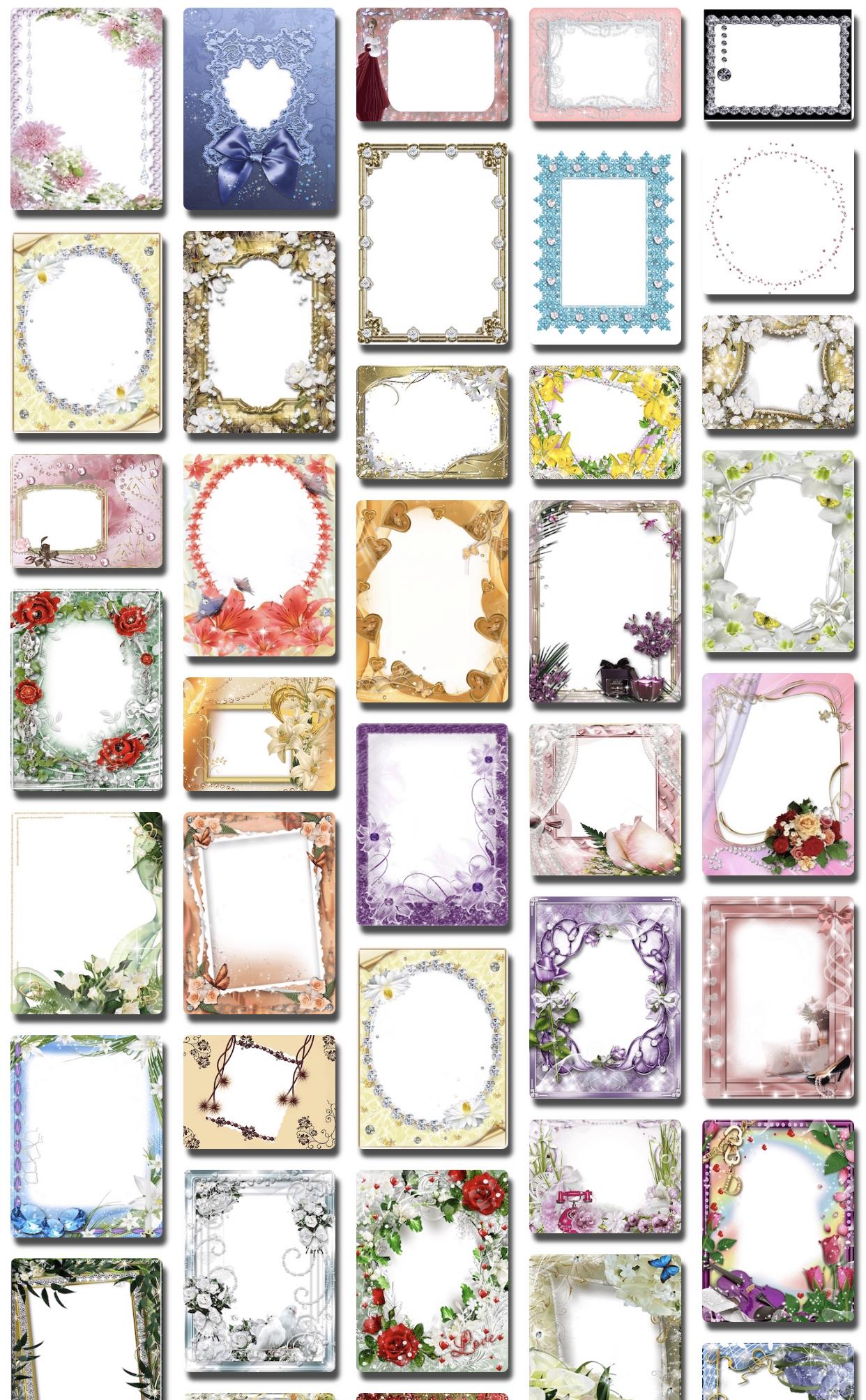
• Over 2800+ picture frames available
• Over 30+ frames categories
• Photo effects
• Fast Photo Frame Editor
• Add text on picture or picture frames
Photo Frame Categories:-
Christmas
New Year
Winters
Halloween
Autumn
Holiday
Baby
Diamond
Silver
Golden
Metal
Wooden
Book & Cards Picture Effect
Hoardings & Billboards Effect
Funny Pic Frames
Fathers Day
Mothers Day
Women's Day
Chocolate Day
Celebration
Crafted
Dreamy
Flowers
Friendship
Glitters
Gold Diamonds
Romantic
Naturals
Pet
Realistic
Royal Wood Vintage
Weddings
Birthday
Magazine
Grunge
Valentine Day
Rose Day
Teddy Day
Hearts
Propose Day
Chocolate
Country
St. Patrick Day
Good Friday
Easter
Summer Beach
پیش نظارہ
ٹیگز
فوٹوگرافیمعلومات
ڈویلپر
Anita Chauhan
تازہ ترین ورژن
5.4
آخری تازہ کاری
2021-12-20
قسم
فوٹوگرافی
پر دستیاب ہے۔
Google Play
مزید دکھائیں
پی سی پر گیم لوپ کے ساتھ Photo Frame Editor - Framify کیسے کھیلا جائے۔
1. آفیشل ویب سائٹ سے گیم لوپ ڈاؤن لوڈ کریں، پھر گیم لوپ انسٹال کرنے کے لیے exe فائل چلائیں۔
2. گیم لوپ کھولیں اور "Photo Frame Editor - Framify" تلاش کریں، تلاش کے نتائج میں Photo Frame Editor - Framify تلاش کریں اور "انسٹال کریں" پر کلک کریں۔
3. گیم لوپ پر Photo Frame Editor - Framify کھیلنے کا لطف اٹھائیں۔
Minimum requirements
OS
Windows 8.1 64-bit or Windows 10 64-bit
GPU
GTX 1050
CPU
i3-8300
Memory
8GB RAM
Storage
1GB available space
Recommended requirements
OS
Windows 8.1 64-bit or Windows 10 64-bit
GPU
GTX 1050
CPU
i3-9320
Memory
16GB RAM
Storage
1GB available space