
instax mini LiPlay PC
FUJIFILM Corporation
گیم لوپ ایمولیٹر کے ساتھ PC پر instax mini LiPlay ڈاؤن لوڈ کریں۔
پی سی پر instax mini LiPlay
instax mini LiPlay، جو ڈویلپر FUJIFILM Corporation سے آرہا ہے، ماضی میں اینڈرائیڈ سسٹم پر چل رہا ہے۔
اب، آپ پی سی پر instax mini LiPlay آسانی سے GameLoop کے ساتھ چلا سکتے ہیں۔
اسے GameLoop لائبریری یا تلاش کے نتائج میں ڈاؤن لوڈ کریں۔ مزید غلط وقت پر بیٹری یا مایوس کن کالوں پر نظر نہیں ڈالی جائے گی۔
بس بڑی سکرین پر instax mini LiPlay PC کا مفت میں لطف اٹھائیں!
instax mini LiPlay تعارف
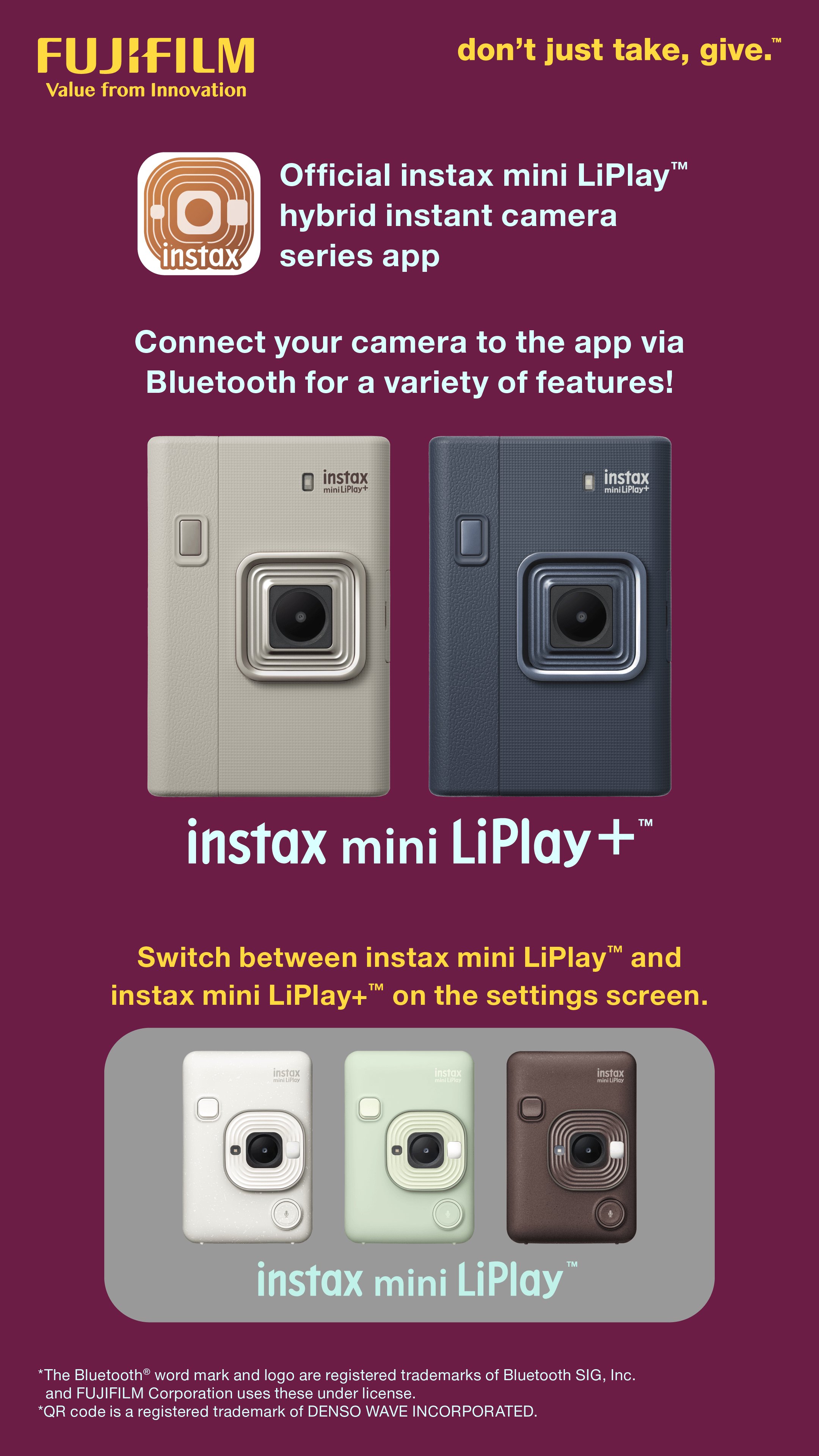
This app is exclusively for the Fujifilm instax mini LiPlay™ and instax mini LiPlay+™ hybrid instant cameras.
You can enjoy the following functions by connecting your camera and this app via Bluetooth:
instax mini LiPlay+™ Features
(1) instax Sound Album™
Create videos using images from your smartphone and combining them with music.
Choose an image, add a QR code, and print it from your camera.
Play the video by scanning the QR code with your smartphone. You can also download the video.
(2) instax Sound Print™
Add sounds to an image from your smartphone to make an instax™ photo.
(3) GALLERY
View images printed from your camera and videos from the app.
You can also download the data to your smartphone and reprint.
Basic Features
(4) SOUND
Sound recorded with your camera or smartphone can be converted into an instax™ photo with QR code.
Scan the QR code with your smartphone to play the image with sound.
With the instax mini LiPlay+™ camera, you can use the instax Sound Album™ feature to combine multiple images with sound and music into a video.
(5) REMOTE SHOOTING
Take photos with the camera remotely using your smartphone.
(6) DIRECT PRINT
Print images from your smartphone's camera roll and turn them into instax™ photos.
(7) CUSTOM FRAME
Change the design frame set on the camera using the app.
On instax mini LiPlay™, design frames are set to the three shortcut buttons on the side of the camera.
Access instax mini LiPlay+™ frames from the “Frame Settings” menu in the settings screen.
[Supported OS] Android 11 or later
پیش نظارہ

ٹیگز
فوٹوگرافیمعلومات
ڈویلپر
FUJIFILM Corporation
تازہ ترین ورژن
7.1.0
آخری تازہ کاری
2026-03-28
قسم
فوٹوگرافی
پر دستیاب ہے۔
Google Play
مزید دکھائیں
پی سی پر گیم لوپ کے ساتھ instax mini LiPlay کیسے کھیلا جائے۔
1. آفیشل ویب سائٹ سے گیم لوپ ڈاؤن لوڈ کریں، پھر گیم لوپ انسٹال کرنے کے لیے exe فائل چلائیں۔
2. گیم لوپ کھولیں اور "instax mini LiPlay" تلاش کریں، تلاش کے نتائج میں instax mini LiPlay تلاش کریں اور "انسٹال کریں" پر کلک کریں۔
3. گیم لوپ پر instax mini LiPlay کھیلنے کا لطف اٹھائیں۔
Minimum requirements
OS
Windows 8.1 64-bit or Windows 10 64-bit
GPU
GTX 1050
CPU
i3-8300
Memory
8GB RAM
Storage
1GB available space
Recommended requirements
OS
Windows 8.1 64-bit or Windows 10 64-bit
GPU
GTX 1050
CPU
i3-9320
Memory
16GB RAM
Storage
1GB available space