
Collage Maker – Grid Layout PC
ITHotShots
گیم لوپ ایمولیٹر کے ساتھ PC پر Collage Maker – Grid Layout ڈاؤن لوڈ کریں۔
پی سی پر Collage Maker – Grid Layout
Collage Maker – Grid Layout، جو ڈویلپر ITHotShots سے آرہا ہے، ماضی میں اینڈرائیڈ سسٹم پر چل رہا ہے۔
اب، آپ پی سی پر Collage Maker – Grid Layout آسانی سے GameLoop کے ساتھ چلا سکتے ہیں۔
اسے GameLoop لائبریری یا تلاش کے نتائج میں ڈاؤن لوڈ کریں۔ مزید غلط وقت پر بیٹری یا مایوس کن کالوں پر نظر نہیں ڈالی جائے گی۔
بس بڑی سکرین پر Collage Maker – Grid Layout PC کا مفت میں لطف اٹھائیں!
Collage Maker – Grid Layout تعارف
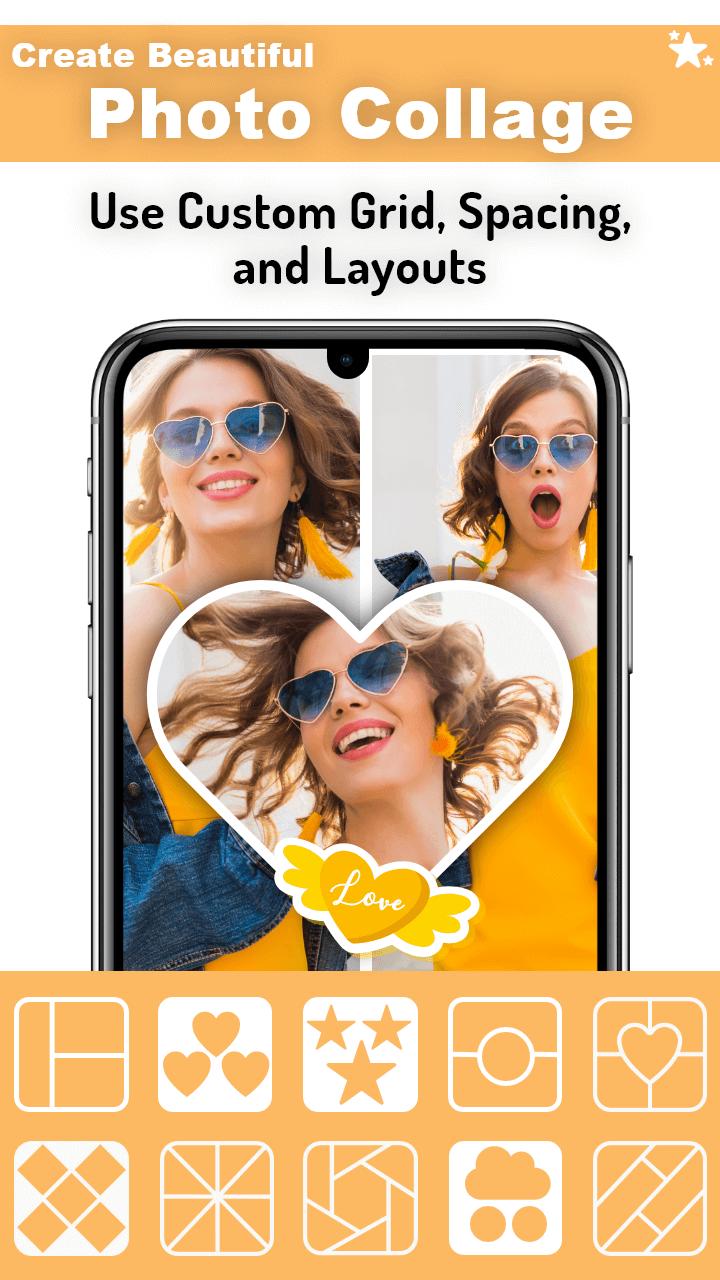
Collage Maker – Grid Layout is a powerful and easy-to-use photo collage app that helps you turn your photos into stunning collages. Choose from dozens of stylish grid layouts, frames, and backgrounds to create beautiful photo stories in seconds.
📸 Make Amazing Photo Collages
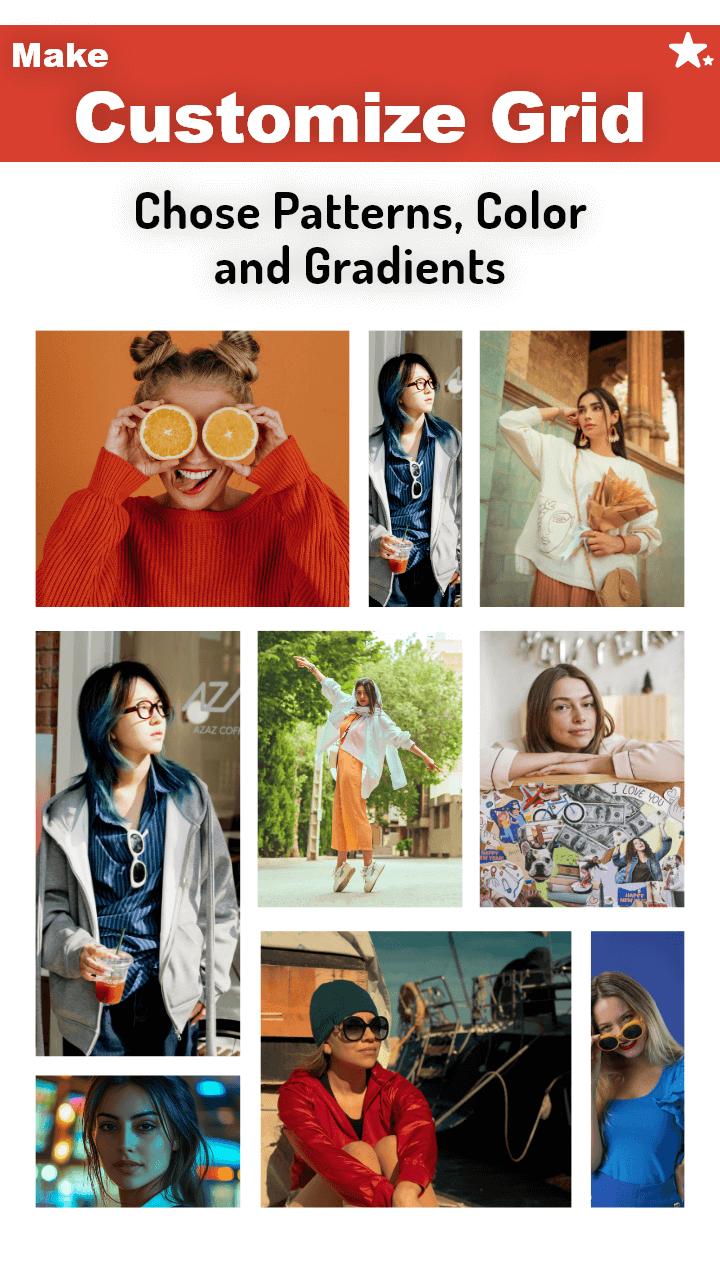
Choose from 100+ grid styles to combine multiple photos into a single collage. Adjust layout spacing, background colors, and aspect ratios to match your style. Whether it’s a selfie collage or a photo grid for Instagram, you’re covered.
🎨 Add Filters, Frames & Text
Enhance your images with high-quality photo filters, stylish frames, and colorful borders. Add text using creative fonts and edit with full control — resize, rotate, and style it to make your collages truly yours.
🖼️ Explore the Scrapbook Editor
Want more flexibility? Switch to freestyle mode and create custom scrapbook collages. Drag and drop your photos anywhere, add stickers, emojis, backgrounds, and decorate your layout without limits.
💡 Features You’ll Love:
Grid layouts for 2 to 10+ photos
Freestyle scrapbook collage maker
Photo filters, effects & adjustments
Frames, borders & background textures
Add text with custom fonts and styles
Stickers, emojis & overlay decorations
Save in HD & share directly on social apps
🎯 Perfect For:
Creating birthday collages
Designing Instagram photo grids
Making love, holiday, or family scrapbook pages
Quick photo editing on the go
Whether you're making a simple collage or designing a creative photo layout, Collage Maker – Grid Layout gives you the tools to bring your vision to life. Download now and start creating!
پیش نظارہ
ٹیگز
فوٹوگرافیمعلومات
ڈویلپر
ITHotShots
تازہ ترین ورژن
1.7.5
آخری تازہ کاری
2025-06-25
قسم
فوٹوگرافی
پر دستیاب ہے۔
Google Play
مزید دکھائیں
پی سی پر گیم لوپ کے ساتھ Collage Maker – Grid Layout کیسے کھیلا جائے۔
1. آفیشل ویب سائٹ سے گیم لوپ ڈاؤن لوڈ کریں، پھر گیم لوپ انسٹال کرنے کے لیے exe فائل چلائیں۔
2. گیم لوپ کھولیں اور "Collage Maker – Grid Layout" تلاش کریں، تلاش کے نتائج میں Collage Maker – Grid Layout تلاش کریں اور "انسٹال کریں" پر کلک کریں۔
3. گیم لوپ پر Collage Maker – Grid Layout کھیلنے کا لطف اٹھائیں۔
Minimum requirements
OS
Windows 8.1 64-bit or Windows 10 64-bit
GPU
GTX 1050
CPU
i3-8300
Memory
8GB RAM
Storage
1GB available space
Recommended requirements
OS
Windows 8.1 64-bit or Windows 10 64-bit
GPU
GTX 1050
CPU
i3-9320
Memory
16GB RAM
Storage
1GB available space