
AI Enlarger: Image Upscaler PC
Vertexshare Software Ltd
گیم لوپ ایمولیٹر کے ساتھ PC پر AI Enlarger: Image Upscaler ڈاؤن لوڈ کریں۔
پی سی پر AI Enlarger: Image Upscaler
AI Enlarger: Image Upscaler، جو ڈویلپر Vertexshare Software Ltd سے آرہا ہے، ماضی میں اینڈرائیڈ سسٹم پر چل رہا ہے۔
اب، آپ پی سی پر AI Enlarger: Image Upscaler آسانی سے GameLoop کے ساتھ چلا سکتے ہیں۔
اسے GameLoop لائبریری یا تلاش کے نتائج میں ڈاؤن لوڈ کریں۔ مزید غلط وقت پر بیٹری یا مایوس کن کالوں پر نظر نہیں ڈالی جائے گی۔
بس بڑی سکرین پر AI Enlarger: Image Upscaler PC کا مفت میں لطف اٹھائیں!
AI Enlarger: Image Upscaler تعارف
AI Enlarger – Photo Enhancer & Image Upscaler
Enhance your photos with a powerful all-in-one AI image upscaler and photo enhancer.
AI Enlarger helps you upscale images, improve quality, and restore details with advanced AI models and easy-to-use tools.
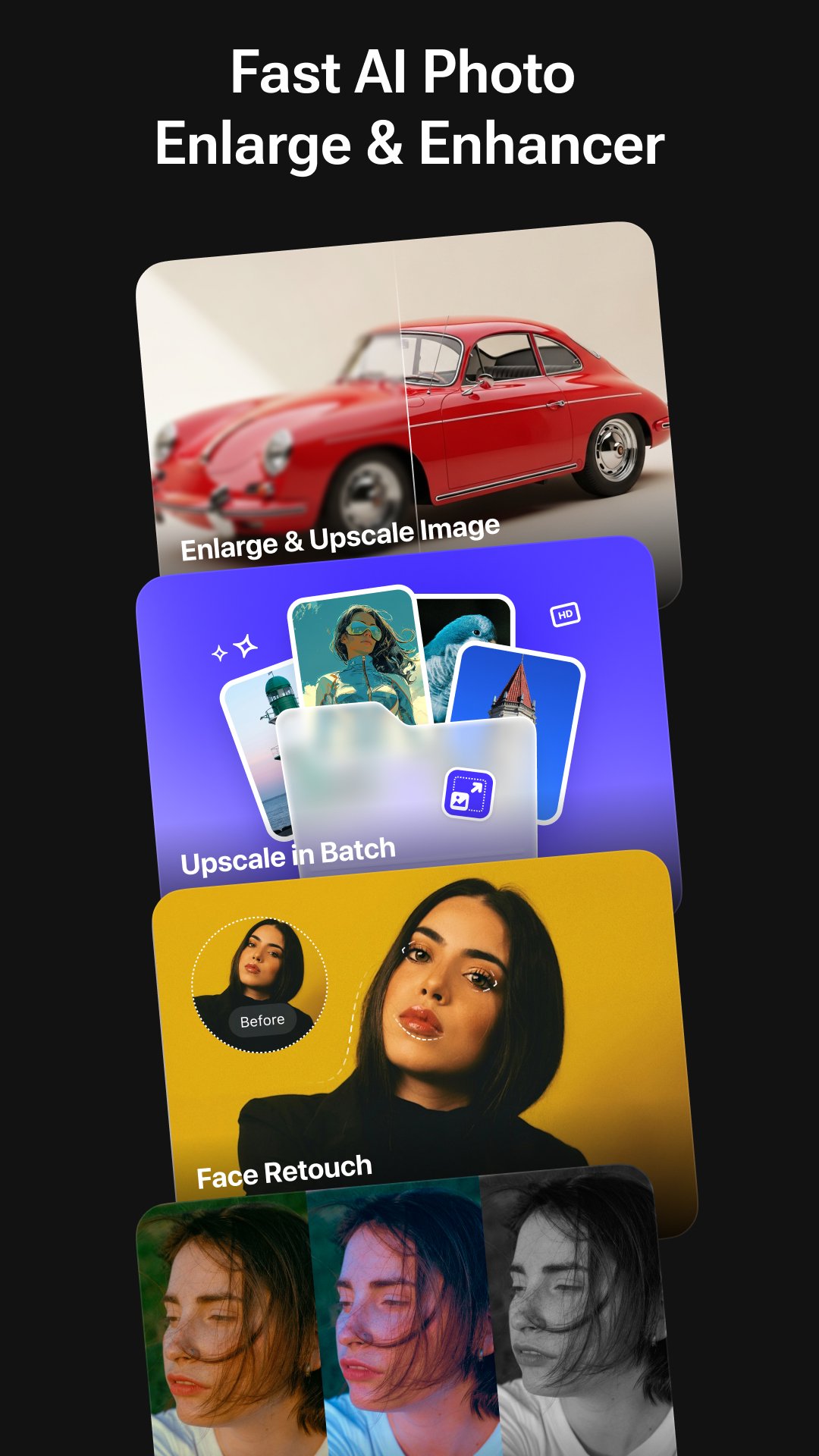
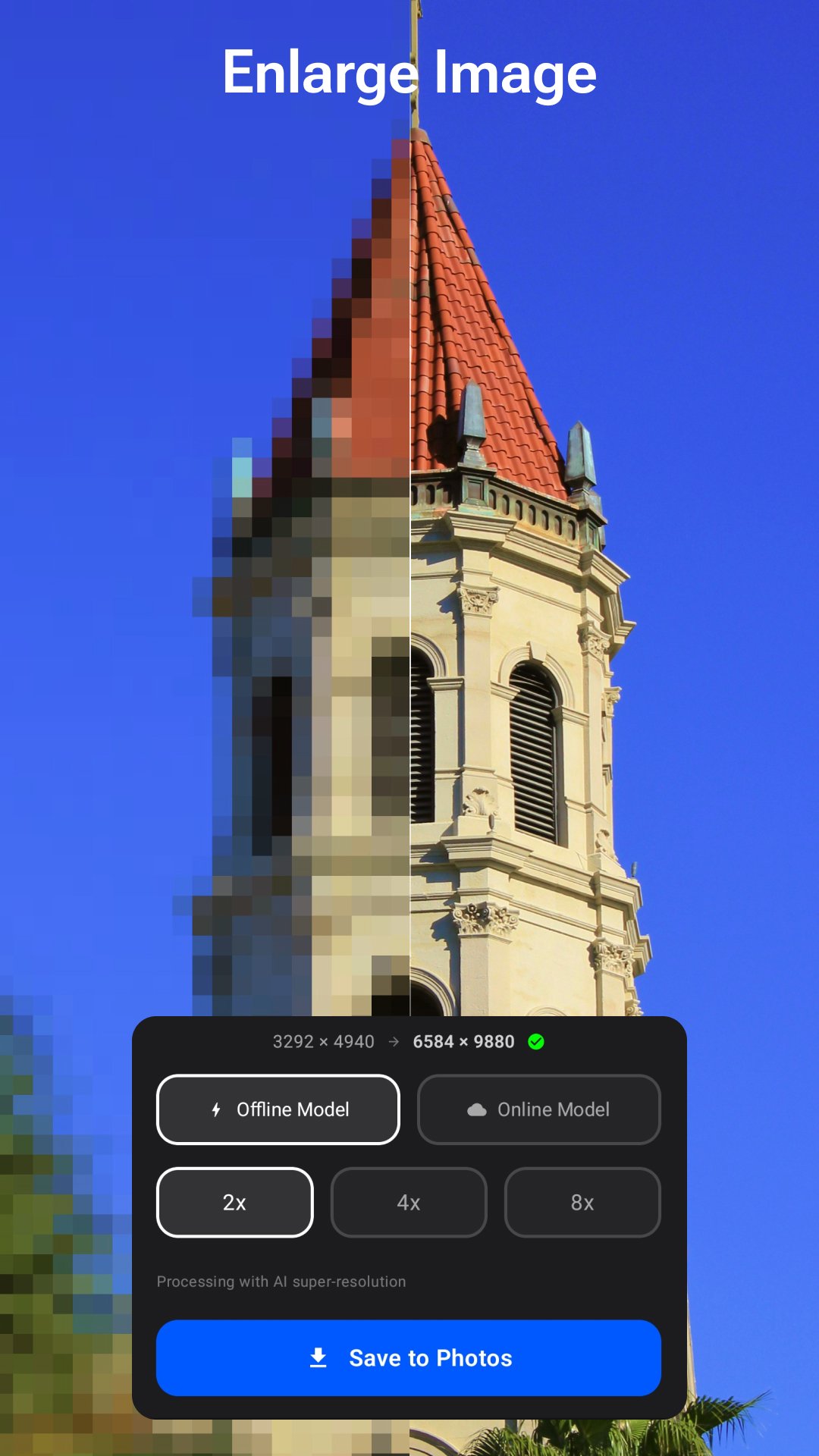
Enlarge photos by 2×, 4×, or 8×, fix blurry images, retouch portraits, and apply professional enhancements — all in one simple and intuitive app.
Whether you're restoring old photos, improving low-resolution images, enhancing anime artwork, or creating high-quality visuals for social media, AI Enlarger delivers sharp, clean, and natural-looking results.
- Key Features
AI Image Upscale & Enlarge (2× / 4× / 8×)
Upscale photos with AI-powered super resolution
Improve image clarity, sharpness, and details
Supports both real photos and anime images
Choose between online AI processing or offline local models
Export high-resolution images (4K / 8K)
- Batch Image Upscaling
Process multiple images at once
Automatically enhance quality during batch processing
Ideal for photo collections, product images, and design workflows
- Advanced Face Retouch Tools
Enhance portraits with natural and detailed adjustments:
Eye enhancement (sharpness, brightness)
Eyebrow enhancement (density, contrast)
Face shaping and smoothing
Skin tone balance and beautification
Lip color adjustment with presets
- AI Photo Enhancement Studio
48 preset filters (portrait, vintage, cinematic, anime, etc.)
LUT filters for professional color grading
Lighting controls (exposure, contrast, highlights, shadows)
Color adjustments (temperature, tint, saturation, vibrance)
Detail tools (sharpen, clarity, noise reduction, dehaze, vignette)
- Performance & Stability
Improved processing speed and stability
Optimized memory usage for large image processing
Smooth and responsive editing experience
- How It Works
Select a photo from your device
Choose a feature: Upscale / Batch / Retouch / Enhance
Select your preferred scale (2× / 4× / 8×)
Preview and save your high-resolution result
- Perfect For
Enhancing low-resolution photos
Restoring old or blurry images
Improving anime and artwork quality
Creating high-resolution images for social media
E-commerce product photos
Wallpapers, prints, and digital design
- Pricing Plans
Monthly: $6.99 — Unlimited access
Yearly: $19.99 — Best value
Lifetime: $29.99 — One-time purchase
- Support
support@imglarger.com
https://imglarger.com
- Privacy Policy:
https://imglarger.com/blog/privacy-policy/
- Terms of Use:
https://imglarger.com/terms/
پیش نظارہ
ٹیگز
فوٹوگرافیمعلومات
ڈویلپر
Vertexshare Software Ltd
تازہ ترین ورژن
4.0.3
آخری تازہ کاری
2026-04-15
قسم
فوٹوگرافی
پر دستیاب ہے۔
Google Play
مزید دکھائیں
پی سی پر گیم لوپ کے ساتھ AI Enlarger: Image Upscaler کیسے کھیلا جائے۔
1. آفیشل ویب سائٹ سے گیم لوپ ڈاؤن لوڈ کریں، پھر گیم لوپ انسٹال کرنے کے لیے exe فائل چلائیں۔
2. گیم لوپ کھولیں اور "AI Enlarger: Image Upscaler" تلاش کریں، تلاش کے نتائج میں AI Enlarger: Image Upscaler تلاش کریں اور "انسٹال کریں" پر کلک کریں۔
3. گیم لوپ پر AI Enlarger: Image Upscaler کھیلنے کا لطف اٹھائیں۔
Minimum requirements
OS
Windows 8.1 64-bit or Windows 10 64-bit
GPU
GTX 1050
CPU
i3-8300
Memory
8GB RAM
Storage
1GB available space
Recommended requirements
OS
Windows 8.1 64-bit or Windows 10 64-bit
GPU
GTX 1050
CPU
i3-9320
Memory
16GB RAM
Storage
1GB available space