
Smart AR Home PC
Binary Banana LLC
گیم لوپ ایمولیٹر کے ساتھ PC پر Smart AR Home ڈاؤن لوڈ کریں۔
پی سی پر Smart AR Home
Smart AR Home، جو ڈویلپر Binary Banana LLC سے آرہا ہے، ماضی میں اینڈرائیڈ سسٹم پر چل رہا ہے۔
اب، آپ پی سی پر Smart AR Home آسانی سے GameLoop کے ساتھ چلا سکتے ہیں۔
اسے GameLoop لائبریری یا تلاش کے نتائج میں ڈاؤن لوڈ کریں۔ مزید غلط وقت پر بیٹری یا مایوس کن کالوں پر نظر نہیں ڈالی جائے گی۔
بس بڑی سکرین پر Smart AR Home PC کا مفت میں لطف اٹھائیں!
Smart AR Home تعارف
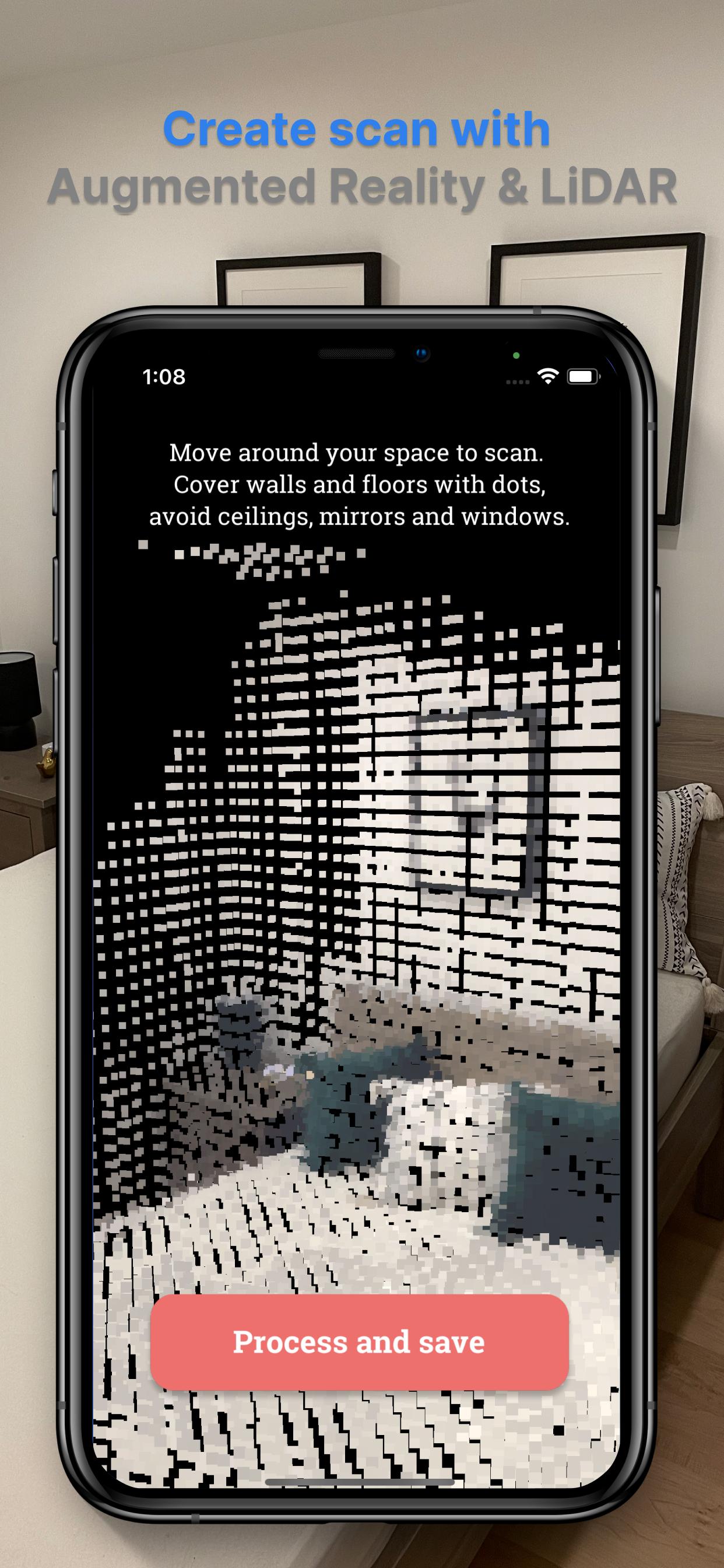
Note: To make an initial scan, you will need access to the device with LiDAR sensor (like iPhone 13/12 Pro/Pro Max or iPad Pro devices from 2020 and later). You only need it to make a first scan, so if you don't have it, ask a friend who has it. Once you have a scan, it can be exported and imported to Smart AR Home app on any mobile device.
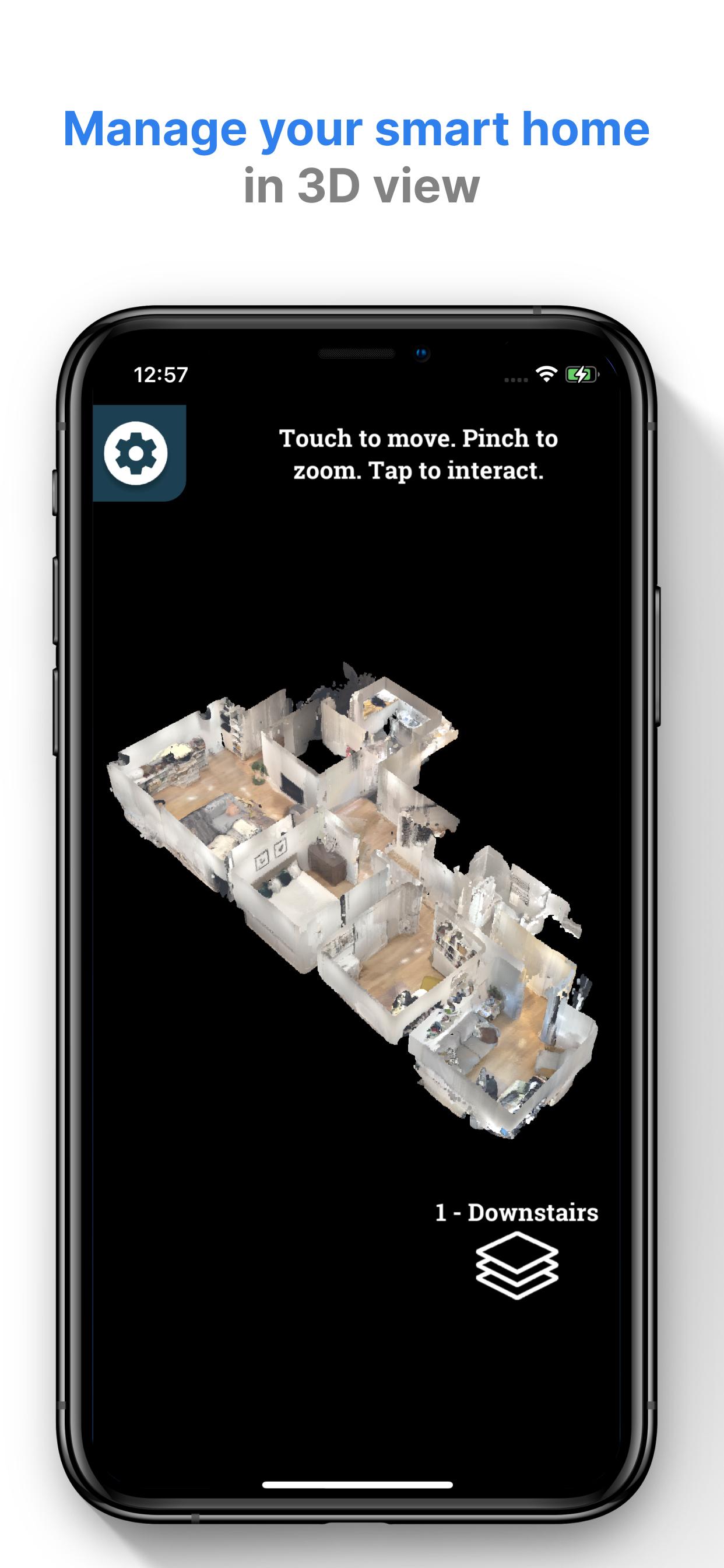
Scan your home with Smart AR Home application and create a digital twin of your smart home automation. Place devices on the scan and manage them with 3D view.
Smart AR Home supports SmartThings and Hue Lights devices. More devices will be added based on your requests.
Features:
- Manage light switches, dimmers and shades
- Export/Import your settings to other mobile devices, including other platforms and devices without LiDAR sensor
- Support for many floors
- Demo mode for those without smart home devices
More integration and features are coming soon!
Visit our website to learn more: http://smartarhome.com/
پیش نظارہ
ٹیگز
House-&معلومات
ڈویلپر
Binary Banana LLC
تازہ ترین ورژن
2.0
آخری تازہ کاری
2022-03-16
قسم
House-home
پر دستیاب ہے۔
Google Play
مزید دکھائیں
پی سی پر گیم لوپ کے ساتھ Smart AR Home کیسے کھیلا جائے۔
1. آفیشل ویب سائٹ سے گیم لوپ ڈاؤن لوڈ کریں، پھر گیم لوپ انسٹال کرنے کے لیے exe فائل چلائیں۔
2. گیم لوپ کھولیں اور "Smart AR Home" تلاش کریں، تلاش کے نتائج میں Smart AR Home تلاش کریں اور "انسٹال کریں" پر کلک کریں۔
3. گیم لوپ پر Smart AR Home کھیلنے کا لطف اٹھائیں۔
Minimum requirements
OS
Windows 8.1 64-bit or Windows 10 64-bit
GPU
GTX 1050
CPU
i3-8300
Memory
8GB RAM
Storage
1GB available space
Recommended requirements
OS
Windows 8.1 64-bit or Windows 10 64-bit
GPU
GTX 1050
CPU
i3-9320
Memory
16GB RAM
Storage
1GB available space