
Touch alarm – Anti theft app PC
Find My Device Apps
گیم لوپ ایمولیٹر کے ساتھ PC پر Touch alarm – Anti theft app ڈاؤن لوڈ کریں۔
پی سی پر Touch alarm – Anti theft app
Touch alarm – Anti theft app، جو ڈویلپر Find My Device Apps سے آرہا ہے، ماضی میں اینڈرائیڈ سسٹم پر چل رہا ہے۔
اب، آپ پی سی پر Touch alarm – Anti theft app آسانی سے GameLoop کے ساتھ چلا سکتے ہیں۔
اسے GameLoop لائبریری یا تلاش کے نتائج میں ڈاؤن لوڈ کریں۔ مزید غلط وقت پر بیٹری یا مایوس کن کالوں پر نظر نہیں ڈالی جائے گی۔
بس بڑی سکرین پر Touch alarm – Anti theft app PC کا مفت میں لطف اٹھائیں!
Touch alarm – Anti theft app تعارف
Anti Theft Alarm – Phone Theft
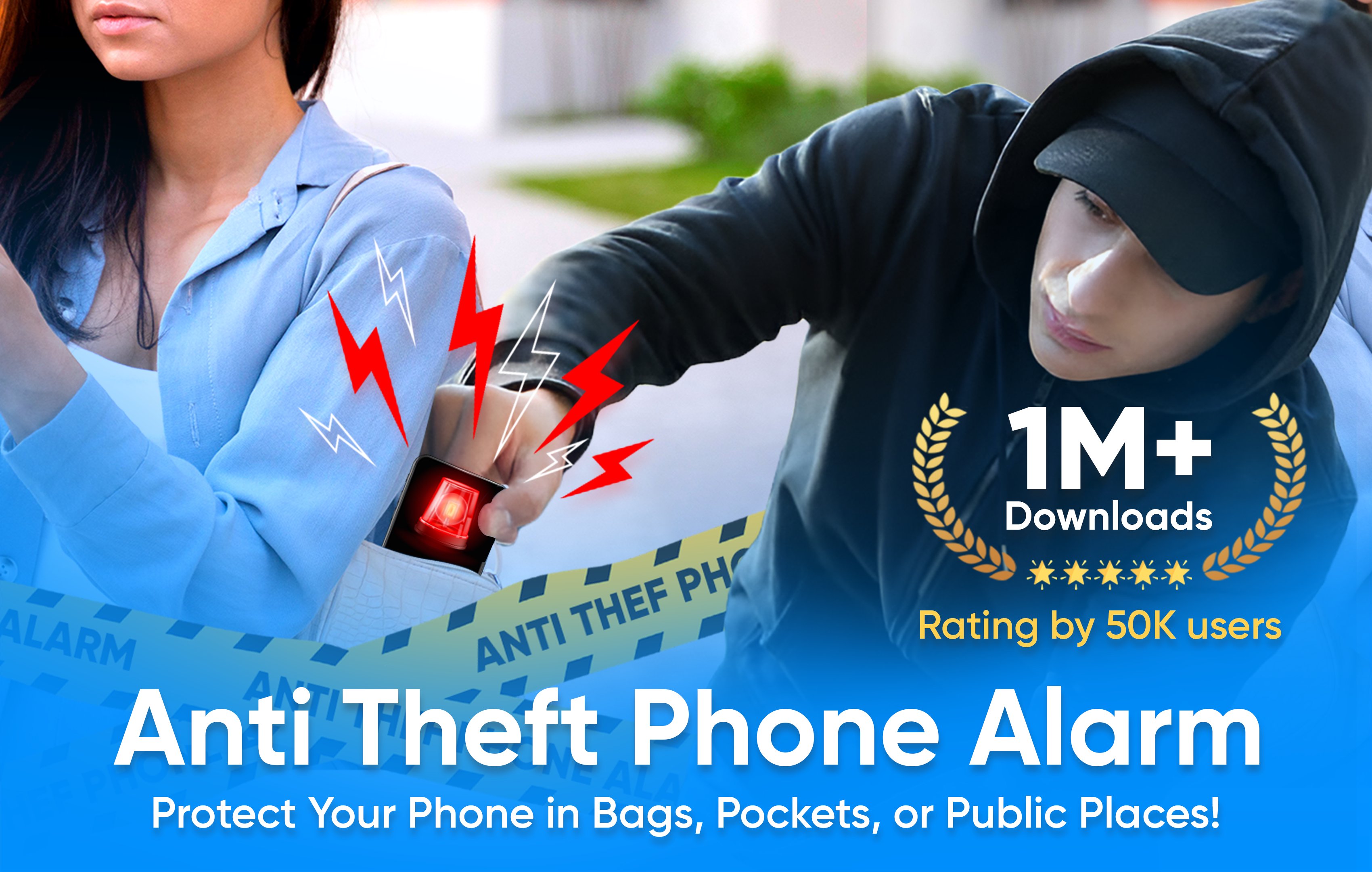
The anti theft alarm is here with phone theft protection feature to secure phone from theft. The intruder can’t steal your phone when you have antitheft alarm app in it. Its find my phone app with anti theft alert with loud alarm to notify suddenly. The Anti theft phone alarm has many features which are listed below to protect your phone;
• Intruder Selfie Alert
• Don’t touch my phone/motion detector
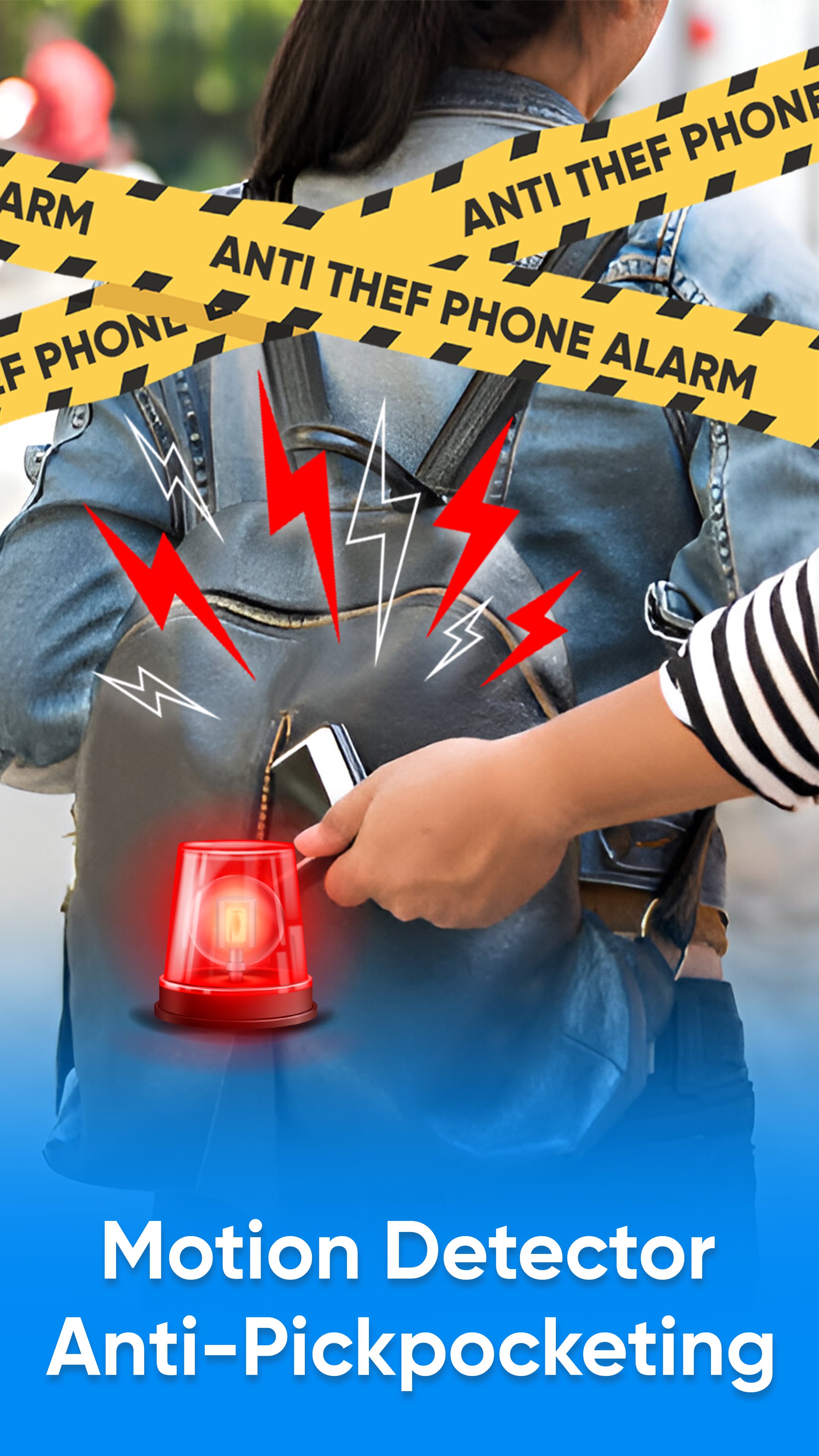
• Anti pocket detection
• Unplug charger detector
• Wifi detection
• Over charging battery detection
• Earphone detection
These all features are with antitheft phone alarm loud sound with built in and custom sounds to set as alert or notification sound.
Don’t Touch My Phone:
This feature works in anti theft app when someone try to pick or move your phone without your permission. The motion detector in this anti theft phone alarm will work suddenly and alert you to save your phone. Enjoy the most demanding feature like find my phone named don’t touch my phone. This motion detector has also smart mode which will automatically enable when the screen is off and then if someone tries to move your device it will alarm loudly.
Intruder Selfie Alert:
This antitheft feature is also an interesting and phone protection point to keep your device safe. Intruder selfie alert captures the photo of intruder who tries to unlock your phone. Intruder alert secure your phone and inform you about who tries to unlock phone without permission.
Anti Pocket Detection/Pick Pocketing:
Antitheft phone alarm has also anti pocket detection and its work when someone or intruder tries to pick pocket your phone. Phone theft alert of this antitheft alarm app will notify loudly with custom sounds. Don’t touch my phone app with loud alert sound notify you even in crowded places like shopping mall, public transport. Etc.
Unplug charger detector:
The unplug charger alert is also an exciting feature to protect your phone with anti theft phone alarm app. Unplug charger alert will work also like don’t touch my phone when someone unplug your charger and disconnect device from charging the unplug charger feature will auto detect and notify you with a loud alert sound. Especially this feature helps in parties, public charging booths, and crowded places. The anti theft alarm for phone will be here to protect and secure your phone.
WIFI detection, over charging for battery detection and earphone plug or unplug are extra features in this app to help you keep your phone protect from intruder and theft. Don’t touch my phone and antitheft phone alarm app has all the feature like find my phone to protect your android phone like never before.
Anti theft alarm – Phone Theft App Features:
• Don’t touch my phone motion detector to protect device
• Custom sounds and built in loud sounds available
• Smart mode which will work auto when screen is off
• Anti theft phone protection timer delay
• Simple and easy User Interface
• Less MB and battery optimized anti theft app
• Timely Anti-theft Alarm with super loud warning sounds
• Anti Pickpocket Alarm with advanced settings
So here is the smart anti-theft alarm to keep your phone safe anytime, anywhere.
Anti Theft app is a comprehensive anti-theft solution for android phone with a powerful warning system.
پیش نظارہ
ٹیگز
House-&اوزارمعلومات
ڈویلپر
Find My Device Apps
تازہ ترین ورژن
10.3
آخری تازہ کاری
2026-09-24
قسم
House-home
پر دستیاب ہے۔
Google Play
مزید دکھائیں
پی سی پر گیم لوپ کے ساتھ Touch alarm – Anti theft app کیسے کھیلا جائے۔
1. آفیشل ویب سائٹ سے گیم لوپ ڈاؤن لوڈ کریں، پھر گیم لوپ انسٹال کرنے کے لیے exe فائل چلائیں۔
2. گیم لوپ کھولیں اور "Touch alarm – Anti theft app" تلاش کریں، تلاش کے نتائج میں Touch alarm – Anti theft app تلاش کریں اور "انسٹال کریں" پر کلک کریں۔
3. گیم لوپ پر Touch alarm – Anti theft app کھیلنے کا لطف اٹھائیں۔
Minimum requirements
OS
Windows 8.1 64-bit or Windows 10 64-bit
GPU
GTX 1050
CPU
i3-8300
Memory
8GB RAM
Storage
1GB available space
Recommended requirements
OS
Windows 8.1 64-bit or Windows 10 64-bit
GPU
GTX 1050
CPU
i3-9320
Memory
16GB RAM
Storage
1GB available space