iMail: Sync Cloud mail PC
io.mt
گیم لوپ ایمولیٹر کے ساتھ PC پر iMail: Sync Cloud mail ڈاؤن لوڈ کریں۔
پی سی پر iMail: Sync Cloud mail
iMail: Sync Cloud mail، جو ڈویلپر io.mt سے آرہا ہے، ماضی میں اینڈرائیڈ سسٹم پر چل رہا ہے۔
اب، آپ پی سی پر iMail: Sync Cloud mail آسانی سے GameLoop کے ساتھ چلا سکتے ہیں۔
اسے GameLoop لائبریری یا تلاش کے نتائج میں ڈاؤن لوڈ کریں۔ مزید غلط وقت پر بیٹری یا مایوس کن کالوں پر نظر نہیں ڈالی جائے گی۔
بس بڑی سکرین پر iMail: Sync Cloud mail PC کا مفت میں لطف اٹھائیں!
iMail: Sync Cloud mail تعارف
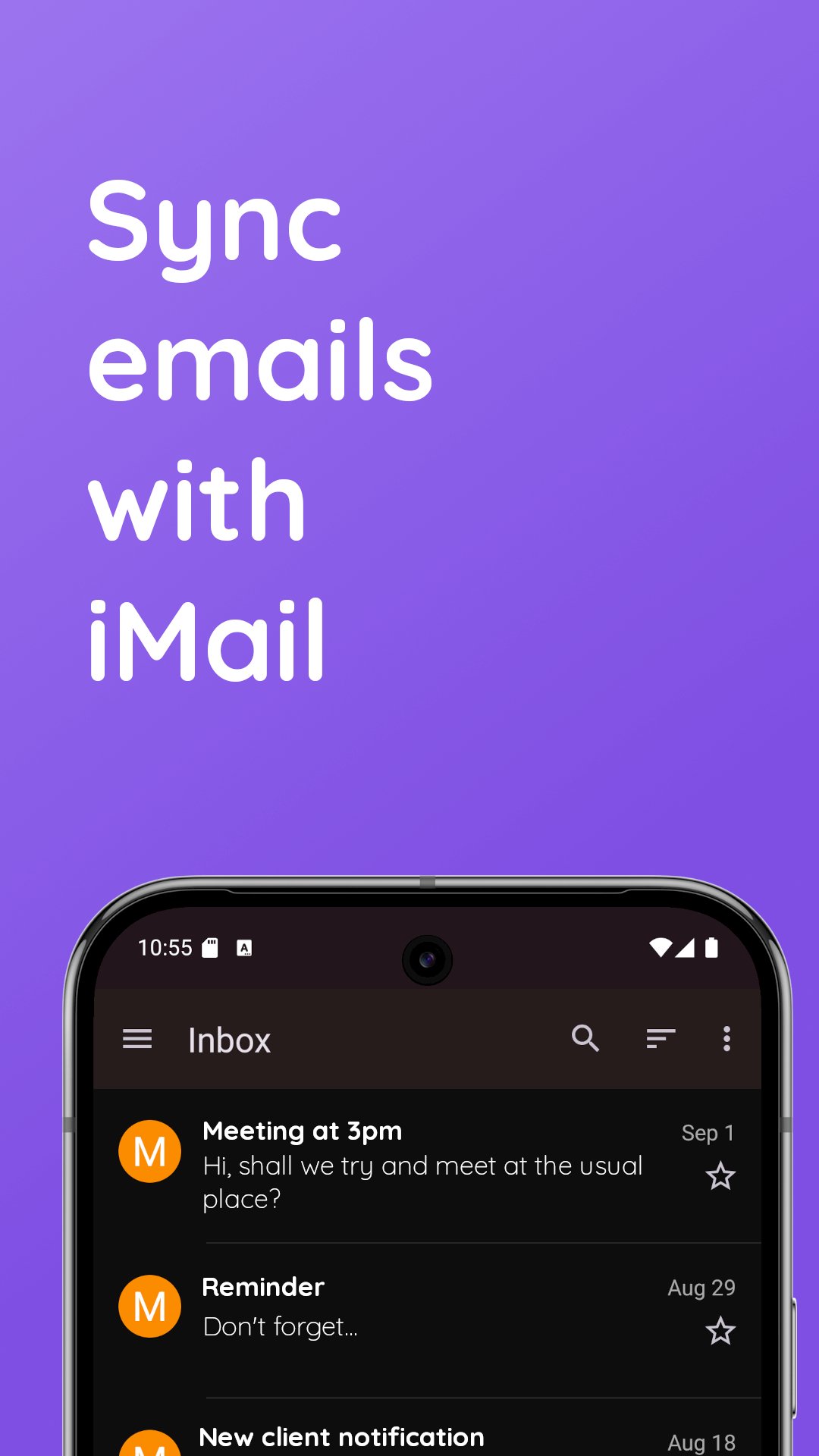
iMail lets you sync email accounts on your Android device.
iMail supports iCloud and Me.com accounts. You can log in without an iCloud app specific password.
Features:
* Add and manage multiple iCloud accounts
* Aggregated or split inbox
* Unlimited accounts
* Integrated contacts manager - access your Contacts stored on iCloud right within iMail. View, create and edit your contacts easily.
* On-the-fly web browser: You can access cloud services and websites directly from the app
* Login in with normal password or app-specific password
* Search functionality
* Low-data mode - download email images on demand
Best Privacy Around
iMail connects directly to email servers through an encrypted connection. This means your username and password are safe and secure. Your account information is never collected by us. We do not collect email subject headers and no data from your inbox is collected by us. Notifications are strictly handled on your device.
iMail works on phones and tablets. If using a tablet, or a phone with a large screen, you can enable split-viewing from the settings.
This application connects directly to email servers, and does not connect through any third party servers or proxies.
پیش نظارہ
ٹیگز
مواصلاتمعلومات
ڈویلپر
io.mt
تازہ ترین ورژن
14.47
آخری تازہ کاری
2025-12-09
قسم
مواصلات
پر دستیاب ہے۔
Google Play
مزید دکھائیں
پی سی پر گیم لوپ کے ساتھ iMail: Sync Cloud mail کیسے کھیلا جائے۔
1. آفیشل ویب سائٹ سے گیم لوپ ڈاؤن لوڈ کریں، پھر گیم لوپ انسٹال کرنے کے لیے exe فائل چلائیں۔
2. گیم لوپ کھولیں اور "iMail: Sync Cloud mail" تلاش کریں، تلاش کے نتائج میں iMail: Sync Cloud mail تلاش کریں اور "انسٹال کریں" پر کلک کریں۔
3. گیم لوپ پر iMail: Sync Cloud mail کھیلنے کا لطف اٹھائیں۔
Minimum requirements
OS
Windows 8.1 64-bit or Windows 10 64-bit
GPU
GTX 1050
CPU
i3-8300
Memory
8GB RAM
Storage
1GB available space
Recommended requirements
OS
Windows 8.1 64-bit or Windows 10 64-bit
GPU
GTX 1050
CPU
i3-9320
Memory
16GB RAM
Storage
1GB available space