
Opera: Private Web Browser PC
Opera
گیم لوپ ایمولیٹر کے ساتھ PC پر Opera: Private Web Browser ڈاؤن لوڈ کریں۔
پی سی پر Opera: Private Web Browser
Opera: Private Web Browser، جو ڈویلپر Opera سے آرہا ہے، ماضی میں اینڈرائیڈ سسٹم پر چل رہا ہے۔
اب، آپ پی سی پر Opera: Private Web Browser آسانی سے GameLoop کے ساتھ چلا سکتے ہیں۔
اسے GameLoop لائبریری یا تلاش کے نتائج میں ڈاؤن لوڈ کریں۔ مزید غلط وقت پر بیٹری یا مایوس کن کالوں پر نظر نہیں ڈالی جائے گی۔
بس بڑی سکرین پر Opera: Private Web Browser PC کا مفت میں لطف اٹھائیں!
Opera: Private Web Browser تعارف
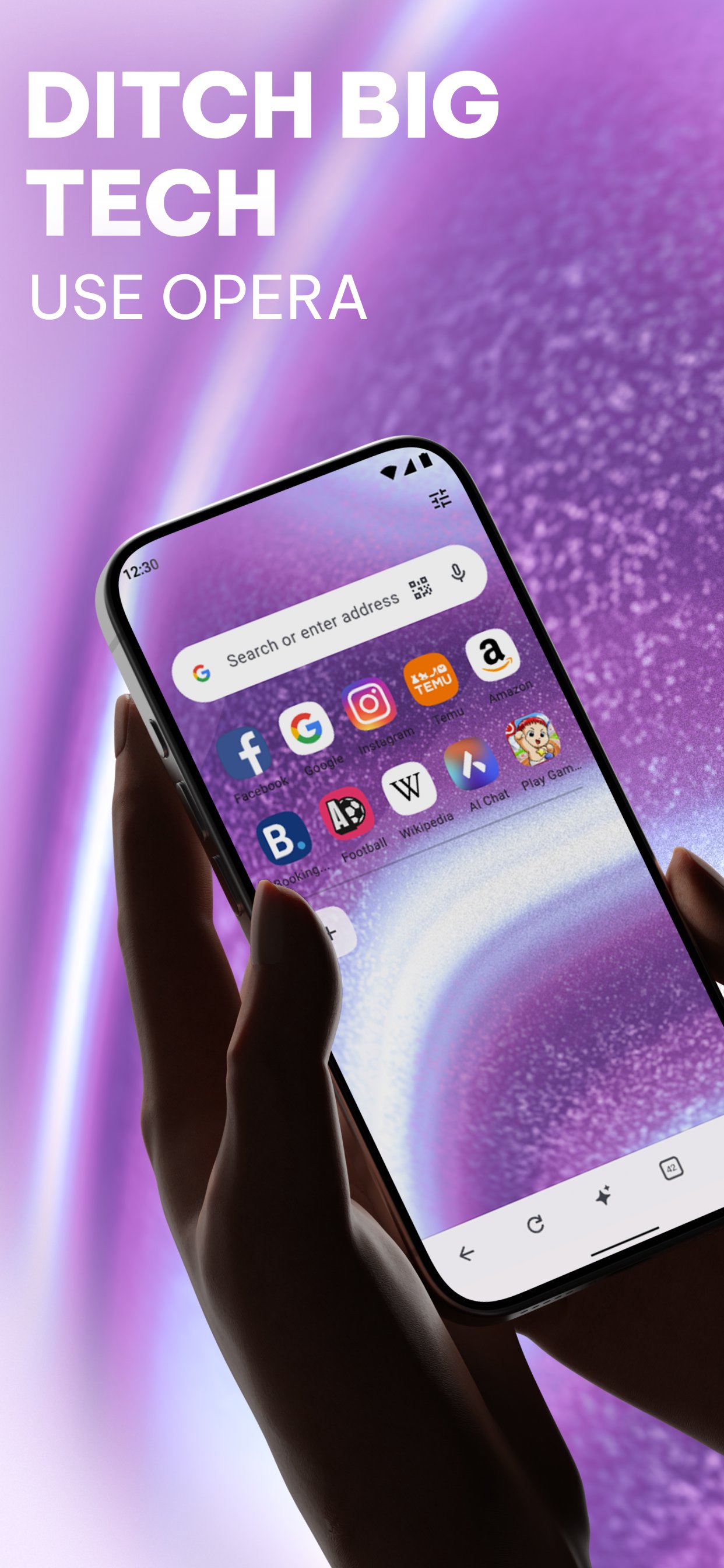
Ditch the default and switch to a browser that works as hard as you do. Opera combines high-performance browsing with a built-in VPN, an advanced Ad Blocker, and a cutting-edge AI assistant. Experience a cleaner, faster, and more private web, no extensions required.
✓ Smart Browsing with AI
✓ Built-in Ad Blocker
✓ Free Built-in VPN
✓ Live scores & Sports alerts
✓ Smart Download manager
✓ Data savings mode
✓ Seamless Sync & Flow
✓ Fully Personalized Browser
• Smart Browsing with AI & Creativity
Upgrade your browsing with integrated AI. Chat with our native assistant to get instant answers, summarize long articles, or brainstorm ideas. Feeling creative? Use our built-in AI Image Generator to turn your words into stunning visuals in seconds. Create custom wallpapers, unique social posts, or images for work, all without leaving your browser.
• Ad Blocker
Opera’s built-in Ad Blocker ensures pages load faster and your battery lasts longer. Experience the web with fewer interruptions, watch videos with fewer ads, and block intrusive pop-ups. You can also manage cookie and privacy dialogs directly in your Settings for a cleaner, smoother experience.
• Built-in Free VPN
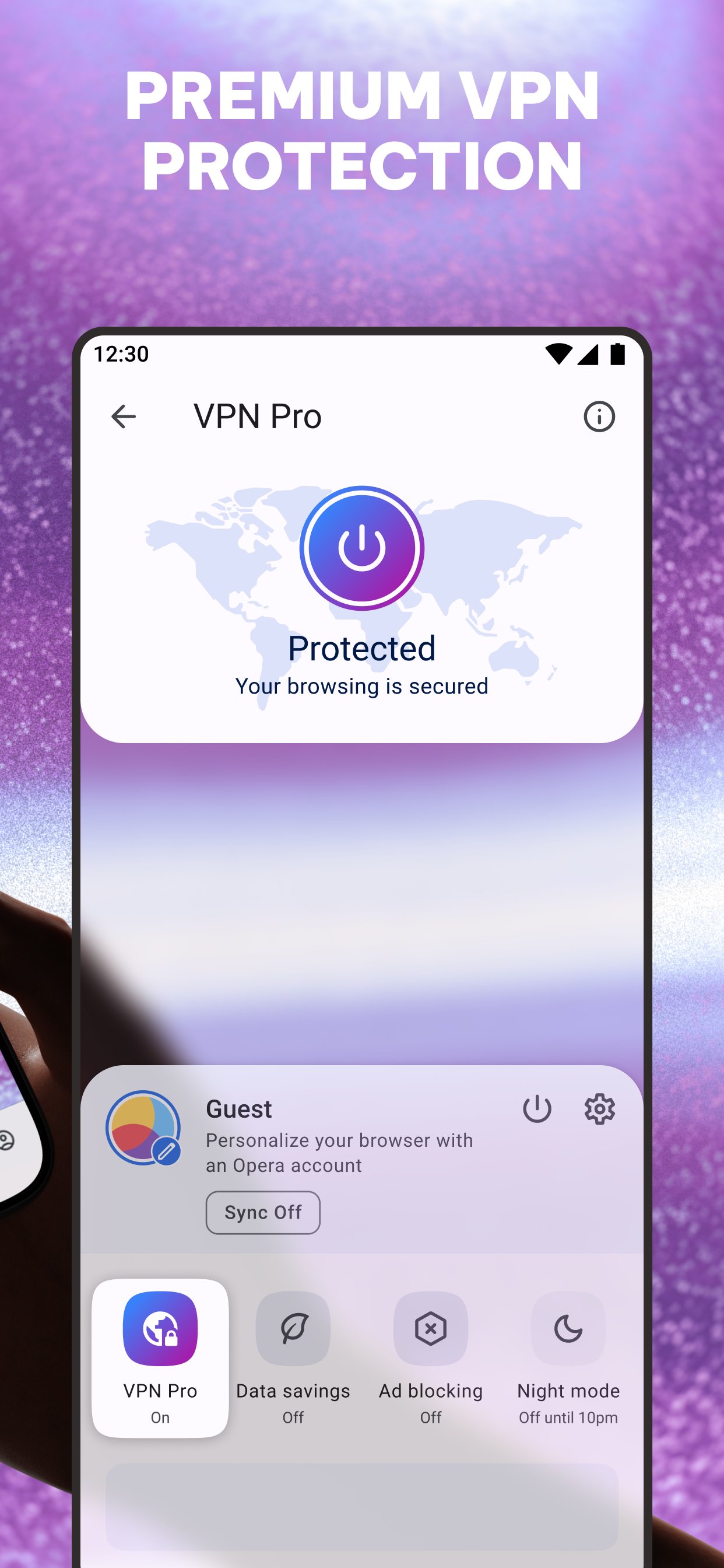
Opera includes a Free VPN to keep your browsing private. The VPN encrypts your internet connection, helping you stay incognito and protecting your personal details. Choose from three virtual locations with no subscription or login needed.
• Powerful Downloader & Offline Pages
Stop worrying about patchy internet. Opera’s downloader lets you grab videos and music whenever they’re available. Downloads happen in the background and automatically resume if the connection drops. Traveling? Save any page to your Offline Pages to access it later without a signal. Use the "Save as PDF" feature to instantly convert pages for easy offline reading.
• Data Savings
Don’t let high data costs limit your browsing. Opera’s Data-saving mode uses smart compression to significantly reduce the weight of every page you visit. It’s the most efficient way to browse more while using less data, ensuring a reliable connection even on weak networks.
• Private Browser
Enhance your web privacy with a built-in Free VPN and Ad Blocker. Use private search and incognito tabs to browse the web without leaving a trace. When you close your tabs, your browsing tracks are cleared automatically.
• Flow & Seamless Sync
Pick up where you left off on any device. Share files, links, and notes across all your devices instantly with Flow. Your history and bookmarks stay synced across mobile and desktop—all you need is one Opera Account.
• Custom Newsfeed
Follow the topics you care about in a fully customizable newsfeed. Not interested in certain topics? Just deselect the noise to tailor your feed. You can also download articles to read later while offline to stay up to date anywhere.
• Personalized Browser
Make the browser your own. Customize your settings to fit your preferences: homepage, search engine, wallpaper, and more. Use Night Mode to dim the screen and protect your eyes during late-night browsing.
پیش نظارہ
ٹیگز
مواصلاتبورڈمعلومات
ڈویلپر
Opera
تازہ ترین ورژن
102.2.5206.90449
آخری تازہ کاری
2026-09-25
قسم
مواصلات
پر دستیاب ہے۔
Google Play
مزید دکھائیں
پی سی پر گیم لوپ کے ساتھ Opera: Private Web Browser کیسے کھیلا جائے۔
1. آفیشل ویب سائٹ سے گیم لوپ ڈاؤن لوڈ کریں، پھر گیم لوپ انسٹال کرنے کے لیے exe فائل چلائیں۔
2. گیم لوپ کھولیں اور "Opera: Private Web Browser" تلاش کریں، تلاش کے نتائج میں Opera: Private Web Browser تلاش کریں اور "انسٹال کریں" پر کلک کریں۔
3. گیم لوپ پر Opera: Private Web Browser کھیلنے کا لطف اٹھائیں۔
Minimum requirements
OS
Windows 8.1 64-bit or Windows 10 64-bit
GPU
GTX 1050
CPU
i3-8300
Memory
8GB RAM
Storage
1GB available space
Recommended requirements
OS
Windows 8.1 64-bit or Windows 10 64-bit
GPU
GTX 1050
CPU
i3-9320
Memory
16GB RAM
Storage
1GB available space