
Logitech G PC
Logitech Europe S.A.
گیم لوپ ایمولیٹر کے ساتھ PC پر Logitech G ڈاؤن لوڈ کریں۔
پی سی پر Logitech G
Logitech G، جو ڈویلپر Logitech Europe S.A. سے آرہا ہے، ماضی میں اینڈرائیڈ سسٹم پر چل رہا ہے۔
اب، آپ پی سی پر Logitech G آسانی سے GameLoop کے ساتھ چلا سکتے ہیں۔
اسے GameLoop لائبریری یا تلاش کے نتائج میں ڈاؤن لوڈ کریں۔ مزید غلط وقت پر بیٹری یا مایوس کن کالوں پر نظر نہیں ڈالی جائے گی۔
بس بڑی سکرین پر Logitech G PC کا مفت میں لطف اٹھائیں!
Logitech G تعارف
Logitech G Mobile currently supports the following products:
G325 Wireless Gaming Headset
A30 Wireless Gaming Headset
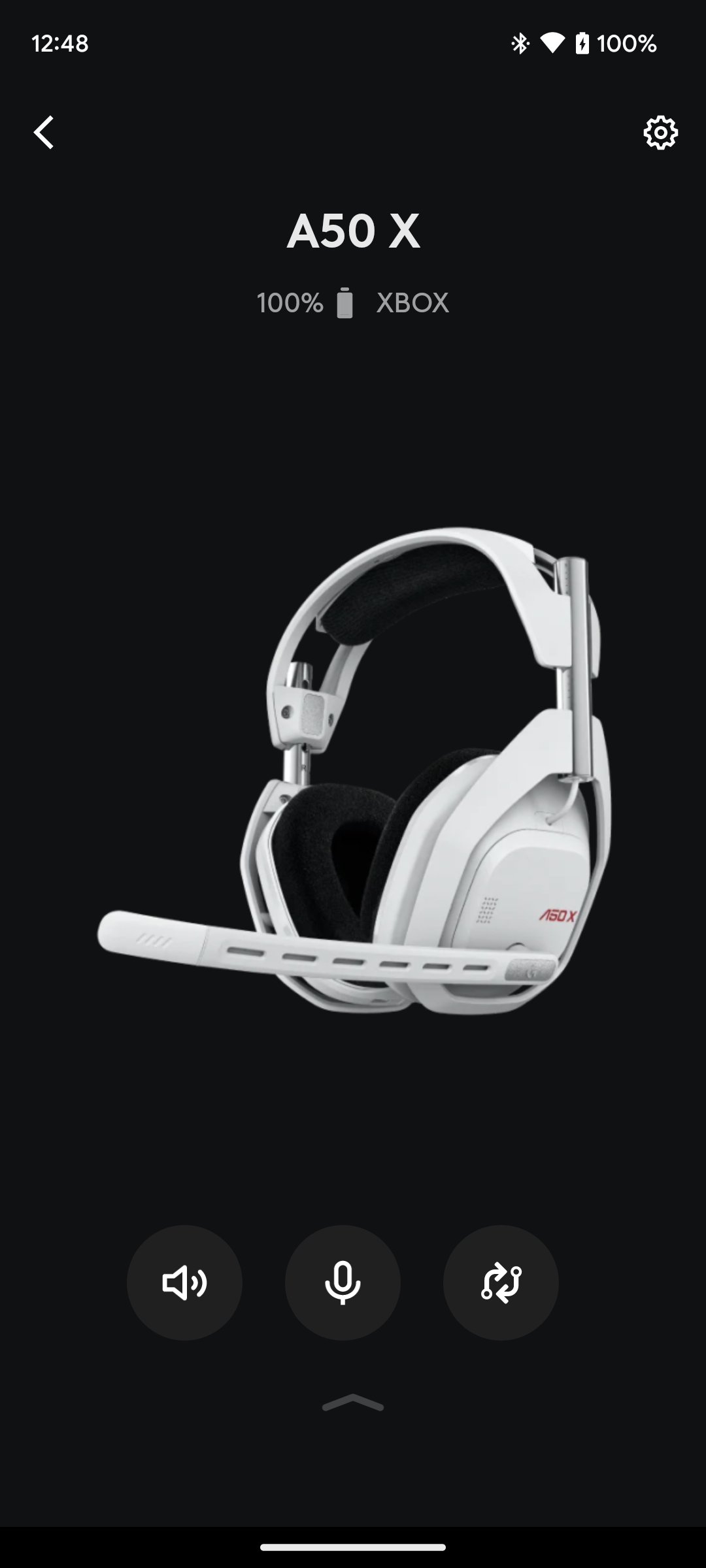
A50 X Wireless Gaming Headset
A50 Wireless Gaming Headset
A20 X Wireless Gaming Headset
G522 Wireless Gaming Headset
G Mobile Features:
• Volume Control - Never miss a beat. Use the volume controls to quickly adjust your headset volume with precision, on-the-fly. Set a volume limiter to protect your hearing, or the hearing of a loved one quickly and easily (G325 only).
• Equalizer - Customize your audio with a 10-band graphic EQ, with an advanced parametric EQ (A50 X/A50/G522/G325), or a 5-band graphic EQ (A30), allowing you complete control of your sound. Save multiple EQ presets and switch on the fly based on what device you are connected to or game you are playing. It’s your headset, now pick your sound.
• Save directly to your device's memory - your most recent settings will always be retained on your headsets memory, until you decide to change them..
• Microphone - Quickly adjust various microphone settings. Make sure each mic is tuned exactly the way you want it. Now with 10-band graphic EQ (A50 X/A50/G522/A20 X) to make sure you sound the way you like.
• PLAYSYNC - (A50 X/A50/A20 X) Switch between Xbox, Playstation and PC at the touch of a button. Enter a whole new world without moving from the comfort of your couch.
• Mixer - Adjust the mix between your Game/Voice balance on Microsoft Xbox, Sony PlayStation and PC. Make sure you hear what you want to hear.
• User Profiles - Save multiple profiles that link together your Mic settings, EQ profile, and default Mix preferences. Load profiles on the fly so you don’t have to take your attention away from your game.
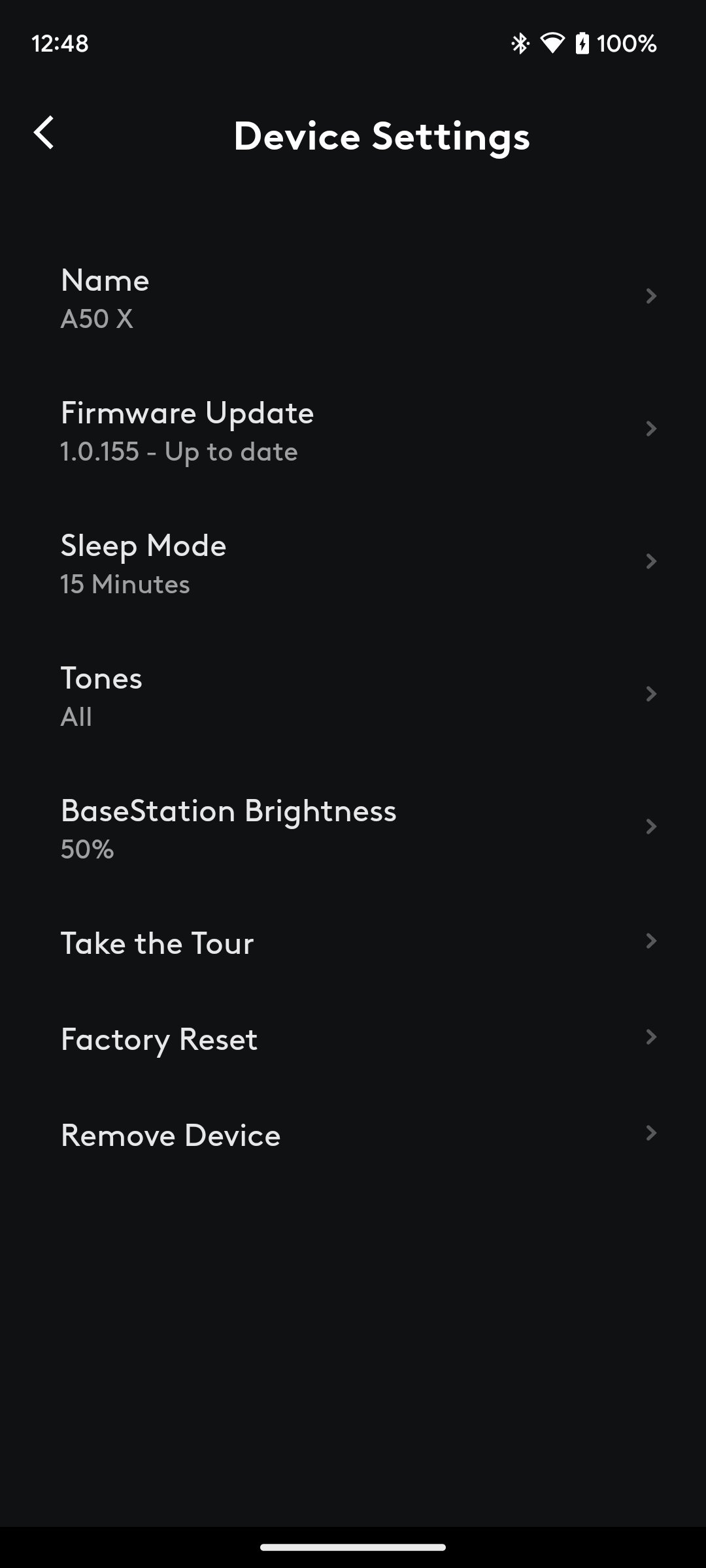
• And More - Get support, adjust product settings, shop for new products, learn about new features, see battery levels, and more. Explore the Logitech G Mobile App to find all of the things you can do with your Logitech G products.
پیش نظارہ
ٹیگز
تفریحمعلومات
ڈویلپر
Logitech Europe S.A.
تازہ ترین ورژن
2.2.18
آخری تازہ کاری
2026-05-04
قسم
مواصلات
پر دستیاب ہے۔
Google Play
مزید دکھائیں
پی سی پر گیم لوپ کے ساتھ Logitech G کیسے کھیلا جائے۔
1. آفیشل ویب سائٹ سے گیم لوپ ڈاؤن لوڈ کریں، پھر گیم لوپ انسٹال کرنے کے لیے exe فائل چلائیں۔
2. گیم لوپ کھولیں اور "Logitech G" تلاش کریں، تلاش کے نتائج میں Logitech G تلاش کریں اور "انسٹال کریں" پر کلک کریں۔
3. گیم لوپ پر Logitech G کھیلنے کا لطف اٹھائیں۔
Minimum requirements
OS
Windows 8.1 64-bit or Windows 10 64-bit
GPU
GTX 1050
CPU
i3-8300
Memory
8GB RAM
Storage
1GB available space
Recommended requirements
OS
Windows 8.1 64-bit or Windows 10 64-bit
GPU
GTX 1050
CPU
i3-9320
Memory
16GB RAM
Storage
1GB available space