Learn Python: Code Play & Quiz PC
Code Play
گیم لوپ ایمولیٹر کے ساتھ PC پر Learn Python: Code Play & Quiz ڈاؤن لوڈ کریں۔
پی سی پر Learn Python: Code Play & Quiz
Learn Python: Code Play & Quiz، جو ڈویلپر Code Play سے آرہا ہے، ماضی میں اینڈرائیڈ سسٹم پر چل رہا ہے۔
اب، آپ پی سی پر Learn Python: Code Play & Quiz آسانی سے GameLoop کے ساتھ چلا سکتے ہیں۔
اسے GameLoop لائبریری یا تلاش کے نتائج میں ڈاؤن لوڈ کریں۔ مزید غلط وقت پر بیٹری یا مایوس کن کالوں پر نظر نہیں ڈالی جائے گی۔
بس بڑی سکرین پر Learn Python: Code Play & Quiz PC کا مفت میں لطف اٹھائیں!
Learn Python: Code Play & Quiz تعارف
Learn Python by reading examples, writing code and testing what you understand. Python Code Play brings programming lessons, an online code editor and guided practice together for beginners, students and learners who want to refresh their skills.
Start with the foundations of the language and study at your own pace. Follow Python tutorials that explain syntax and show how concepts work in a program. Learn about variables, data types and operators, then move into strings, collections, conditions, loops and functions. Use lists, tuples, sets and dictionaries to work with collections of values. Explore classes and inheritance as you become more familiar with structuring your code. Continue into file handling, CSV data and exceptions to broaden your understanding.
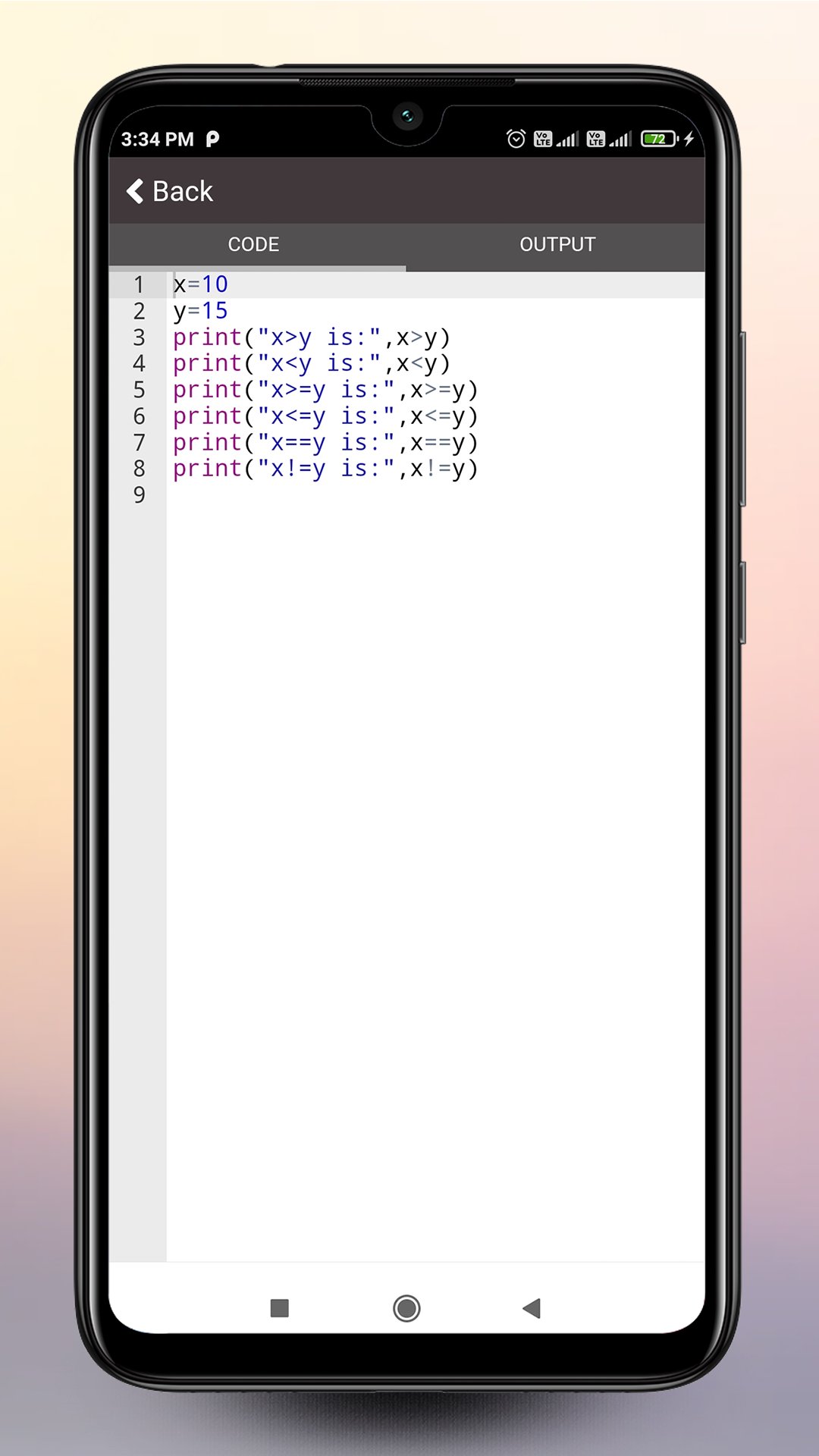
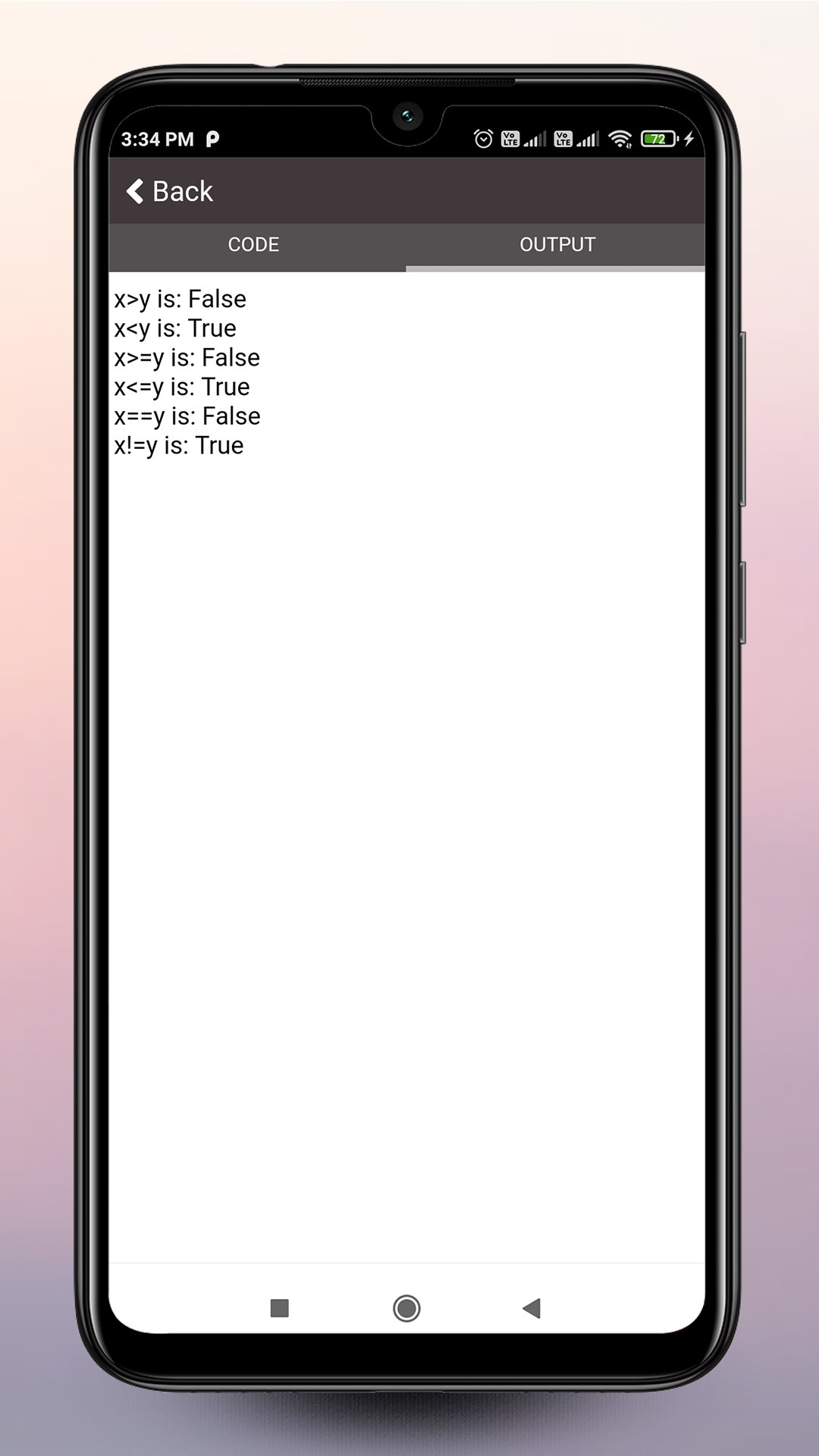
Put a lesson into practice in the built-in Python editor. Write a small program, change an example and run it to see the output. Try a different value or condition and compare the results. Use syntax highlighting to read your code, find and replace text, and save programs to revisit later. This connection between explanation and experimentation helps you work through programming logic one step at a time. An internet connection is required to run code.
Use the example library when you want a starting point for coding practice. Read a program, consider what each part does and edit it to test your understanding. Revisit an earlier example when a topic needs more attention, or use what you have learned to write your own solution.
Check your knowledge with Python quizzes and practice by level. Review your quiz history and return to missed questions in the Wrong Answer Notebook. Use these results to decide what to study next. Earn app certificates by passing quiz levels.
Preparing for a technical discussion or interview? Study 103 Python interview questions with answers. Save useful answers, mark questions as reviewed and return to the topics you want to explain more clearly. Interview preparation gives you another way to revisit concepts after working through the lessons.
When you are ready to explore numerical computing, continue with the NumPy tutorials. Learn how to create, index, reshape and sort arrays. Study array operations and introductory statistics, including mean, median, variance and standard deviation. Build familiarity with ideas used in data analysis.
Explore machine learning basics through lessons on data sets, supervised and unsupervised learning, regression and clustering. Study concepts such as linear regression and K-Means, and see how they connect to Python. These lessons introduce the foundations for further study in data science and machine learning.
Keep your learning moving with a place to resume lessons, review activity and follow your progress. Weekly practice goals and monthly challenges give you a reason to return to the material and apply what you remember.
Python Code Play is designed for people learning to code, students revising programming concepts and self-taught learners building a regular study habit. Start with a topic that fits your experience, work through an example and test what you have learned.
The app contains ads and offers in-app purchases.
پیش نظارہ
ٹیگز
Books-&معلومات
ڈویلپر
Code Play
تازہ ترین ورژن
3.3
آخری تازہ کاری
2026-09-05
قسم
Books-reference
پر دستیاب ہے۔
Google Play
مزید دکھائیں
پی سی پر گیم لوپ کے ساتھ Learn Python: Code Play & Quiz کیسے کھیلا جائے۔
1. آفیشل ویب سائٹ سے گیم لوپ ڈاؤن لوڈ کریں، پھر گیم لوپ انسٹال کرنے کے لیے exe فائل چلائیں۔
2. گیم لوپ کھولیں اور "Learn Python: Code Play & Quiz" تلاش کریں، تلاش کے نتائج میں Learn Python: Code Play & Quiz تلاش کریں اور "انسٹال کریں" پر کلک کریں۔
3. گیم لوپ پر Learn Python: Code Play & Quiz کھیلنے کا لطف اٹھائیں۔
Minimum requirements
OS
Windows 8.1 64-bit or Windows 10 64-bit
GPU
GTX 1050
CPU
i3-8300
Memory
8GB RAM
Storage
1GB available space
Recommended requirements
OS
Windows 8.1 64-bit or Windows 10 64-bit
GPU
GTX 1050
CPU
i3-9320
Memory
16GB RAM
Storage
1GB available space