DjVu Reader & Viewer PC
Android Tools (ru)
گیم لوپ ایمولیٹر کے ساتھ PC پر DjVu Reader & Viewer ڈاؤن لوڈ کریں۔
پی سی پر DjVu Reader & Viewer
DjVu Reader & Viewer، جو ڈویلپر Android Tools (ru) سے آرہا ہے، ماضی میں اینڈرائیڈ سسٹم پر چل رہا ہے۔
اب، آپ پی سی پر DjVu Reader & Viewer آسانی سے GameLoop کے ساتھ چلا سکتے ہیں۔
اسے GameLoop لائبریری یا تلاش کے نتائج میں ڈاؤن لوڈ کریں۔ مزید غلط وقت پر بیٹری یا مایوس کن کالوں پر نظر نہیں ڈالی جائے گی۔
بس بڑی سکرین پر DjVu Reader & Viewer PC کا مفت میں لطف اٹھائیں!
DjVu Reader & Viewer تعارف
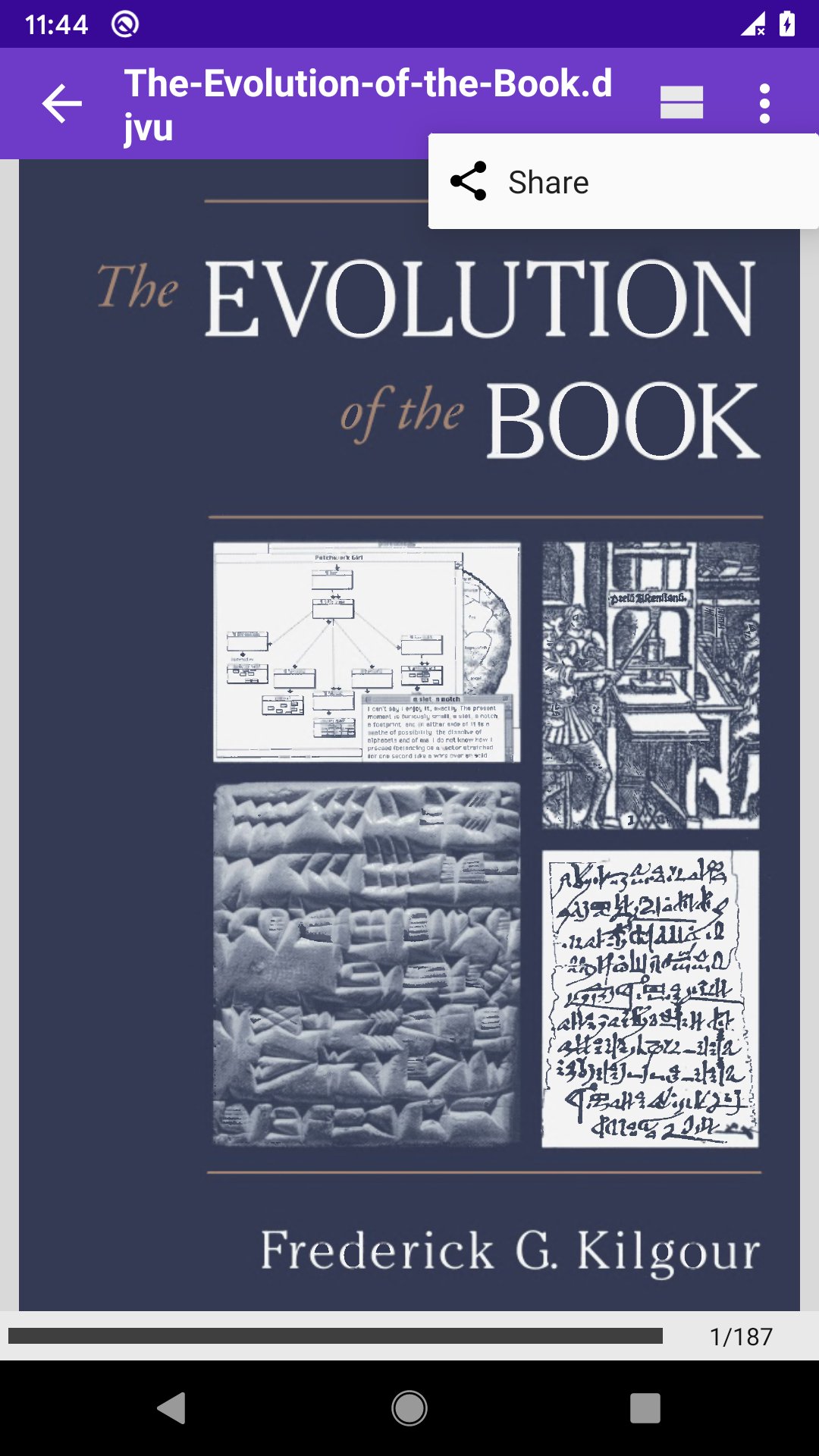
DjVu Reader & Viewer 📖 is the fastest and most convenient reader of DjVu files and documents for Android 📱 Download it absolutely for free and read anywhere — even without internet ❗
DjVu is a popular compression format for scanned documents: books, scientific papers, historical manuscripts, diagrams and handwritten texts. Unlike PDF, DjVu preserves the finest details of paper texture and ink — the format of choice for researchers, historians and book lovers 🏛️
DjVu Reader & Viewer opens even large DjVu archives quickly and smoothly, with no long loading. Just open the file and start reading 🚀
💡 Key Features:
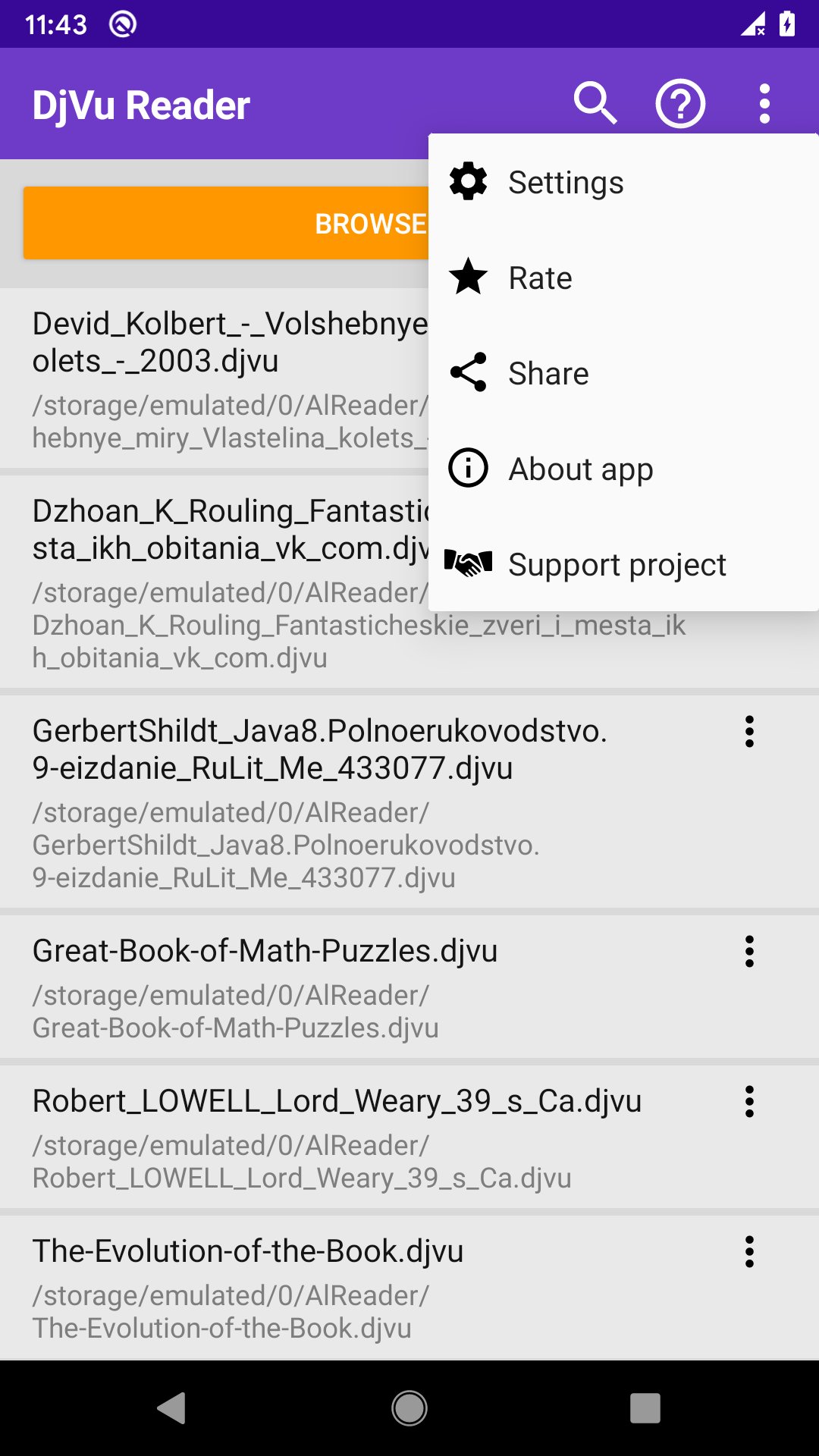
📂 Automatic search for all DjVu files with custom folder scanning;
🔍 Full-text search inside documents with history and result navigation;
🔖 Bookmarks with custom names — never lose your place;
📝 Select text, create quotes, add notes, copy and share;
📄 Convert DjVu to PDF or extract pages as PNG with progress tracking;
🏷️ DjVu metadata editor — edit title, author and date and save them into the file;
🧩 Home-screen widget with a list of your DjVu files — open a book right from your desktop;
🌙 Day and Night reading modes plus manual brightness control;
🗂️ Table of Contents with navigation by sections;
📰 Two-page view in landscape for a natural book experience;
↕️ Horizontal and vertical scroll, pinch-to-zoom and drag-to-pan;
🔊 Turn pages with the volume buttons — read one-handed;
🖥️ Immersive mode hides the status and navigation bars;
📌 Resume the last book automatically on startup;
☀️ Adjust brightness by swiping along the left edge;
🖼️ Page previews in the file list, sorting and skip-cover option;
⭐ Favorites, recent files, reading progress saved automatically.
🔓 Pro Version:
👑 No ads — clean, distraction-free reading;
🔖 Unlimited bookmarks, quotes and notes;
🗂️ Table of Contents with full navigation;
⭐ Favorites for quick access;
☁️ Cloud storage support (Google Drive, OneDrive and others);
🔓 Try Pro free for 1 week — no commitment.
DjVu Reader is an ideal tool for students, academics and everyone who works with scanned books and archival documents 📚
پیش نظارہ
ٹیگز
Books-&معلومات
ڈویلپر
Android Tools (ru)
تازہ ترین ورژن
1.0.149
آخری تازہ کاری
2026-07-23
قسم
Books-reference
پر دستیاب ہے۔
Google Play
مزید دکھائیں
پی سی پر گیم لوپ کے ساتھ DjVu Reader & Viewer کیسے کھیلا جائے۔
1. آفیشل ویب سائٹ سے گیم لوپ ڈاؤن لوڈ کریں، پھر گیم لوپ انسٹال کرنے کے لیے exe فائل چلائیں۔
2. گیم لوپ کھولیں اور "DjVu Reader & Viewer" تلاش کریں، تلاش کے نتائج میں DjVu Reader & Viewer تلاش کریں اور "انسٹال کریں" پر کلک کریں۔
3. گیم لوپ پر DjVu Reader & Viewer کھیلنے کا لطف اٹھائیں۔
Minimum requirements
OS
Windows 8.1 64-bit or Windows 10 64-bit
GPU
GTX 1050
CPU
i3-8300
Memory
8GB RAM
Storage
1GB available space
Recommended requirements
OS
Windows 8.1 64-bit or Windows 10 64-bit
GPU
GTX 1050
CPU
i3-9320
Memory
16GB RAM
Storage
1GB available space