
System App Remover & Uninstall PC
Android Tools (ru)
گیم لوپ ایمولیٹر کے ساتھ PC پر System App Remover & Uninstall ڈاؤن لوڈ کریں۔
پی سی پر System App Remover & Uninstall
System App Remover & Uninstall، جو ڈویلپر Android Tools (ru) سے آرہا ہے، ماضی میں اینڈرائیڈ سسٹم پر چل رہا ہے۔
اب، آپ پی سی پر System App Remover & Uninstall آسانی سے GameLoop کے ساتھ چلا سکتے ہیں۔
اسے GameLoop لائبریری یا تلاش کے نتائج میں ڈاؤن لوڈ کریں۔ مزید غلط وقت پر بیٹری یا مایوس کن کالوں پر نظر نہیں ڈالی جائے گی۔
بس بڑی سکرین پر System App Remover & Uninstall PC کا مفت میں لطف اٹھائیں!
System App Remover & Uninstall تعارف
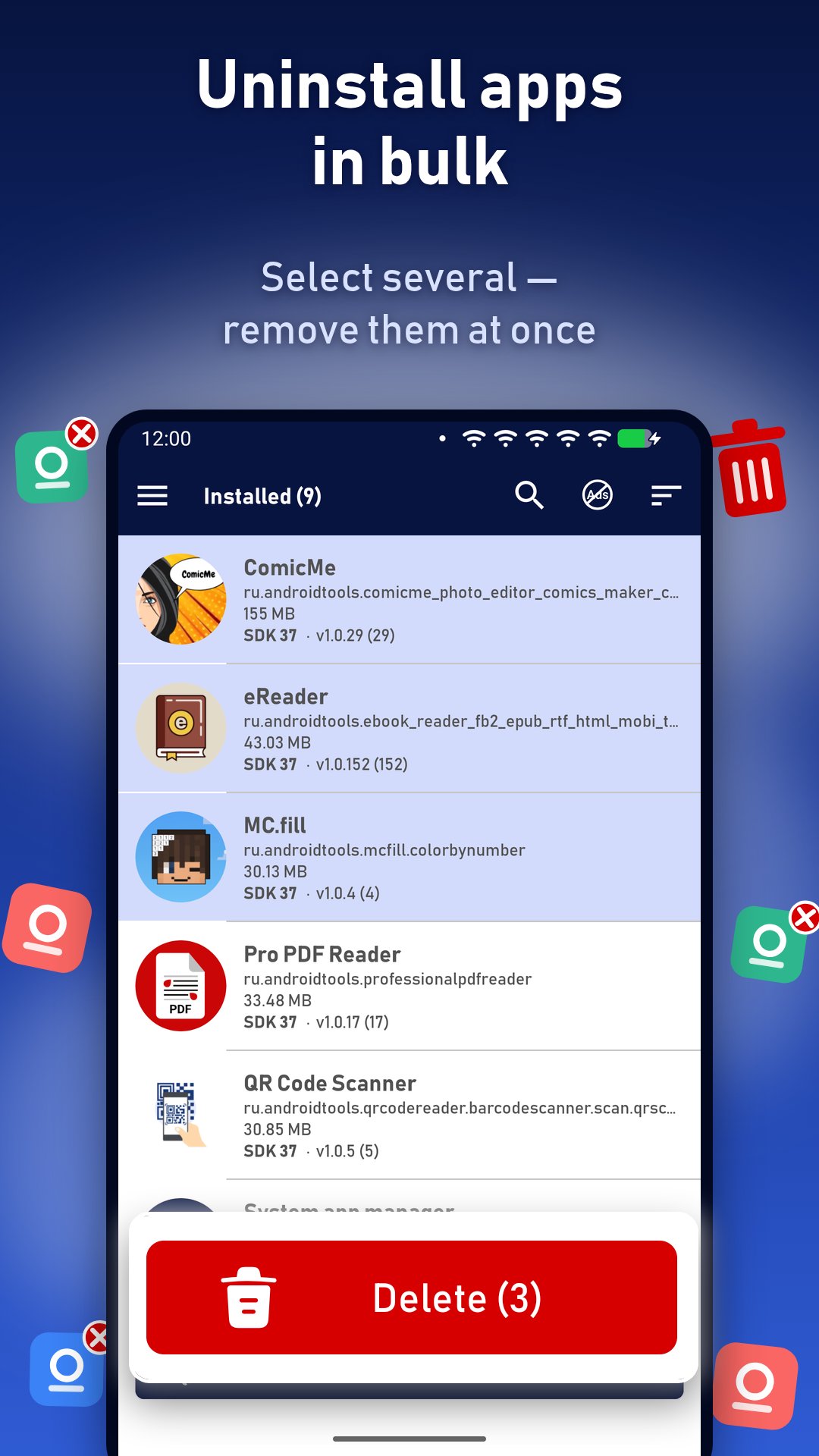
System App Manager — uninstall apps in bulk, remove bloatware and check full phone info.
A fast app manager and uninstaller for Android. See every installed and pre-installed system app, select as many as you need and remove them in one go. Free up storage, get rid of bloatware and unused apps, share APK files, and check device info: RAM usage, battery health and temperature, storage, screen and sensors.
🗑 Bulk uninstaller
• Select several apps with a tap and uninstall them all at once — batch uninstall without opening each app's settings
• The list updates right after removal, the app counter too
• Clear the selection with one button
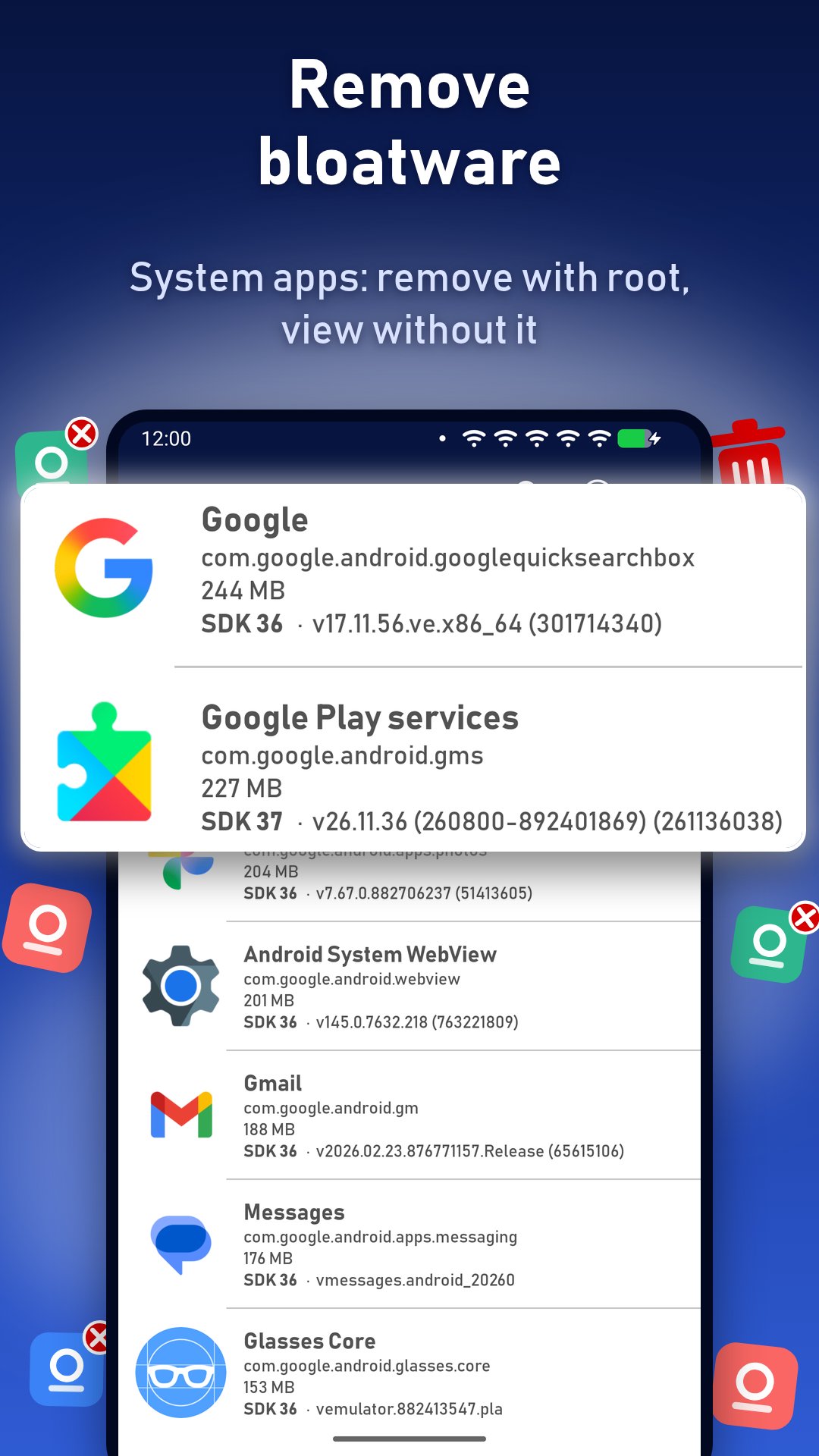
⚙️ System app remover (root)
• Separate list of system and pre-installed apps from the manufacturer and carrier
• Remove bloatware and system apps on rooted devices — several at once
• Without root you can view all system apps, their size, version and package name
• After removal the app reminds you that a reboot may be needed
📋 App manager
• Two lists: user (installed) apps and system apps
• Sort by name, size or last update, ascending or descending — the choice is remembered
• Find heavy apps that eat storage and apps you haven't updated for years
• Search apps by name
• Every app shows icon, name, package name (app ID), size, version name and code, target SDK
📦 APK share and backup
• Share one or several apps as APK files via messenger, email or cloud
• Save APKs before removing an app or send them to another phone
📱 Phone info and hardware info
• Device: model, manufacturer, hardware (chipset), product, Android version
• NFC and IR blaster check — find out if your phone has them
• Copy device and screen details with one tap — for support, forums or selling a phone
🔋 Battery info and health
• Charge level and status: charging, discharging, full
• Battery health, voltage, technology (Li-ion, Li-poly) and charger type (AC or USB)
• Battery temperature with a live graph — spot overheating
💾 RAM and storage
• RAM usage in percent, total and free memory — updates every 5 seconds
• Internal storage and SD card: total and free space, mount status and path
• Number of installed and system apps — tap to open the list
🖥 Screen and sensors
• Screen resolution in pixels and dp, diagonal in inches, aspect ratio, screen size and density (MDPI … XXXHDPI)
• Sensor test with live readings: accelerometer, gyroscope, magnetometer, compass, light sensor, barometer (pressure) and temperature
Also
• Phone and tablet layouts
• Interface in 70+ languages
Good to know
• Android allows removing system apps only with root. Without root they can be viewed but not uninstalled.
• Removing system apps can break some phone functions. Remove only what you are sure about.
• The app shows ads. Any one-time donation turns them off.
Privacy
The app does not collect contacts, files or accounts. Only anonymous crash reports are sent to fix bugs.
Questions or ideas: help.atools@gmail.com
پیش نظارہ
ٹیگز
اوزارمعلومات
ڈویلپر
Android Tools (ru)
تازہ ترین ورژن
1.0.108
آخری تازہ کاری
20 hours ago
قسم
اوزار
پر دستیاب ہے۔
Google Play
مزید دکھائیں
پی سی پر گیم لوپ کے ساتھ System App Remover & Uninstall کیسے کھیلا جائے۔
1. آفیشل ویب سائٹ سے گیم لوپ ڈاؤن لوڈ کریں، پھر گیم لوپ انسٹال کرنے کے لیے exe فائل چلائیں۔
2. گیم لوپ کھولیں اور "System App Remover & Uninstall" تلاش کریں، تلاش کے نتائج میں System App Remover & Uninstall تلاش کریں اور "انسٹال کریں" پر کلک کریں۔
3. گیم لوپ پر System App Remover & Uninstall کھیلنے کا لطف اٹھائیں۔
Minimum requirements
OS
Windows 8.1 64-bit or Windows 10 64-bit
GPU
GTX 1050
CPU
i3-8300
Memory
8GB RAM
Storage
1GB available space
Recommended requirements
OS
Windows 8.1 64-bit or Windows 10 64-bit
GPU
GTX 1050
CPU
i3-9320
Memory
16GB RAM
Storage
1GB available space