FFmpeg Media Encoder PC
SilentLexx UA
Download FFmpeg Media Encoder on PC With GameLoop Emulator
FFmpeg Media Encoder sa PC
Ang FFmpeg Media Encoder, na nagmumula sa developer na SilentLexx UA, ay tumatakbo sa Android systerm sa nakaraan.
Ngayon, maaari mong laruin ang FFmpeg Media Encoder sa PC gamit ang GameLoop nang maayos.
I-download ito sa GameLoop library o mga resulta ng paghahanap. Hindi na tumitingin sa baterya o nakakadismaya na mga tawag sa maling oras.
I-enjoy lang ang FFmpeg Media Encoder PC sa malaking screen nang libre!
FFmpeg Media Encoder Panimula
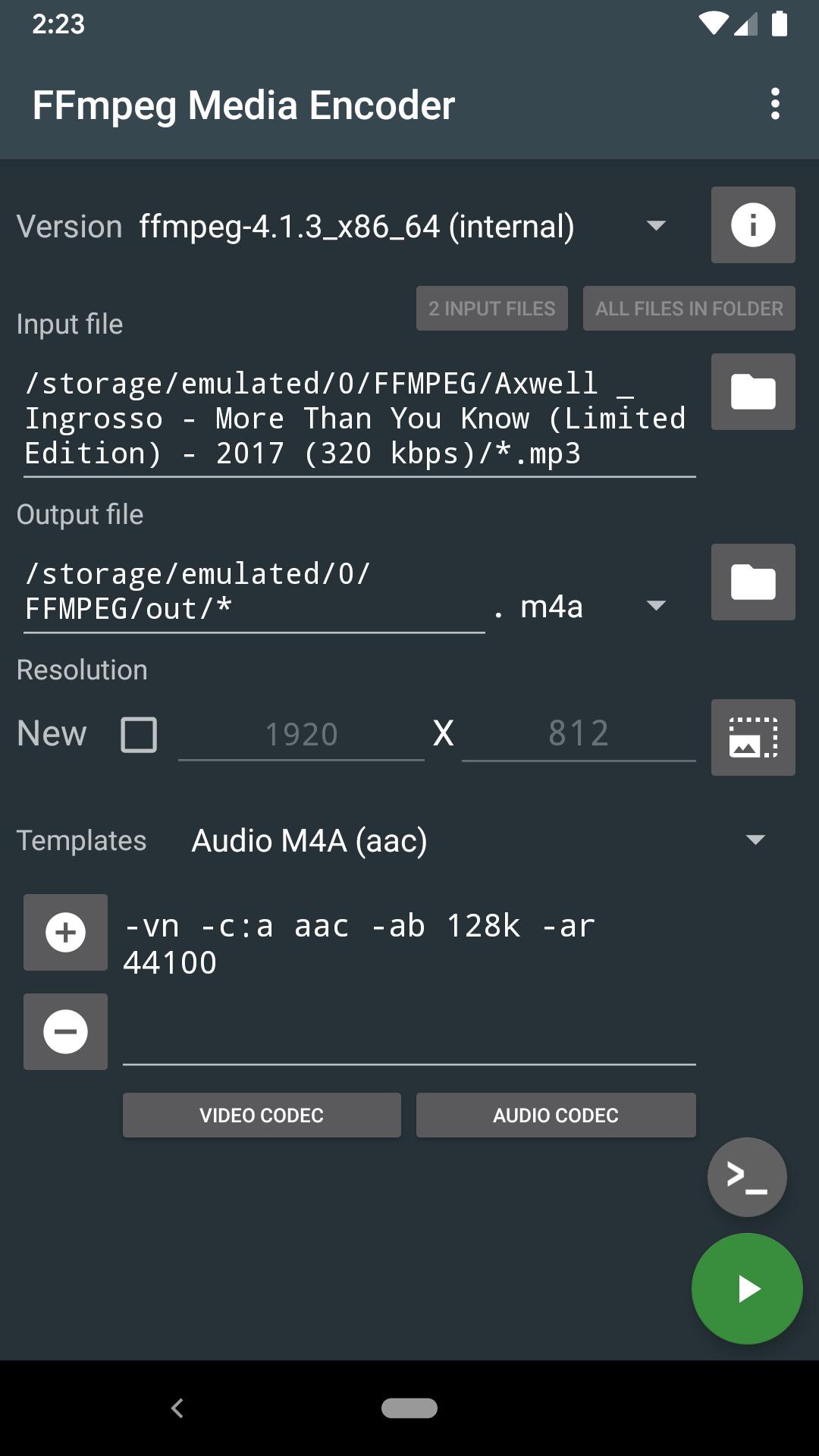
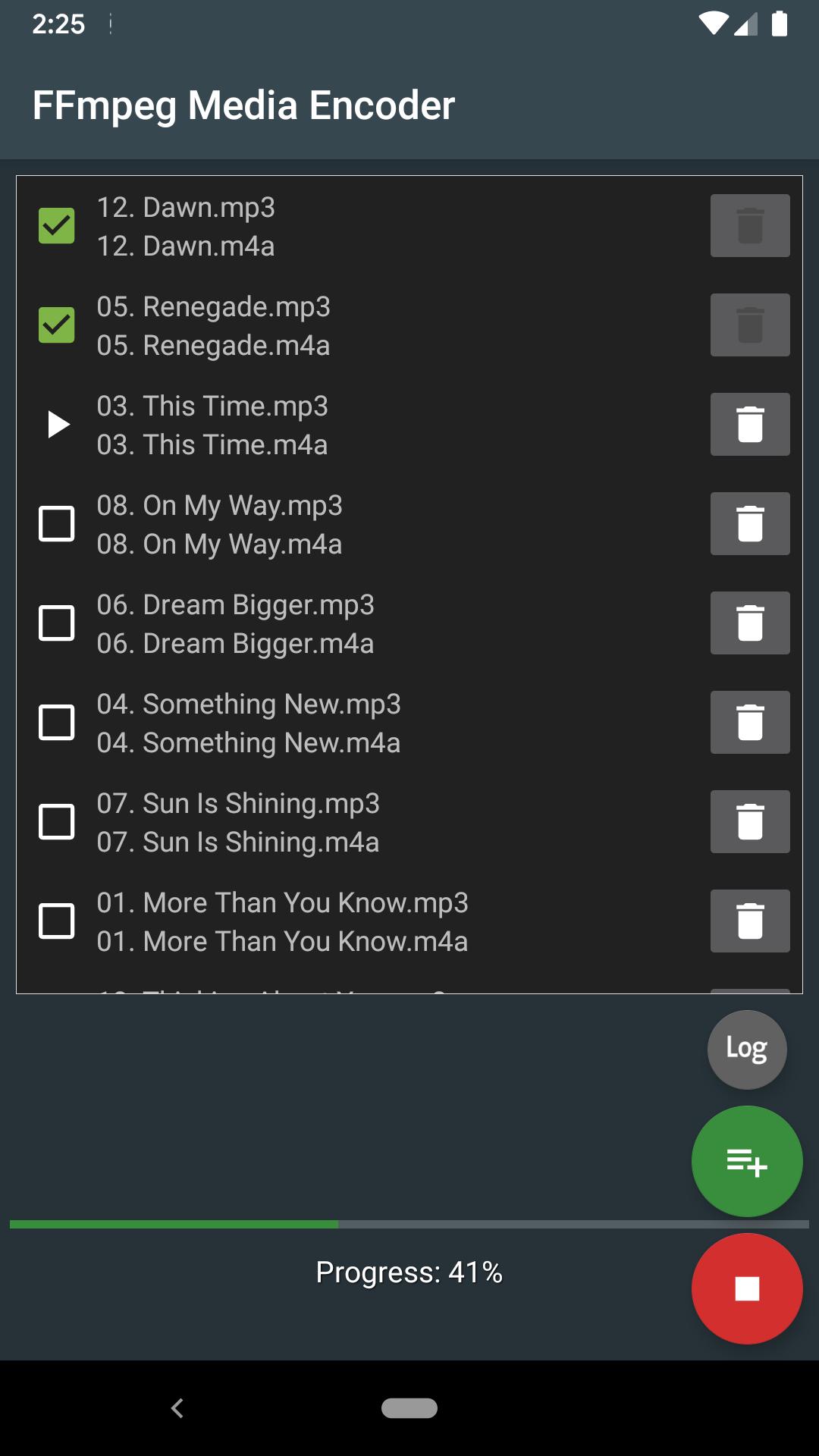
Convert audio and video directly on the device using FFmpeg http://ffmpeg.org/
FFmpeg is a set of open source libraries that allow you to record, convert digital audio and video recordings in various formats. It includes libavcodec, a library for encoding and decoding audio and video, and libavformat, a library for multiplexing and demultiplexing into a media container. The name comes from the name of the MPEG and FF expert group, meaning fast forward.
FFmpeg is already built into the program and does not require downloading additional codecs.
The conversion takes place directly on the device (the Internet is not required), and the conversion speed depends on the processor speed of the device.
Supports: MPEG4, h265, h264, mp3, 3gp, aac, ogg (vorbis and theora), opus, vp8, vp9 and many other formats (you will find the list in the app).
Requirements: Android 4.4 and the availability of the processor ARMv7, ARMv8, x86, x86_64.
FFmpeg with x264, x265, ogg, vorbis, theora, opus, vp8, vp9, mp3lame, libxvid, libfdk_aac, libvo_amrwbenc, libopencore-amr, speex, libsox, libwavpack, libwebp, librtmp
More options can be found in the help pages for FFmpeg.
For Android 11 users: New rules require the application to use more confidential methods of working with files on your device. You will have to copy/move the input files to a shared folder, such as DCIM, Movie, Music, Download. Sorry for the inconvenience
Preview
Tags
Video-PlayersInformation
Developer
SilentLexx UA
Latest Version
6.0.0_11
Last Updated
2024-10-24
Category
Video-players-editors
Available on
Google Play
Show More
How to play FFmpeg Media Encoder with GameLoop on PC
1. Download GameLoop from the official website, then run the exe file to install GameLoop
2. Open GameLoop and search for “FFmpeg Media Encoder” , find FFmpeg Media Encoder in the search results and click “Install”
3. Enjoy playing FFmpeg Media Encoder on GameLoop
Minimum requirements
OS
Windows 8.1 64-bit or Windows 10 64-bit
GPU
GTX 1050
CPU
i3-8300
Memory
8GB RAM
Storage
1GB available space
Recommended requirements
OS
Windows 8.1 64-bit or Windows 10 64-bit
GPU
GTX 1050
CPU
i3-9320
Memory
16GB RAM
Storage
1GB available space