GPS Locker PC
SilentLexx UA
Download GPS Locker on PC With GameLoop Emulator
GPS Locker sa PC
Ang GPS Locker, na nagmumula sa developer na SilentLexx UA, ay tumatakbo sa Android systerm sa nakaraan.
Ngayon, maaari mong laruin ang GPS Locker sa PC gamit ang GameLoop nang maayos.
I-download ito sa GameLoop library o mga resulta ng paghahanap. Hindi na tumitingin sa baterya o nakakadismaya na mga tawag sa maling oras.
I-enjoy lang ang GPS Locker PC sa malaking screen nang libre!
GPS Locker Panimula
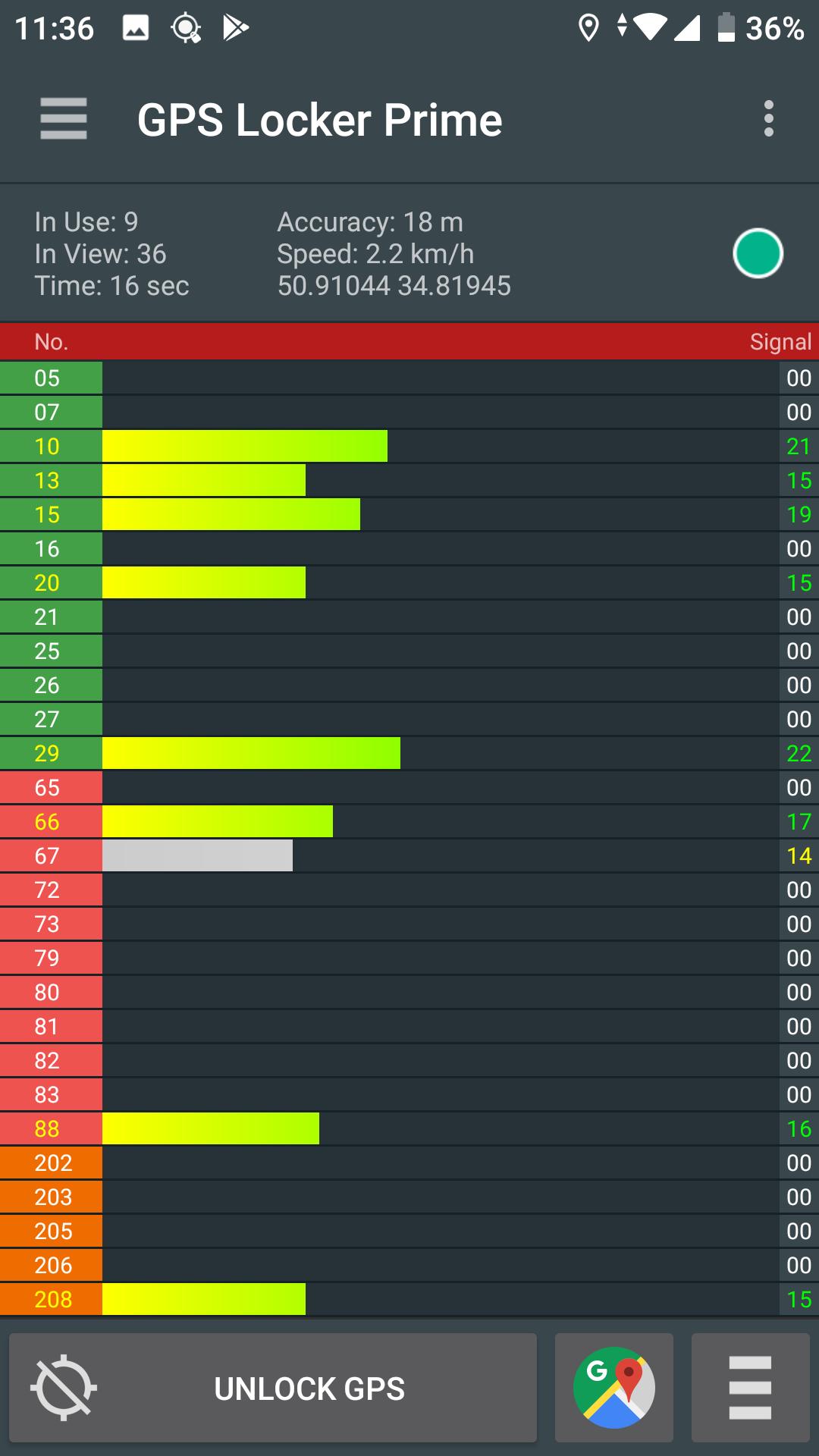
GPS Locker is created to keep a GPS signal locked switching between applications and when your device's screen is off. GPS Locker helps get a faster GPS signal lock and fix your GPS.
Where it can be helpful:
- In mobile games which are used in the game process GPS navigation.
- GPS Locker will be useful for those who use GPS navigation (for example, everyone is familiar with the situation when the device can not immediately catch the GPS signal at the exit of the tunnel in a car, etc.).
- Helps to improve GPS signal to devices that are often lost GPS signal.
Key Features:
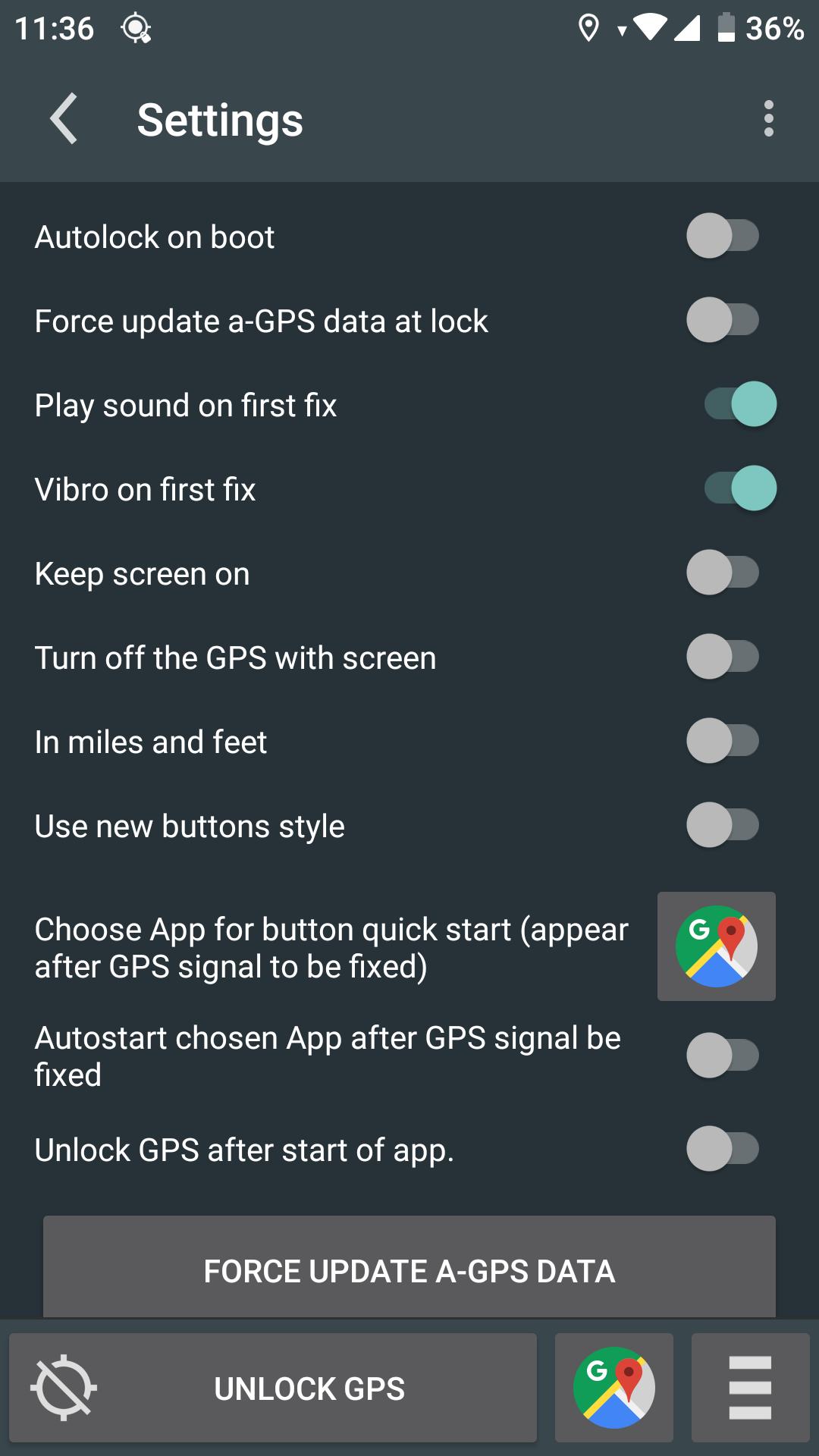
- Possibility of manual and automatic reset A-GPS data.
- Ability to lock on screen when GPS Locker is runned.
- Manual or automatic launch your applications after fixing GPS signal (the desired application you specify in GPS Locker settings)
- Create shortcuts on the desktop to quickly launch applications after a successful fixes of GPS signal.
For remove ads buy Prime!
*This application has access to geodata in the background, but does not send it to third parties and does not save your geodata on the device.*
P.S.: This application is not designed for freeze the coordinates!
Preview
Tags
ToolsInformation
Developer
SilentLexx UA
Latest Version
2.4.7
Last Updated
2024-08-06
Category
Tools
Available on
Google Play
Show More
How to play GPS Locker with GameLoop on PC
1. Download GameLoop from the official website, then run the exe file to install GameLoop
2. Open GameLoop and search for “GPS Locker” , find GPS Locker in the search results and click “Install”
3. Enjoy playing GPS Locker on GameLoop
Minimum requirements
OS
Windows 8.1 64-bit or Windows 10 64-bit
GPU
GTX 1050
CPU
i3-8300
Memory
8GB RAM
Storage
1GB available space
Recommended requirements
OS
Windows 8.1 64-bit or Windows 10 64-bit
GPU
GTX 1050
CPU
i3-9320
Memory
16GB RAM
Storage
1GB available space