
Dual Video-Split Screen Player PC
narusat
Download Dual Video-Split Screen Player on PC With GameLoop Emulator
Dual Video-Split Screen Player sa PC
Ang Dual Video-Split Screen Player, na nagmumula sa developer na narusat, ay tumatakbo sa Android systerm sa nakaraan.
Ngayon, maaari mong laruin ang Dual Video-Split Screen Player sa PC gamit ang GameLoop nang maayos.
I-download ito sa GameLoop library o mga resulta ng paghahanap. Hindi na tumitingin sa baterya o nakakadismaya na mga tawag sa maling oras.
I-enjoy lang ang Dual Video-Split Screen Player PC sa malaking screen nang libre!
Dual Video-Split Screen Player Panimula
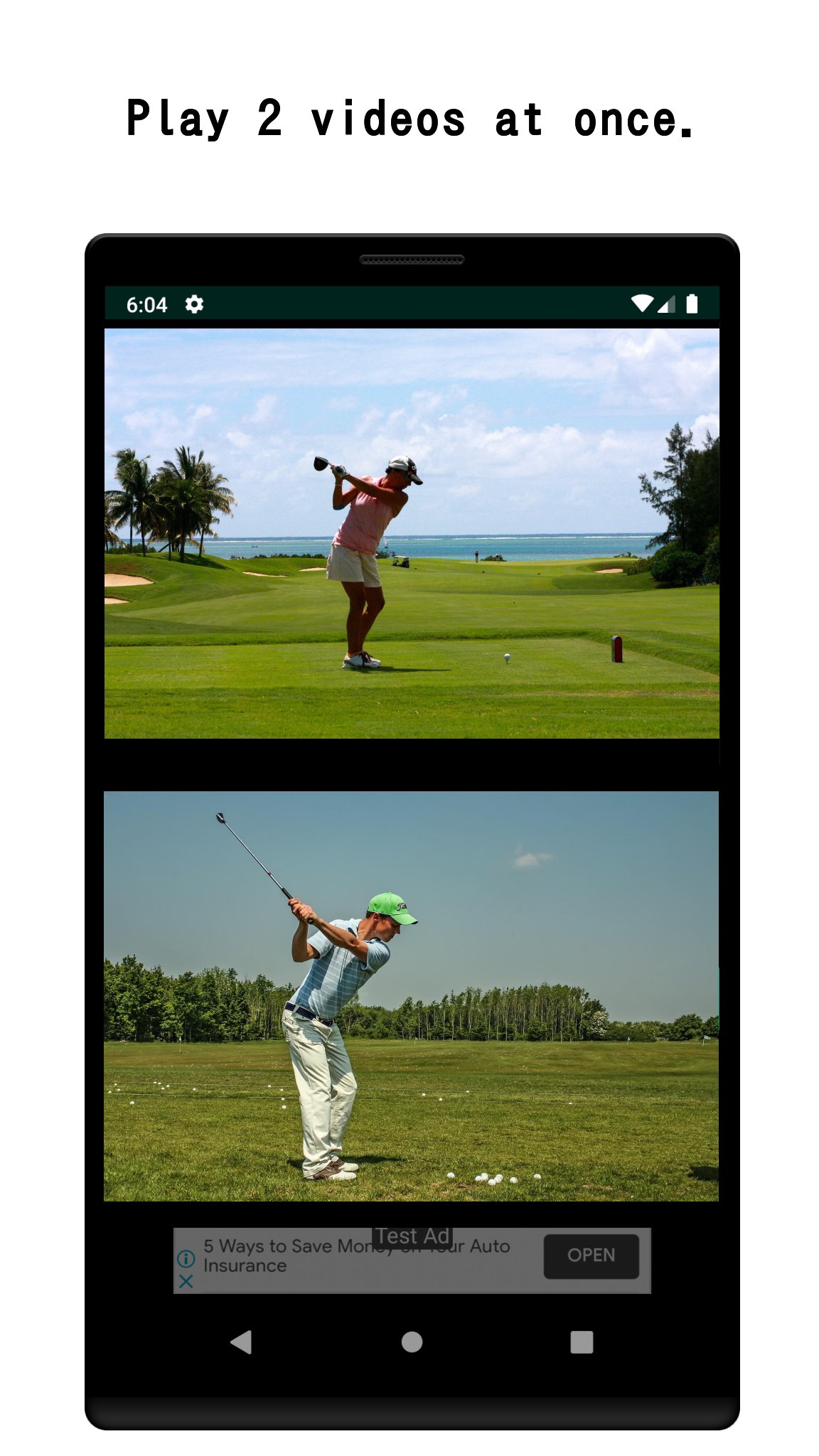
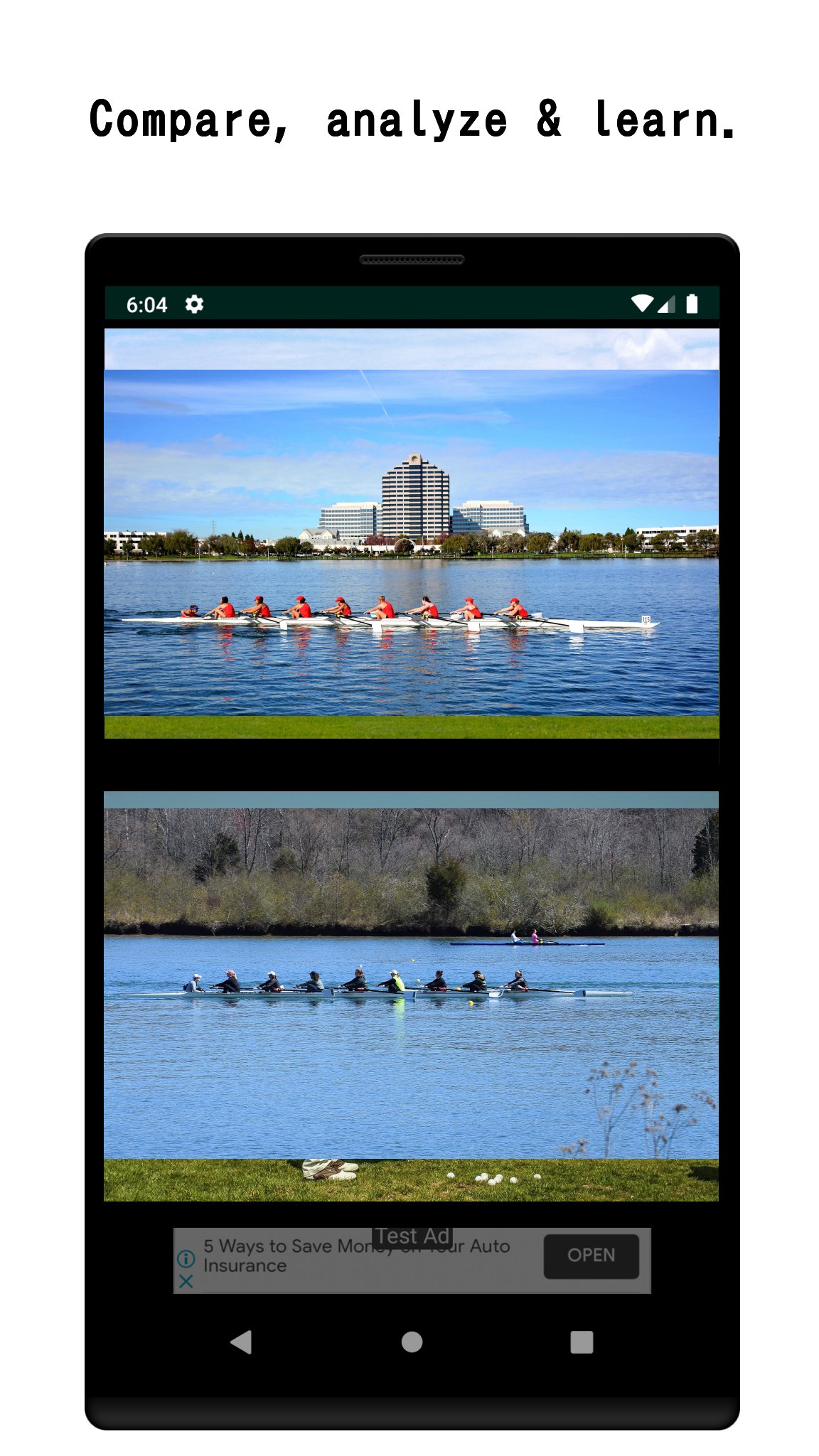
Play two videos simultaneously — side by side, on one screen.
Whether you're analyzing your golf swing, comparing language learning videos, or reviewing before-and-after footage, Dual Video gives you the split-screen control you need.
WHY DUAL VIDEO?
• Watch a website video and a local video at the same time
• Compare two saved videos on your device
• Record with the in-app camera while another video plays
• Trim and cut video clips for precise comparison
PERFECT FOR:
🏌️ Sports coaches & athletes — compare technique frame by frame
📚 Language learners — watch the original and dubbed version together
🎬 Video creators — review edits side by side
🔬 Researchers — analyze two clips in parallel
Supported format: MP4. AVCHD (MTS/M2TS) can be converted using the in-app MTS tool.
Simple to use: tap a video panel, choose a source (web or device), and press play.
PRO VERSION (one-time purchase)
Unlock the full power of dual video playback with a one-time purchase!
Pro features include:
• Ad-free experience - No banner ads, ever.
• Synchronized control panel - Play, pause, rewind, and skip both videos at the same time with a single tap.
• Skip - Jump forward or back on both videos simultaneously. Choose your skip interval: 1s ~ 60s.
• Playback speed control - Set both videos to 0.5× ~ 2.0× at once.
• Unlimited bookmarks - Save as many video sources as you need (free version is limited to 10).
• Full screen recording.
• Advanced video edit - 1) Merge videos. 2) Flip horizontally.
Preview
Tags
Video-PlayersInformation
Developer
narusat
Latest Version
16.5
Last Updated
2026-08-30
Category
Video-players-editors
Available on
Google Play
Show More
How to play Dual Video-Split Screen Player with GameLoop on PC
1. Download GameLoop from the official website, then run the exe file to install GameLoop
2. Open GameLoop and search for “Dual Video-Split Screen Player” , find Dual Video-Split Screen Player in the search results and click “Install”
3. Enjoy playing Dual Video-Split Screen Player on GameLoop
Minimum requirements
OS
Windows 8.1 64-bit or Windows 10 64-bit
GPU
GTX 1050
CPU
i3-8300
Memory
8GB RAM
Storage
1GB available space
Recommended requirements
OS
Windows 8.1 64-bit or Windows 10 64-bit
GPU
GTX 1050
CPU
i3-9320
Memory
16GB RAM
Storage
1GB available space