
Text Converter: Encode, Decode PC
Mr Duy
Download Text Converter: Encode, Decode on PC With GameLoop Emulator
Text Converter: Encode, Decode sa PC
Ang Text Converter: Encode, Decode, na nagmumula sa developer na Mr Duy, ay tumatakbo sa Android systerm sa nakaraan.
Ngayon, maaari mong laruin ang Text Converter: Encode, Decode sa PC gamit ang GameLoop nang maayos.
I-download ito sa GameLoop library o mga resulta ng paghahanap. Hindi na tumitingin sa baterya o nakakadismaya na mga tawag sa maling oras.
I-enjoy lang ang Text Converter: Encode, Decode PC sa malaking screen nang libre!
Text Converter: Encode, Decode Panimula
Text Converter, Encoder & Decoder
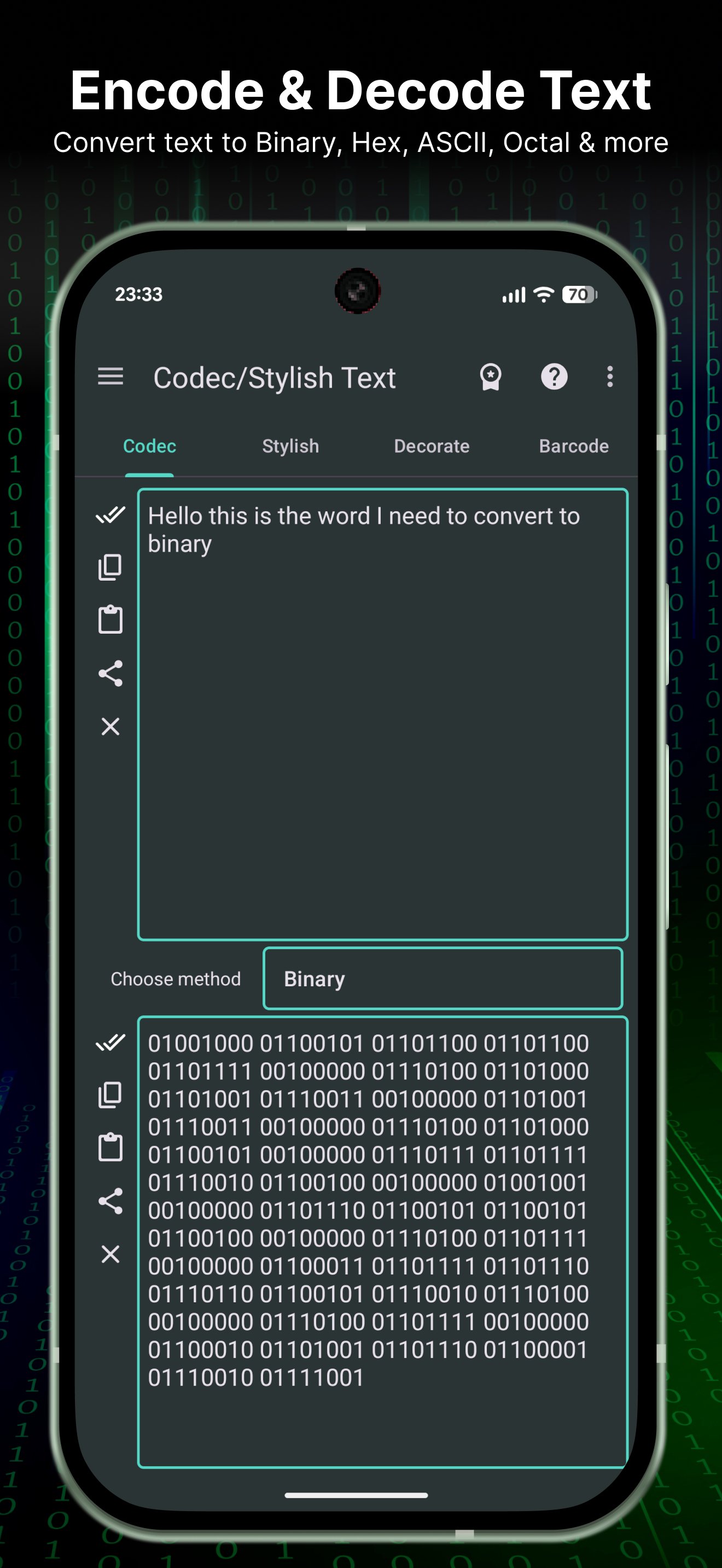
Convert, encode, and decode text in seconds. A handy text toolbox for developers, students, and anyone who needs quick conversions and quick copy/paste results.
Key features
- Base64 encoder & decoder (encode/decode)
- Morse code translator
- ROT13 / Caesar cipher text converter
- Text to Binary / Hex / Octal / Decimal / ASCII converter
- Reverse text generator
- Case converter: uppercase / lowercase / title case
- Trim whitespace & normalize text (clean text)
- Superscript & subscript text
- Upside down text
- Zalgo text
- Text statistics (length, words, lines)
- Hash tools: MD5, SHA-1, SHA-256
Also included (fun & stylish)
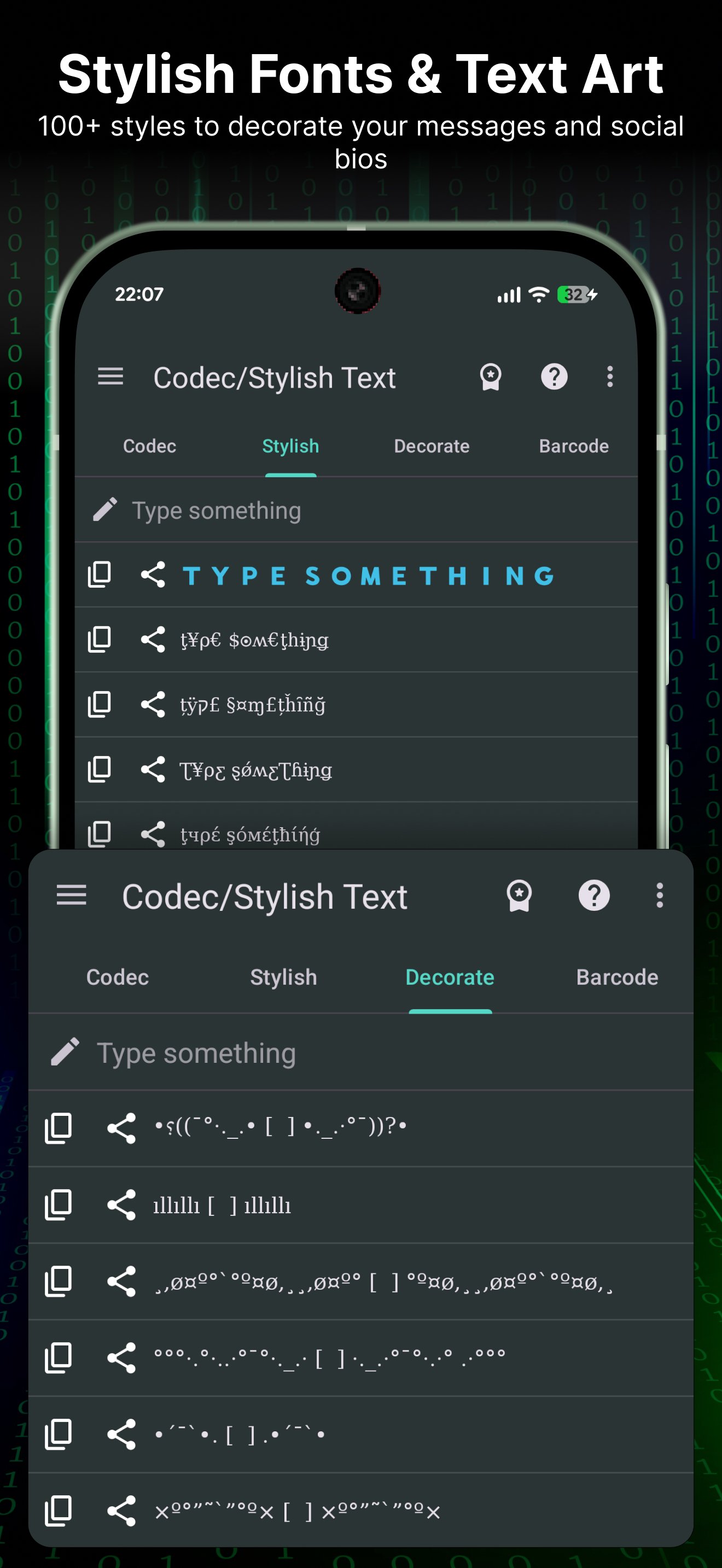
- Fancy fonts and decorative text styles for chats, bios, and captions
Use cases
- Convert text formats for coding, learning, or sharing
- Encode/decode messages and snippets quickly
- Generate binary/hex/ascii output
- Create stylish text for social media
Lightweight, fast, and easy to use.
Preview
Tags
ToolsInformation
Developer
Mr Duy
Latest Version
4.1.7
Last Updated
2026-01-26
Category
Tools
Available on
Google Play
Show More
How to play Text Converter: Encode, Decode with GameLoop on PC
1. Download GameLoop from the official website, then run the exe file to install GameLoop
2. Open GameLoop and search for “Text Converter: Encode, Decode” , find Text Converter: Encode, Decode in the search results and click “Install”
3. Enjoy playing Text Converter: Encode, Decode on GameLoop
Minimum requirements
OS
Windows 8.1 64-bit or Windows 10 64-bit
GPU
GTX 1050
CPU
i3-8300
Memory
8GB RAM
Storage
1GB available space
Recommended requirements
OS
Windows 8.1 64-bit or Windows 10 64-bit
GPU
GTX 1050
CPU
i3-9320
Memory
16GB RAM
Storage
1GB available space