Calculator N+ - Math Solver PC
Mr Duy
Download Calculator N+ - Math Solver on PC With GameLoop Emulator
Calculator N+ - Math Solver sa PC
Ang Calculator N+ - Math Solver, na nagmumula sa developer na Mr Duy, ay tumatakbo sa Android systerm sa nakaraan.
Ngayon, maaari mong laruin ang Calculator N+ - Math Solver sa PC gamit ang GameLoop nang maayos.
I-download ito sa GameLoop library o mga resulta ng paghahanap. Hindi na tumitingin sa baterya o nakakadismaya na mga tawag sa maling oras.
I-enjoy lang ang Calculator N+ - Math Solver PC sa malaking screen nang libre!
Calculator N+ - Math Solver Panimula
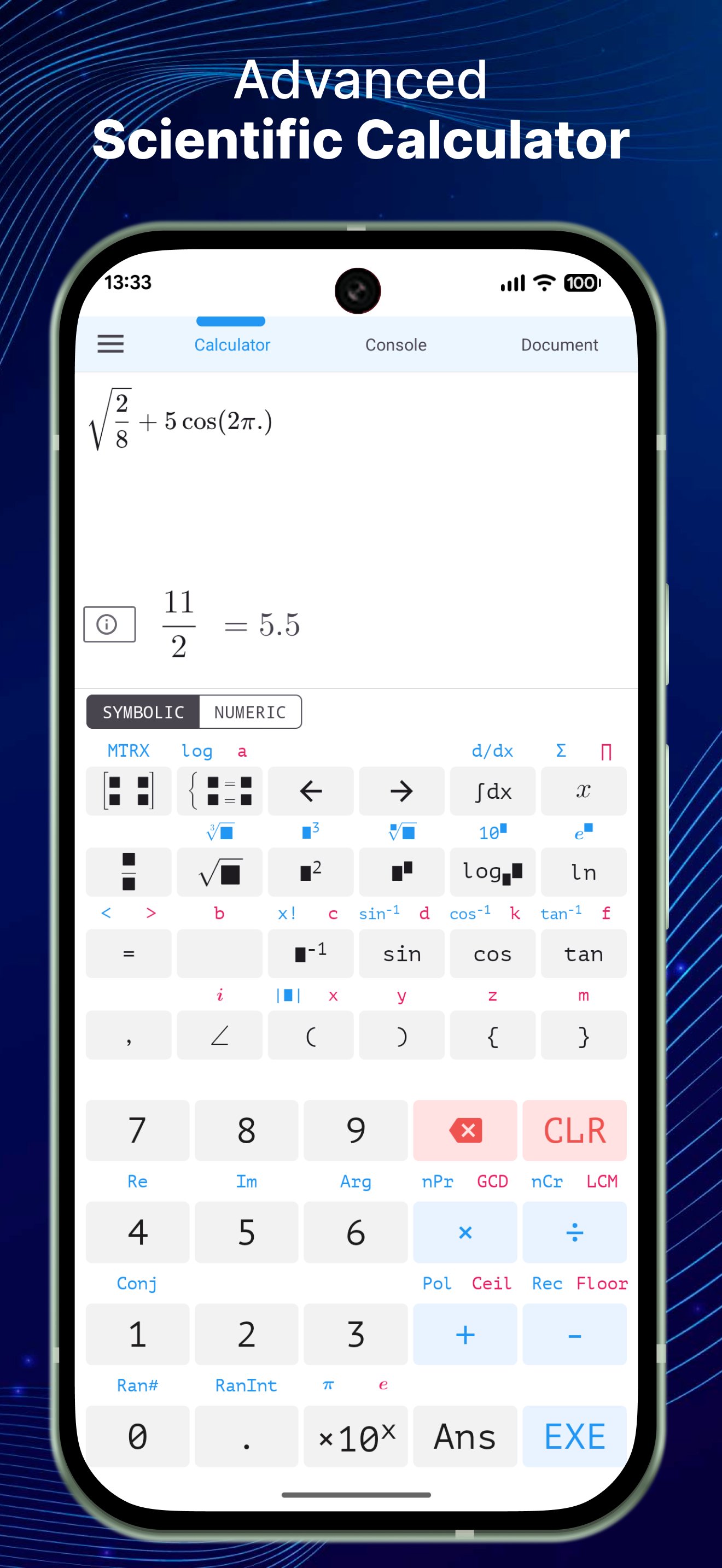
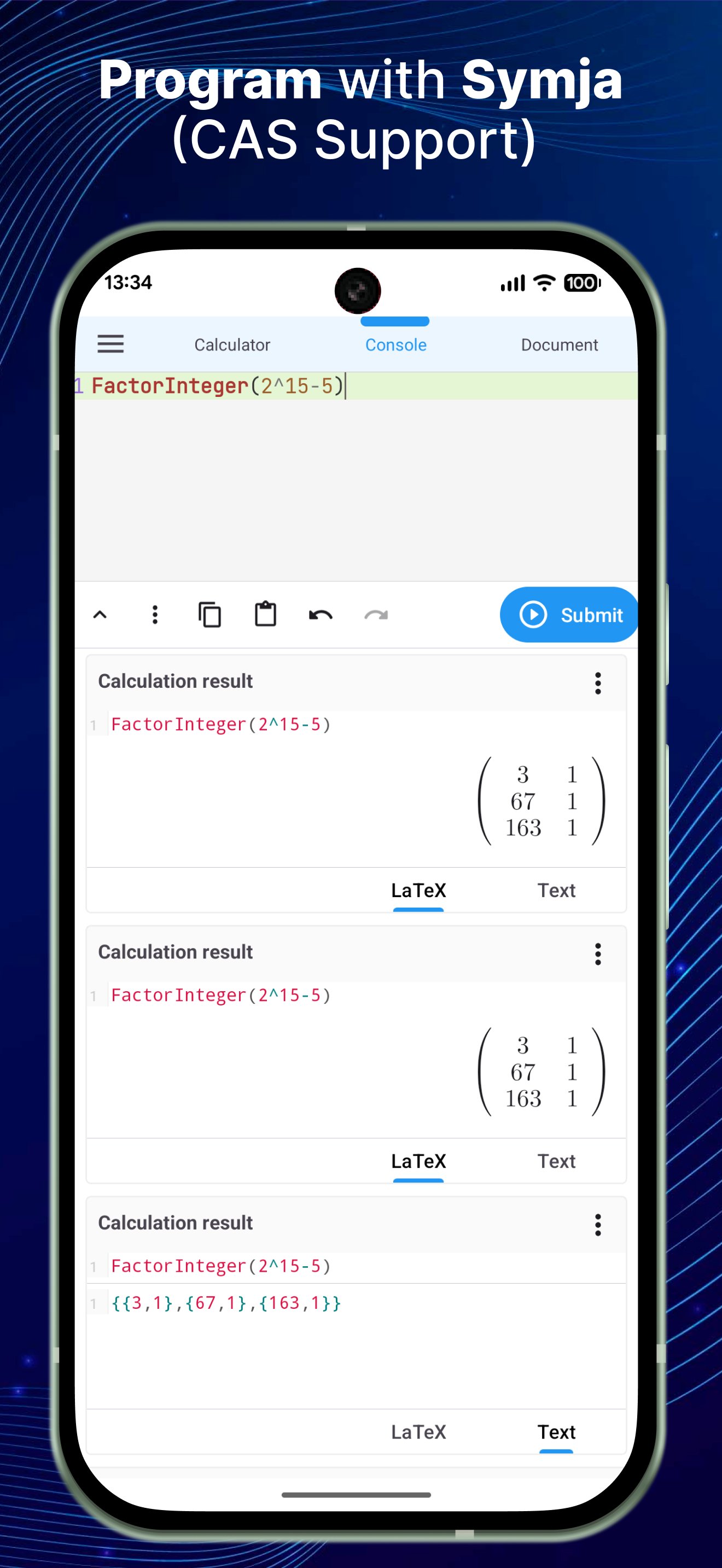
The Calculator provides a comprehensive set of tools for algebra, calculus, trigonometry, statistics, and more. Designed for students, engineers, educators, and math enthusiasts, it offers a powerful CAS programming engine (Symja) and an intuitive interface for everyday calculations and advanced problem-solving.
ALGEBRA
1. Computer science functions
2. Solve equations
3. Solve systems of equations
4. Graph functions
5. Cartesian geometry
6. Unit conversions
7. Simplify algebraic expressions
8. Polynomial factorization
9. Binomial expansion (Newton's formula)
10. Matrix calculations
CALCULUS
1. Derivatives
2. Antiderivatives
3. Definite integrals
4. Limits of sequences and functions
TRIGONOMETRY
1. Trigonometric expansion: sin(2x) → 2sin(x)cos(x)
2. Trigonometric reduction: 2sin(x)cos(x) → sin(2x)
3. Convert trigonometric and hyperbolic functions to exponential form
STATISTICS & COMBINATORICS
1. Combinations
2. Permutations
ADDITIONAL FEATURES
1. Prime factorization
2. Modulo calculations
3. Catalan numbers
4. Fibonacci numbers
The calculator supports two computation modes:
- Decimal mode: e.g., 0.12312312323
- Fraction mode: precise symbolic results, e.g., 9^99999
This combination of CAS programming and extensive math functions makes the app a reliable tool for learning, teaching, and technical work.
Preview
Tags
EducationInformation
Developer
Mr Duy
Latest Version
5.1.8
Last Updated
2025-07-13
Category
Education
Available on
Google Play
Show More
How to play Calculator N+ - Math Solver with GameLoop on PC
1. Download GameLoop from the official website, then run the exe file to install GameLoop
2. Open GameLoop and search for “Calculator N+ - Math Solver” , find Calculator N+ - Math Solver in the search results and click “Install”
3. Enjoy playing Calculator N+ - Math Solver on GameLoop
Minimum requirements
OS
Windows 8.1 64-bit or Windows 10 64-bit
GPU
GTX 1050
CPU
i3-8300
Memory
8GB RAM
Storage
1GB available space
Recommended requirements
OS
Windows 8.1 64-bit or Windows 10 64-bit
GPU
GTX 1050
CPU
i3-9320
Memory
16GB RAM
Storage
1GB available space