PDFtoIMG: PDF to JPG Converter PC
Futuretech Apps
Download PDFtoIMG: PDF to JPG Converter on PC With GameLoop Emulator
PDFtoIMG: PDF to JPG Converter sa PC
Ang PDFtoIMG: PDF to JPG Converter, na nagmumula sa developer na Futuretech Apps, ay tumatakbo sa Android systerm sa nakaraan.
Ngayon, maaari mong laruin ang PDFtoIMG: PDF to JPG Converter sa PC gamit ang GameLoop nang maayos.
I-download ito sa GameLoop library o mga resulta ng paghahanap. Hindi na tumitingin sa baterya o nakakadismaya na mga tawag sa maling oras.
I-enjoy lang ang PDFtoIMG: PDF to JPG Converter PC sa malaking screen nang libre!
PDFtoIMG: PDF to JPG Converter Panimula
📄 PDFtoIMG: PDF to JPG Converter
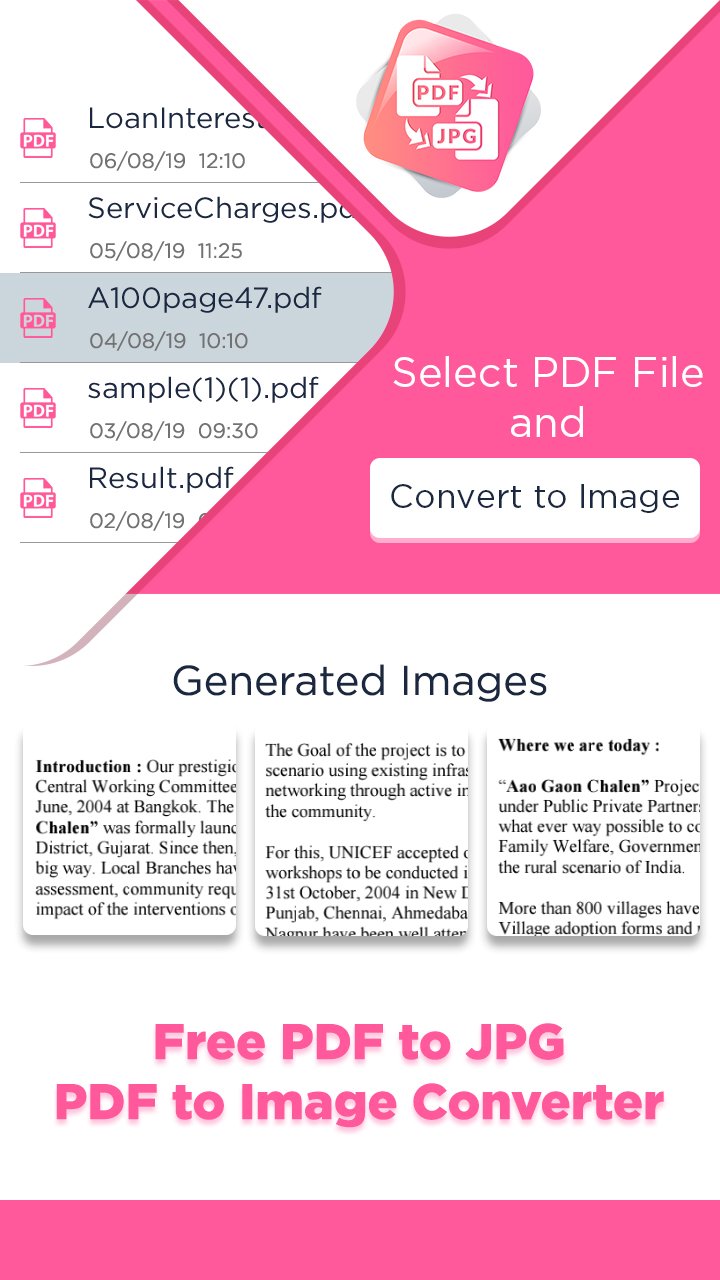
PDFtoIMG: PDF to JPG Converter is your ultimate tool to convert PDF files into high-quality images (JPG & PNG) in seconds. Whether you’re a student, professional, or frequent PDF user, this fast, lightweight, and easy-to-use PDF to Image converter helps you get results instantly — no internet required, no ads, no registration!
Easily convert all pages of a PDF to images or extract embedded images from PDF files — all in just a few taps. Enjoy batch conversion, HD output, custom image quality, and powerful file management tools, making this one of the best PDF utility apps of 2025.
🔥 Key Features of PDFtoIMG:
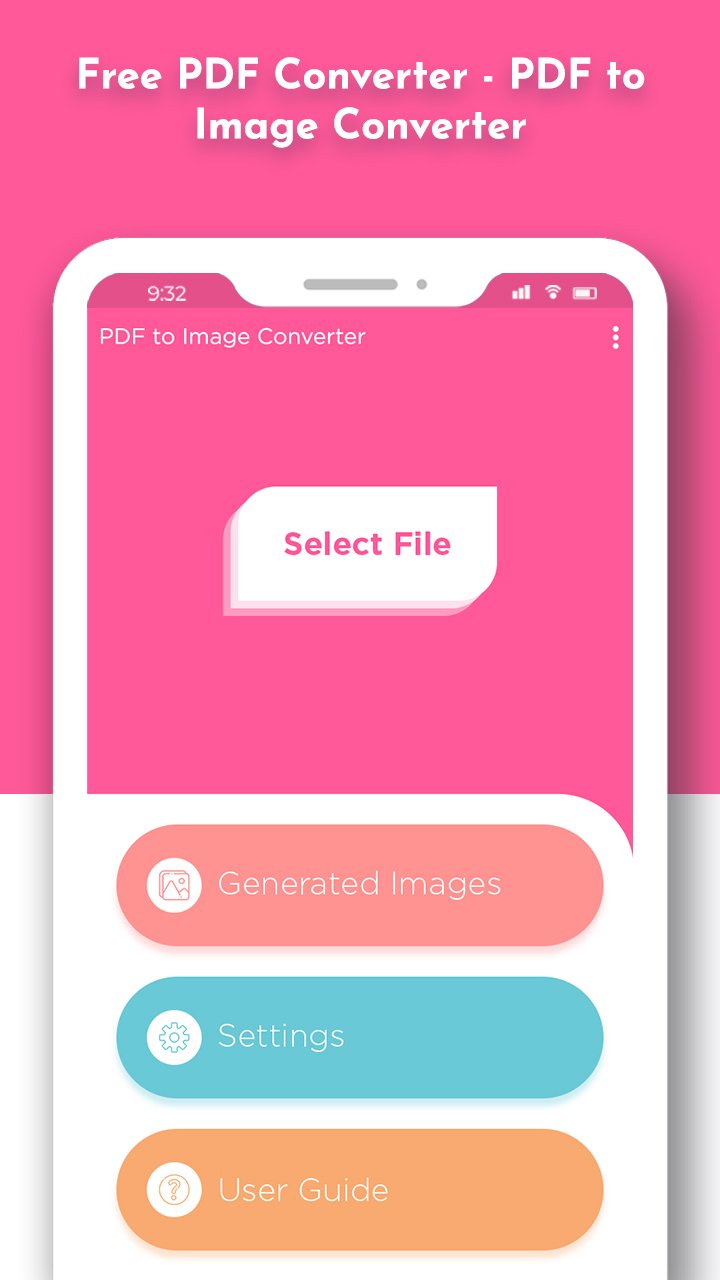
✅ PDF to JPG & PNG Converter – Quickly convert entire PDF documents to image formats.
🖼️ Extract Images from PDF – Pull out embedded images in original quality.
📂 Batch Conversion – Convert multiple PDFs to images at once.
⚡ Fast & Offline – Works without internet. Superfast image generation.
🔍 Built-in PDF Viewer – Preview before converting any document.
🎯 Custom Image Quality – Select desired output quality from 10% to 100%.
🗃️ Smart File Manager – Easily organize, delete, or share converted images.
🔒 Secure & Private – All conversions are done on your device. No uploads.
🌐 Multi-language Support – Accessible to users worldwide.
🎯 Why Choose PDFtoIMG?
Perfect for corporate use, students, freelancers, and daily productivity.
No watermarks, no file size limits.
Works on low-end phones smoothly.
Clean and intuitive UI/UX design for all age groups.
Convert PDF to Image without registration or sign-up.
💼 Ideal for:
Sharing slides, infographics, or book pages as JPG/PNG
Archiving documents as images
Printing documents in image format
Extracting and reusing PDF content
Download PDFtoIMG: PDF to JPG Converter today and enjoy the best offline PDF to Image converter app of 2025 — simple, fast, and completely free!
Preview
Tags
ToolsInformation
Developer
Futuretech Apps
Latest Version
1.16
Last Updated
2026-02-10
Category
Tools
Available on
Google Play
Show More
How to play PDFtoIMG: PDF to JPG Converter with GameLoop on PC
1. Download GameLoop from the official website, then run the exe file to install GameLoop
2. Open GameLoop and search for “PDFtoIMG: PDF to JPG Converter” , find PDFtoIMG: PDF to JPG Converter in the search results and click “Install”
3. Enjoy playing PDFtoIMG: PDF to JPG Converter on GameLoop
Minimum requirements
OS
Windows 8.1 64-bit or Windows 10 64-bit
GPU
GTX 1050
CPU
i3-8300
Memory
8GB RAM
Storage
1GB available space
Recommended requirements
OS
Windows 8.1 64-bit or Windows 10 64-bit
GPU
GTX 1050
CPU
i3-9320
Memory
16GB RAM
Storage
1GB available space