
Story Writer - Write Novels PC
Futuretech Apps
Download Story Writer - Write Novels on PC With GameLoop Emulator
Story Writer - Write Novels sa PC
Ang Story Writer - Write Novels, na nagmumula sa developer na Futuretech Apps, ay tumatakbo sa Android systerm sa nakaraan.
Ngayon, maaari mong laruin ang Story Writer - Write Novels sa PC gamit ang GameLoop nang maayos.
I-download ito sa GameLoop library o mga resulta ng paghahanap. Hindi na tumitingin sa baterya o nakakadismaya na mga tawag sa maling oras.
I-enjoy lang ang Story Writer - Write Novels PC sa malaking screen nang libre!
Story Writer - Write Novels Panimula
Story Writer - Write Novels, Scripts & Screenplays
Story Writer - Write Novels is the ultimate writing companion for authors, screenwriters, and storytellers. Whether you're drafting a novel, screenplay, character notes, or just quick ideas, this free and lightweight app helps you write, edit, and organize with ease.
📝 Start writing your book, screenplay, or story anytime – even offline.
Perfect for novelists, short story writers, and anyone looking for a clean, distraction-free writing environment. Story Writer supports Markdown formatting, rich text editing, and even character building for structured storytelling.
🔥 Top Features:
✅ AI-Ready Story Structure
Start with an idea and build your plot, chapters, and characters with intuitive organization tools.
✅ Markdown & Rich Text Editor
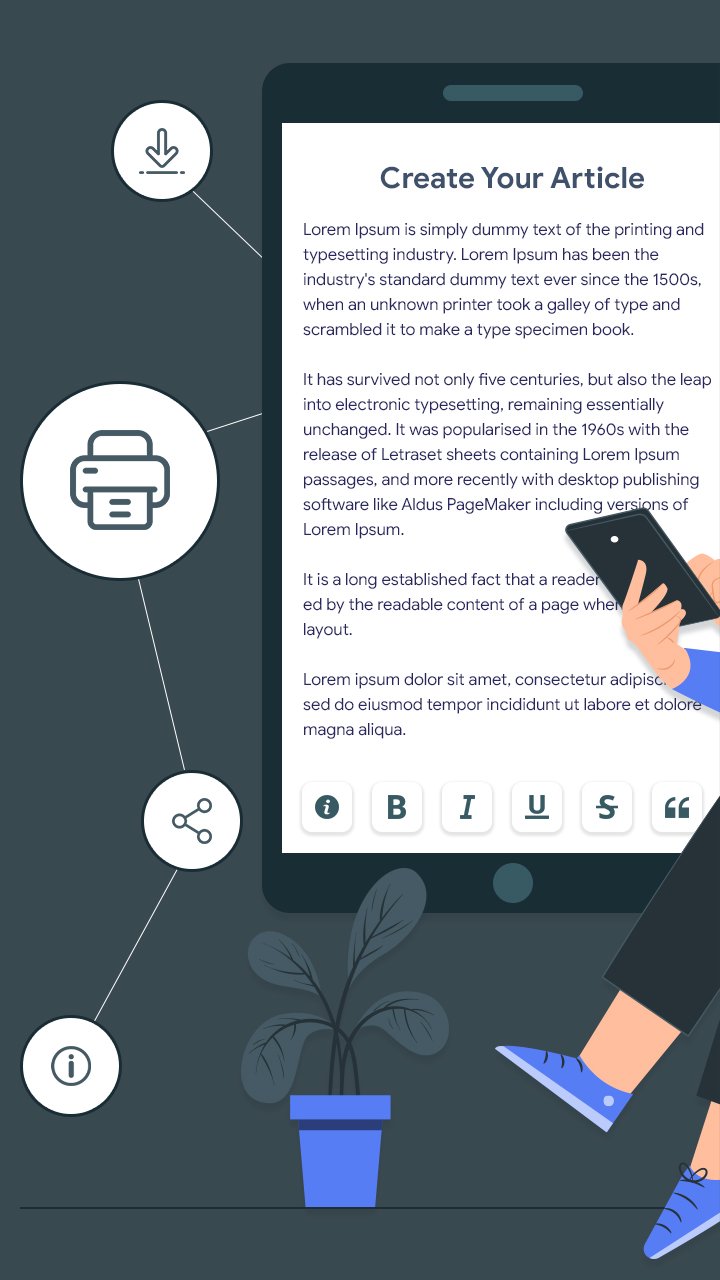
Write with full formatting options—bold, italic, underline, strike-through, headers, bullets, and more.
✅ Organize with Folders & Projects
Create multiple projects, group chapters, scenes, and character bios in neatly structured folders.
✅ Import/Export Easily
Import text or Markdown files and export your work as PDF, TXT, or Markdown—great for sharing or backup.
✅ Word Count & Writing Stats
Track your progress with live stats like word count, character count, reading time, and paragraph count.
✅ Customizable Appearance
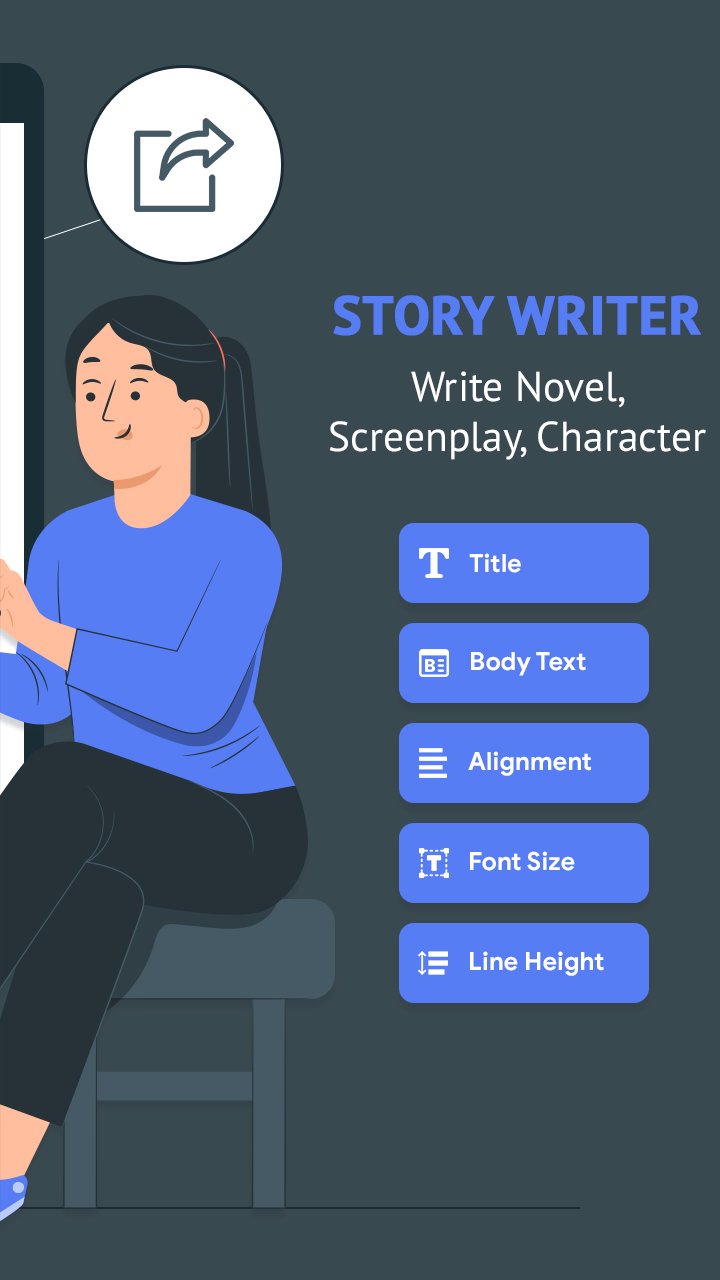
Choose from light or dark themes, set your preferred font size, text alignment, and line spacing.
✅ Offline Mode
Write wherever you are. All features work offline, no internet required.
✅ Cloud Backup & Restore
Keep your stories safe with Google Drive backup and restore functionality.
🌟 Why Writers Love Story Writer:
🧠 Great for plotting novels and screenplays
📖 Minimal, clean, distraction-free design
🎭 Ideal for character creation and worldbuilding
📚 Works well as a daily writing tracker
✍️ No ads, no sign-up required
Whether you're a beginner author, professional screenwriter, or just love writing stories, Story Writer - Write Novels helps turn your imagination into reality—anytime, anywhere.
Preview
Tags
ProductivityInformation
Developer
Futuretech Apps
Latest Version
1.10
Last Updated
2025-12-18
Category
Productivity
Available on
Google Play
Show More
How to play Story Writer - Write Novels with GameLoop on PC
1. Download GameLoop from the official website, then run the exe file to install GameLoop
2. Open GameLoop and search for “Story Writer - Write Novels” , find Story Writer - Write Novels in the search results and click “Install”
3. Enjoy playing Story Writer - Write Novels on GameLoop
Minimum requirements
OS
Windows 8.1 64-bit or Windows 10 64-bit
GPU
GTX 1050
CPU
i3-8300
Memory
8GB RAM
Storage
1GB available space
Recommended requirements
OS
Windows 8.1 64-bit or Windows 10 64-bit
GPU
GTX 1050
CPU
i3-9320
Memory
16GB RAM
Storage
1GB available space