DrawLots - Random Number Gener PC
Pujana
Download DrawLots - Random Number Gener on PC With GameLoop Emulator
DrawLots - Random Number Gener sa PC
Ang DrawLots - Random Number Gener, na nagmumula sa developer na Pujana, ay tumatakbo sa Android systerm sa nakaraan.
Ngayon, maaari mong laruin ang DrawLots - Random Number Gener sa PC gamit ang GameLoop nang maayos.
I-download ito sa GameLoop library o mga resulta ng paghahanap. Hindi na tumitingin sa baterya o nakakadismaya na mga tawag sa maling oras.
I-enjoy lang ang DrawLots - Random Number Gener PC sa malaking screen nang libre!
DrawLots - Random Number Gener Panimula
Drawing lots using you mobile.
Updates & How to use: https://p-library.com/a/drawlots/
Simple and straight forward. No Ads and easy to use interface.
Interface with large fonts, designed for showing to a group of people in parties and events.
You can get the final result at once or draw one by one.
Currently Available Modes
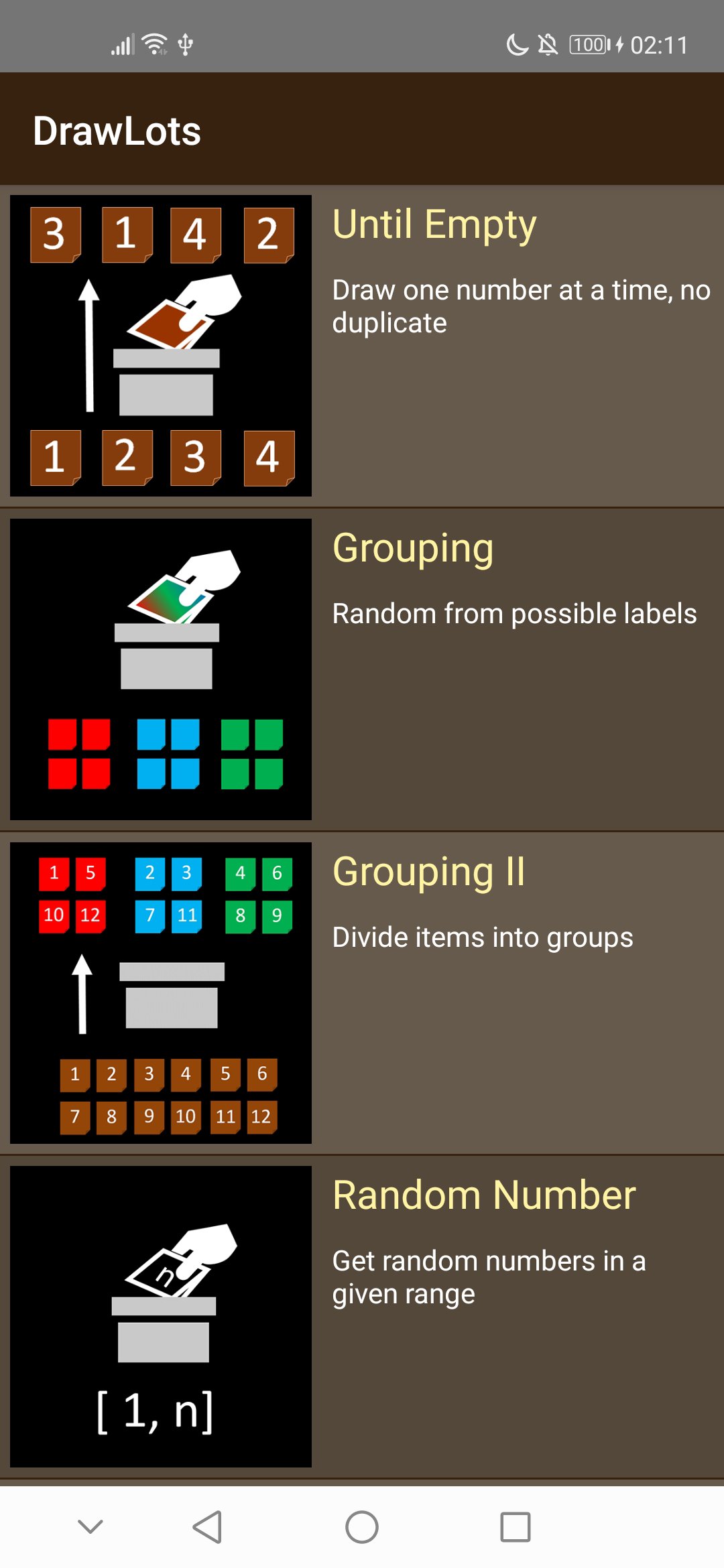
- Until Empty: Draw a number one by one from a list of available number (no duplicated numbers). e.g., for exchanging gifts
- Grouping: Random from possible labels. Can ensure balanced group. e.g., assign people to groups, drawing one item from a set of possible items
- Grouping II: Divide items into equal groups. Similar to the above grouping, but focus on create group containing non-duplicate numbers. e.g., assign students to group; get a list of students' id for each group
- Random Number: Random Number Generator
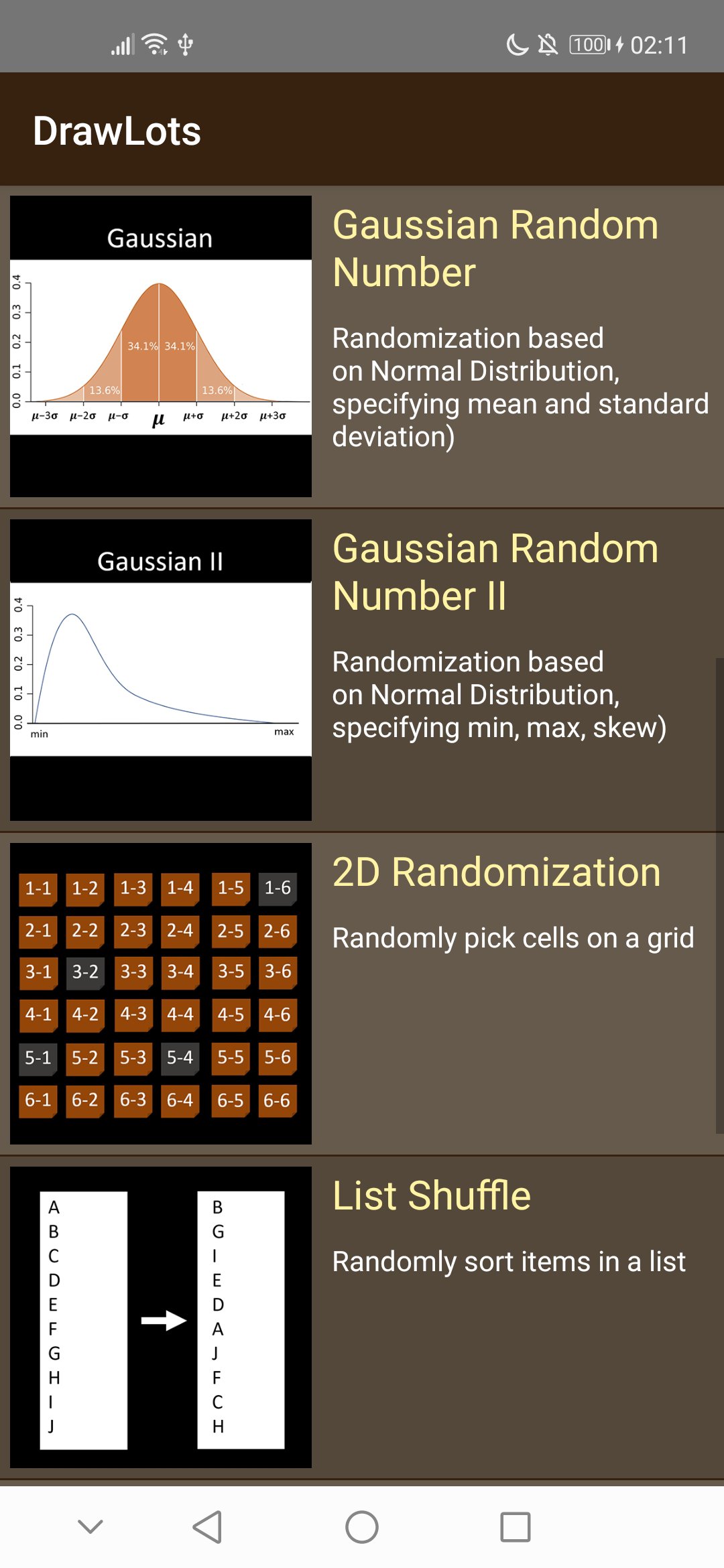
- Gaussian Random Number: Randomization based on Normal Distribution, specifying mean and standard deviation)
- Gaussian Random Number II: Randomization based on Normal Distribution, specifying min, max, skew)
- 2D Randomization: Randomly pick cells on a grid
- List Shuffle: Randomly sort items in a list
- Probability: Pick items based on their probabilities
- Head & Tail: Random from 2 labels, with graphic of tossing a coin
- Rock Paper Scissors: Random from possible labels. Can ensure balanced group.
Preview
Tags
ToolsInformation
Developer
Pujana
Latest Version
1.03
Last Updated
2021-08-23
Category
Tools
Available on
Google Play
Show More
How to play DrawLots - Random Number Gener with GameLoop on PC
1. Download GameLoop from the official website, then run the exe file to install GameLoop
2. Open GameLoop and search for “DrawLots - Random Number Gener” , find DrawLots - Random Number Gener in the search results and click “Install”
3. Enjoy playing DrawLots - Random Number Gener on GameLoop
Minimum requirements
OS
Windows 8.1 64-bit or Windows 10 64-bit
GPU
GTX 1050
CPU
i3-8300
Memory
8GB RAM
Storage
1GB available space
Recommended requirements
OS
Windows 8.1 64-bit or Windows 10 64-bit
GPU
GTX 1050
CPU
i3-9320
Memory
16GB RAM
Storage
1GB available space