
Delete Multi Contacts - Merge PC
keytools inc
Download Delete Multi Contacts - Merge on PC With GameLoop Emulator
Delete Multi Contacts - Merge sa PC
Ang Delete Multi Contacts - Merge, na nagmumula sa developer na keytools inc, ay tumatakbo sa Android systerm sa nakaraan.
Ngayon, maaari mong laruin ang Delete Multi Contacts - Merge sa PC gamit ang GameLoop nang maayos.
I-download ito sa GameLoop library o mga resulta ng paghahanap. Hindi na tumitingin sa baterya o nakakadismaya na mga tawag sa maling oras.
I-enjoy lang ang Delete Multi Contacts - Merge PC sa malaking screen nang libre!
Delete Multi Contacts - Merge Panimula
People carry dual cellphones, more than one sim card to keep their professional and personal circles different. Our contact list is the beholder of every individual we come across. Optimizing a contact list is a tedious task as it involves innumerable contacts, which we use on a daily basis, some once within a week, some once within a month, some once within a year, some contacts we ourselves don't remember. The ultimate Delete Multi Contacts - Merge app is here to assist you in optimizing and updating your contact list within seconds easily. Delete Multi Contacts - Merge app is a customer-friendly app specially designed for Android users to effectively and efficiently manage their contact list.
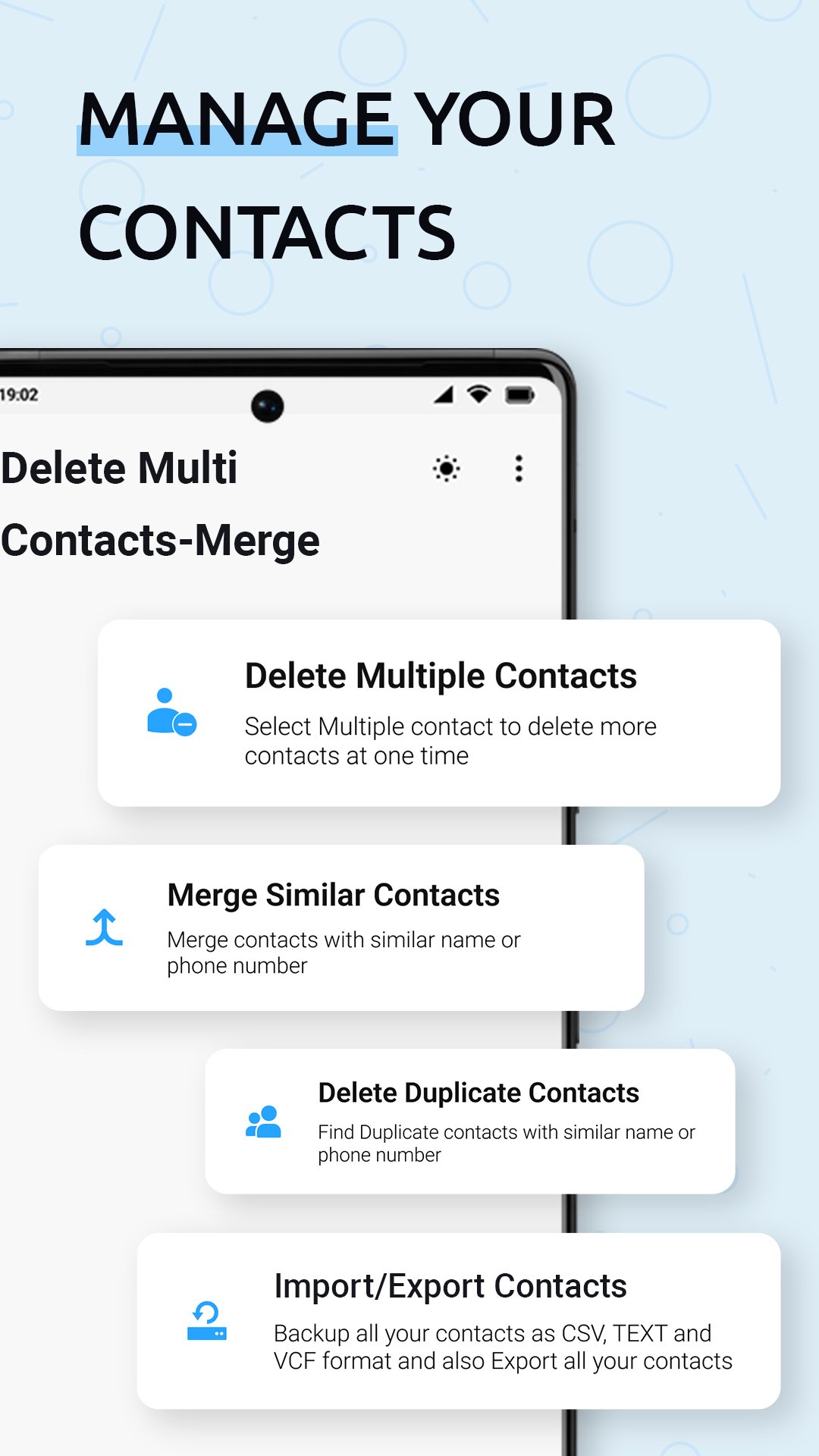
Delete Multi Contacts app gives multiple features like delete multiple contacts, merge similar contacts, delete duplicate contacts, and import/export contacts.
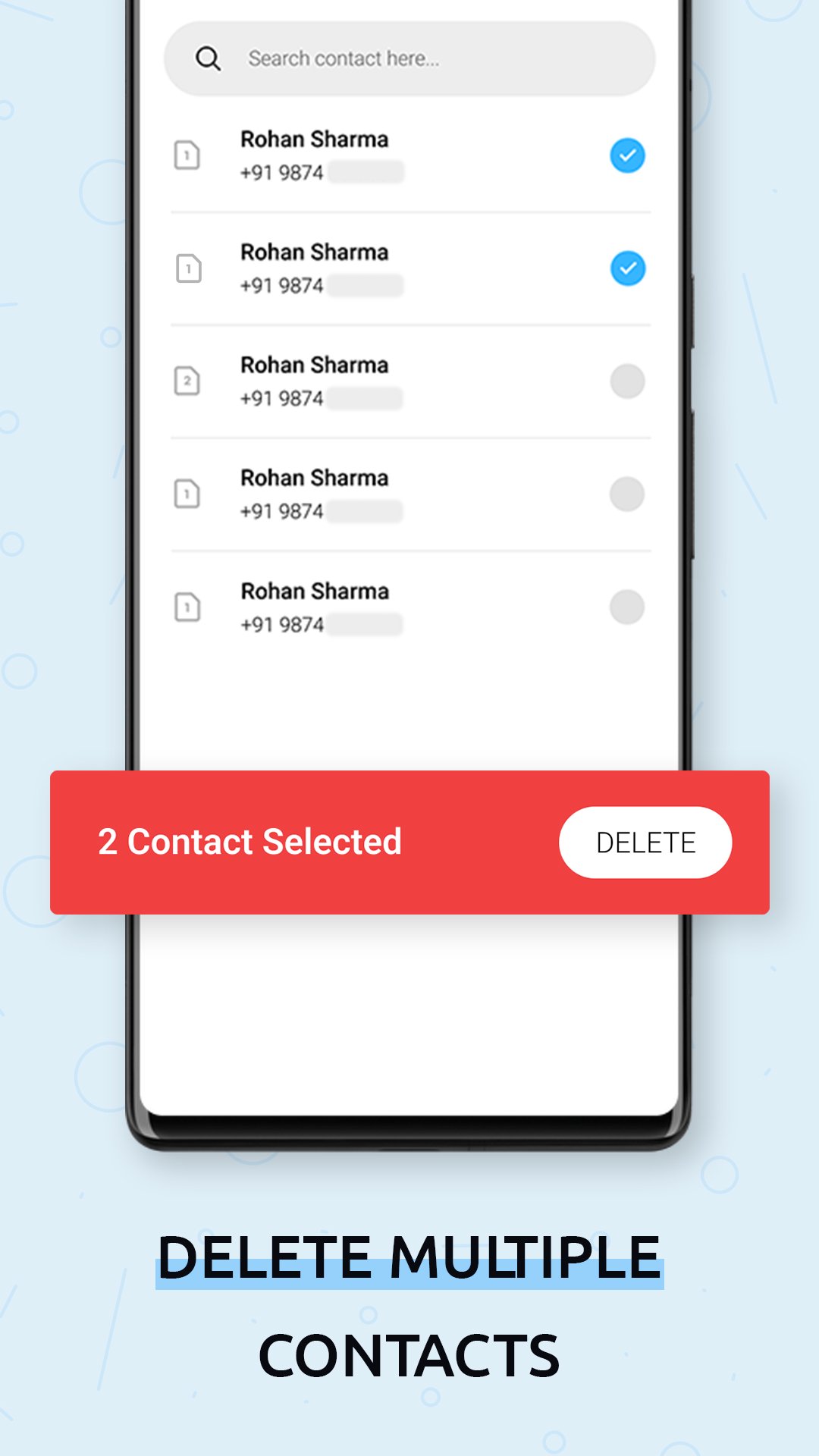
1. Delete multiple contacts
- Select the unwanted contacts from the contact list displayed.
- Click on delete to delete selected multiple contacts.
2. Merge similar contacts
- Merge contacts by similar name or merge by similar phone number.
- Click on merge to get the contacts merged in the single.
3. Delete duplicate contacts
- This option shows the duplicate contacts with similar names or phone numbers.
- This option will help to delete these duplicate contacts.
4. Import/Export contacts
- Export the contacts to the Excel, PDF, text, VCF, and word file.
- Import the contacts from Excel and VCF to the phone's contact list.
Delete Multi Contacts - Merge app is a feature-driven app that effectively and efficiently carries out its task. This app provides instant click executions.
Delete Multi Contacts - Merge presents a simple and professional design with a user-friendly and pleasant GUI. Delete Multi Contacts - Merge is a reliable and secure multiple contacts removal apps. This application is adaptable to all screen resolutions of all smartphones and is a readily available application.
Preview
Tags
ToolsInformation
Developer
keytools inc
Latest Version
16.0
Last Updated
2025-08-30
Category
Tools
Available on
Google Play
Show More
How to play Delete Multi Contacts - Merge with GameLoop on PC
1. Download GameLoop from the official website, then run the exe file to install GameLoop
2. Open GameLoop and search for “Delete Multi Contacts - Merge” , find Delete Multi Contacts - Merge in the search results and click “Install”
3. Enjoy playing Delete Multi Contacts - Merge on GameLoop
Minimum requirements
OS
Windows 8.1 64-bit or Windows 10 64-bit
GPU
GTX 1050
CPU
i3-8300
Memory
8GB RAM
Storage
1GB available space
Recommended requirements
OS
Windows 8.1 64-bit or Windows 10 64-bit
GPU
GTX 1050
CPU
i3-9320
Memory
16GB RAM
Storage
1GB available space