
Always visible clock PC
OK soft
Download Always visible clock on PC With GameLoop Emulator
Always visible clock sa PC
Ang Always visible clock, na nagmumula sa developer na OK soft, ay tumatakbo sa Android systerm sa nakaraan.
Ngayon, maaari mong laruin ang Always visible clock sa PC gamit ang GameLoop nang maayos.
I-download ito sa GameLoop library o mga resulta ng paghahanap. Hindi na tumitingin sa baterya o nakakadismaya na mga tawag sa maling oras.
I-enjoy lang ang Always visible clock PC sa malaking screen nang libre!
Always visible clock Panimula
Stay on time — no matter what app you’re using.
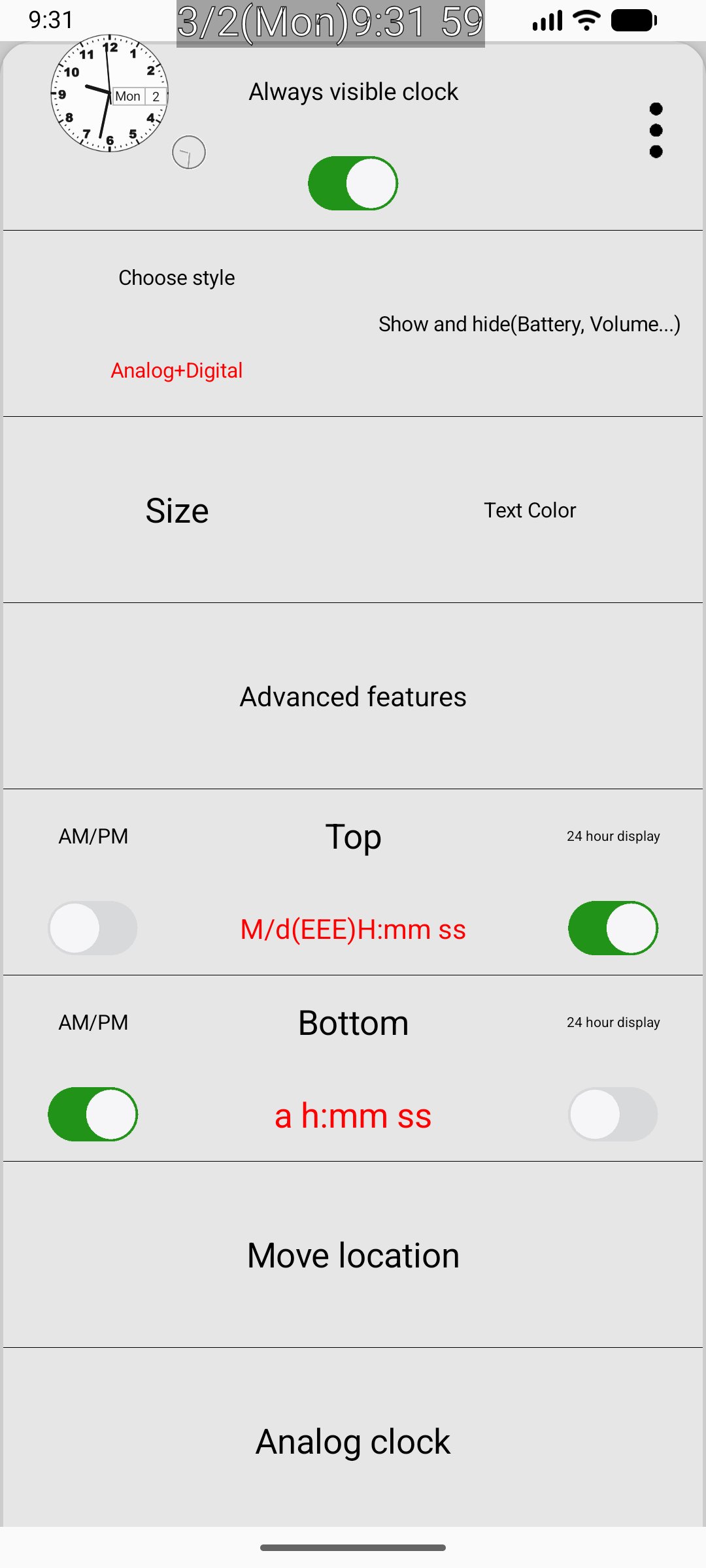
Our Floating Clock app displays a fully customizable clock that stays always on top of your screen, so you can check the time while gaming, watching videos, browsing, or working.
Designed for both minimalists and power users, this app gives you complete control over how your clock looks and works.
🕒 Clock Styles
Choose between:
• Digital clock
• Analog clock
• Show or hide seconds
• Left or right screen positioning
• Floating overlay visible over other apps
🎨 Full Customization Control
Make your clock truly yours:
Text Settings
• Change text color
• Adjust text size
• Choose different fonts
• Manual time adjustment (+/- 30 seconds)
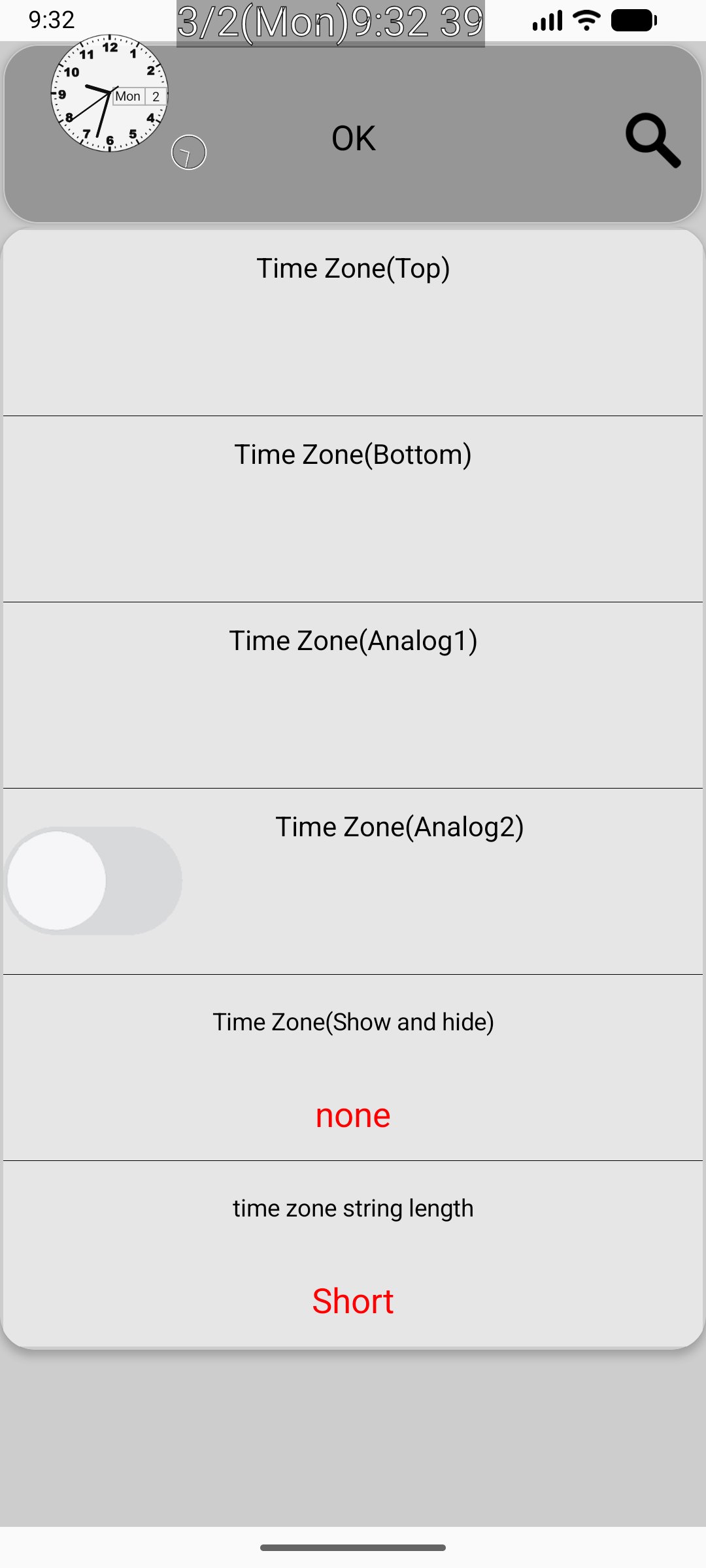
• Time zone display
Analog Clock Customization
• Hour, minute, and second hand length
• Hand thickness
• Hand color
• Hand texture
• Dial color and texture
Visual Effects
• Blur filter
• Shadow color
• Border color
• Border thickness
🔋 Smart Status Information
See essential device info at a glance:
• Battery level
• Battery temperature
• Volume level
• Progress clock display
Perfect for streamers, multitaskers, professionals, and anyone who needs precise time visibility at all times.
🚀 Why You’ll Love It
• Always-on-top floating clock
• Lightweight and battery-friendly
• Highly customizable design
• Clean and intuitive interface
• Works seamlessly while using other apps
Whether you prefer a modern digital display or a fully styled analog watch face, this app gives you the freedom to design the perfect floating clock experience.
Download now and take control of your time — beautifully.
Preview
Tags
ToolsInformation
Developer
OK soft
Latest Version
3.88
Last Updated
2026-05-25
Category
Tools
Available on
Google Play
Show More
How to play Always visible clock with GameLoop on PC
1. Download GameLoop from the official website, then run the exe file to install GameLoop
2. Open GameLoop and search for “Always visible clock” , find Always visible clock in the search results and click “Install”
3. Enjoy playing Always visible clock on GameLoop
Minimum requirements
OS
Windows 8.1 64-bit or Windows 10 64-bit
GPU
GTX 1050
CPU
i3-8300
Memory
8GB RAM
Storage
1GB available space
Recommended requirements
OS
Windows 8.1 64-bit or Windows 10 64-bit
GPU
GTX 1050
CPU
i3-9320
Memory
16GB RAM
Storage
1GB available space